Advanced Sheet Metal Design Using NX Cad Challenge_5_Odd Shaped Enclosure
Sheet Metal Design of Casing
Objective
This report contains a detailed explanation of Sheet Metal Design where sheet metal is wrapped over a shaped object. The main objective of this course module is to learn the Sheet Metal Design with odd shapes or angles and also exploring most of the tools that are used in Sheet Metal Design using Siemens NX.
Introduction
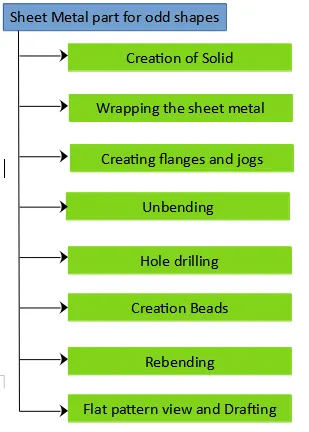
Sheet metal design is the process of making components from thin metal sheets by bending, cutting and fastening. Sheet metal design has varied application. The basics of sheet metal design are learnt and applied in creation of a Casing. The following steps were undertaking while designing the Sheet Metal Casing:
1. Creation of a Solid body
2. Wrap the solid body with sheet metal
3. Create flanges and jogs
4. Unbend the sheet metal
5. Sketches for holes and beads
6. Creation of holes and beads
7. Rebend the Component
8. Creation of the Flat pattern view
9. Creation of Draft
Design Methodology
Features
Sketches, Solid extrude, Bend, Flange, Simple Screw Hole, Bead, Unbend, Rebend, Flat Pattern and Drafting
Description
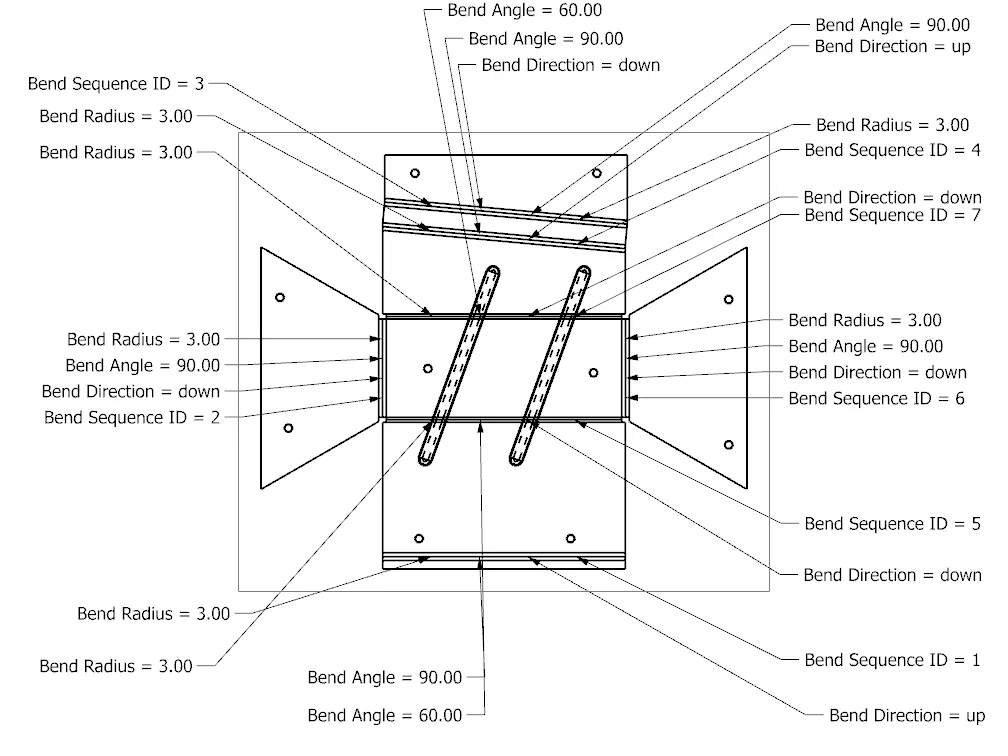
Create a sketch on the YZ plane in the form of a trapezium of given dimensions and using Solid extrude command extrude the sketch to a distance of 200 mm. Using Sheet Metal from Solid Command the sheet metal above the surfaces of the solid are created. Select the 5 faces of the solid which are to be covered by sheet metal and select the four edges of the top surface which should serve as the reference surface for further modeling. Create a flange of length 20 mm and 90 degree angle on one of the longer side of the sheet metal and on the exact opposite side create a line using which a job can be created of height 20 mm.
Unbend the sheet metal using the top surface as stationary surface. Create sketches which can be used further to create the holes and the beads on the sheet metal. Further rebend the sheet metal. Next using Flat Pattern command create the Flat Pattern view. Create a Draft of the Flat Pattern view of the sheet metal.
Views
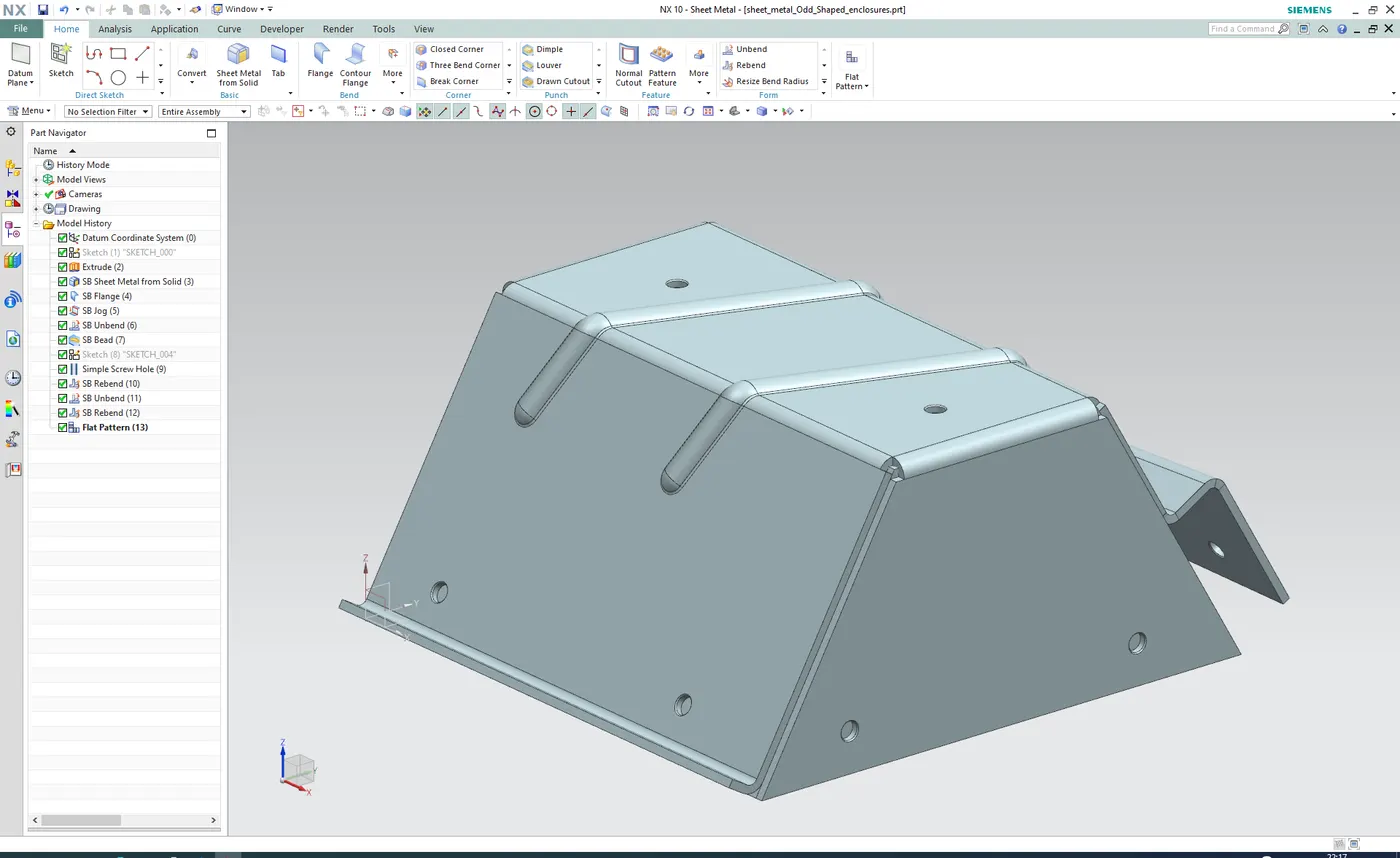
1. Isometric View
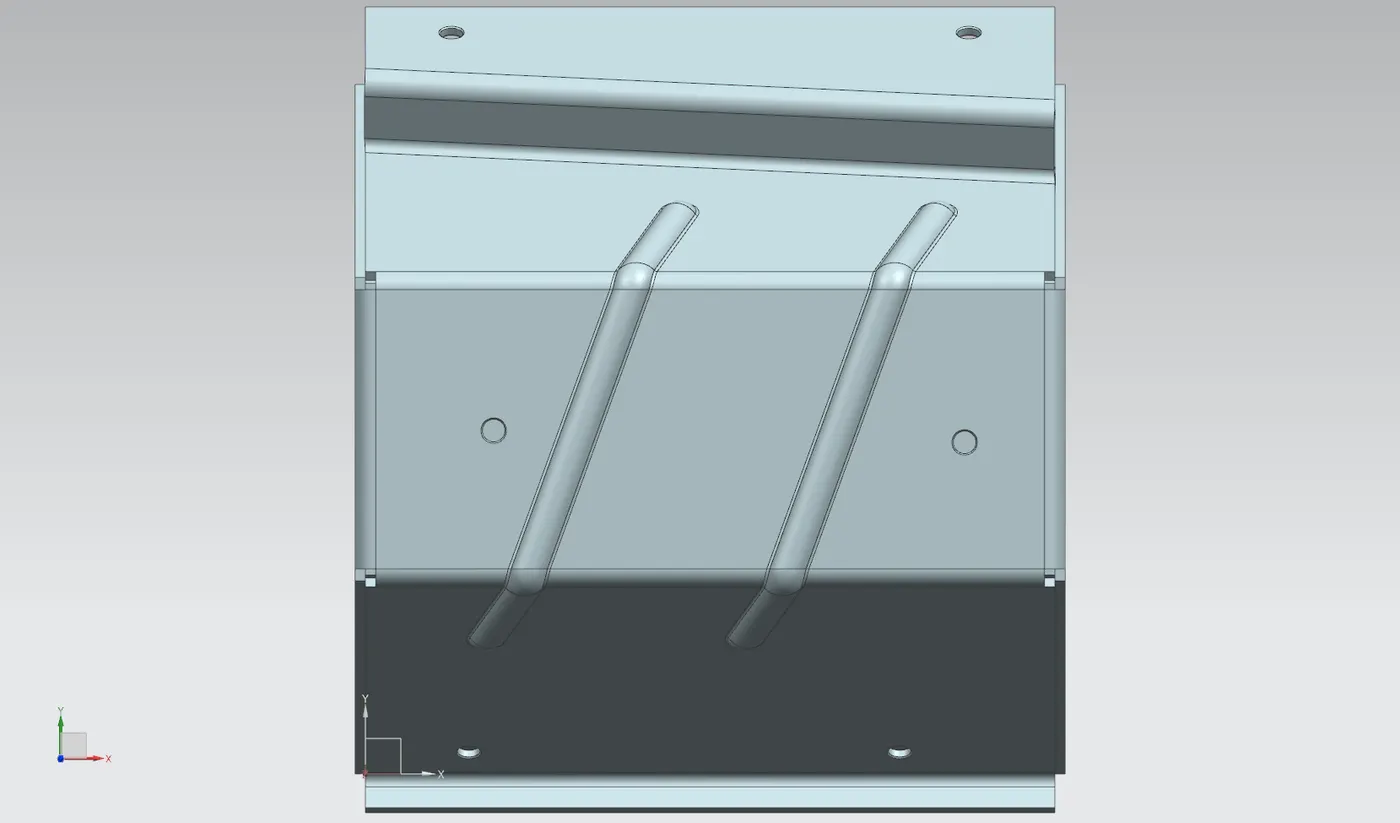
2. Top View
3. Front View
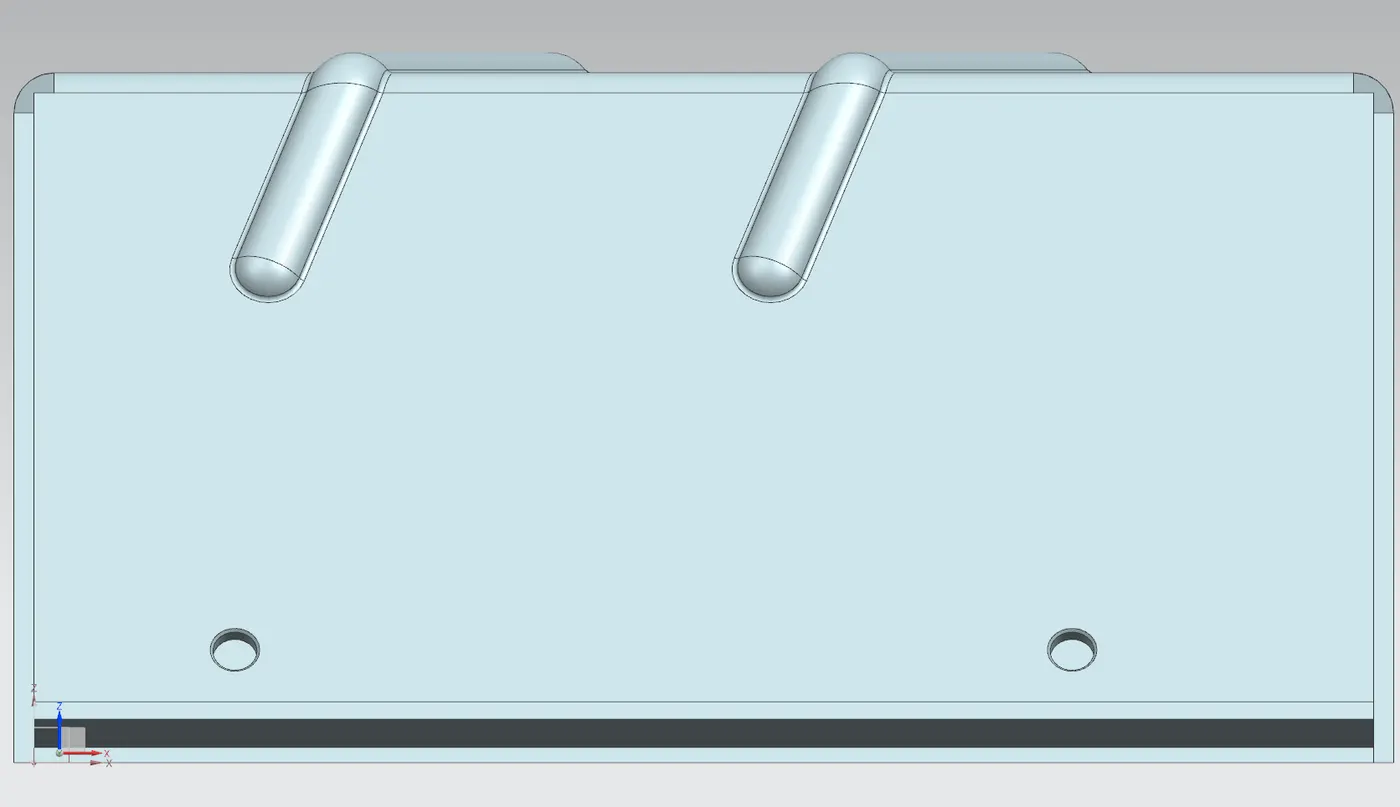
4. Right View
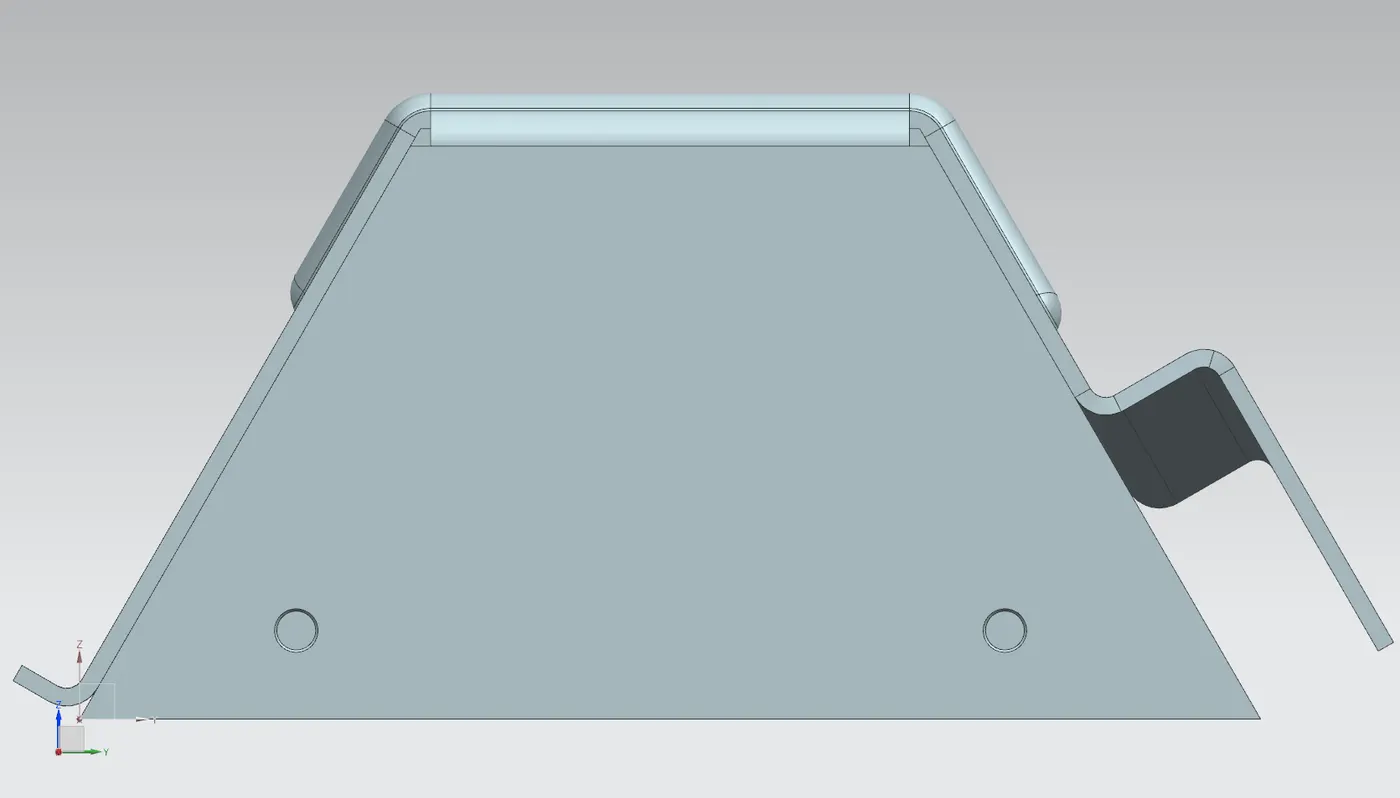
5. Left View
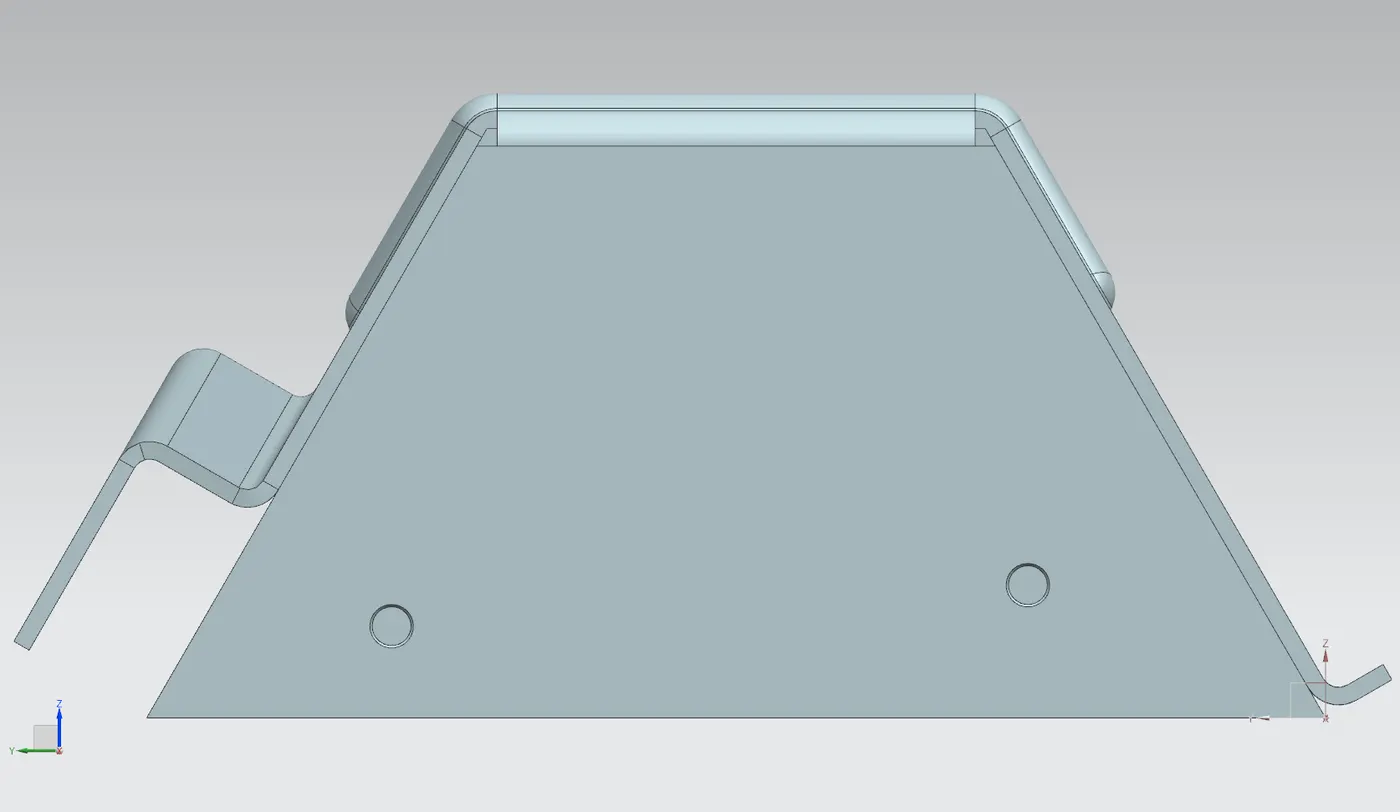
6. Exploded View
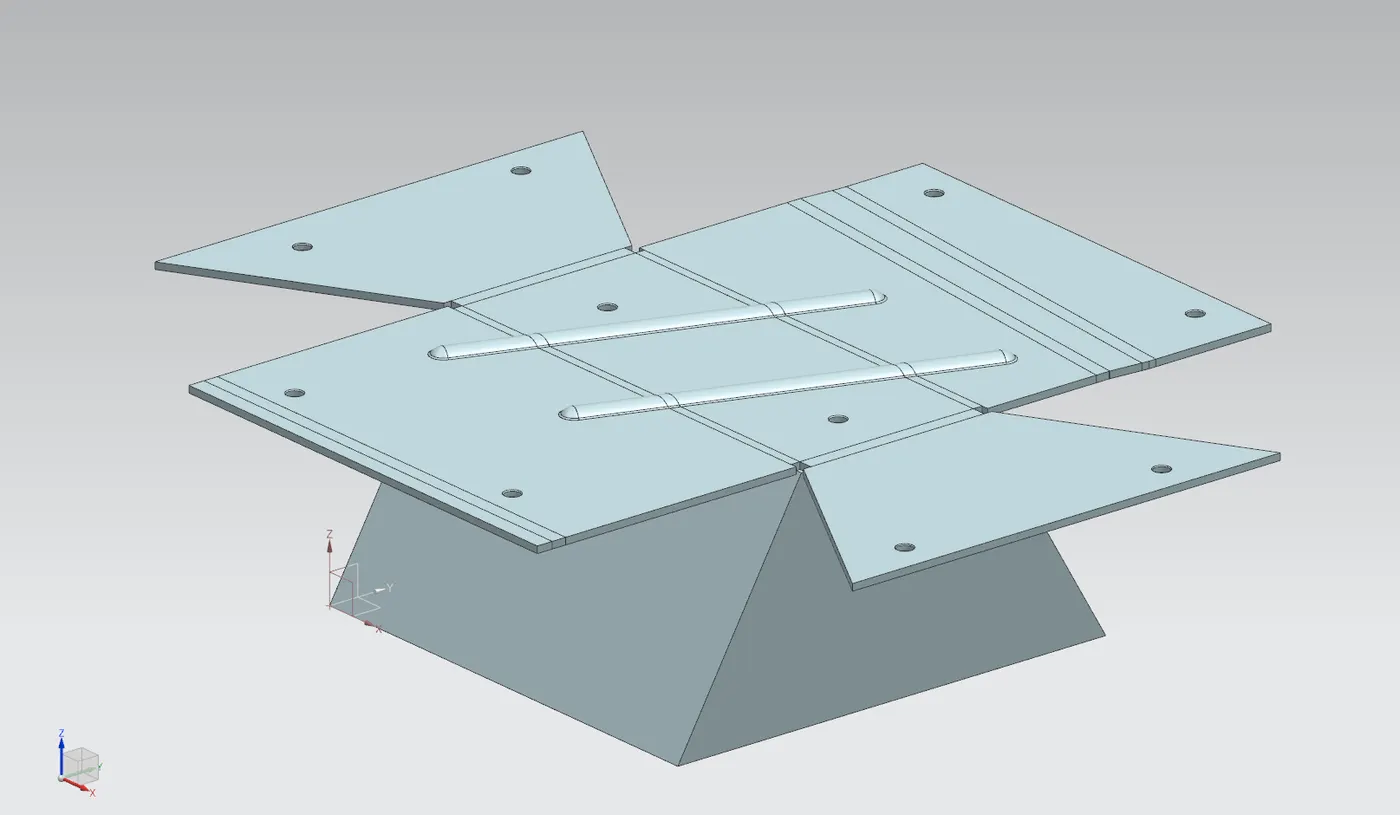
7. Drawing