Advanced Sheet Metal Design Using NX Cad Challenge_5_Odd Shaped Enclosure
MODELLING OF SHEET METAL ODD SHAPED ENCLOSURE IN UG NX CAD
AIM :
To model the sheet metal odd shaped enclosure from the solid body in nx cad.
OBJECTIVE :
- Model the Sheet Metal Enclosure in nx cad.
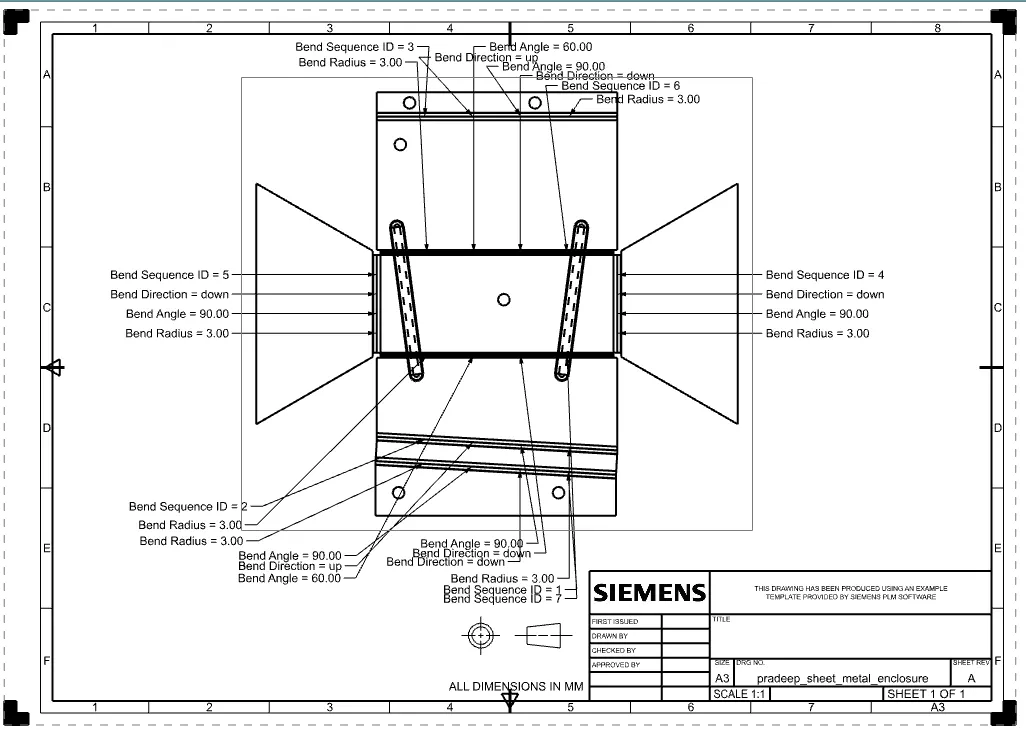
- Drafting the model in A3 sheet.
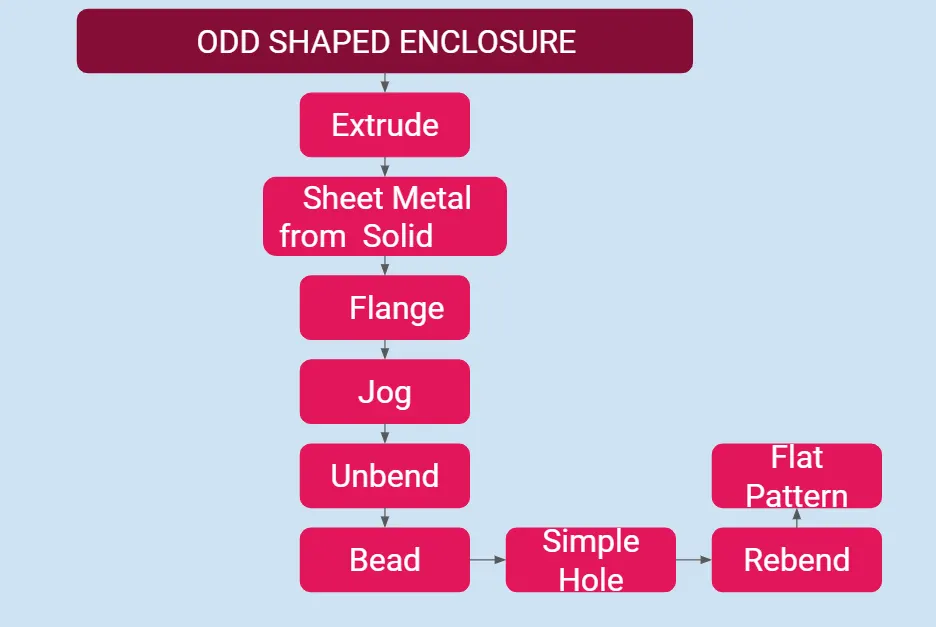
DESIGN METHODOLOGY :
INTRODUCTION :
Features used to design this part,
- Extrude - Creates a features by extruding the section along the vector.
- Sheet Metal From Solid - Builds a sheet metal model that takes its shape from solid body.
- Flange - Adds the flat flange at the given angle.
- Jog - Modifies the model by bending the material on one side by using the sketch line.
- Unbend - Flattern the bends and material adjecent to the bend.
- Bead - Lifts material along the contour of the sketch that simulates a stampling tool.
- Hole - Adds a hole to one or more solid bodies in a part or assembly.
- Rebend - Restore the unbend command to its previous bend state.
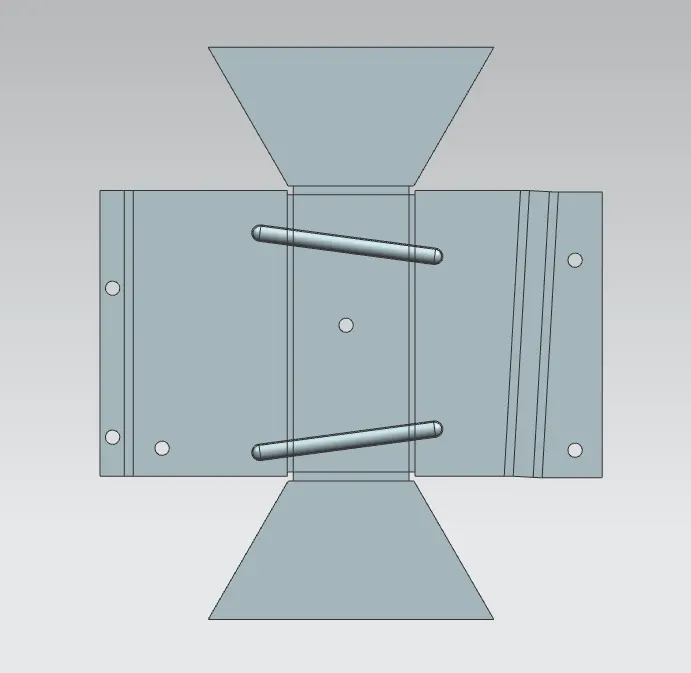
- Flat pattern - Creates the flat pattern features from the formed sheet metal parts.
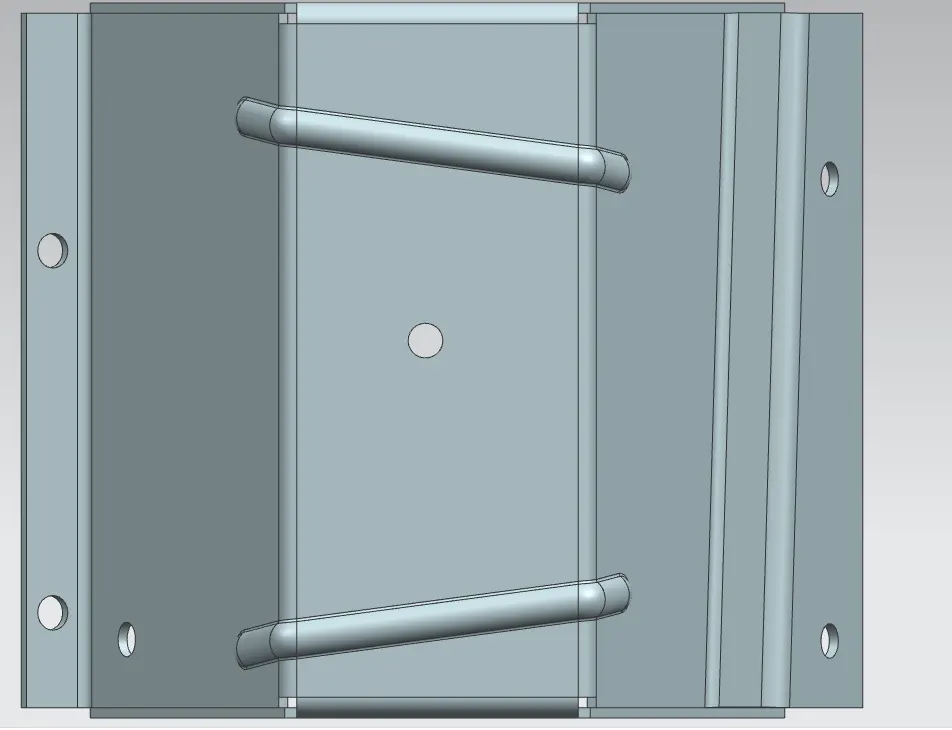
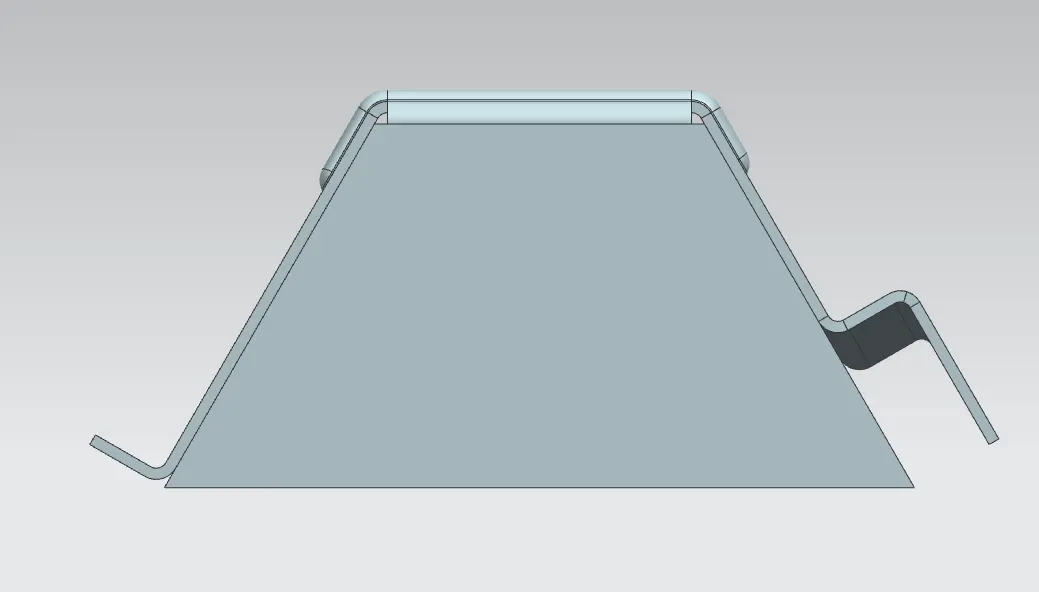
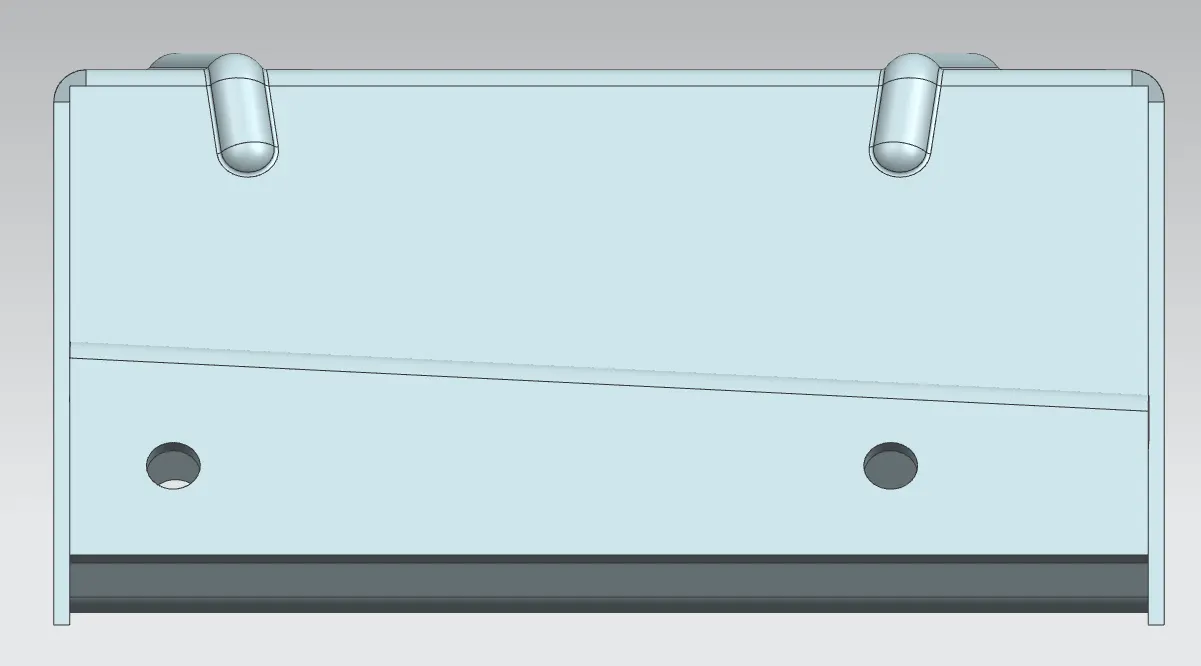
Images of parts in different view,
Top View :
Front View :
Side View :
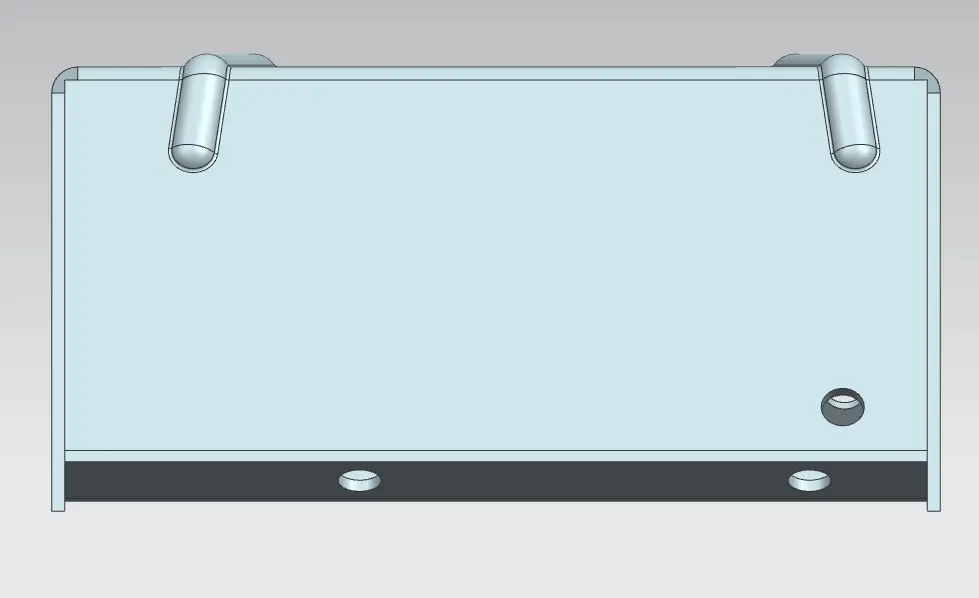
Bend Image :
Drafting :
Link for the Part : https://drive.google.com/file/d/14dYL0_NrqbnxbW5sj5YPzz0zFv37zK-0/view?usp=sharing
CONCLUSION :
Thus the modelling of sheet metal odd shaped enclosure from the solid body in nx cad is completed sucessfully.