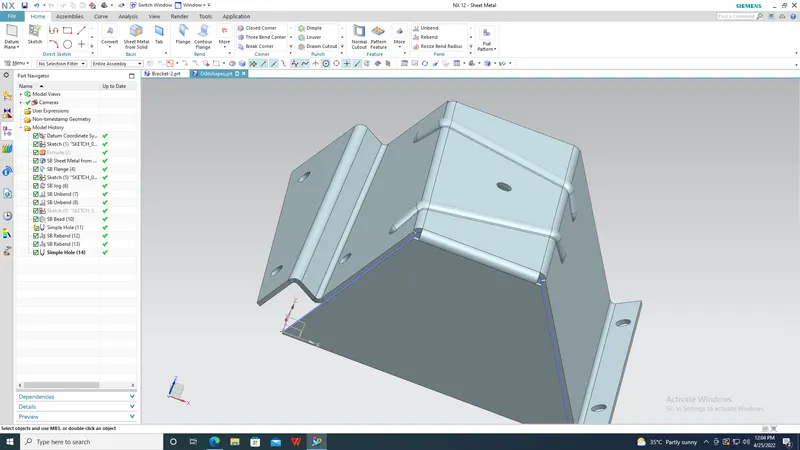
Advanced Sheet Metal Design Using NX Cad Challenge_5_Odd Shaped Enclosure
Odd shaped enclosure
Objective: To understand the workflow to create sheet metal part of odd shapes.
Introduction: We can create a complex sheet metal by involving the design with simple features like jogs, flanges, dimples etc.
Design methodology:
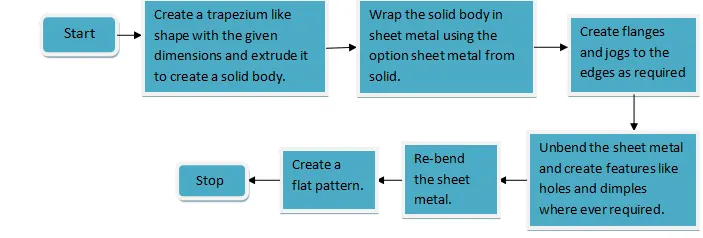
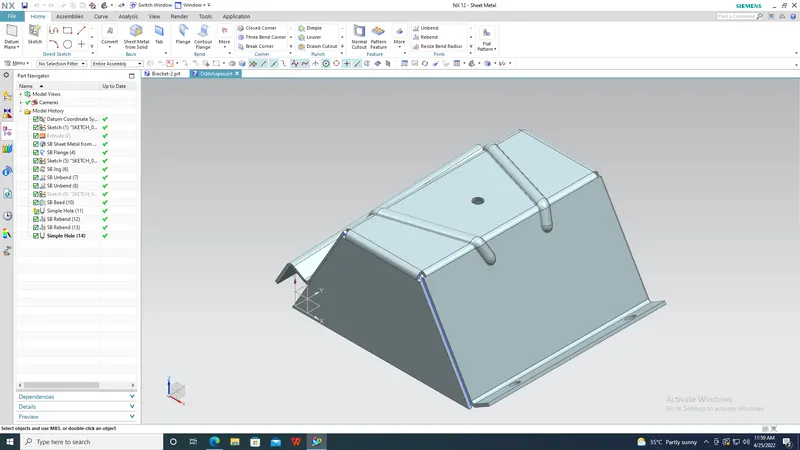
Description: In this section we will see the features used in designing this sheet metal part.
- Extrude: This feature is used to convert a 2d sketch to a 3d solid model.
- Sheet metal from solid: To wrap the solid body in a sheet metal we can use this feature.
- Flange: This feature is available in the bend group. It helps in creating flanges of a given dimension and also a given angle along the selected edge of the sheet metal.
- Jog: By selecting the curve from where the jog has to start on the tab we can create a bend.
- Unbend: This feature is available under more button of the bend group. It is used to unbend the sheet metal along the chosen curve.
- Re-bend: While re bending the sheet metal one should make sure that it is done in the reverse order of unbending process.
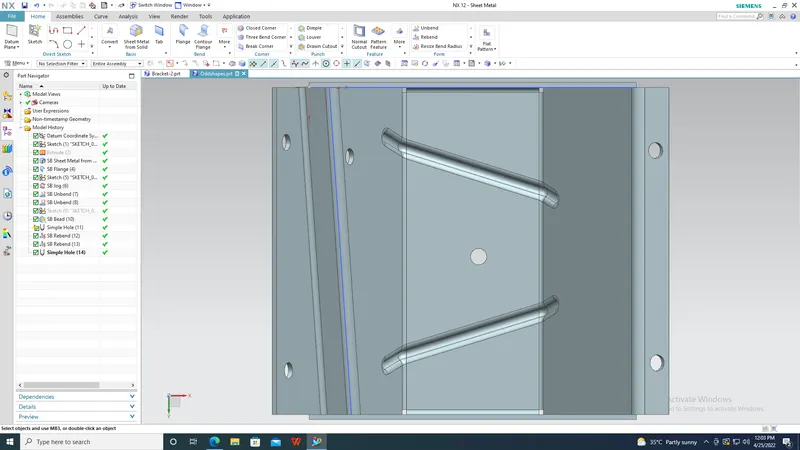
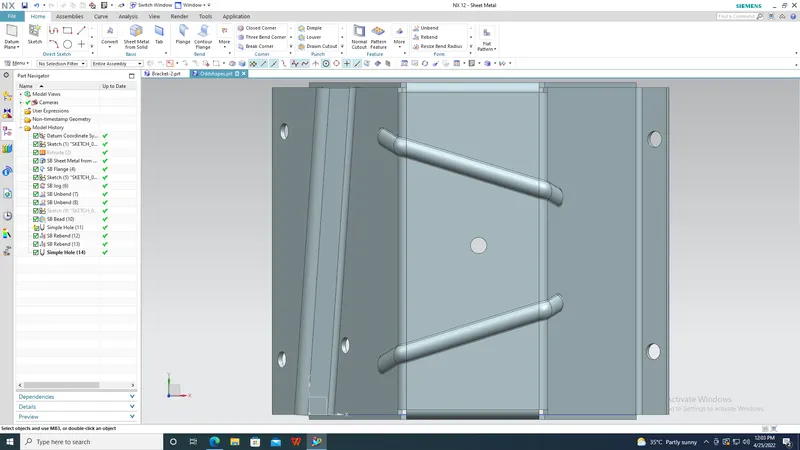
- Hole: Holes are created on a sheet metal at some points so that screws can be used.
- Bead: This feature is also available in the punch group. To make a bead one has to select the sketch as the bead shape and also give depth as input.
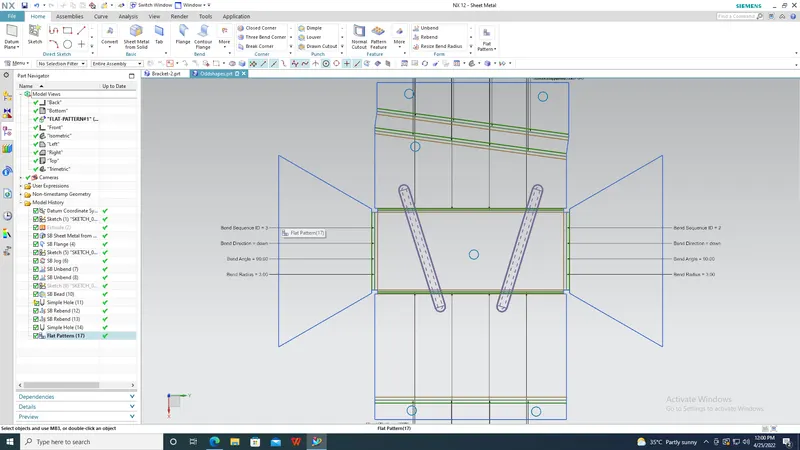
- Flat Pattern:This button is used to create a flat pattern that is with all the unbent edges of the sheet metal.
- Conclusion: Hence by using the above design methodology and the above features we can create the flat pattern of an odd shaped enclosure.