Advanced Sheet Metal Design Using NX Cad Challenge_5_Odd Shaped Enclosure
ODD ENCLOSURE
Objective
The objective of the project is create a model of Odd Enclosure by using NX cad
Introduction:
In this challenge, by using NX application to design the sheet metal casing by using various tools like a tap, flange, normal cutout, bend, dimple and bead.
Design Methodology:
The following of the are modeled in Siemans NX cad.
- Sketch
- Extrude
- Sheet Metal From solid
- Flange
- Jog
- Unbend
- Bead
- Hole
- Rebend
- Flat Pattern
Description:
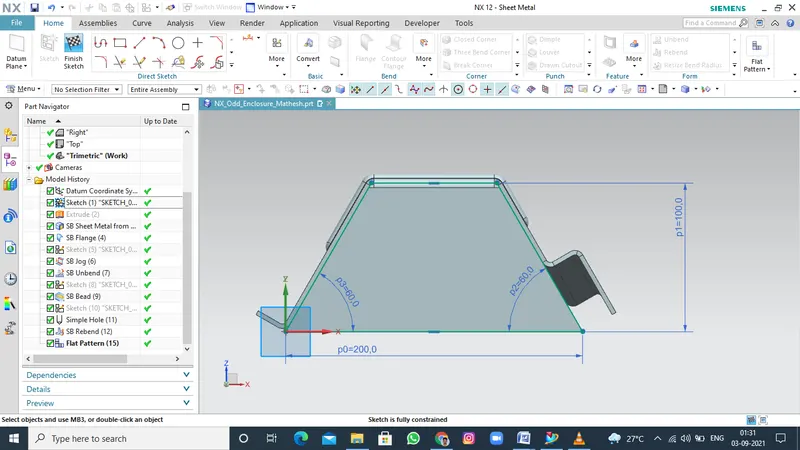
SKETCH
Sketch is the two dimensional representation of the model with respect to the plane/view from the outside of the model. In NX cad there are different sketch options available to create a sketch. The following sketch options available in NX cad Line, Arc, Circles, Rectangle, etc... .
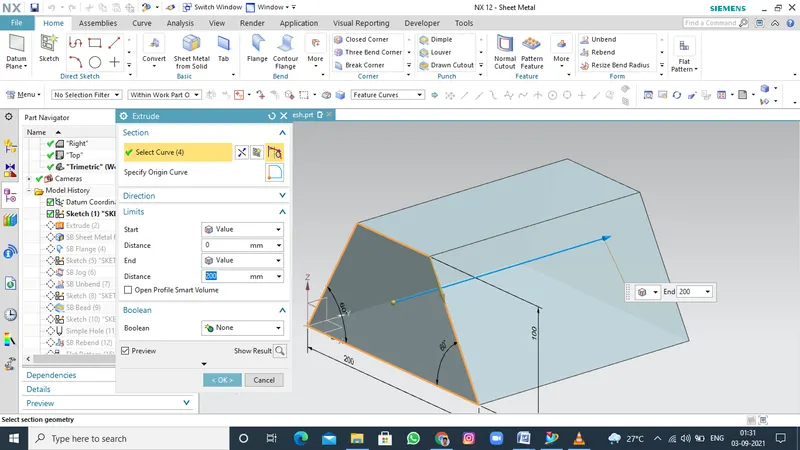
EXTRUDE
Extrude is a type of feature available to convert a 2D sketch into the 3D model.
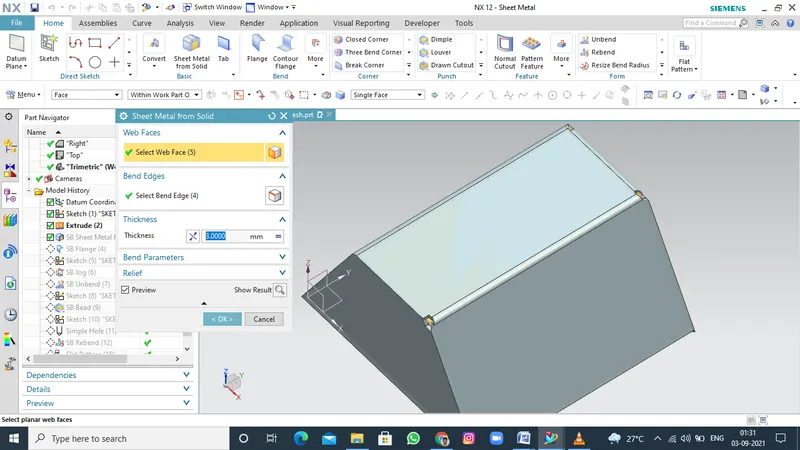
SHEET METAL FROM SOLID
use the command to convert a non sheet metal part to a valid sheet mtal part. so that can perform sheet metal operations like bending, unbending and flattening and so on.
you can convert solid modules and imported non sheet metal parts to sheet metal parts.
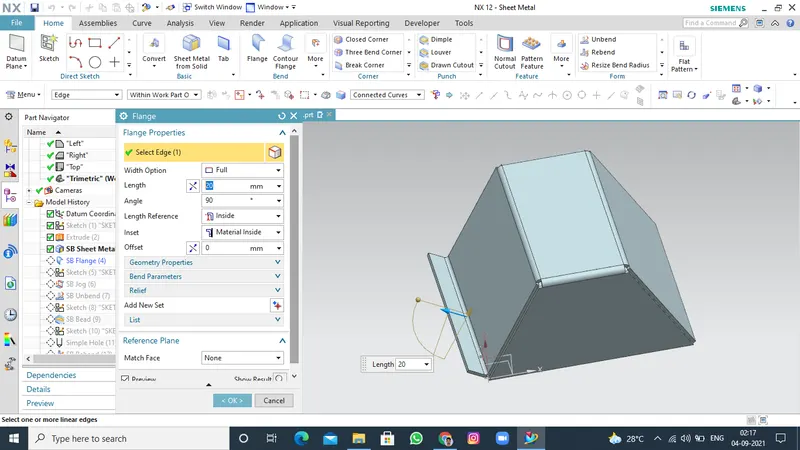
FLANGE
Use this command to add a flat flange at an angle to a planar face and add a bend between the two. A flange consists of a bend region 1 and 2.
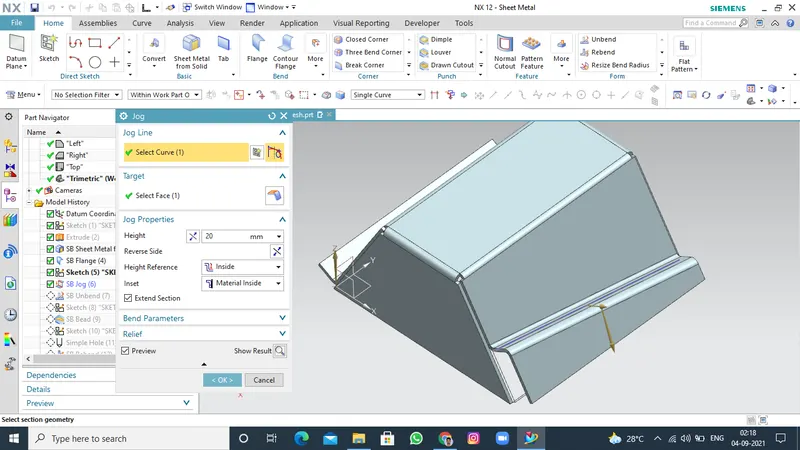
JOG
use the jog command to ceate an offset or a step in tab. you can be small jogs to privode clearance or rigidity to part. the section for the jog must consist of a single line across a plannar face. Nx create the jog by lifting matrial on one side of the jog line and adding a flange between the two sides.
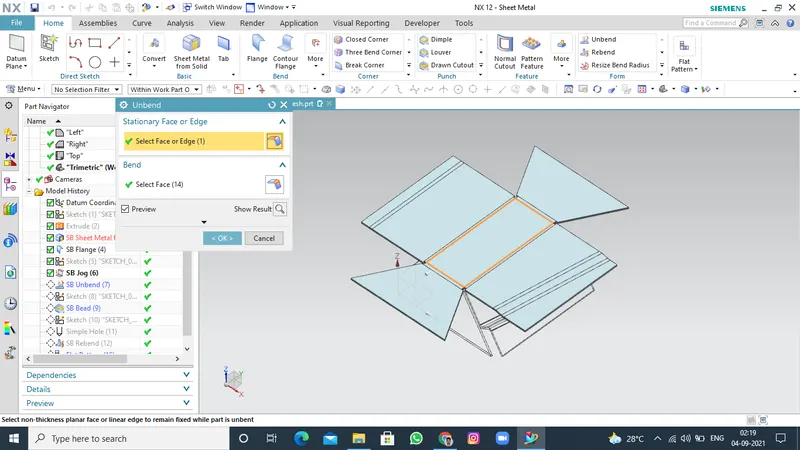
UNBEND
In this command use to bend area is form to unbend the sheet metal. First the stationary face is selected after the bend area selected it will formed unbend.
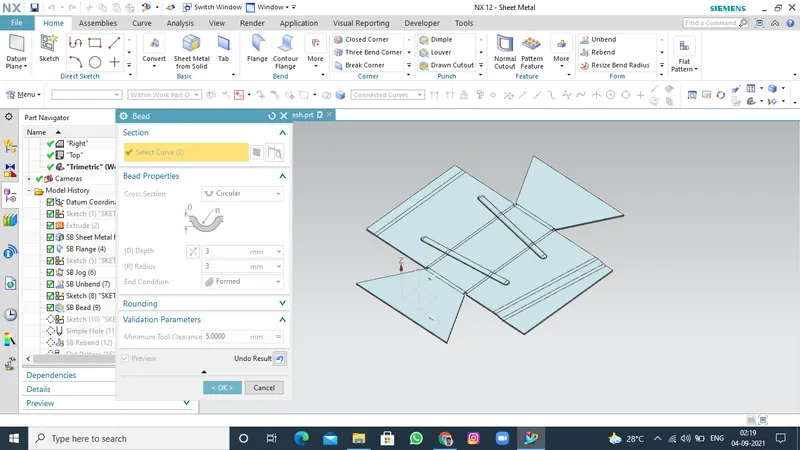
BEAD
use the bead command to lift material along the contour of asketch that simulations a stamping tool bead can also be created to stiffeen sheet metal.
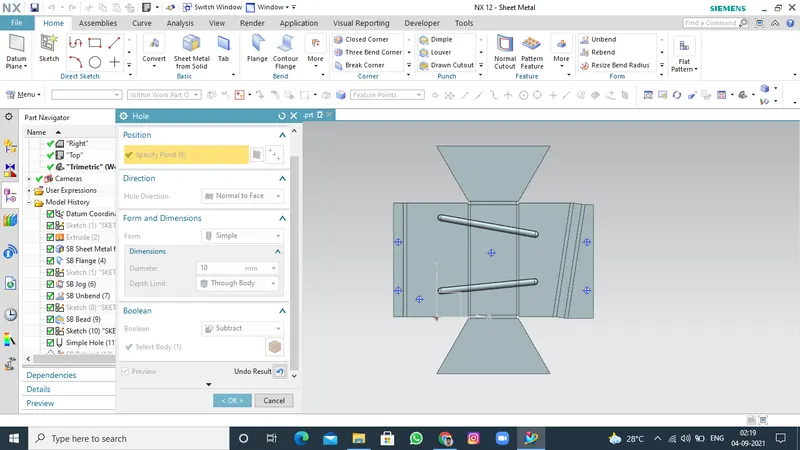
HOLE
The NX cad has a command that user could create or drill standard size holes with it. This command hole and you can active this command by clicking on it. You can create various kinds of hole that generally used in mechanical structures according to accepted standards.
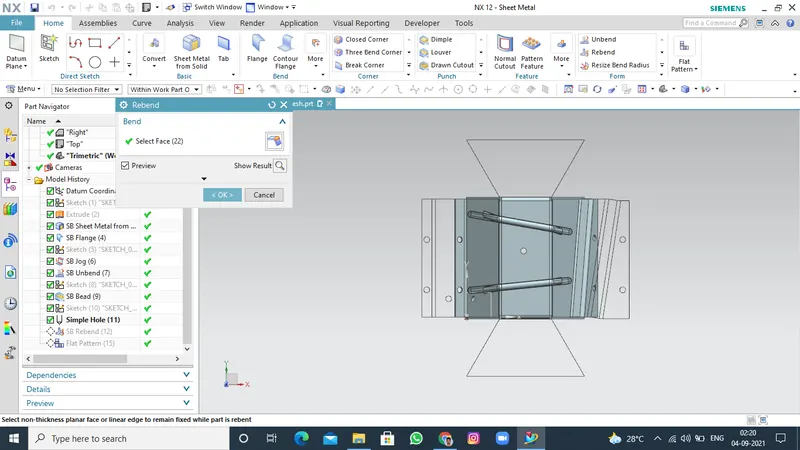
REBEND
Use the rebend commands to unbend and rebend non-uniform thickness bends.
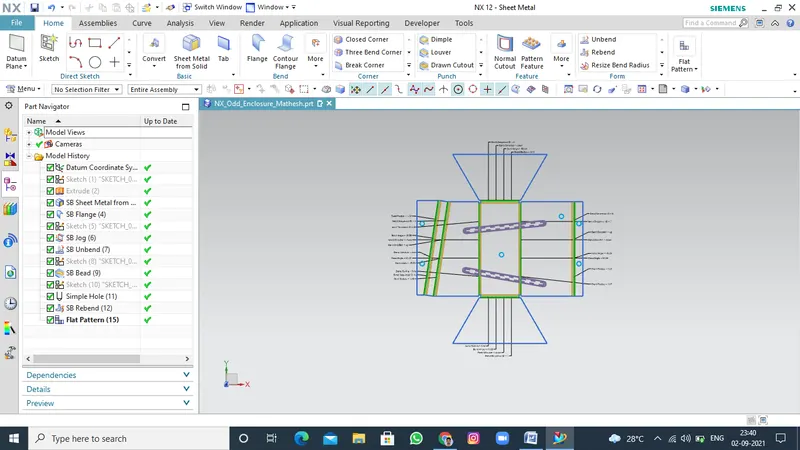
FLAT PATTERN
use the flat pattern command to create 2D represantation of a 3D sheet metal part.
include annotations for bending, punching or cutting manufacturing instructions.
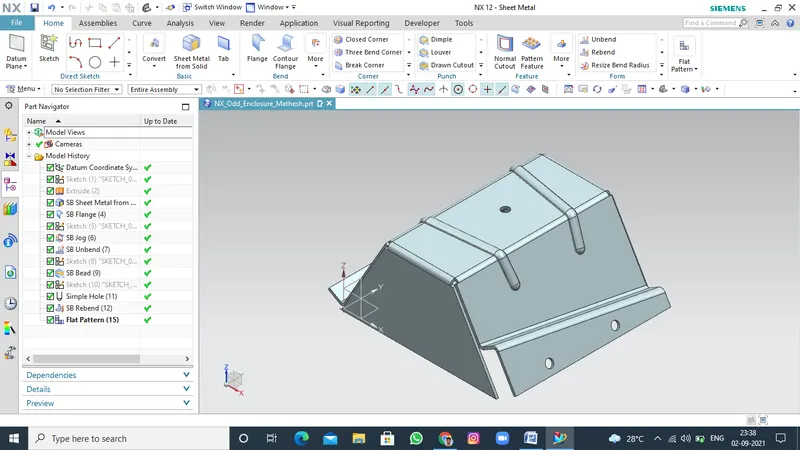
VIEW OF ODD ENCLOSURE
ISOMATRIC VIEW
FRONT VIEW
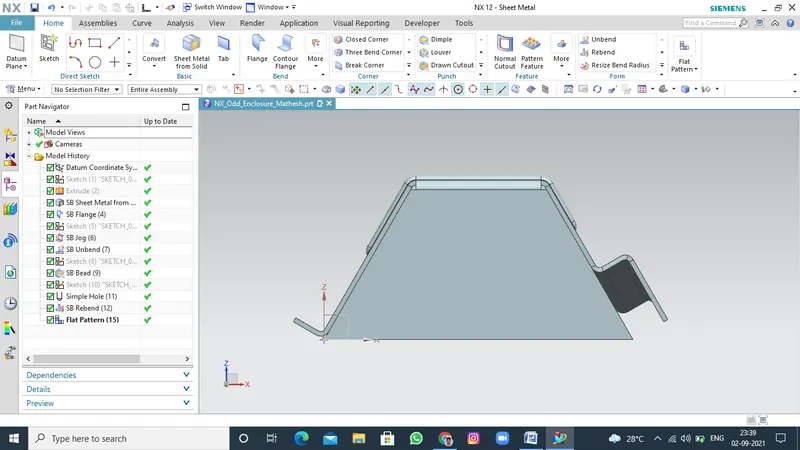
RIGHT SIDE VIEW
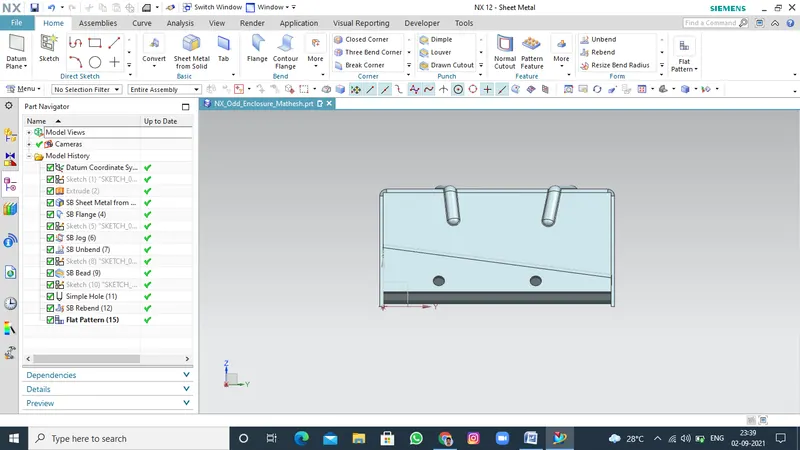
TOP VIEW
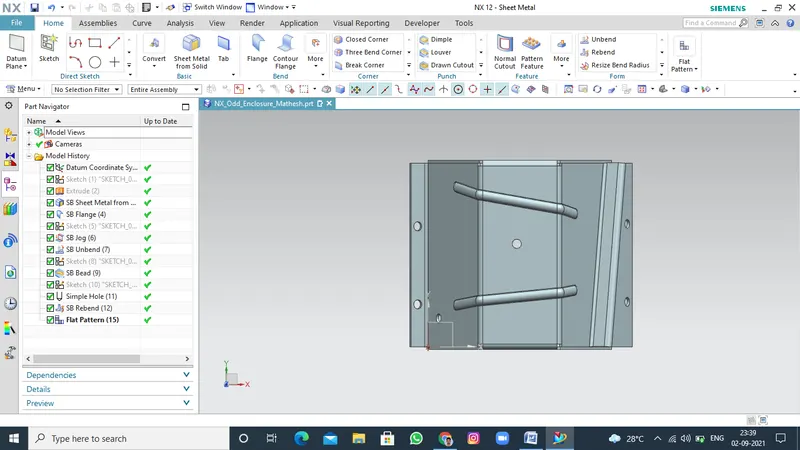
BOTTOM VIEW
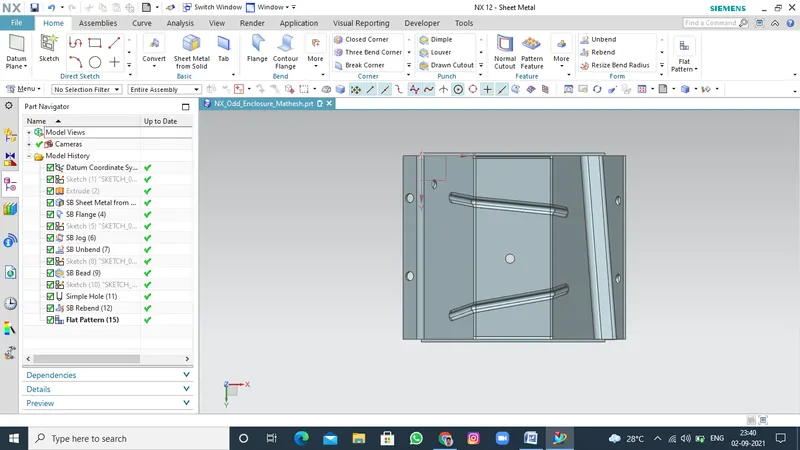
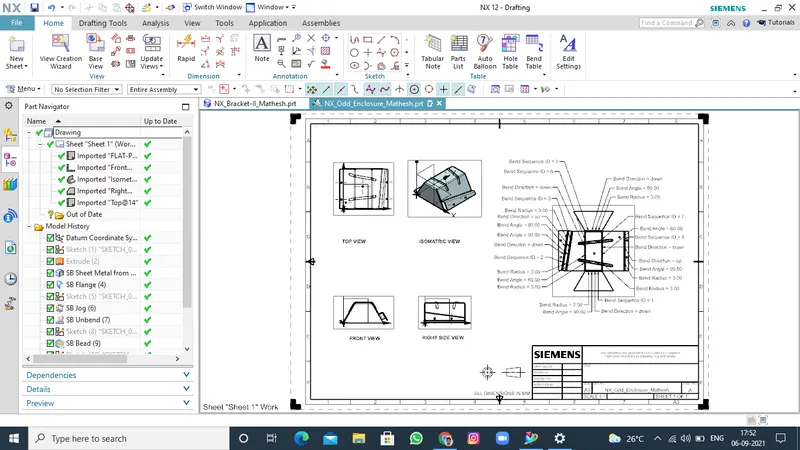
Drawing/Drafting Sheet view
Conclusion:
By using various commands in sheet metal design odd Enclosure is created by various features.