Advanced Sheet Metal Design Using NX Cad Challenge_5_Odd Shaped Enclosure
ODD SHAPED ENCLOSURE
USING
NX CAD
SHUBHAM H POTBHARE
OBJECTIVE
In this Project we are going to learn the entire modelling of a Enclosure using NX Cad.
INTRODUCTION
NX Cad 12.0.1 version is used for modelling. The Enclosure consists of odd shapes and angles. A solid body consisting of final enclosure shape is modelled. Sheet metal is wrapped around the solid body in modelling application. Features such as flanges, jogs,bends are applied to basic shape of formed sheet metal part.
DESIGN METHODOLOGY

DESCRIPTION
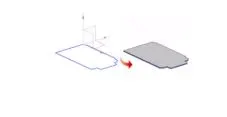
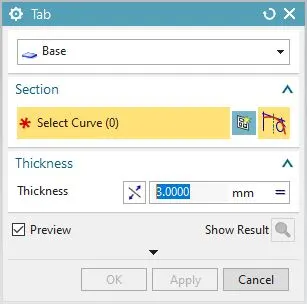
1) TAB: This feature is used to create a base feature by extruding a sketch along a vector by a thickness value or by adding material to existing faces and bend regions of a sheet metal part.
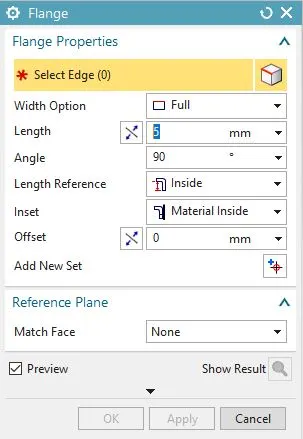
2) FLANGE :A flange is a protruded ridge either external or internal to the tab. This command is used add a flat flange at an angle to a planar face and add bend between the two. It consists of a bend region and a web.
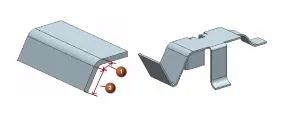
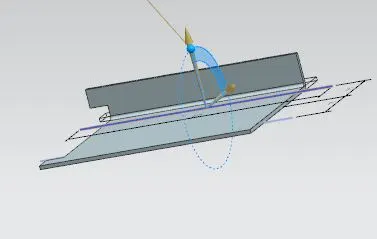
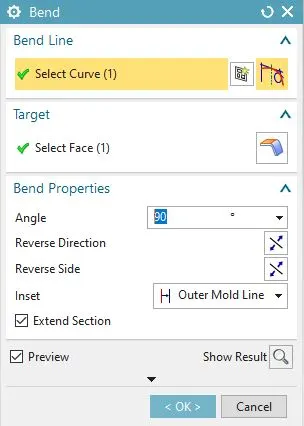
3) BEND : The bend feature is used to give an angular bend to the tab.
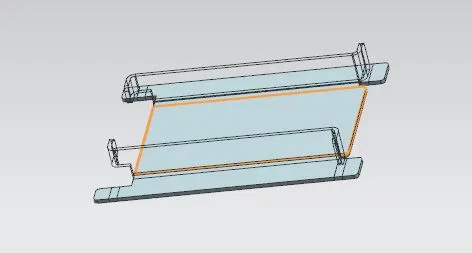
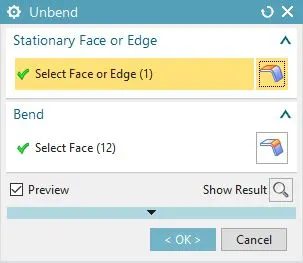
4) UNBEND : The unbend feature is used to make the bend surfaces flat with respect to the base plate.
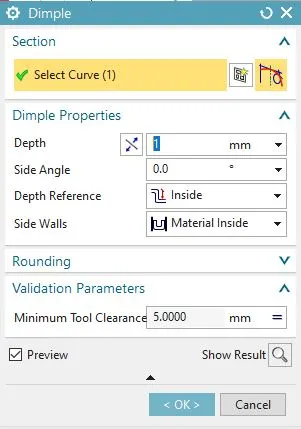
5) DIMPLE : Dimple command is used to lift an area of the model inside the sketch that stimulates the stamping tool. You can create an indentation in a sheet metal part using a sketched section as the dimple outline.
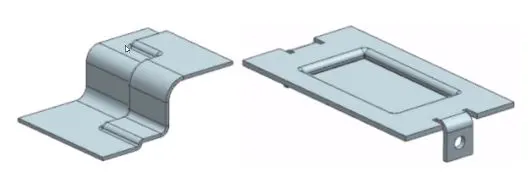
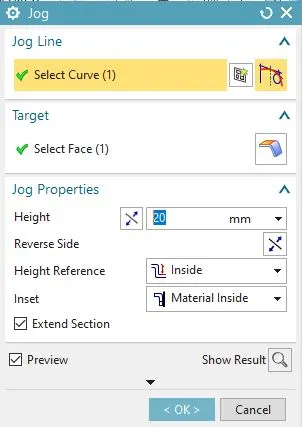
6) JOG LINE: Jog line command is used to create an offset or step in tab. One can use small jogs to provide clearance or rigidity to a part. The section for the jog must consist of a single line across a planar face. NX creates the jog by lifting material on one side of the jog line and adding flange between the two sides.
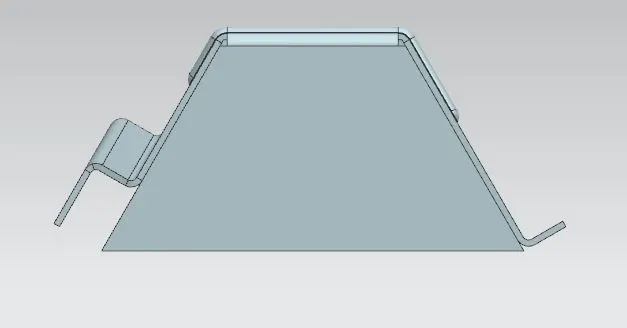
FRONT VIEW
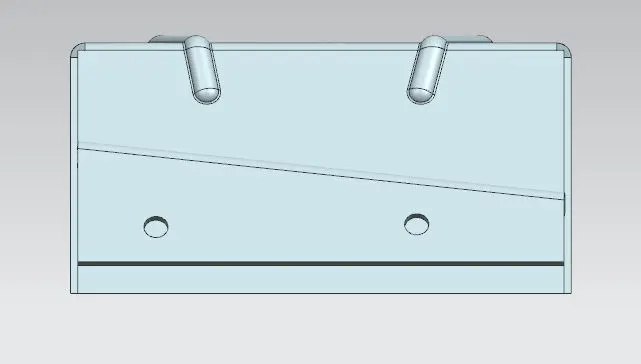
SIDE VIEW
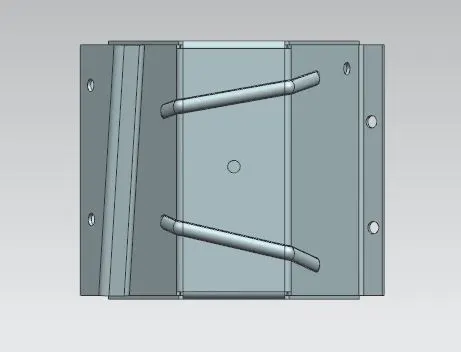
TOP VIEW
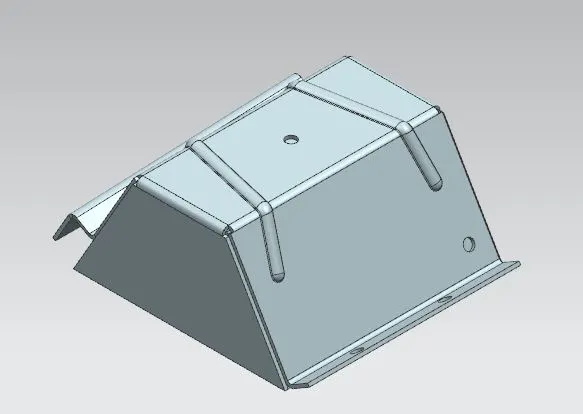
ISOMETRIC VIEW
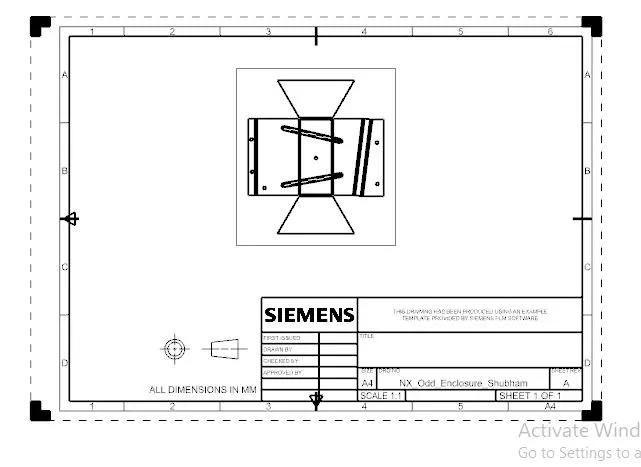
DRAFTING