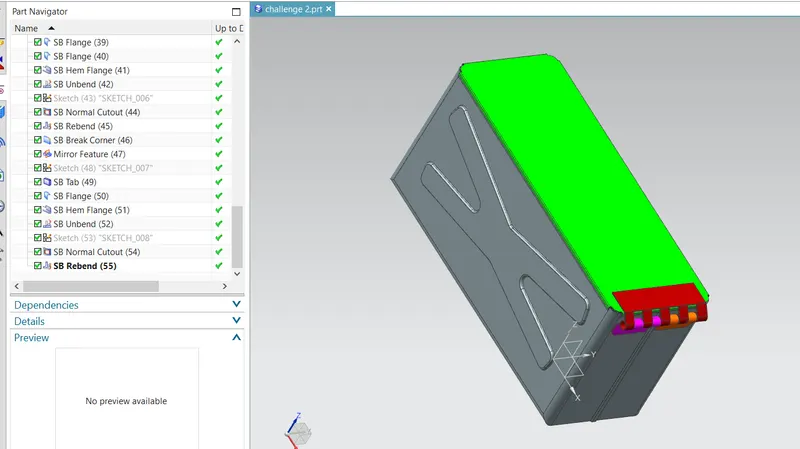
Advanced Sheet Metal Design Using NX Cad Challenge_2_Box Assembly
BOX ASSEMBLY:
Box designing will be done here in NX 12.
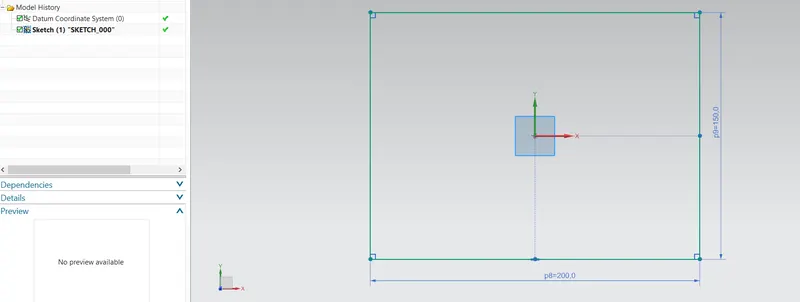
at first, we will create a rectangle with 200x150 mm and tab it with 1mm.
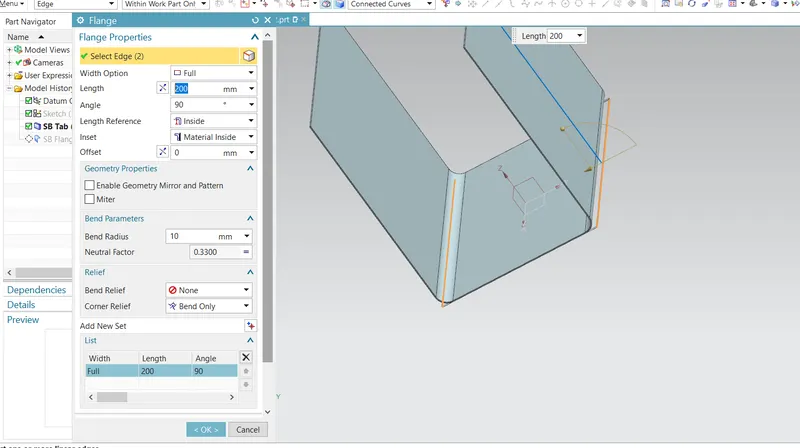
using flange command length of 200mm and 90 degrees.
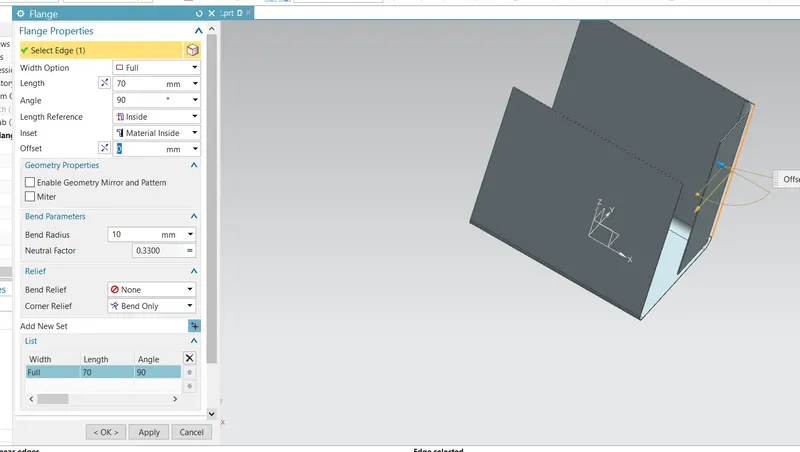
70mm flange and 90 degrees created.
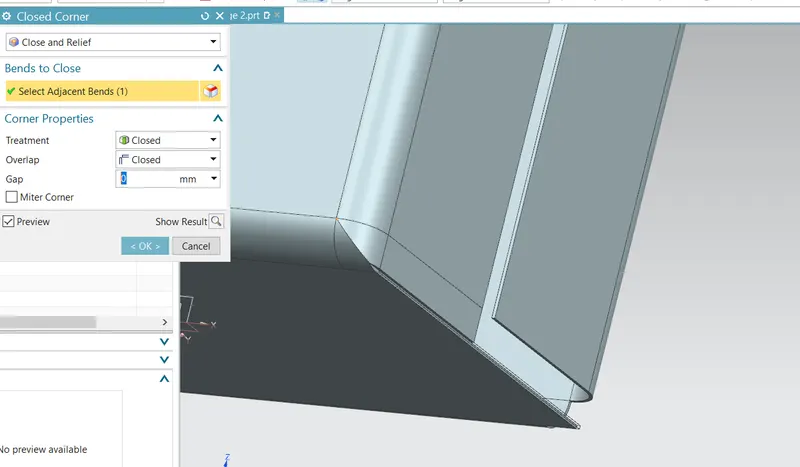
closed and relief corner both sides.
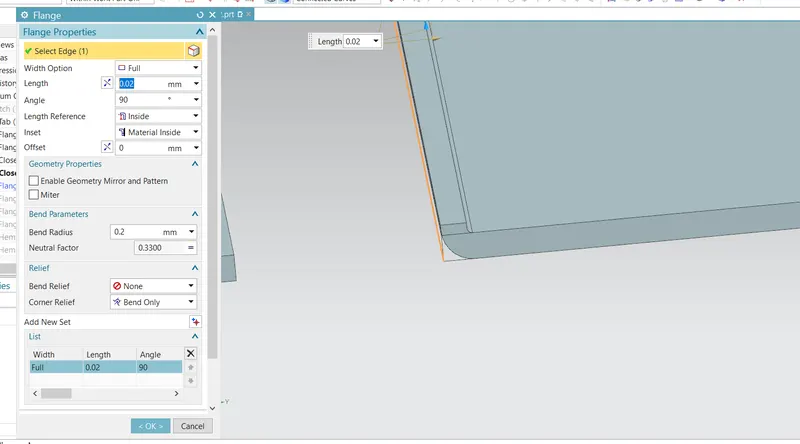
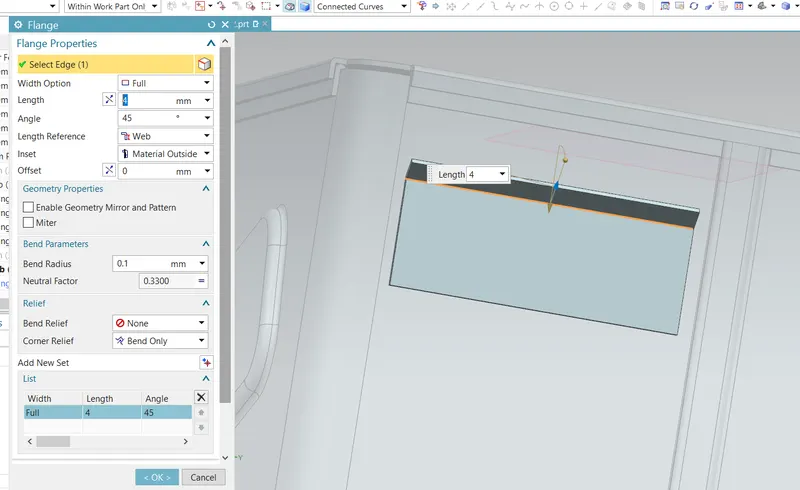
flange with o.02 mm length and radius 0.2mm.
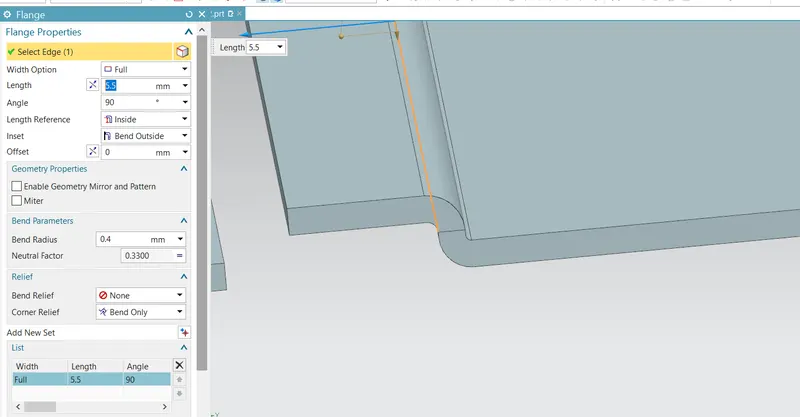
another flange with length 5.5mm and bend radius 0.4.
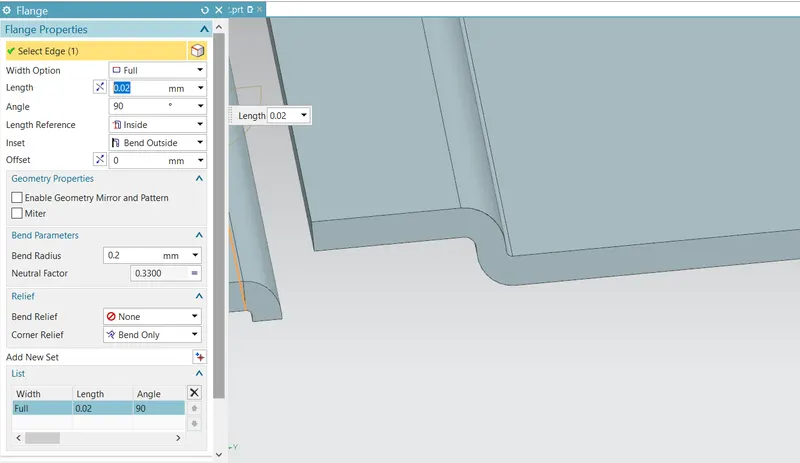
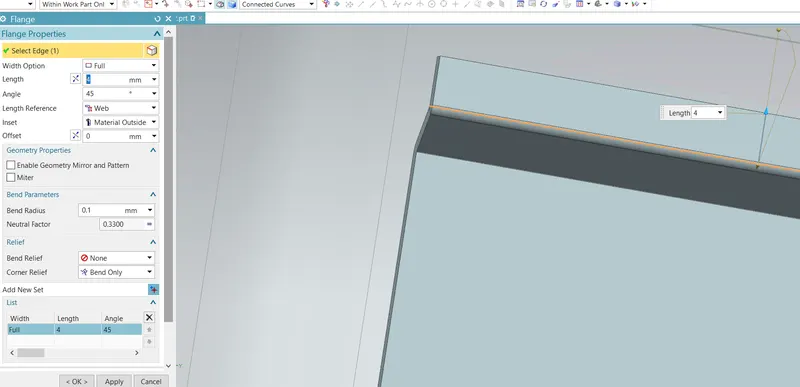
flange with o.02 mm length and radius 0.2mm on other side of the flange.
another flange with length 5.5mm and bend radius 0.4mm.
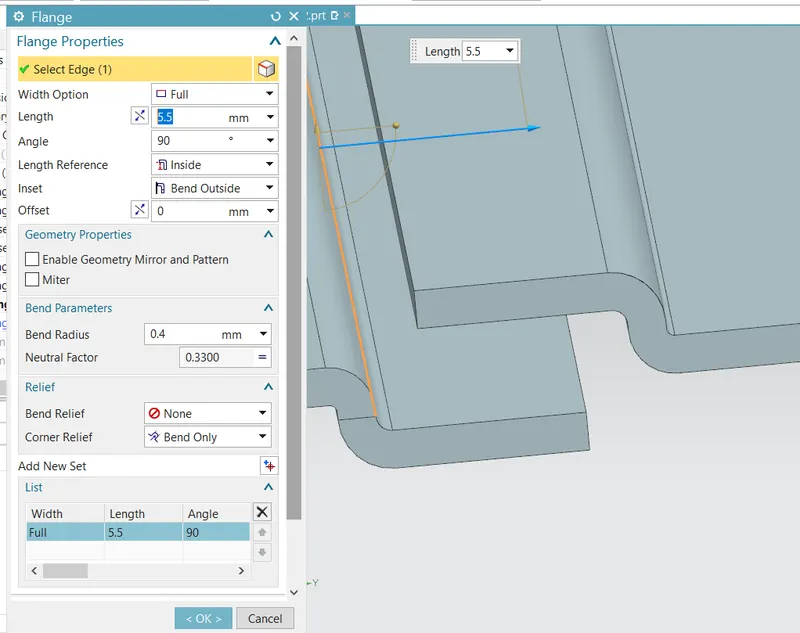
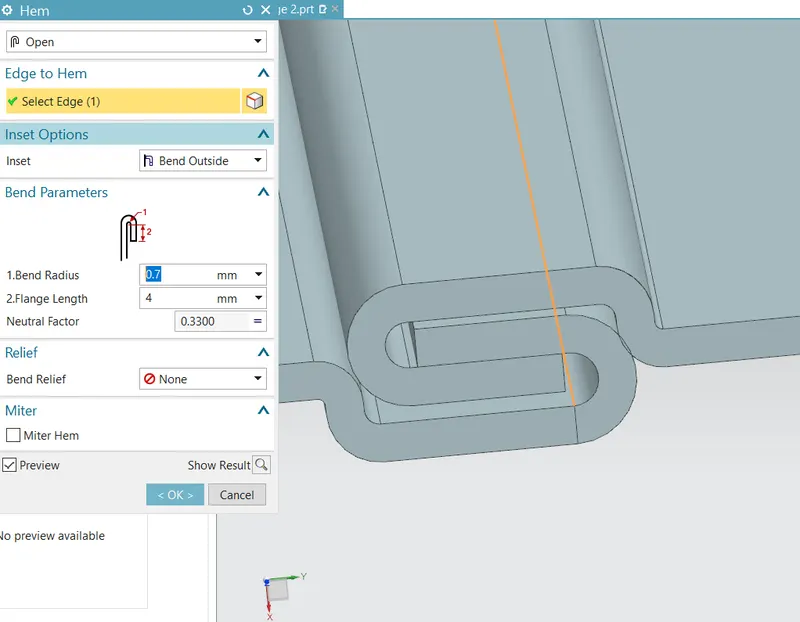
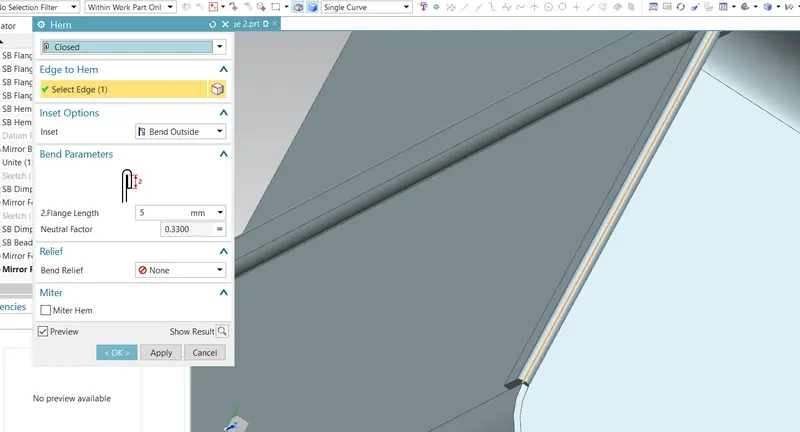
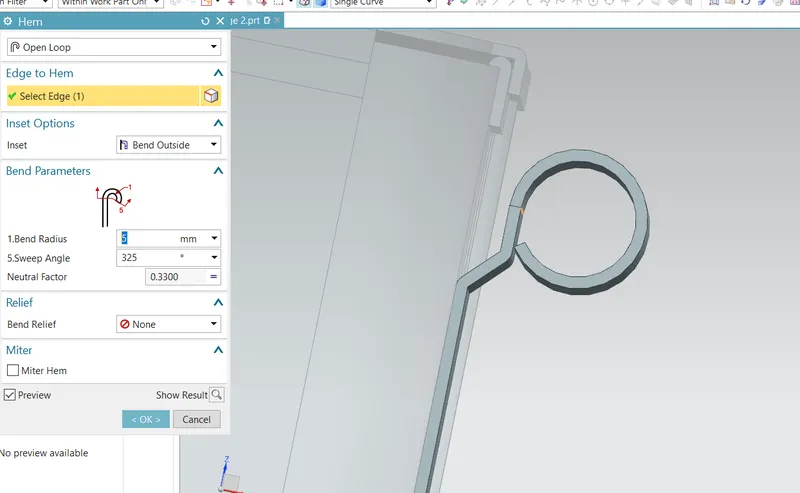
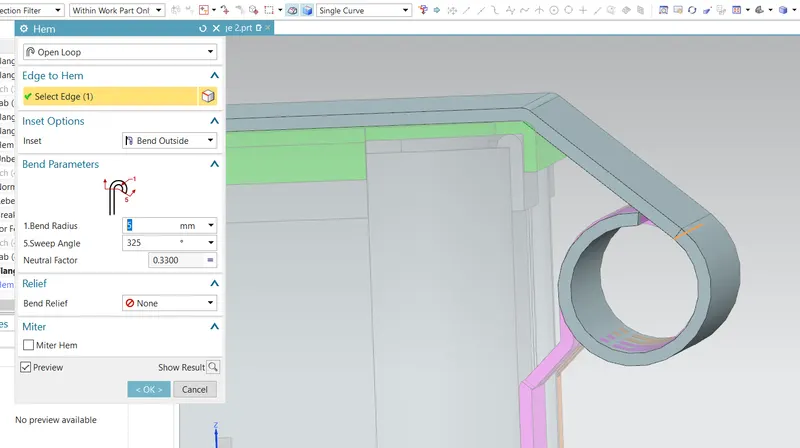
now open hem flange used here as shown below.
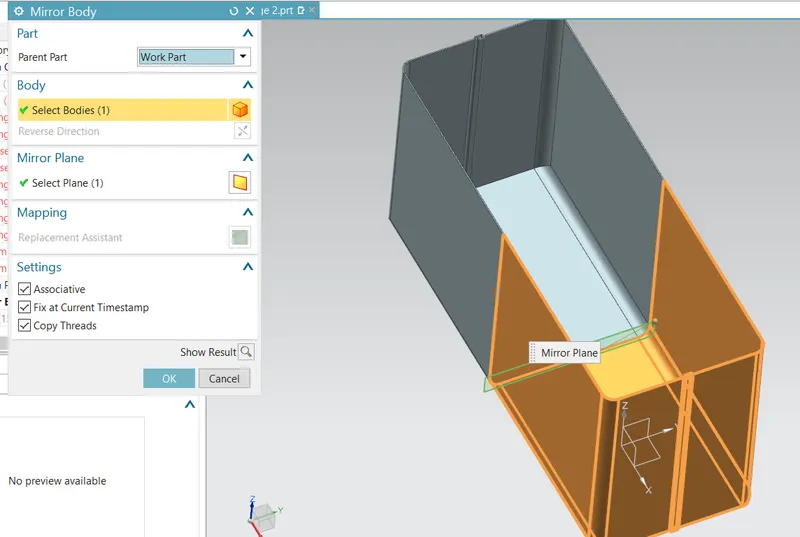
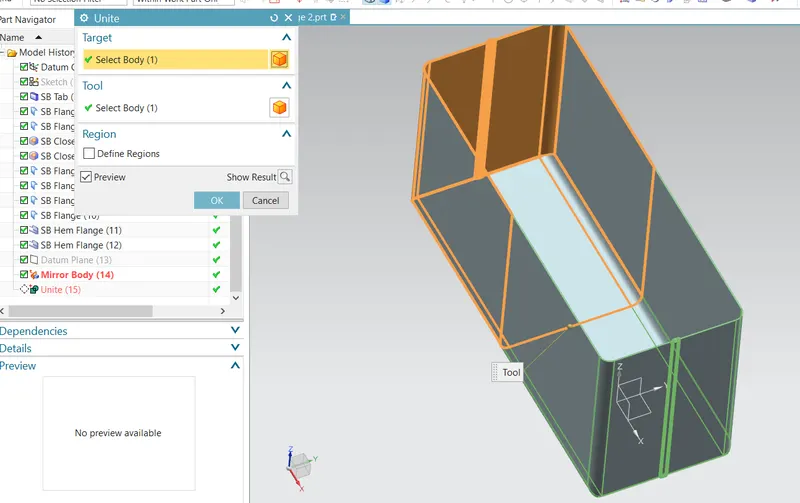
using mirror command and then unite.
using dimple command and sketch like shown below.
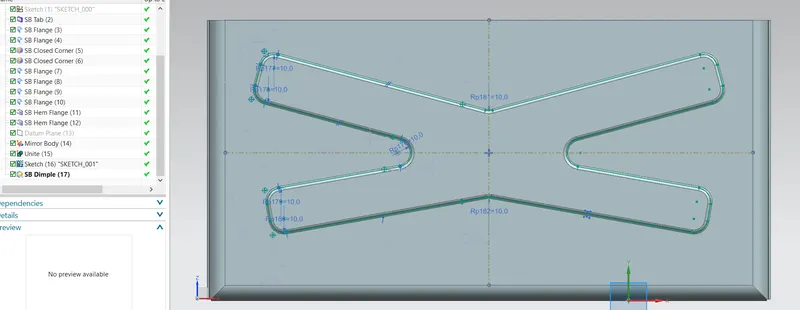
using mirror feature command it will mirror to other side.
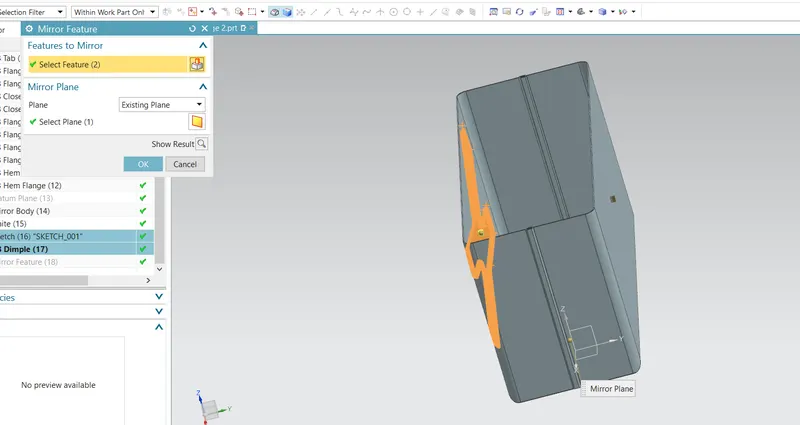
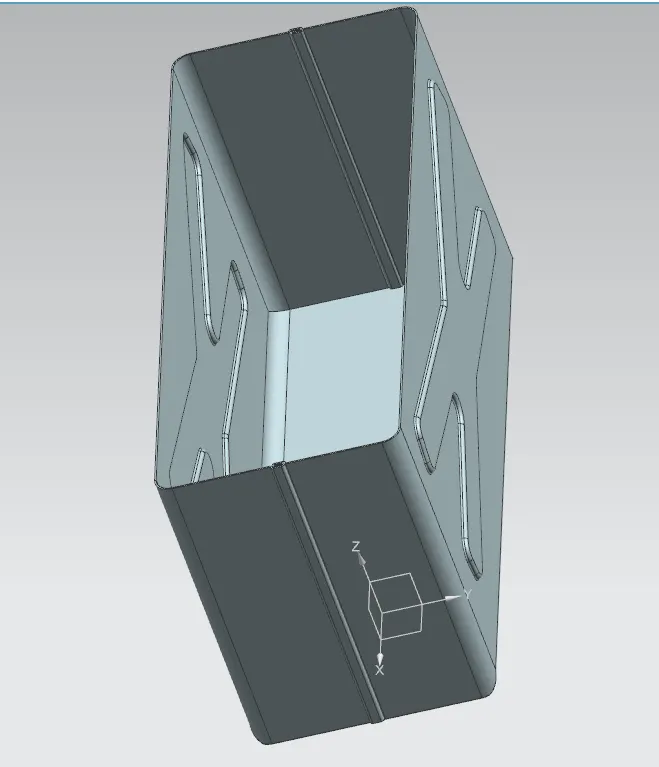
another dimple at base.
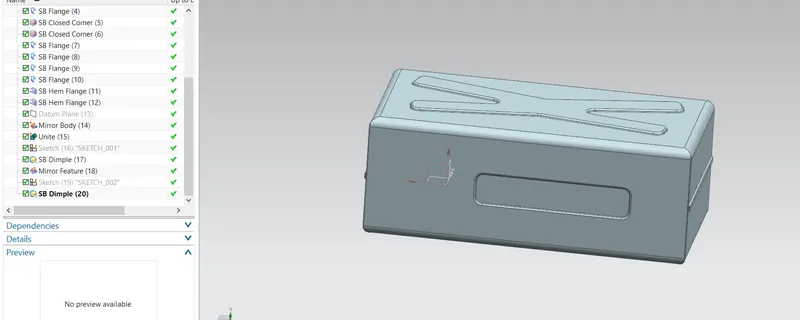
using bead and mirror commands on base created as below.
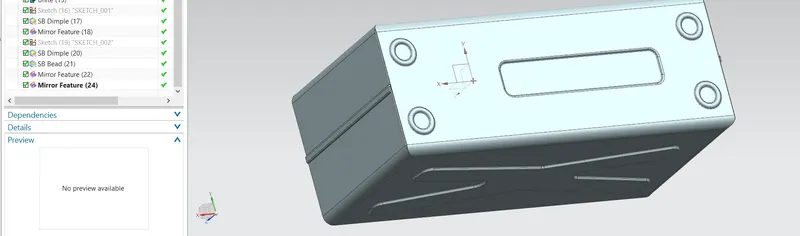
closed hem on all sides.
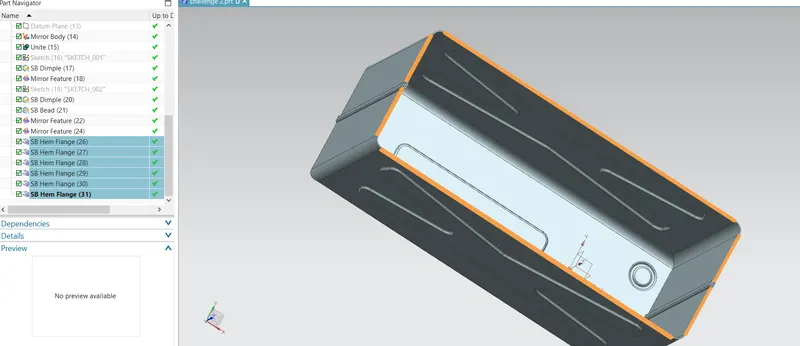
a sketch is drawn on the flanges for locking hinges.
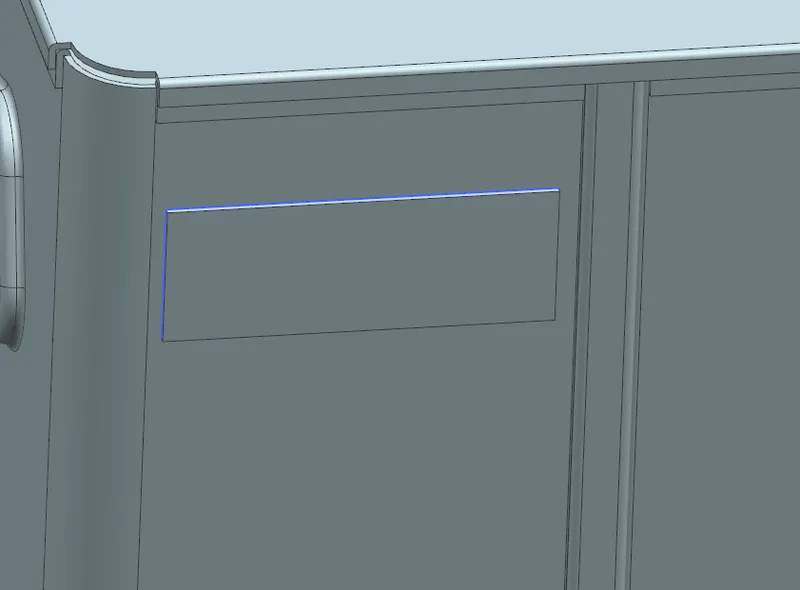
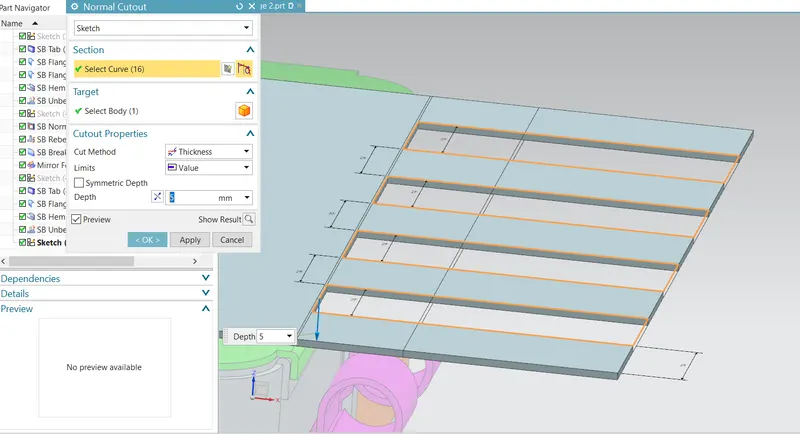
now we will add cutout to it.
first unbend it.
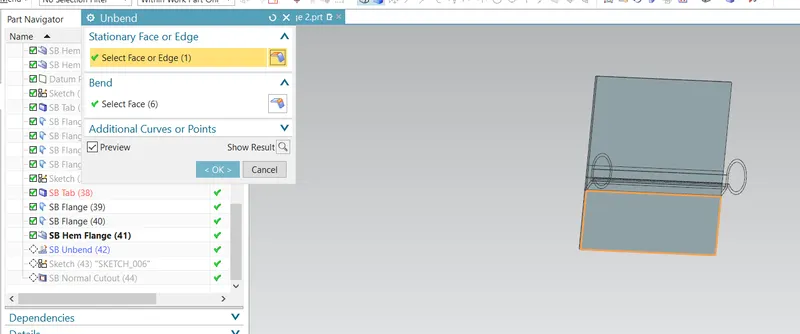
now cutout.
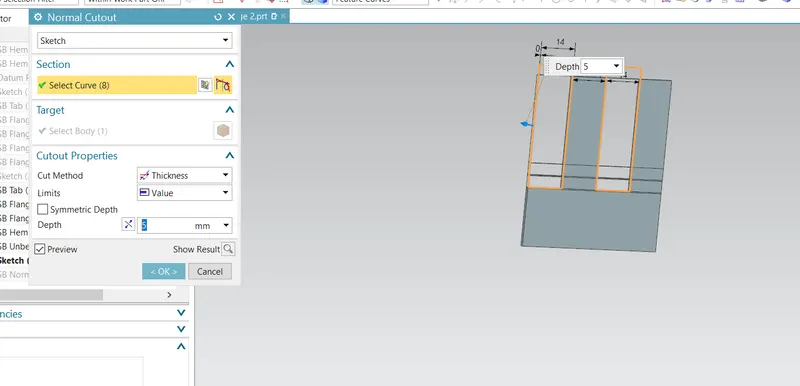
now rebend it.
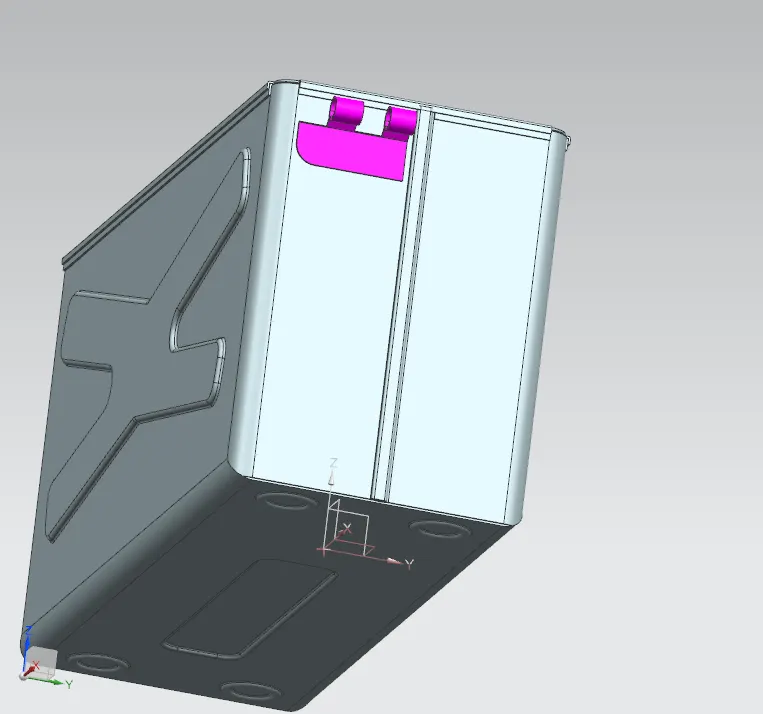
using mirror feature it is created.
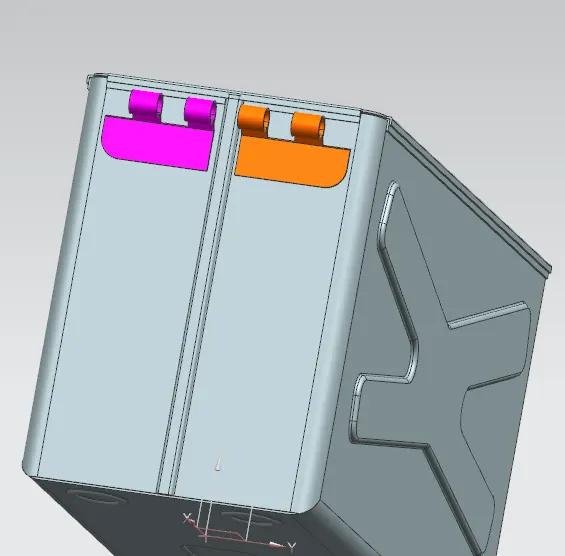
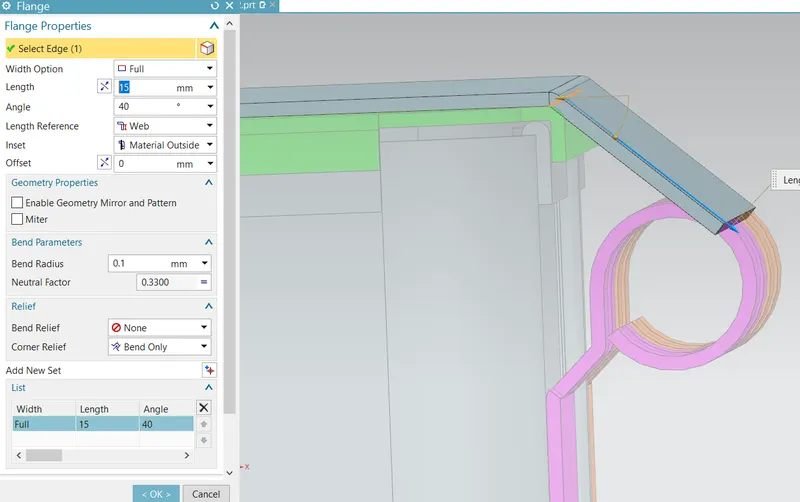
and rebend it and looks like below.