Advanced Sheet Metal Design Using NX Cad Challenge_2_Box Assembly
objective:-
To design a box assembly using nc cad tool.
introduction:-
The learning of steps and features involved in designing a box assembly using an nx cad tool.
design methodology:-
1. start nx cad
2. set global parameters.
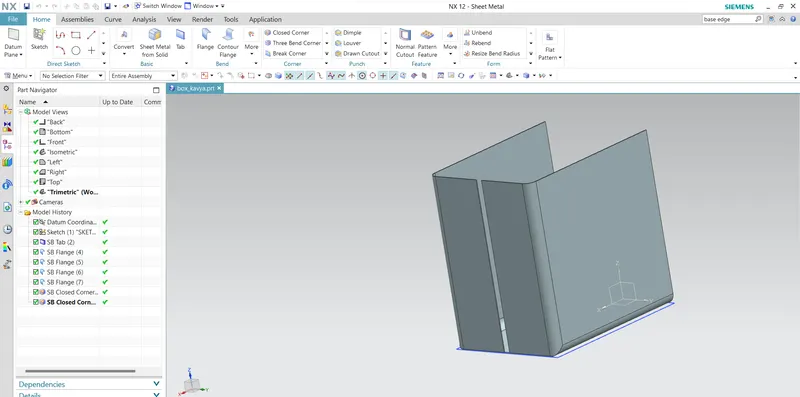
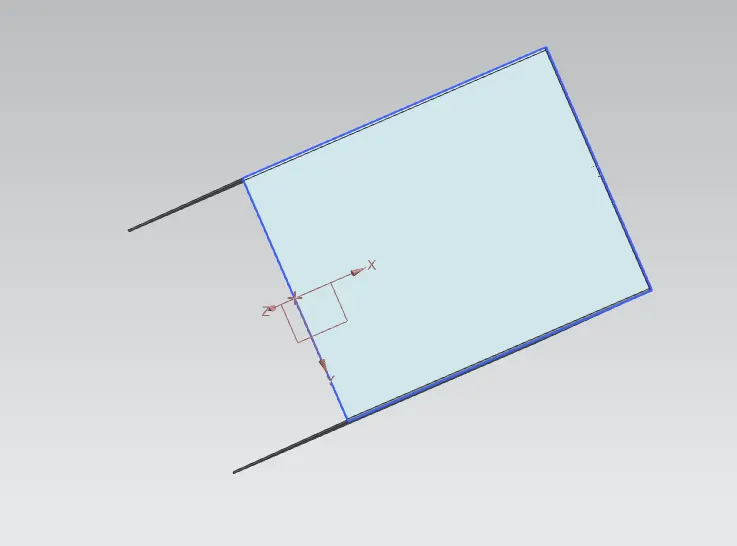
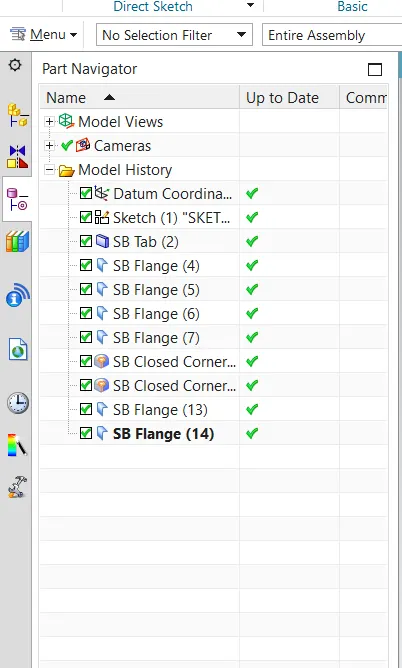
3. use tab to create the box.
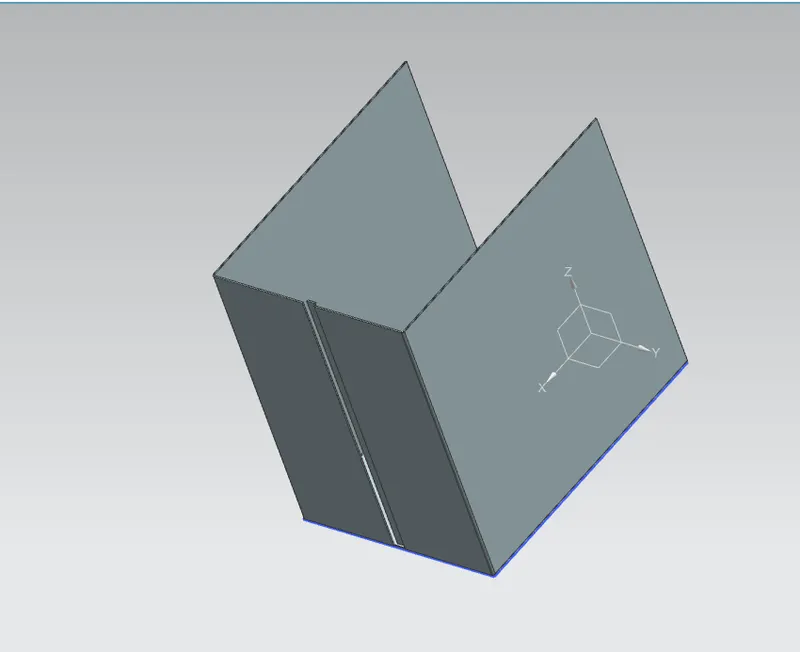
4. use flange to create side bends.
5. use corners to close two adjacent bend corners.
6. use HEM flange to create a 'U' profile.
7. use mirror to replace the existing body
8. create dimple and beads.
9. create smooth corners with HEM flange.
10. create lid with tap,flange and HEM flange option.
11. create hinge flange.
12. use a HEM flange a profile.
13. then cut out the profile for required dimensions.
14. repeat the procedure mating hinge.
15. save the model.
Description:-
sketch:-
start nx cad then set the GUI parameters as requirements.
Tab:-
a tab is used to form a base of the model along the planar face with respective thickness.a sketch with single or multiple closed profiles can be formed as a base.
flange:-
the flange feature creates a flat bent profile at an angle to a planar surface.
corner:-
the corner feature helps to close a corner where two adjacent bends meet.
HEM:-
hem flange is used to modify the model by folding the edge of the sheetmetal flange over onto itself. after closing the corner use hem flange to create a 'U' profile which self-lock the sheetmetal after bending.
mirror:-
mirror feature mirrors the selected face or body across the selected planes or line.
unite:-
unite features used to unite the selected bodies into a single body.
beads:-
beads are used to lift a material along the contour of the sketch.