Advanced Sheet Metal Design Using NX Cad Challenge_2_Box Assembly
BOX ASSEMBLY
TITLE : Project report on modelling of box assembly using NX CAD.
OBJECTIVE : To design the 3D CAD model of box assembly using NX 11.
INTRIDUCTION : Sheet metal is metal formed by an industrial process into thin, flat pieces . Sheet metal is one of the fundamental forms used in metalworking , and it can be cut and bent into a variety of shapes . Countless everyday objects are fabricated from sheet metal.
In this project the box assembly consists of 3 parts
- Box
- Lid
- Hinge
DESIGN METHODOLOGY :
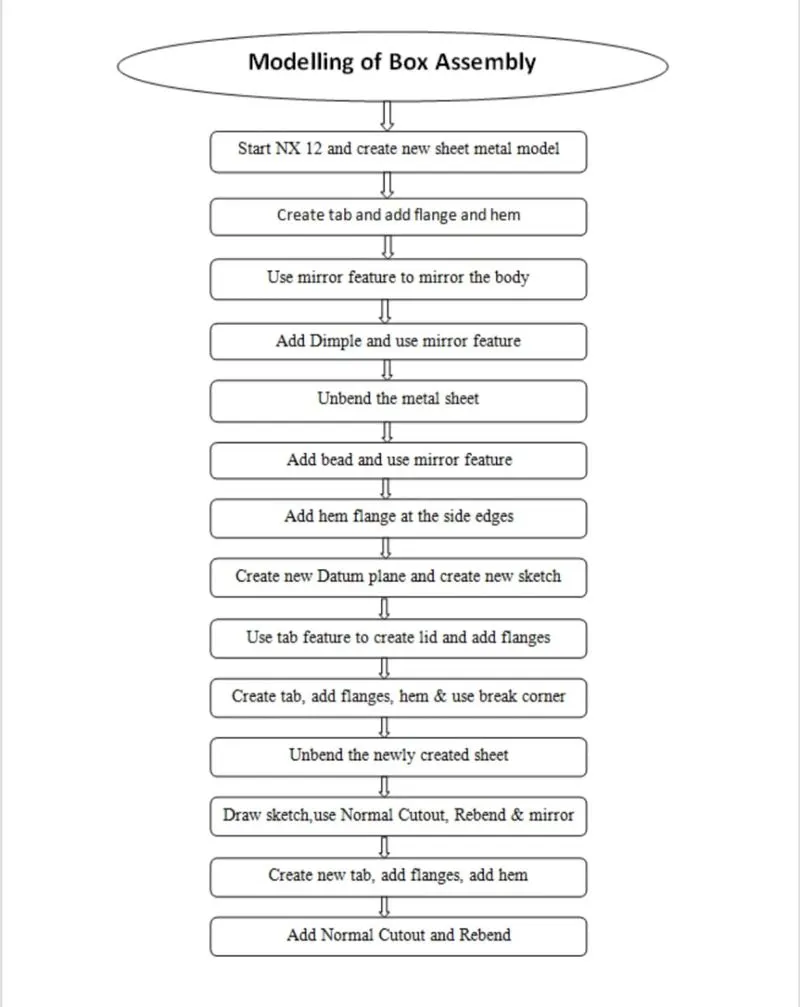
DESCRIPTION : The box assembly consist of 3 parts
- BOX
- LID
- HINGE
BOX : Box can designed using following steps
TAB – Draw the sketch and add tab of given thickness
ADD FLANGES – Add flanges using given dimension .
CLOSE CORNERS – Then close the corners.
ADD FLANGES AND HEM – Add flanges using given dimensions and add hem at the end edges.
MIRROR BODY AND UNITE – Use mirror body feature to create the box the unite both the parts.
ADD DIMPLES- Add dimples on adjacent sides using given dimensions and add another dimple in bottom side.
UNBEND AND REBEND – Unbend and rebend the metal sheet.
ADD BEAD – Add bead on the bottom plate using given dimensions and use mirror body feature.
ADD HEM FLANGES- Add hem along all upper edges of plates using given dimensions.
LID – Lid can be designed using following steps
TAB – Create new datum plane and new sketch and create tab of given thickness.
ADD FLANGES – Add flanges at the top edges of adjecent sides .
HINGE – Hinge can be designed using following steps
TAB – Create new sketch on back plate and add tab using given dimensions.
ADD FLANGES AND HEM – Add flange and hem it.
UNBEND – Unbend the sheet metal .
MAKE NORMAL CUTOUTS – Draw a new sketch on the sheet metal surface and use normal cutouts to create required cutout.
REBEND- Rebend the cutouts.
MIRROR – Then mirror the newly created body.
TAB – Create a new tab.
BREAK CORNERS – Then break the corners
ADD FLANGES AND HEM – Then add flanges and hem it.
UNBEND AND MAKE NORMAL CUTOUTS – Unbend the sheet metal and cut the sheet into required shapes.
REBEND – Then rebend the sheet metal.
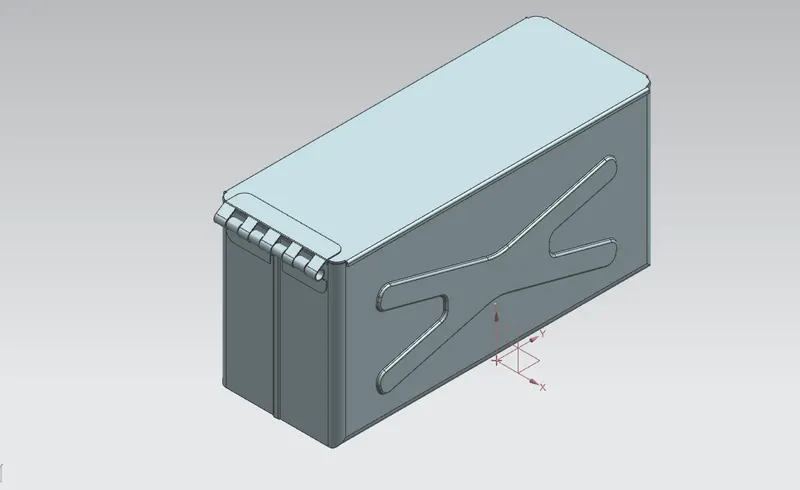
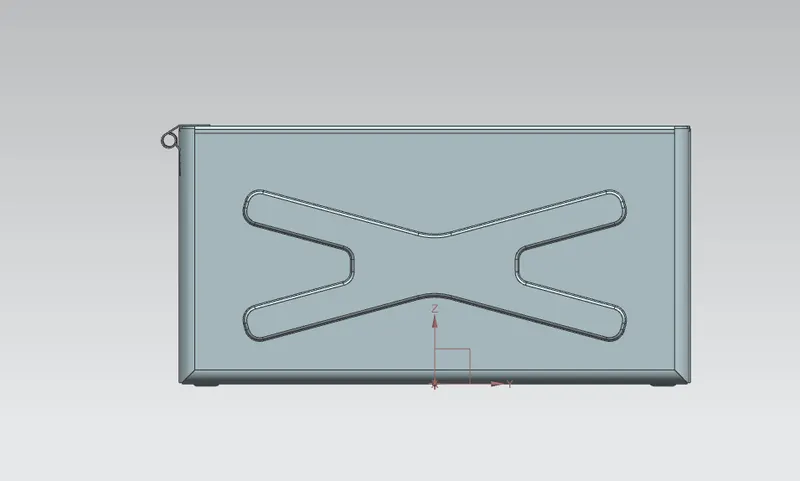
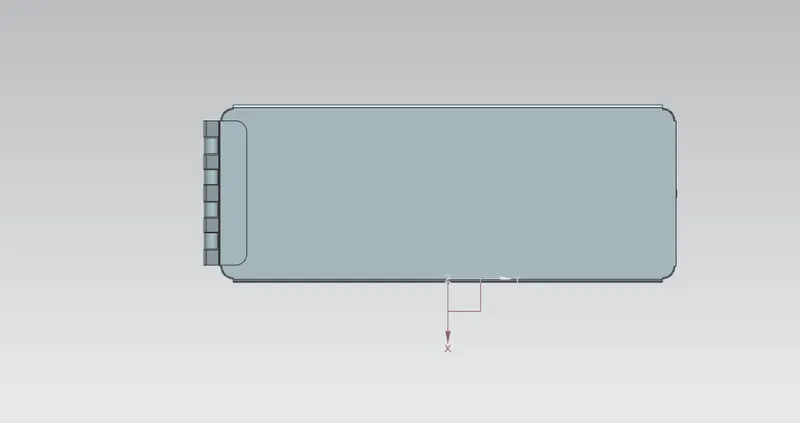
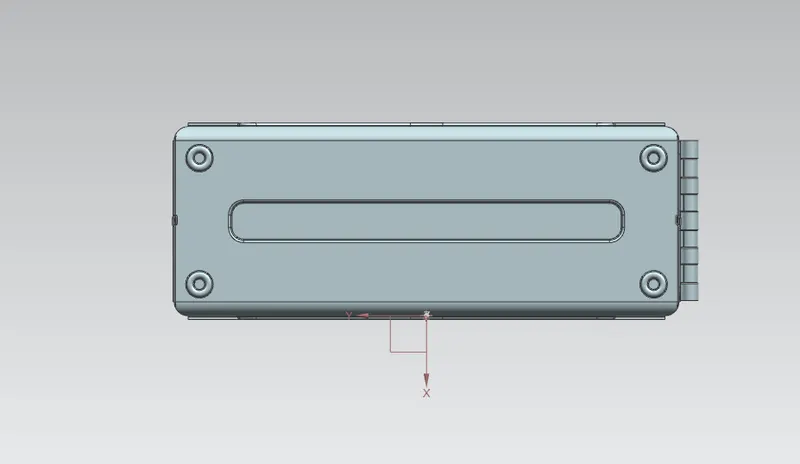
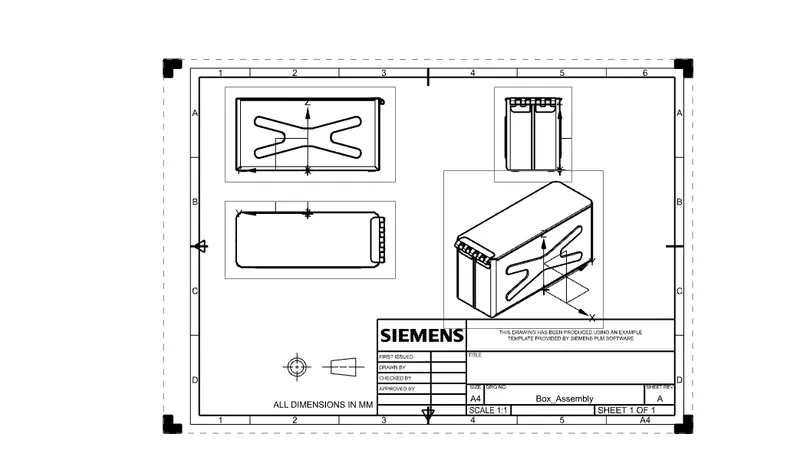
CONCLUSION : Modelling of box assembly is done successfully using NX 11.