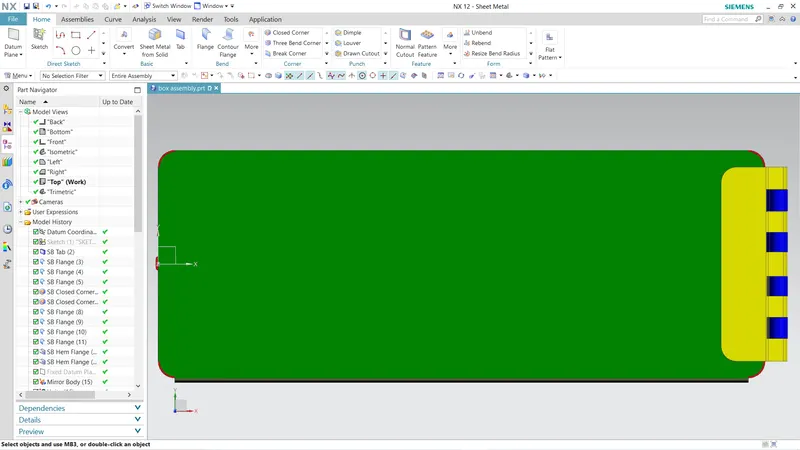
Advanced Sheet Metal Design Using NX Cad Challenge_2_Box Assembly
TITTLE:-BOX_ASSEMBLY USING SHEET METAL NX_CAD
SUBMITTED BY:-JAAGEERI VARUN RAJU
SUBMITTED TO:-SKILL-LYNC
OVERVIEW
In this project i created a box assembly using the following freatures/tools
- TAB
- Flange
- closed corner
- Mirror Body/Mirror Feature
- unbend/rebend
- Dimple
- Hem
- Bend
- Normal Cutout
- bead
Methodolgy
STEP 1 create a Tab
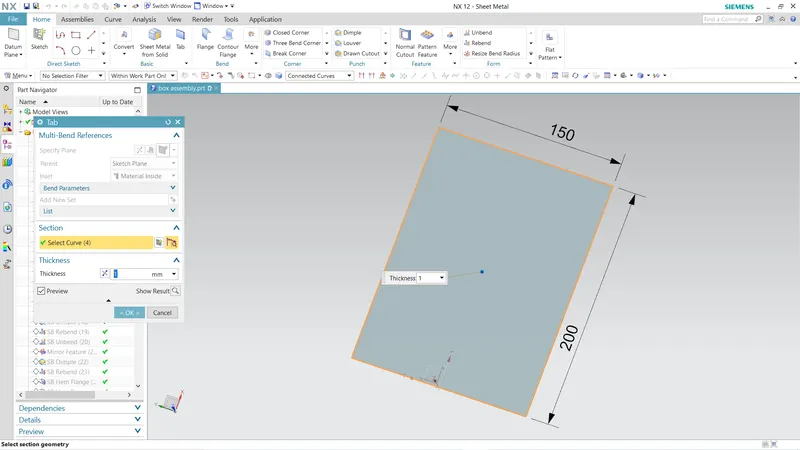
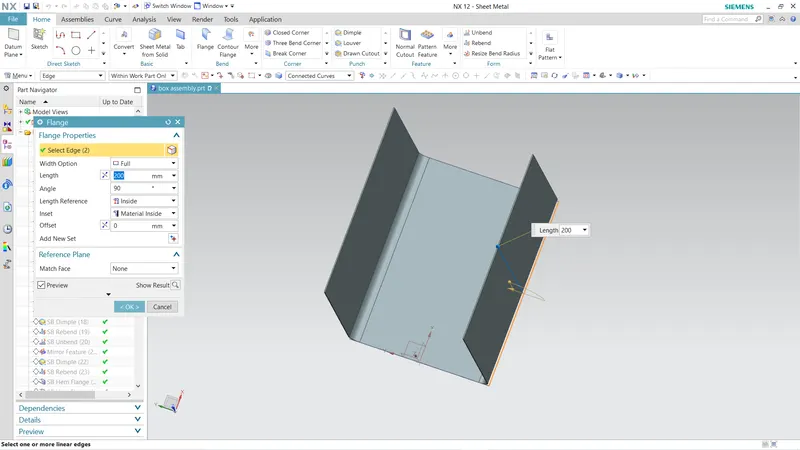
STEP 2 create the longer lateral sides using flange
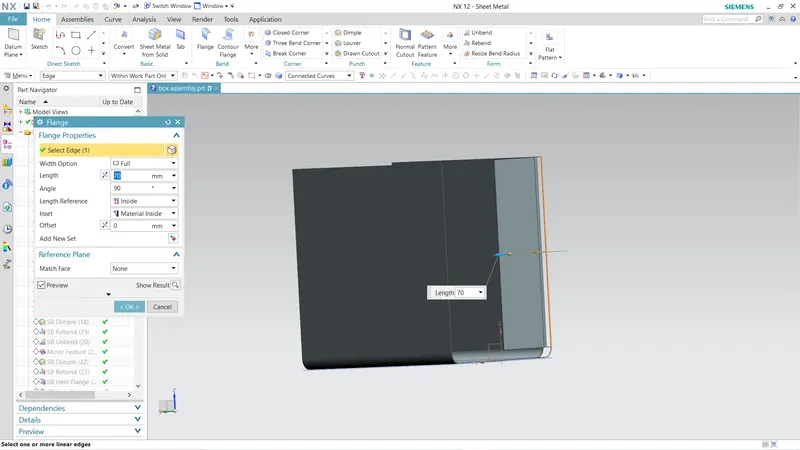
STEP 3 create the smaller lateral side as two halfs and having a gap between atleast 16% total length
STEP 4 used closed corner to close the corners at the bases
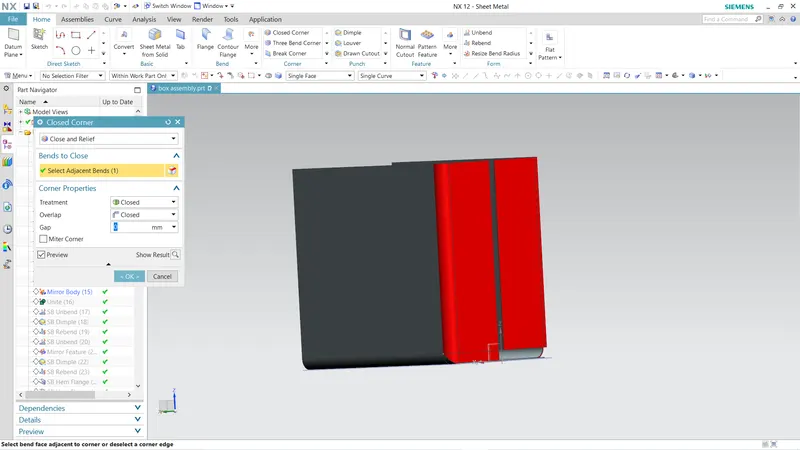
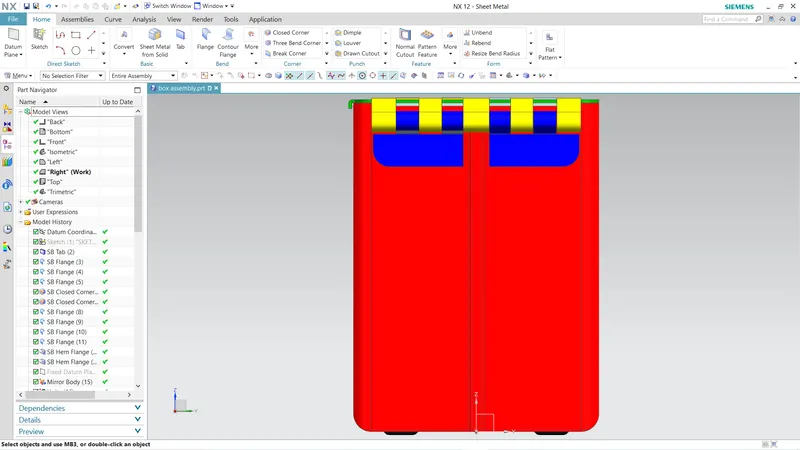
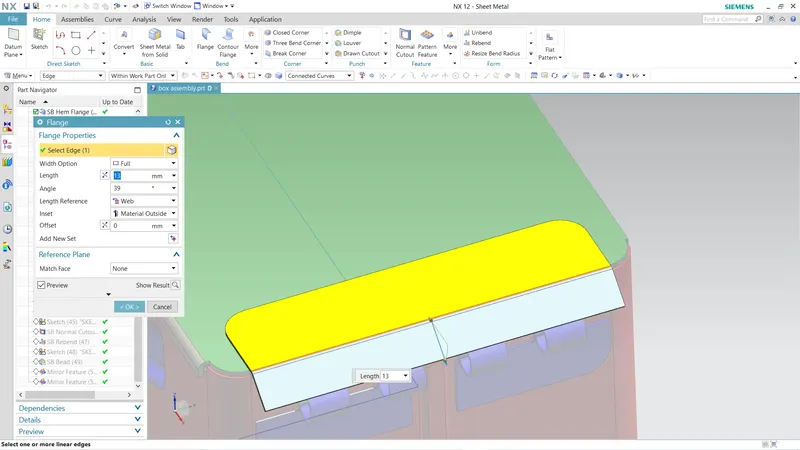
STEP 5 Created a small flange inside to existed flange to created the shape as in the figure and then created another flange of a length and used a hem open loop simlarly to the another flange which creates like tie of two plates
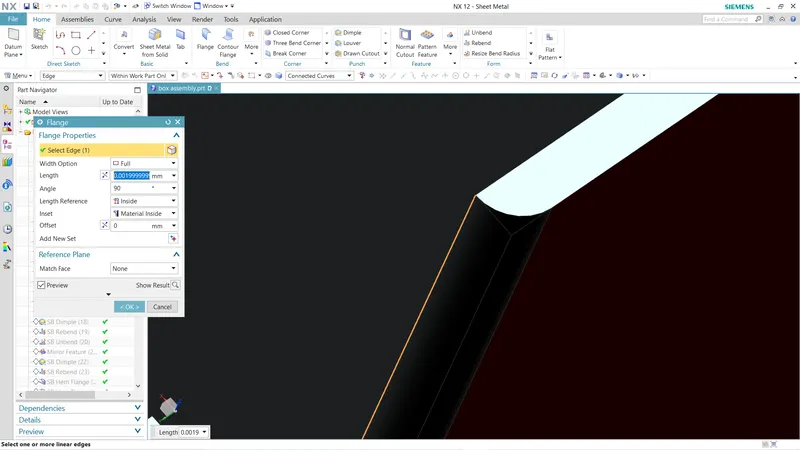
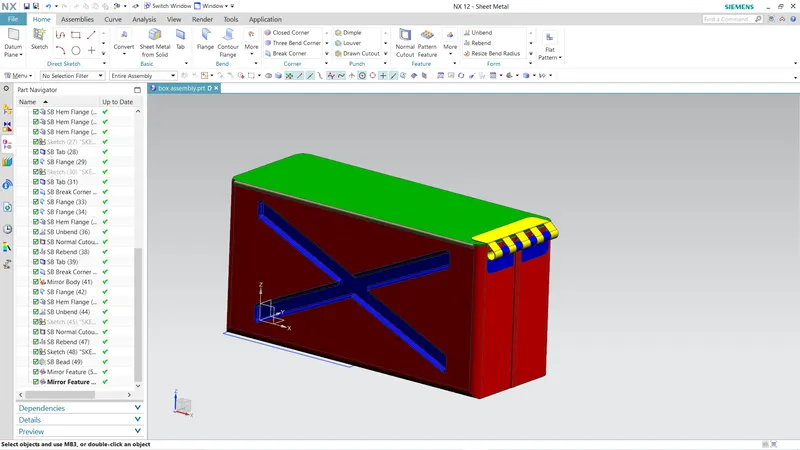
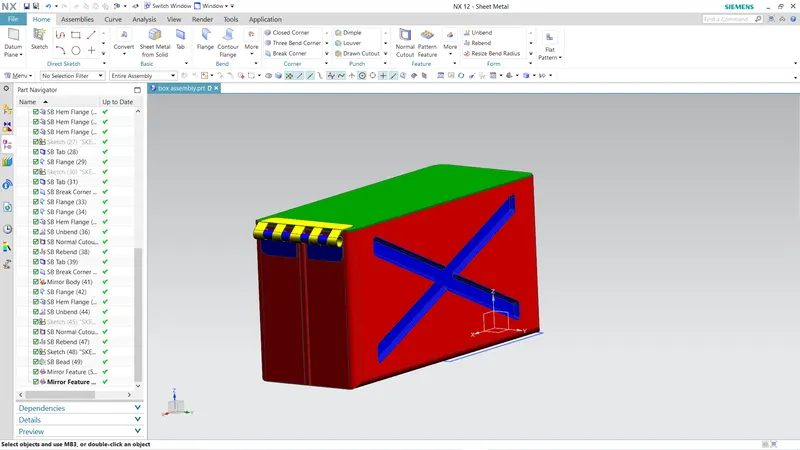
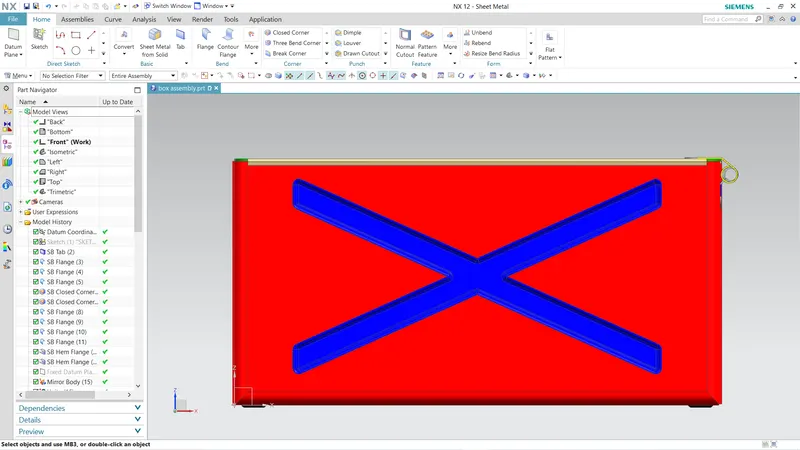
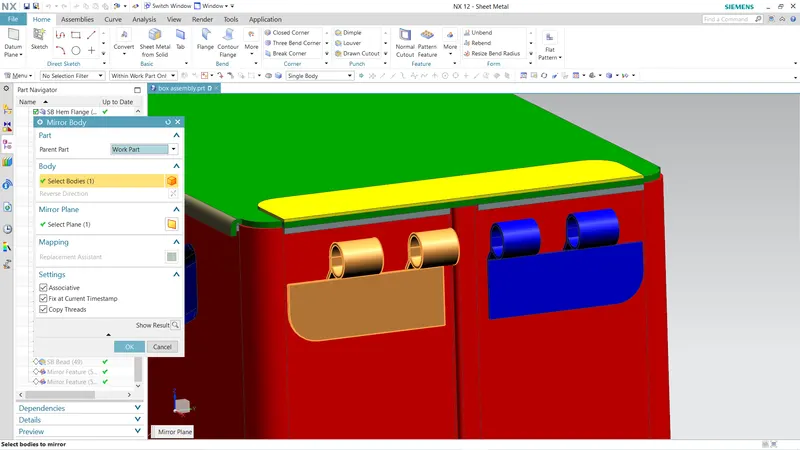
STEP 6 Mirrored the the body using mirror body option ang unite it using unite oprion and then created a gem closed hem ehich provides extra thickness to the box that gives stiffnes as well and then unbend it making intisal tab as standard,select any of one side make a sketch like X and create dimple and then Rebend it and then created a datum plane on the top the box and crated a lid using Tab feature
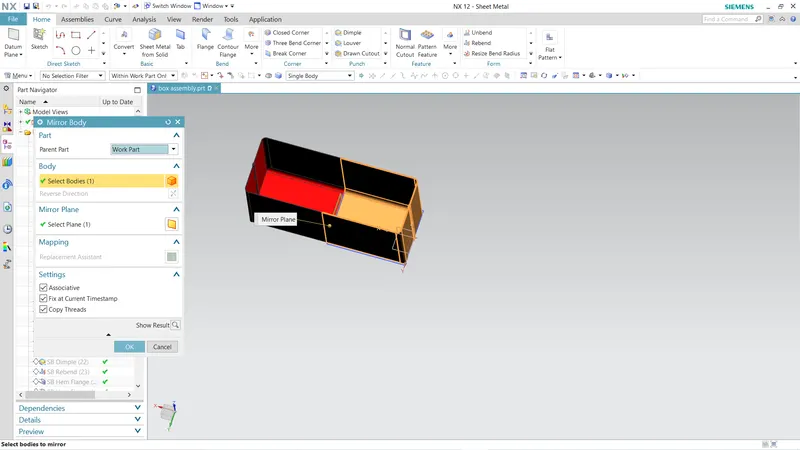
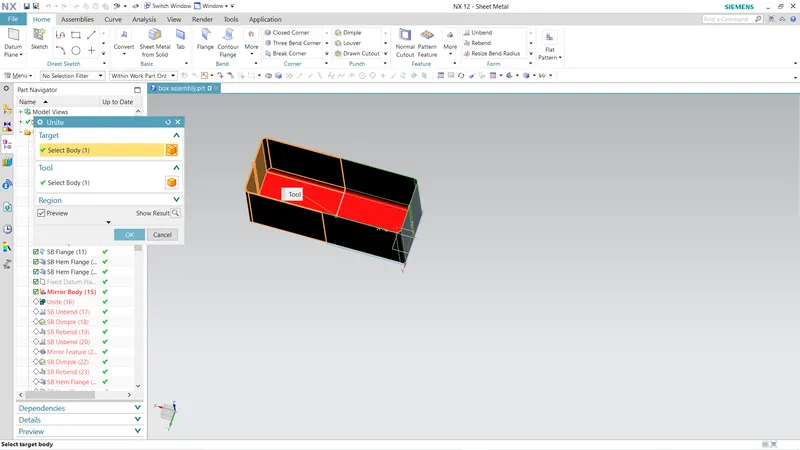
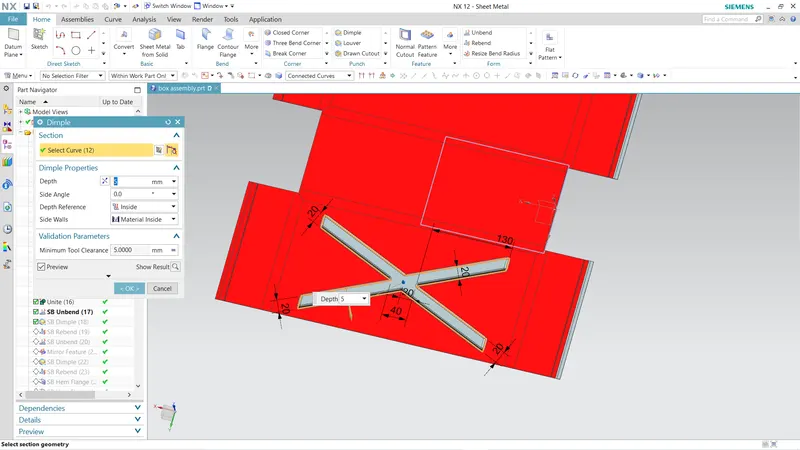
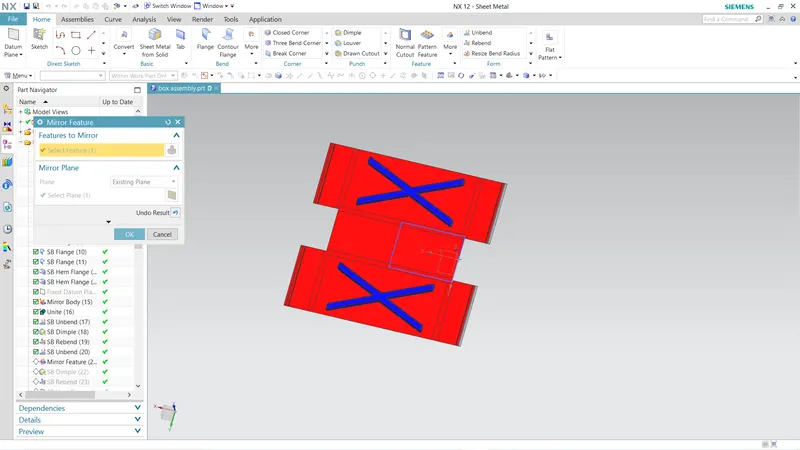
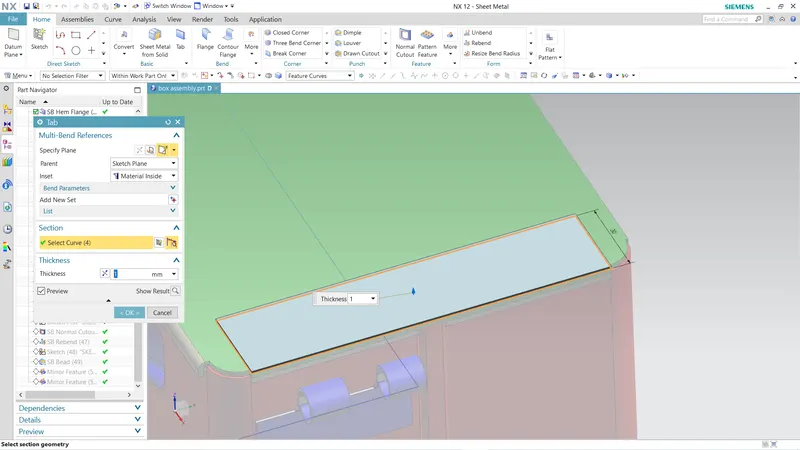
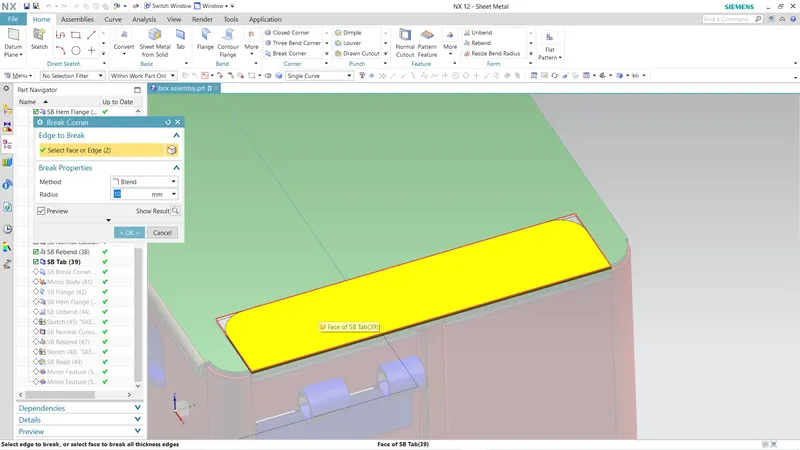
STEP 7 Created a tab and did the corner treatment as shown in the fig on the side of the box and then create another flange with the edge of tab and then Hem open lopp to create that circular shape thhen unbend it use normal cut to provide the gaps as shown in figure and rebend it and then mirror repeated the same process from the top of the to create the body as shone in the figure
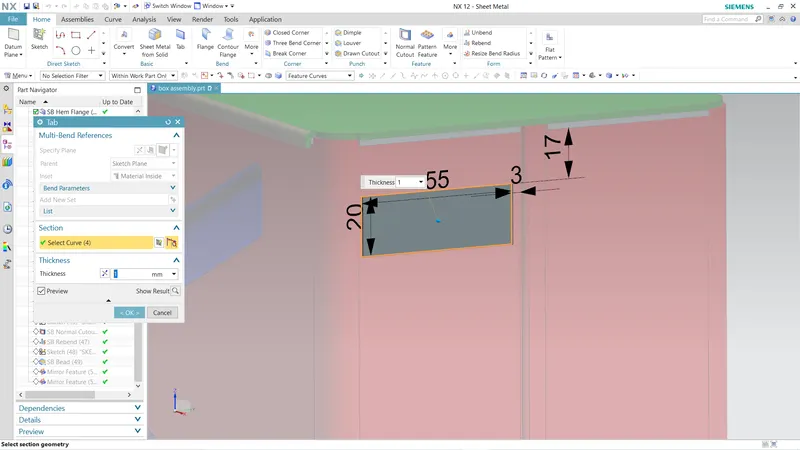
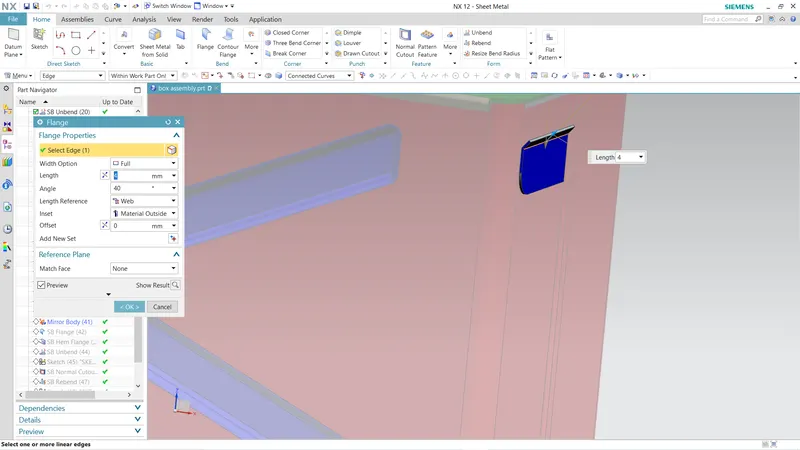
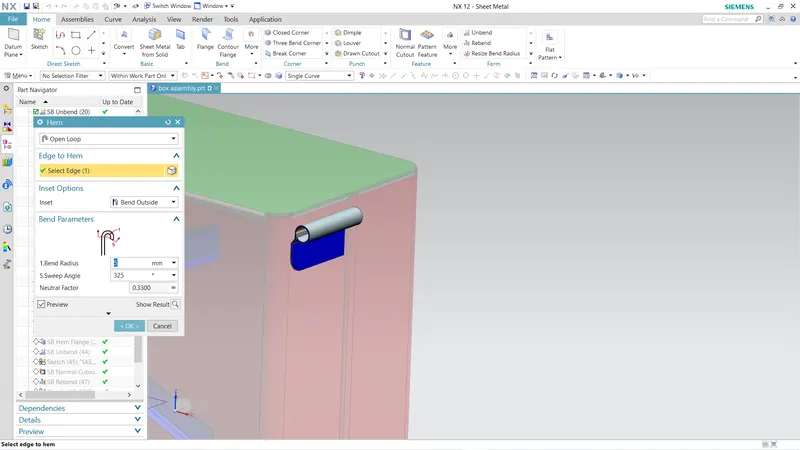
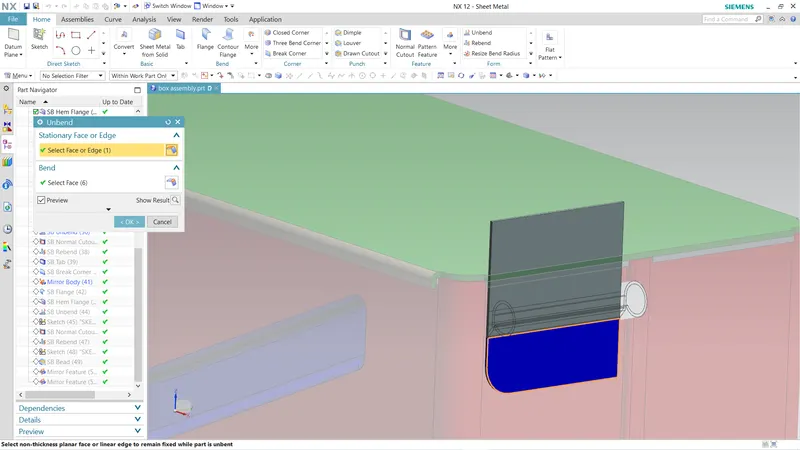
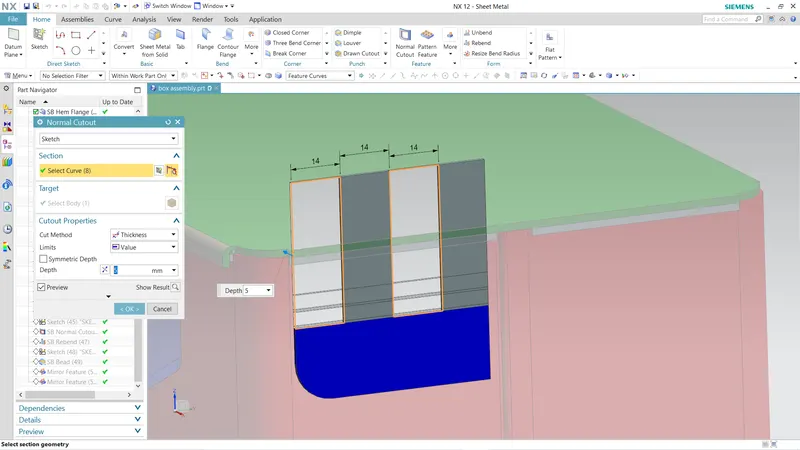
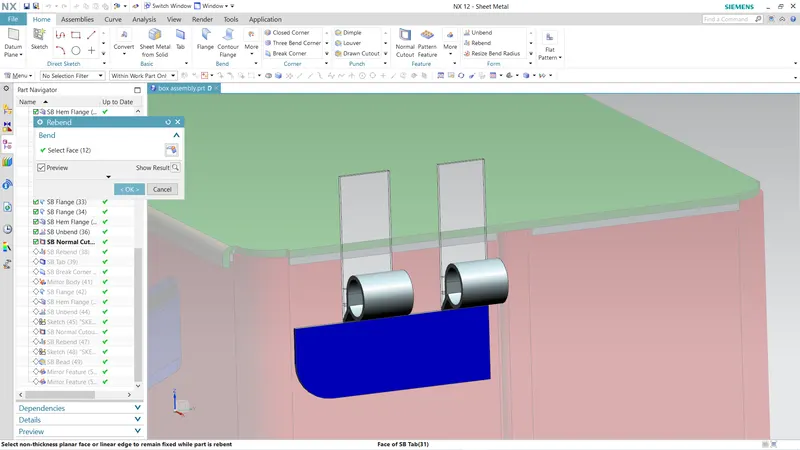
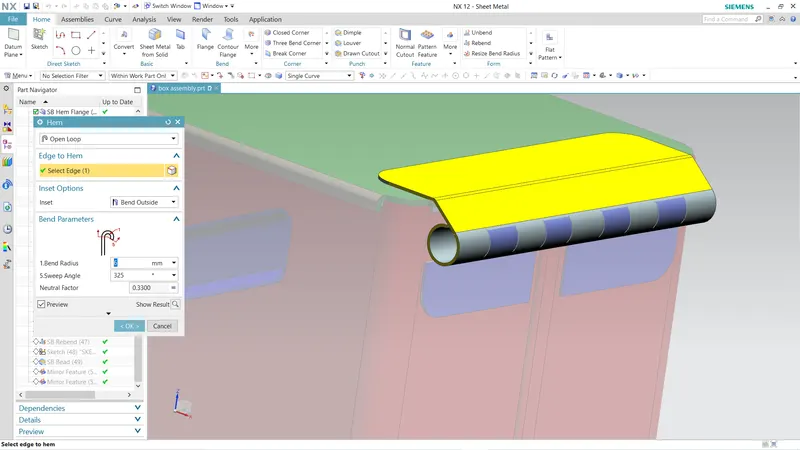
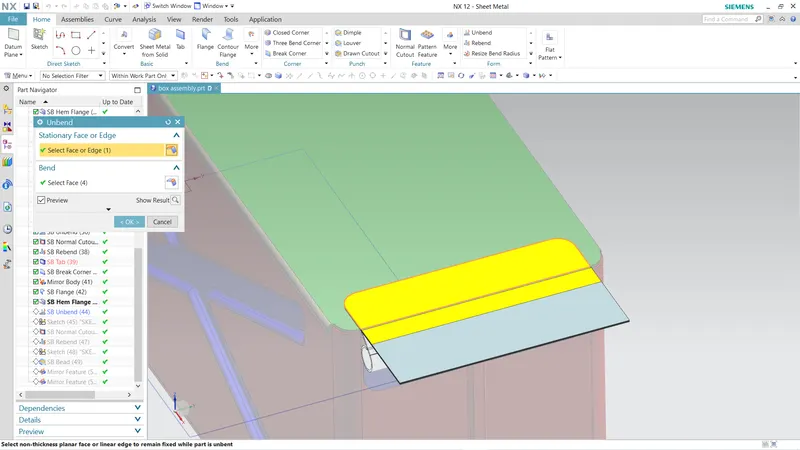
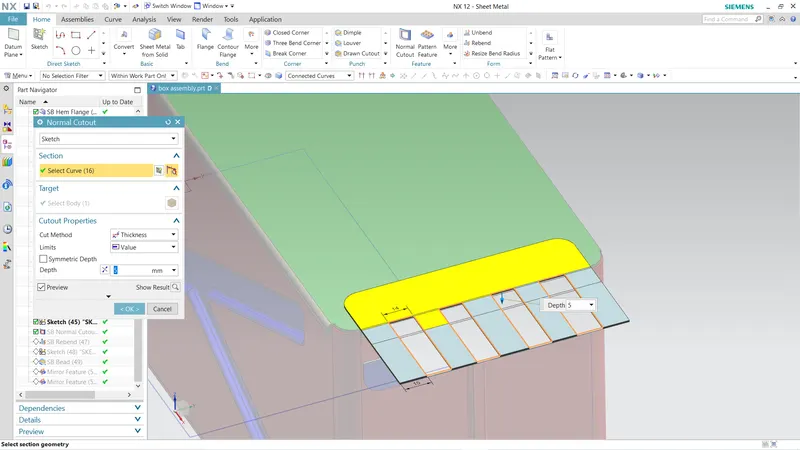
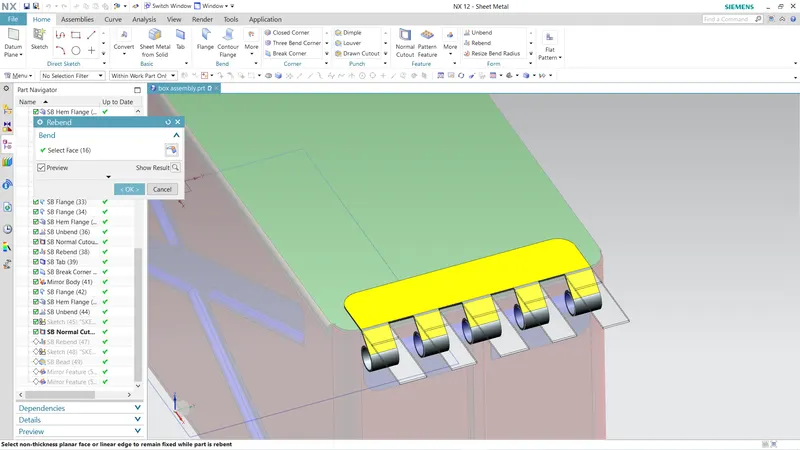
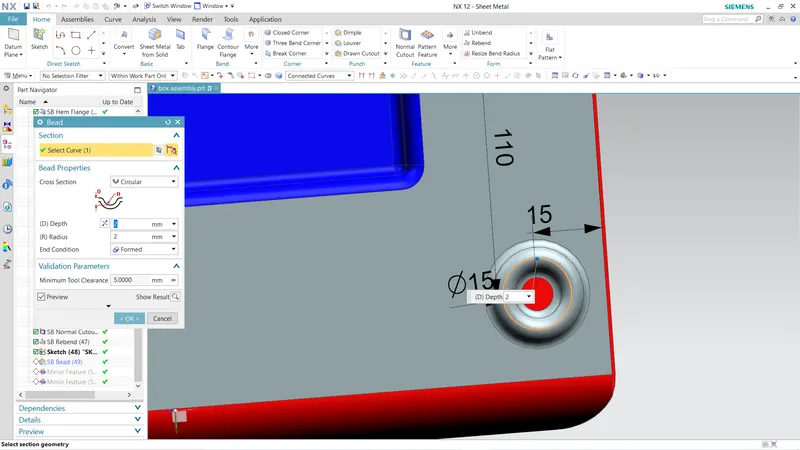
STEP 8 Created a clearence at the bottom to avoid the complete contact of bottom surface with gorund using beads and mirror to the four corners as shown in the figure
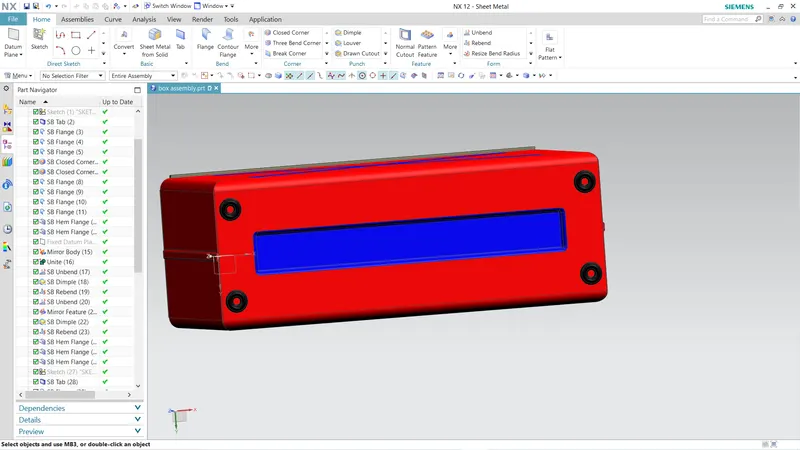
THE COMPLETE ASSEMBLY OF THE BOX