Advanced Sheet Metal Design Using NX Cad Challenge_2_Box Assembly
DESIGN OF BOX ASSEMBLY USING SIEMENS NX CAD
Objective:
The main objective of this project is to design the box assembly using the siemens NX CAD software.
Introduction:
Siemens NX CAD is a software which is used for design features like modelling, sheet metal, shape studio, drafting etc. Its applications are in aircraft bodies, automobile bodies, utensils used for domestic purposes, beverage cans, etc. In this project we learn how to produce a box assembly by the sheet metal application.
Design methodology/approach:
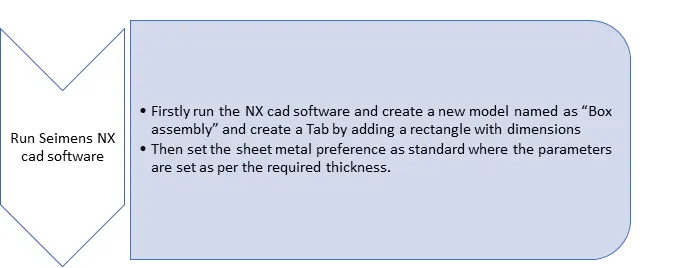
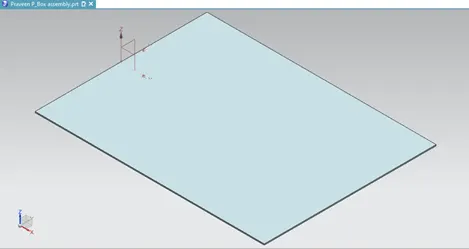
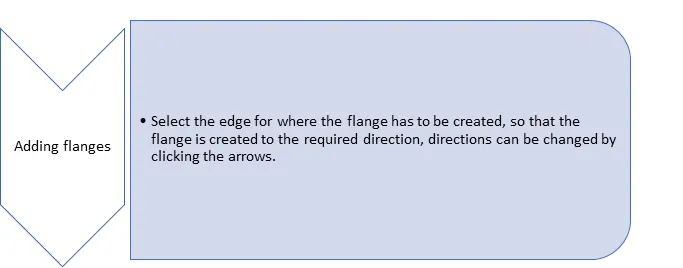
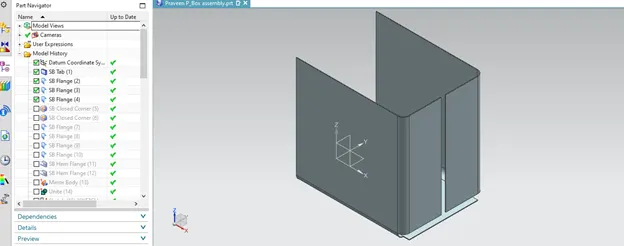
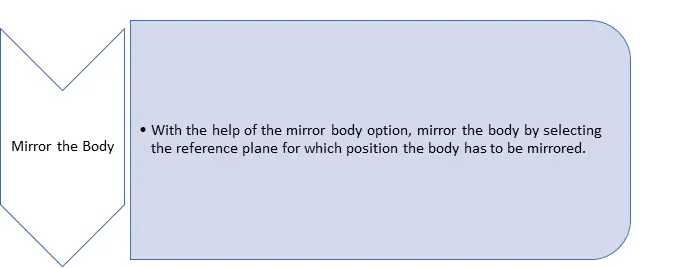
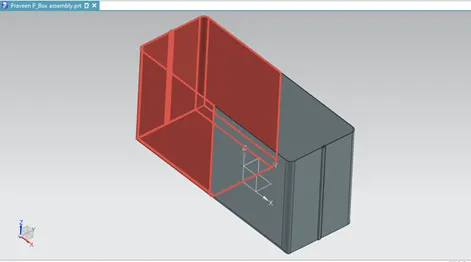
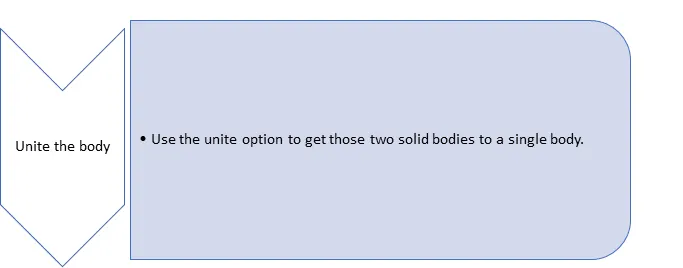
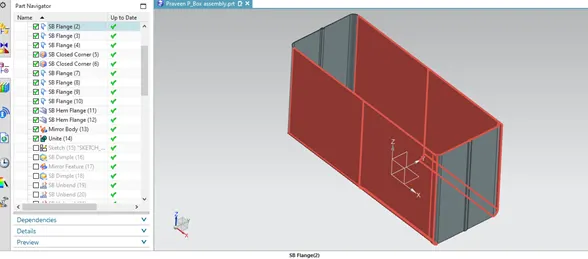
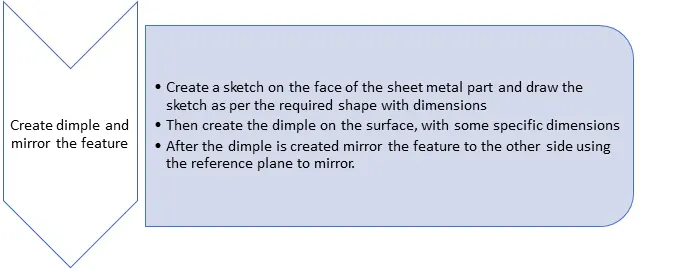
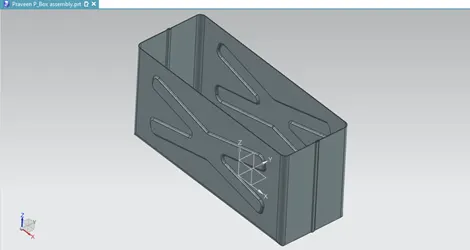
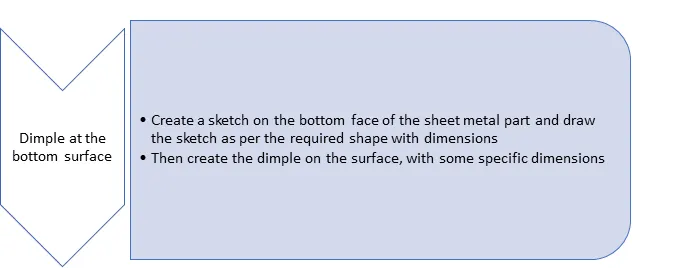
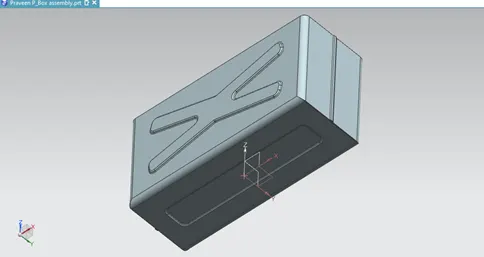
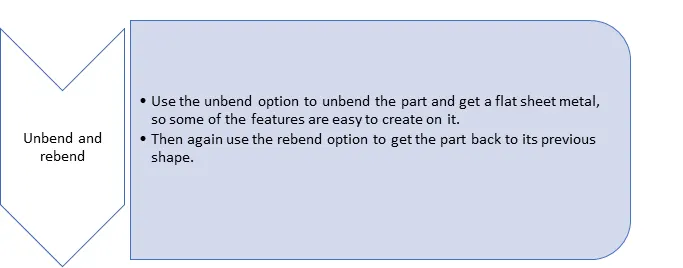
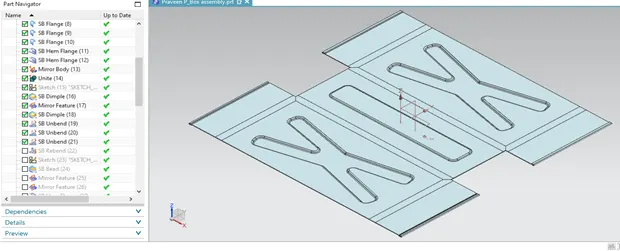
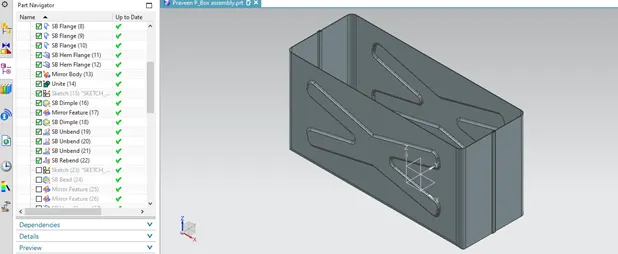
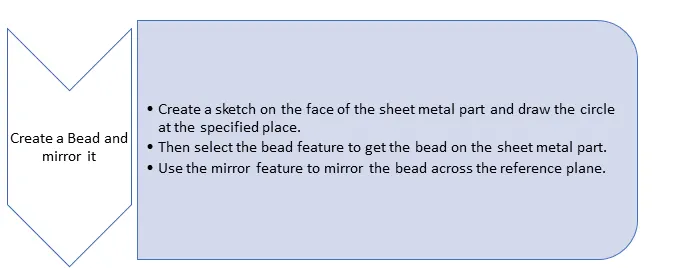
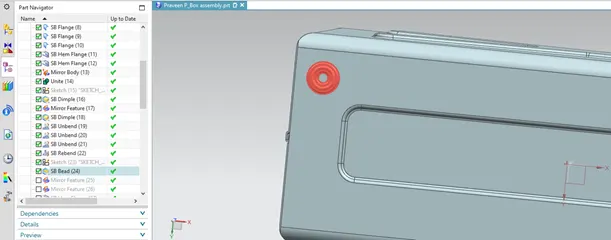
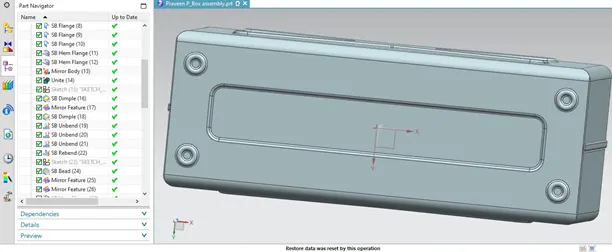
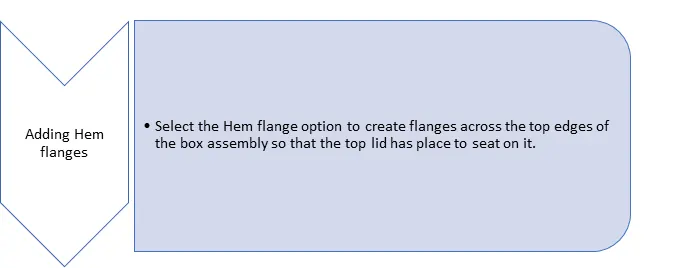
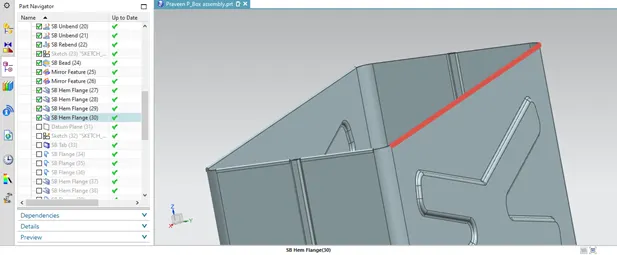
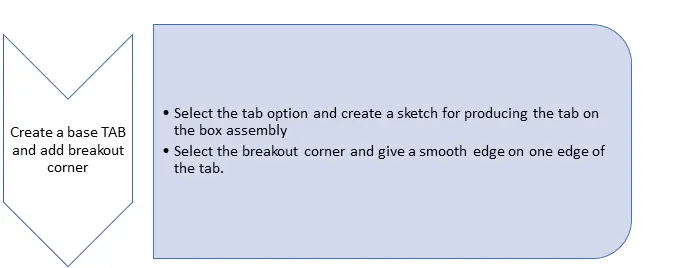
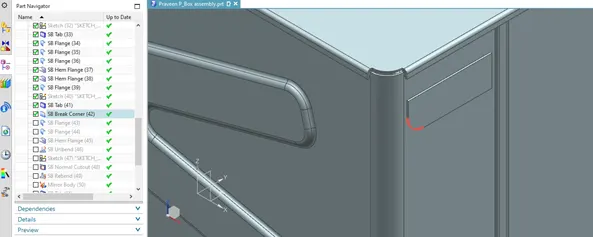
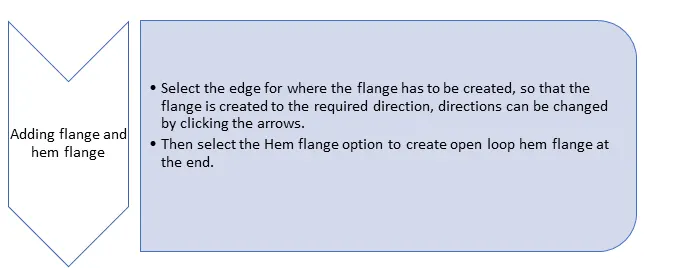
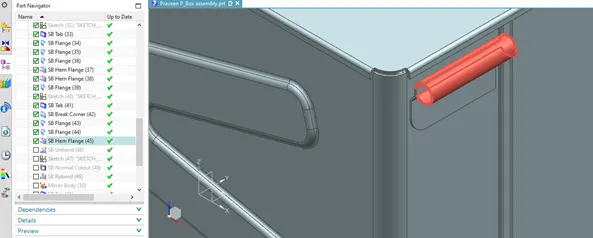
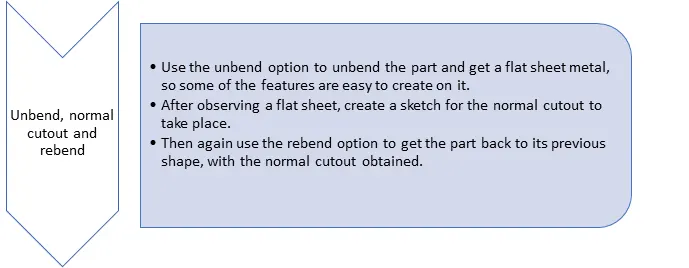
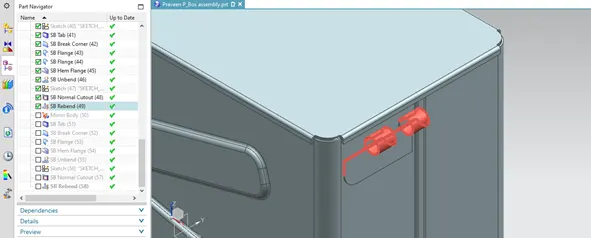
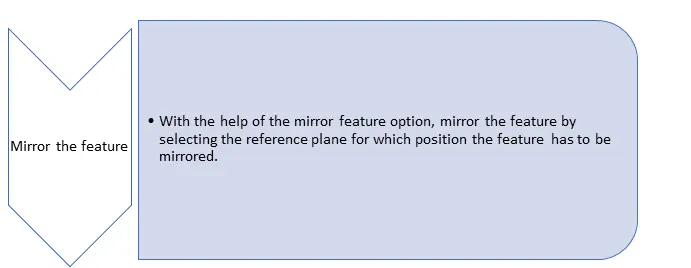
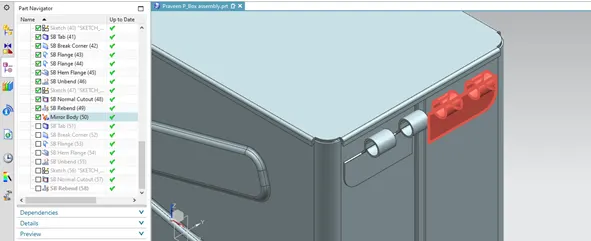
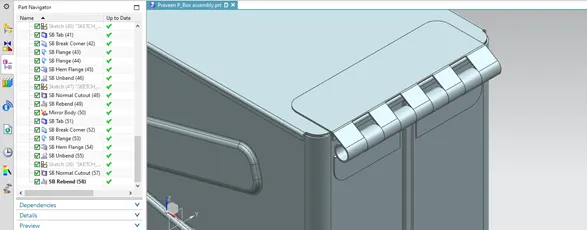
And, the final box assembly ready.
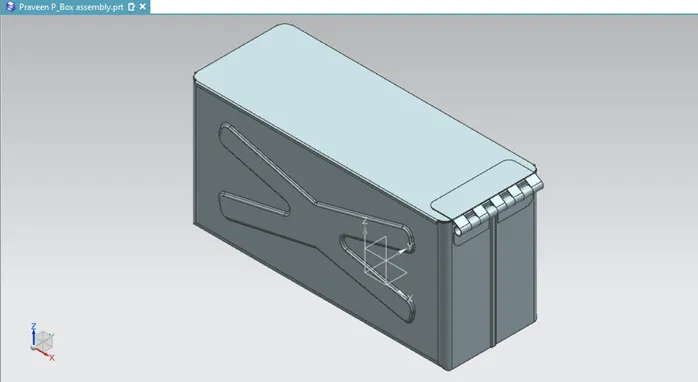
Description:
Briefly explained about the features used in designing the box assembly.
- Tab:
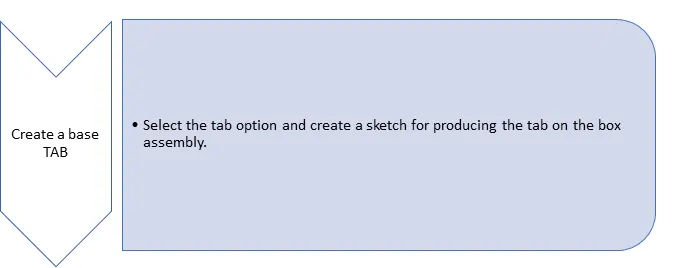
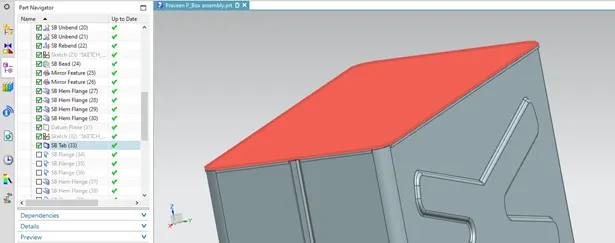
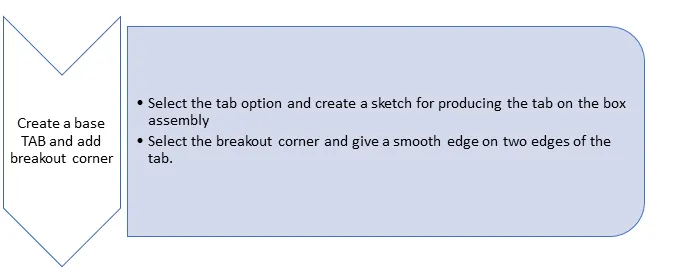
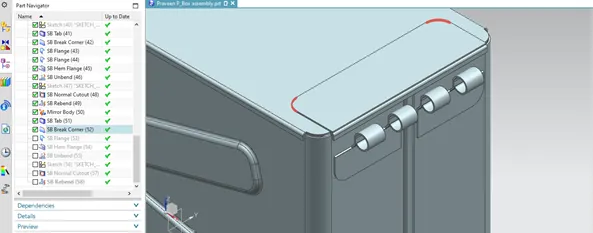
This creates a base feature by extruding a sketch along a vector by a thickness value or adds material to a planar surface.
- Normal cutout:
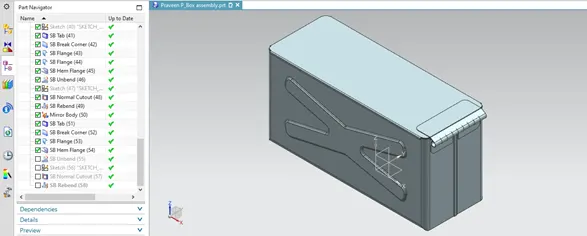
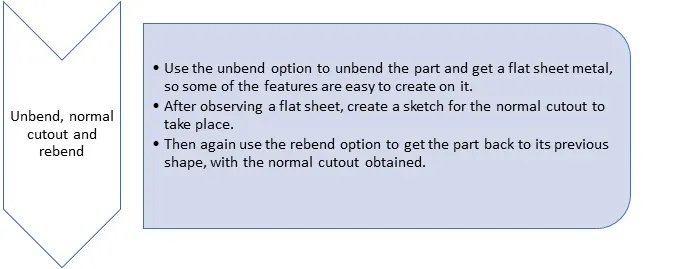
This feature cuts material by projecting a sketch onto the model and then cutting perpendicular to the faces intersected by the projection.
- Bend:
This feature modifies the model by bending the material on one side of the sketch line, adding a bend between two sides.
- Flange:
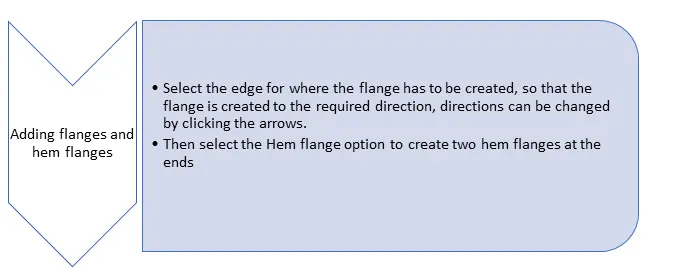
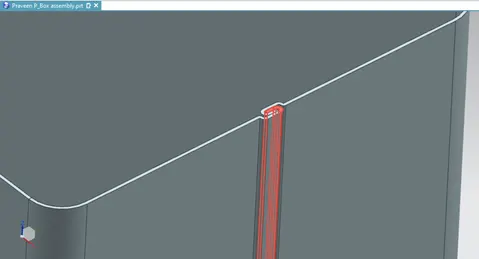
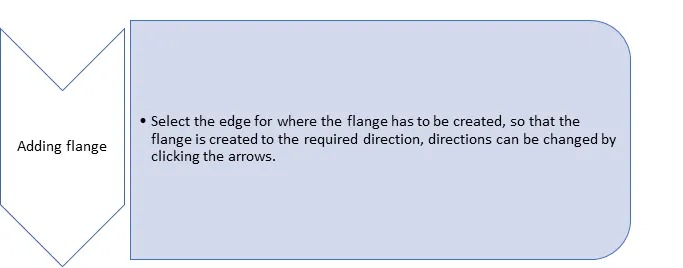
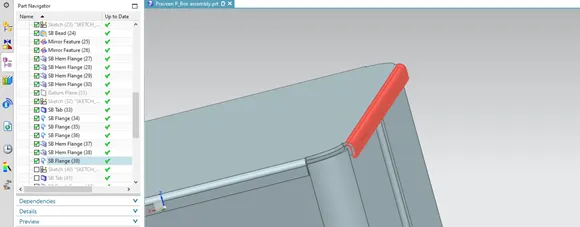
This command adds a flat flange at an angle to a planar face and adds a bend between two.
- Breakout corner:
This command creates rounds or chamfers a sharp corner of a tab or flange.
- Unbend:
This feature flattens the bend and a material adjacent to the bend.
- Hole:
This feature helps to add hole in one or more solid bodies in a part or assembly with options for counterbored, countersink and threaded.
- Dimple:
This feature lifts an area of the model inside the sketch that simulates a stamping tool.
- Bead:
This feature lifts material along the contour of a sketch that simulates a stamping tool.
- Mirror feature:
This copies the feature and mirrors it across the plane.
- Rebend:
This feature restores an unbend feature to its previous bend state, along with any feature added after the unbend feature.
- Flat pattern:
This feature creates a flat pattern feature from the formed sheet metal part.
- Unite:
This feature combines the volume of two or more solid bodies into one single body.
- Closed corner:
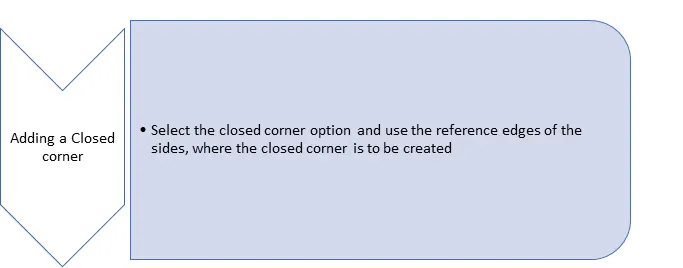
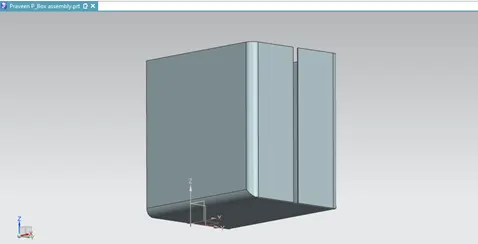
This closes a corner where two adjacent faces meets by extending the bends and flanges.
Different views of the box assembly:
- Front view
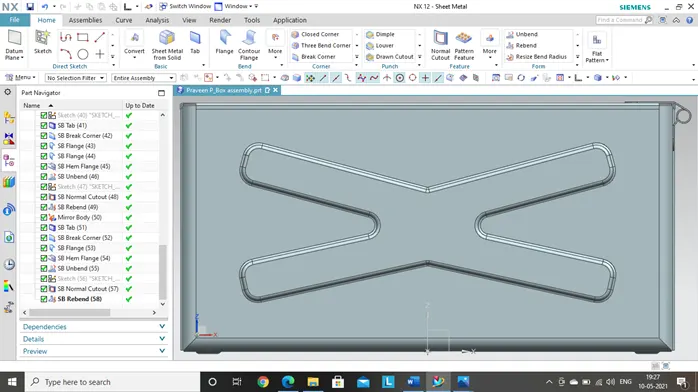
- Left side view
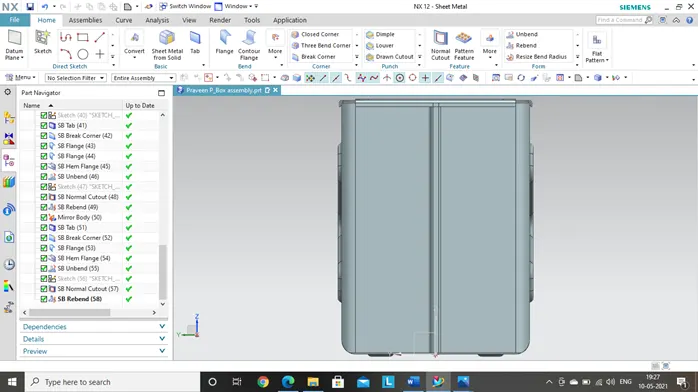
- Right side view
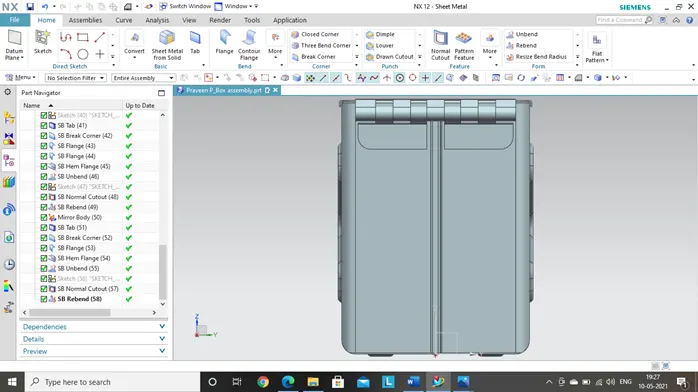
- Isometric view
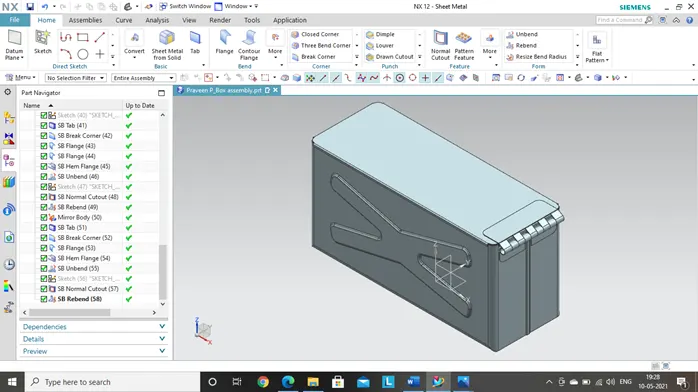
- Top view
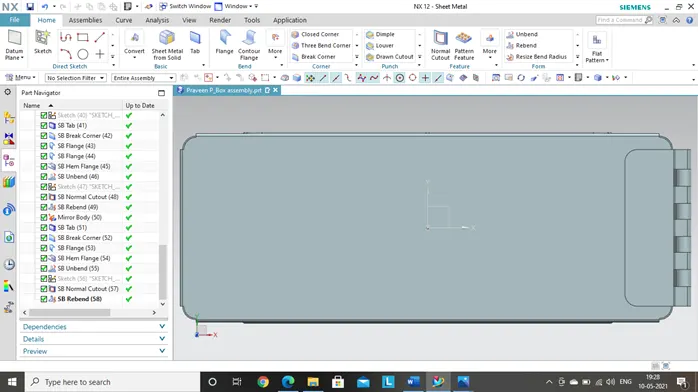
- Studio view
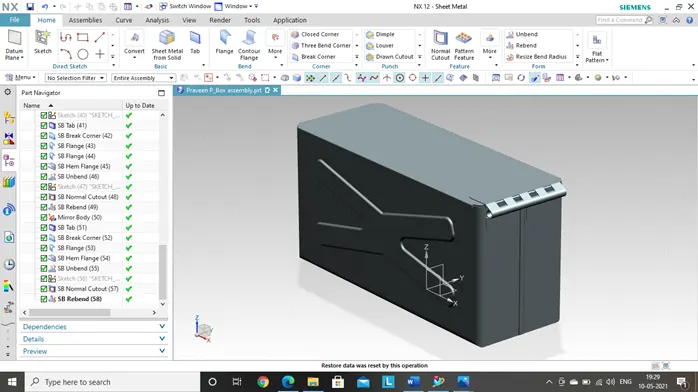
Conclusion:
We hereby conclude that the sheet metal box has been designed with the mentioned parameters by using all the features in the Siemens NX sheet metal application.