Advanced Sheet Metal Design Using NX Cad Challenge_1_Casing Design
1.Title Of The Project:-
Advanced Sheet Metal Design Using NX Cad Challenge _1_Casing Design.
2.Objective:- To design Casing with the help of NX Advanced Sheet Metal.
3.Introduction:-
NX Sheet Metal provides a set of tools within the NX design environment that enables simple and fast design of sheet metal parts depending on their material and manufacturing process. NX sheet metal design software includes material and process information in sheet metal-specific modeling features: bends, fillets, projections, cutouts, hems, dimples, louvers, corner and edge treatments, patterns, and other shapeable features.
We can also quickly convert solid models to sheet metal parts and create sheet metal parts that wrap around other parts.
Features specific to NX Sheet Metal such as flanges, bosses, chamfers, corner conditions and drawn cutouts and many more along with productivity enhancements such as – automatic bend relief.
So in this project I will design a shell using sheet metal tools and commands.
4.Design Methology / Approch :-
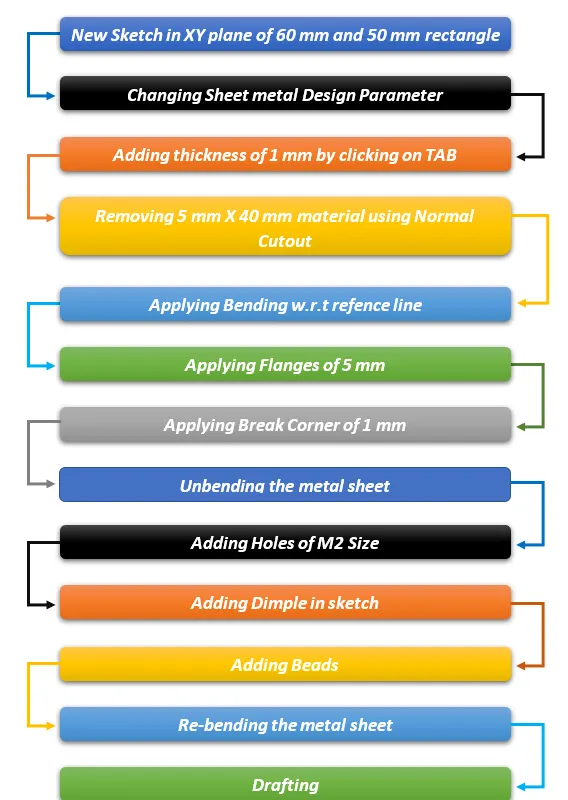
Description:-
The Important tools which used during designing of Casing Are as Follow:
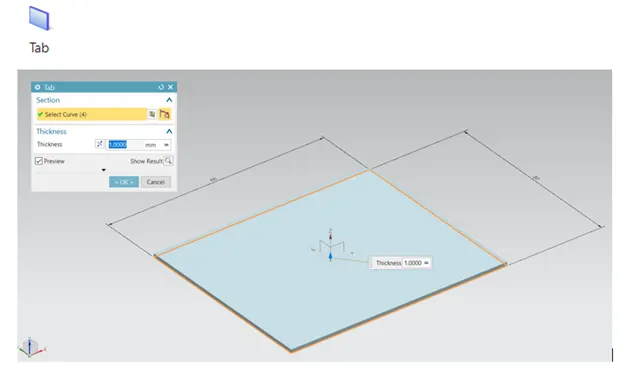
TAB:- Creates a base feature by extruding the sketch along a vector by a thickness value or by adding material to a planar surface.
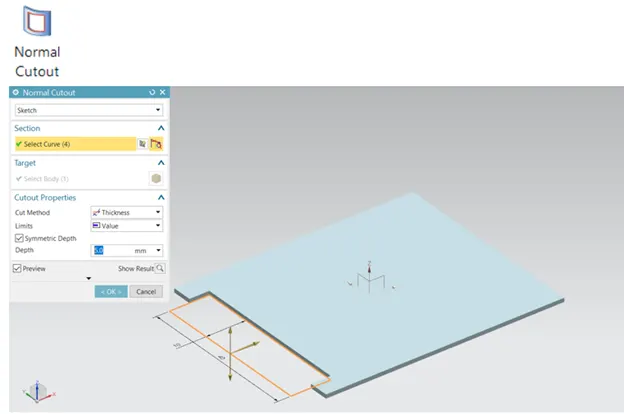
Crop:- Crops the model perpendicular to the sketch.
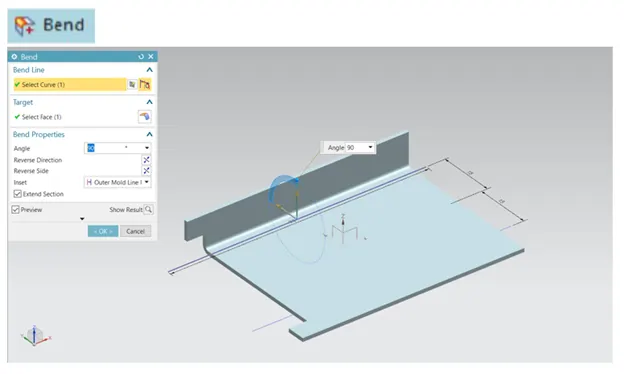
Bend:- Modifies the model by bending the material on one side of the sketch line by adding a bend between the two sides.
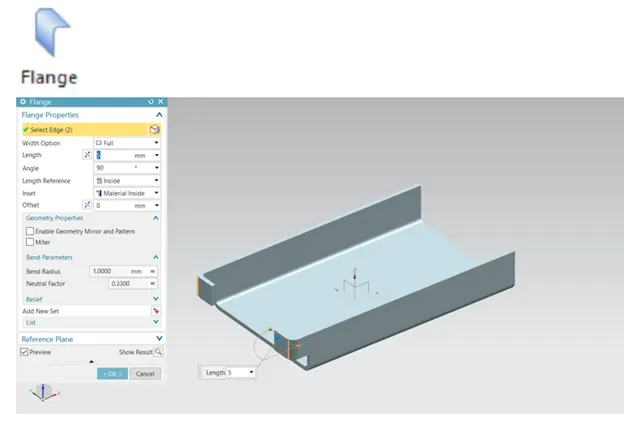
Flange:- Adds a flange to an angle to a plane surface and adds a bend between them.
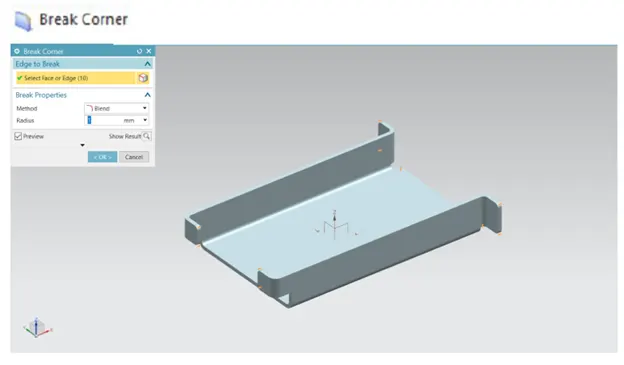
Break Corner:- Rounds a sharp corner.
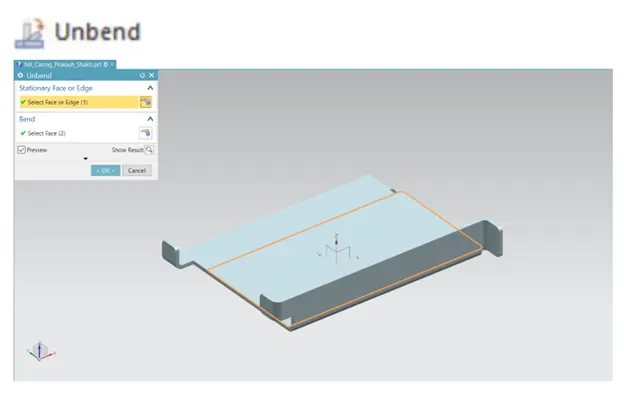
Unbend:- Unbends the bend.
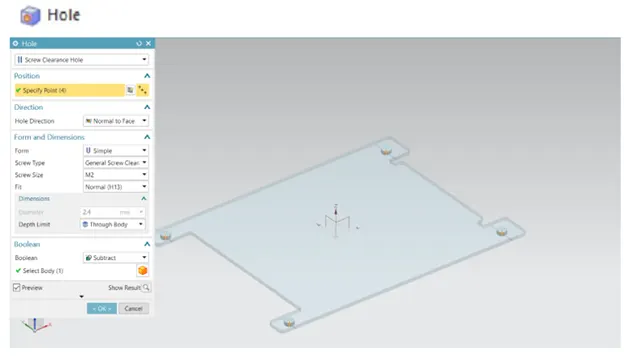
Hole:- The Hole command is used to create a hole on one or more solids in a part or assembly with countersink, countersink, and thread options.
Studio Spline:- Creates a spline through defined points. During the activation of the command, we can change the positions of the points or drag the points.
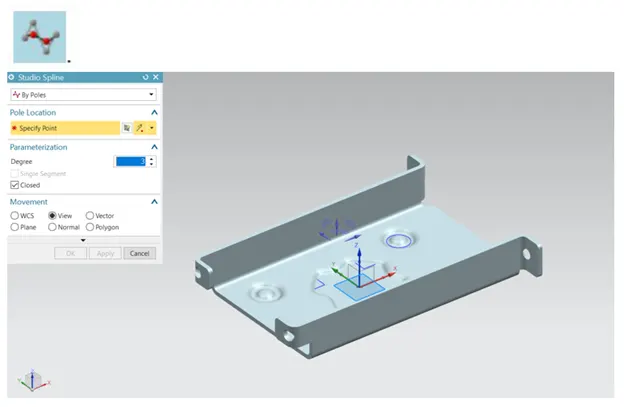
Move curve: -We can move our sketch entities according to selected reference and reference points, which makes moving sketch objects very efficient.
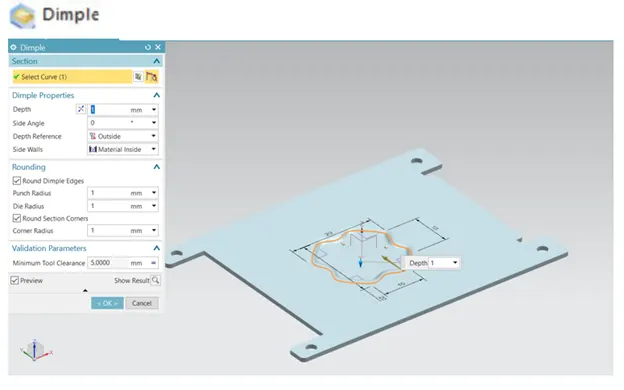
Dimple:- Raises an area of the model inside the sketch that simulates tool pressing.
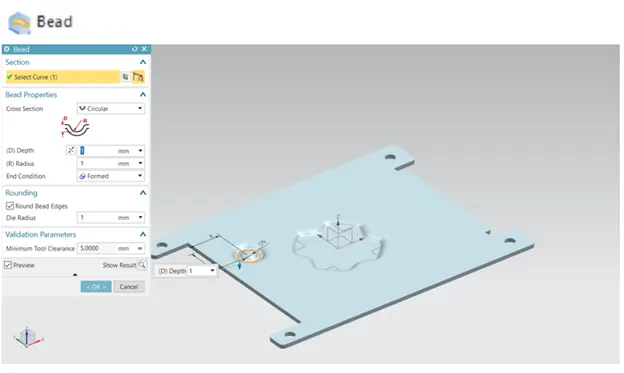
Bead:- Raises the material along the sketch counter, which simulates tool pressing.
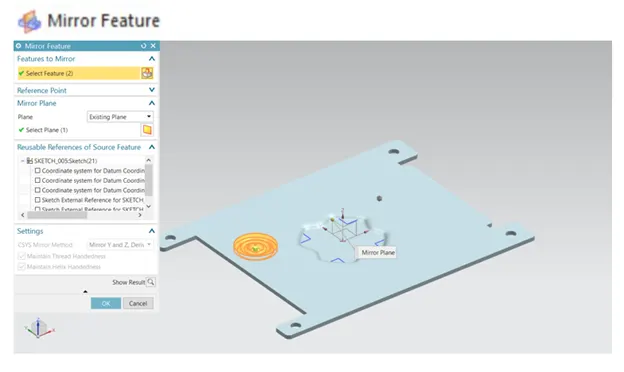
Mirror feature:- Used to mirror w.r.t plane or reference.
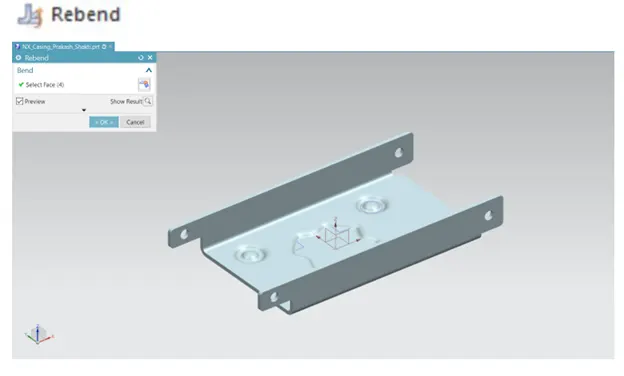
Rebend:- Restores the bend.
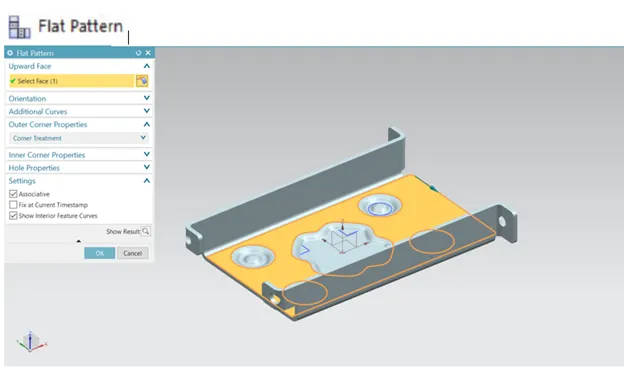
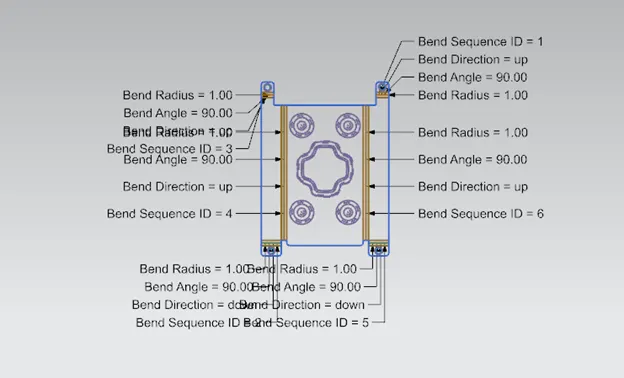
Flat Pattern:- Creates a Flat pattern feature from a shaped sheet metal part.
Front View:-
Side View:-
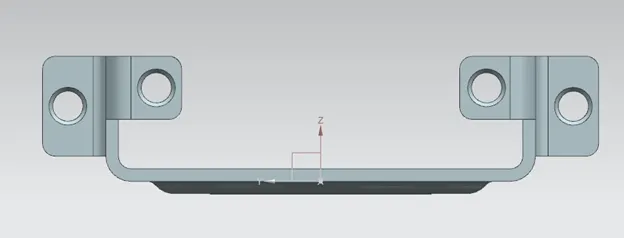
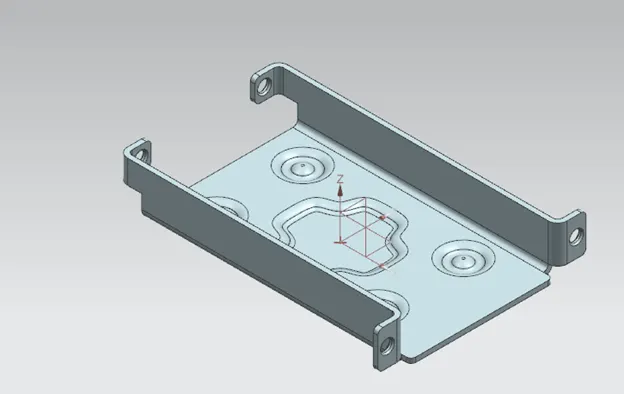
Isometric View:-
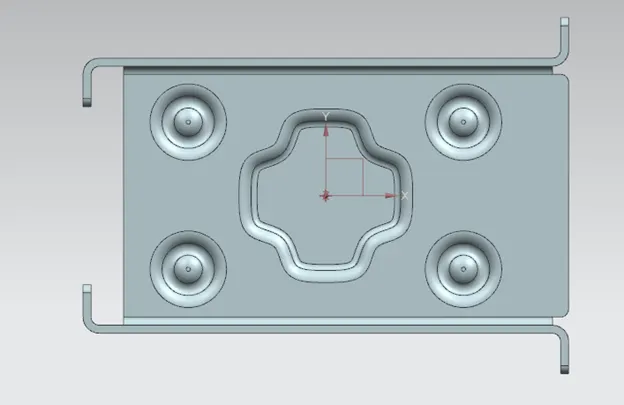
Top View :-
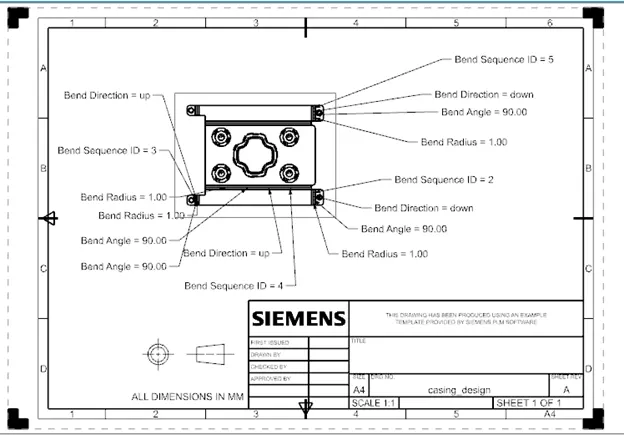
Attach Detailed Drawing Sheet Image:-
Conclusion:-
While designing the casing I understood and learned various tools like Tab, Flange, Dimple, Bending, unbending and many more in NX sheet metal.