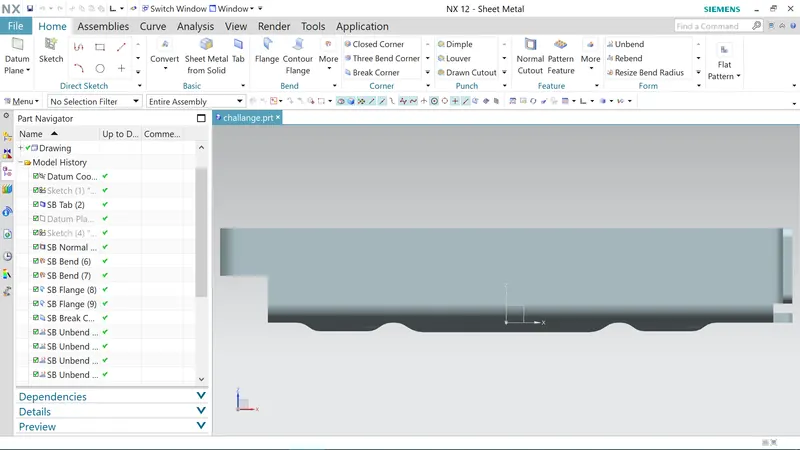
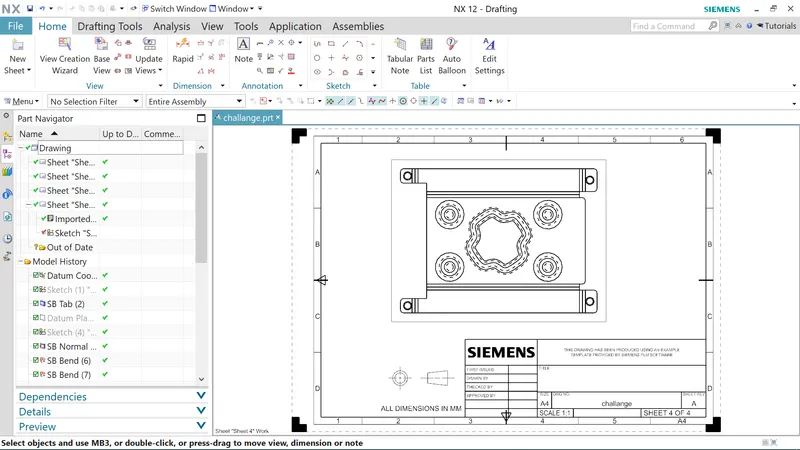
Advanced Sheet Metal Design Using NX Cad Challenge_1_Casing Design
CASING DESIGN REPORT
Objective:
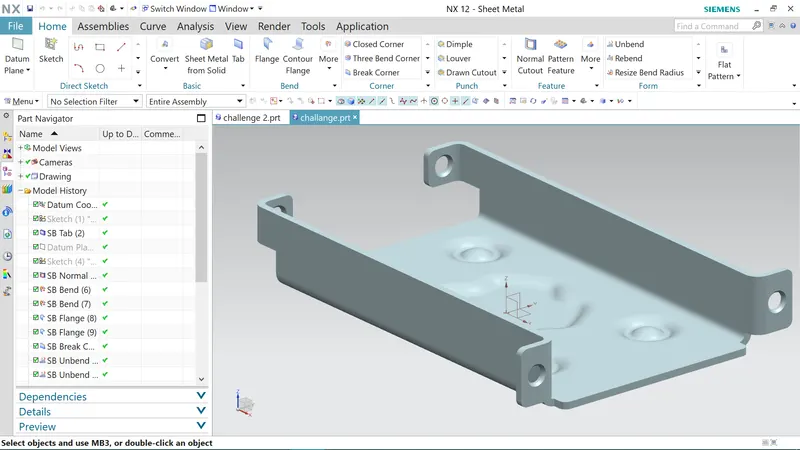
To design a sheet metal casing using NX-CAD software.
Casing design intodution:
- In this challenge, I will learn to design the casing using the given master section by using advanced sheet metal commands in NX_CAD.
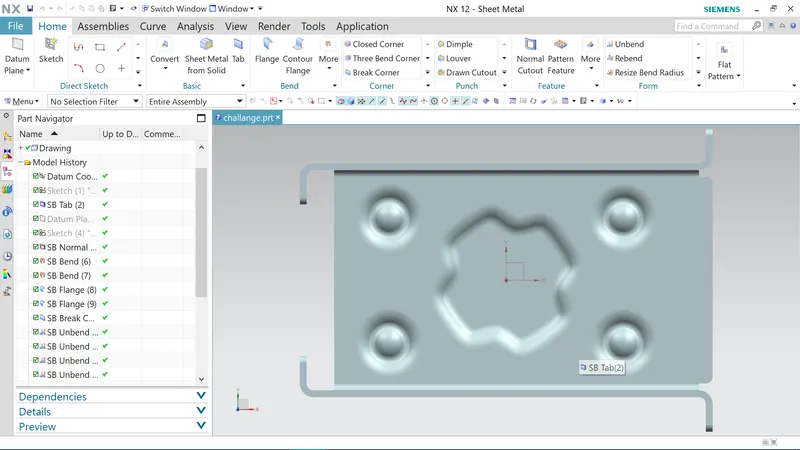
- I used different features such as tab, normal cutouts ,bend, flange, break corner, unbend, hole, dimple, bead, rebend, and flat pattern.
- I going to design in the sequence and I used to create casing design by using sheet metal.
Features used in casing design:
- Sketch: XY Plane
- Tab
- Normal cutout
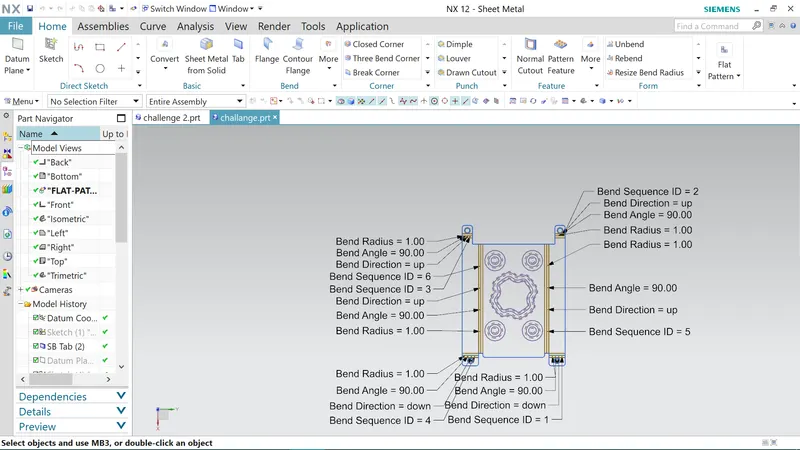
- Bend
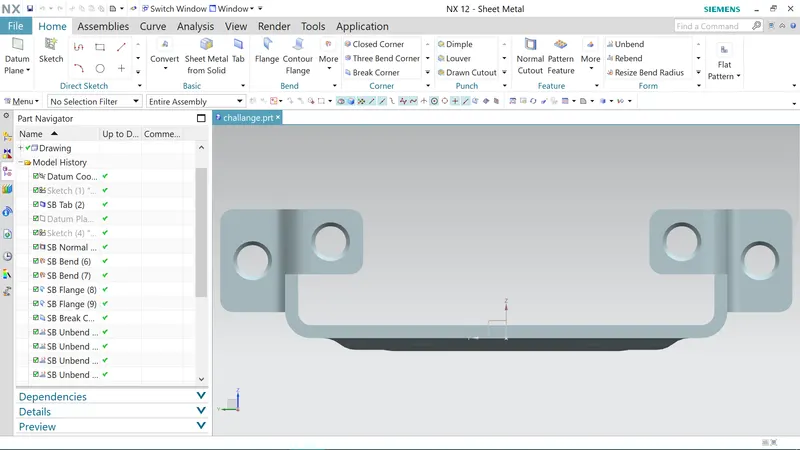
- Flange
- Break corner
- Unbend
- Sketch: studio point
- Hole
- Sketch: studio spline
- Dimple
- Bead
- Mirror feature
- Rebend
- Flat pattern
- Drafting
- Base view
Features description:
Tab:
- The tab is most used to design the base solid by using sheet metal.
Bend:
- Individual bends change can be done for any bends in your part with resizing bend angle, resizing neutral factors, and resizing bend radius.
Flange:
- The flange is external or internal edges or rim for strength as the flange and selects the edge to add the flat flange.
- Apply the same flange to the corresponding symmetric edge of the sheet metal.
Break corner:
- The break corner feature breaks the sharp edge in the corner and makes it round.
- The blend method is used to avoid the sharp edge.
Unbend:
- unbend is a very useful tool in the NX_CAD. In the unbend dialog box . select as stationary face the larger horizontal (inside the plane) face of the metal sheet.
- Select the bend face one of its adjacent faces.
Hole:
- Hole feature can be created simple, screw clearance hole and a fit. In the hole dialog box, use a screw clearance hole as a type with an M2 screw size and an H13 fit.
- Set the depth limit option to through the body.