Advanced Sheet Metal Design Using NX Cad Challenge_1_Casing Design
Title Of The Project:
Casing
Objective:
Design the casing in sheet metal using NX CAD.
Introduction:
In this project we design Casing using basic sheet metal commands such as Break Corner, Normal Cutout, Dimple, Flange, Tab, etc.
Design Methodology:
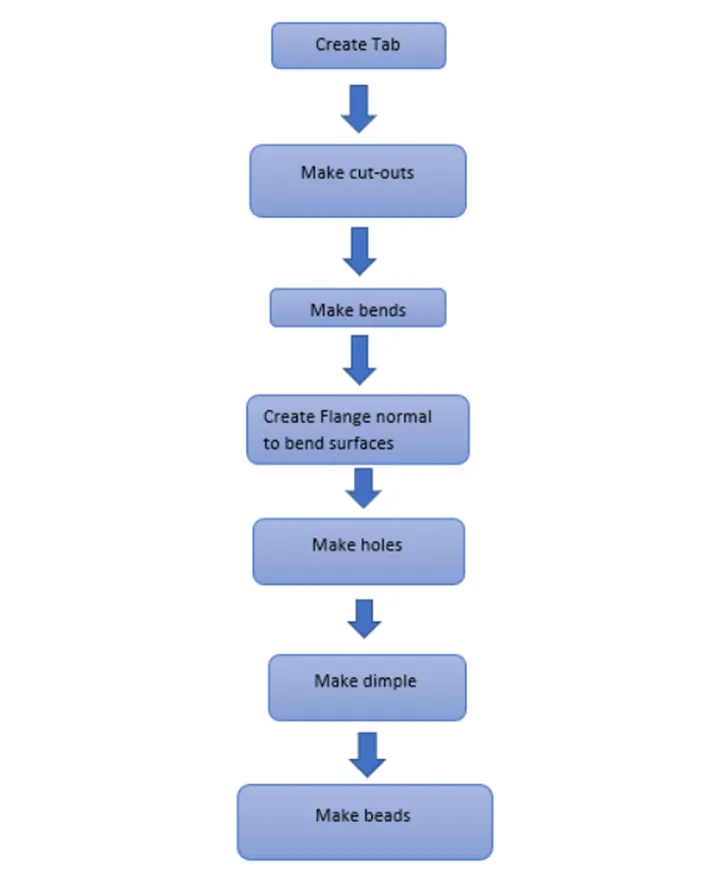
Description:
Feature/tools used to create box assembly:
1. Sketch: It is used to make a 2d sketch.
2. Tab: It is used to create the base of the Casing.
3. Flange: It is used to make flanges to tab.
4. Dimple: It is used to create a raised dimple.
5. Unbend: It is used to unbend the component.
6. Rebend: It is used to Rebend the component
7. Break Corner: It is used to give fillets to corners.
8. Normal Cut-out: It is used to make cut-outs on sheet.
9. Bead: It is used to make beads on surfaces. .
10.Flat Pattern: It is used to make a flat form of component.
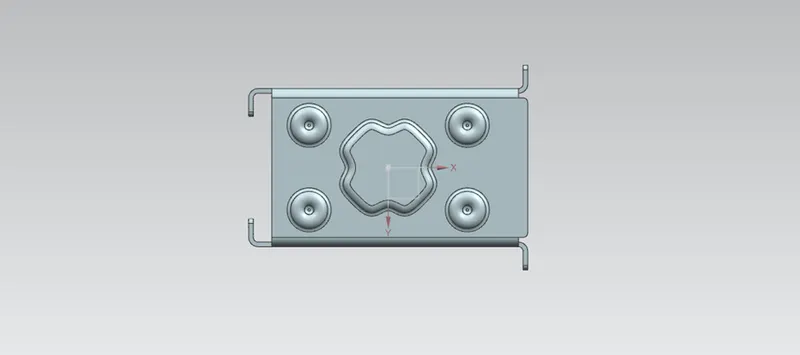
HERE ARE THE SOME IMAGES OF PART:
Front View:
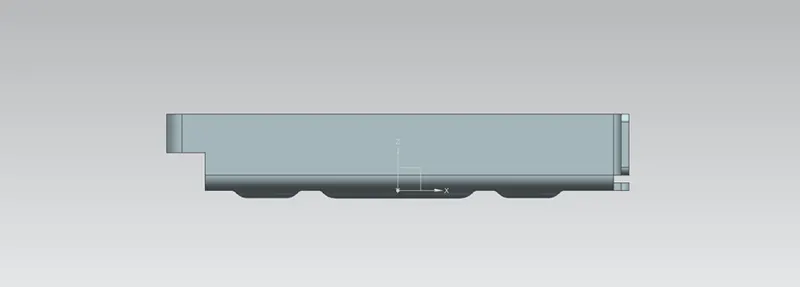
Side View:
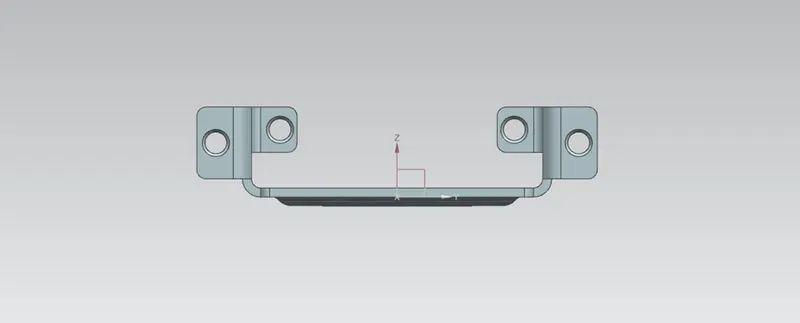
Top View:
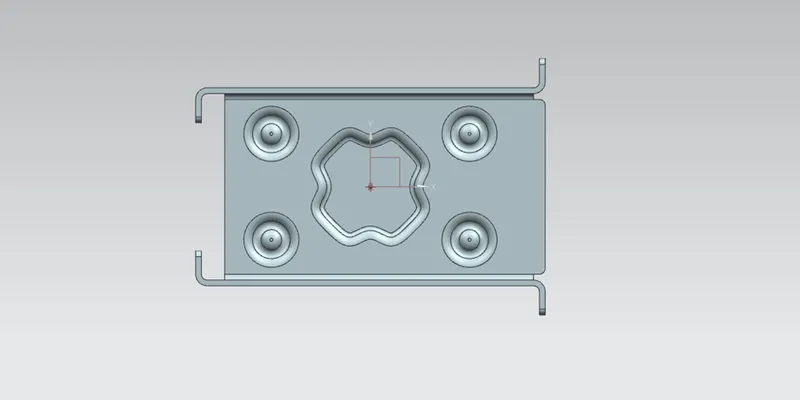
Bottom View:
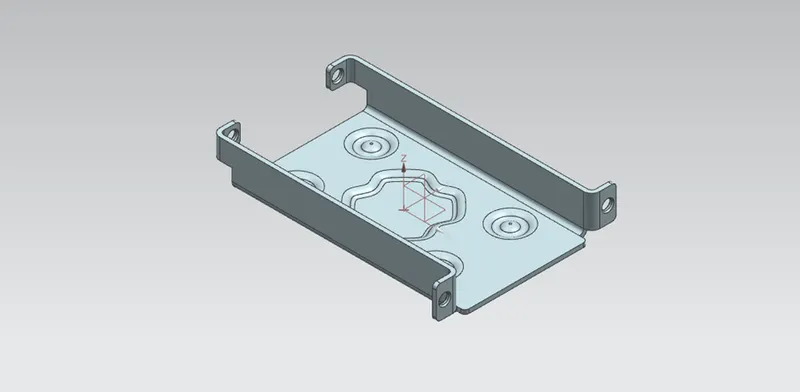
Isometric View:
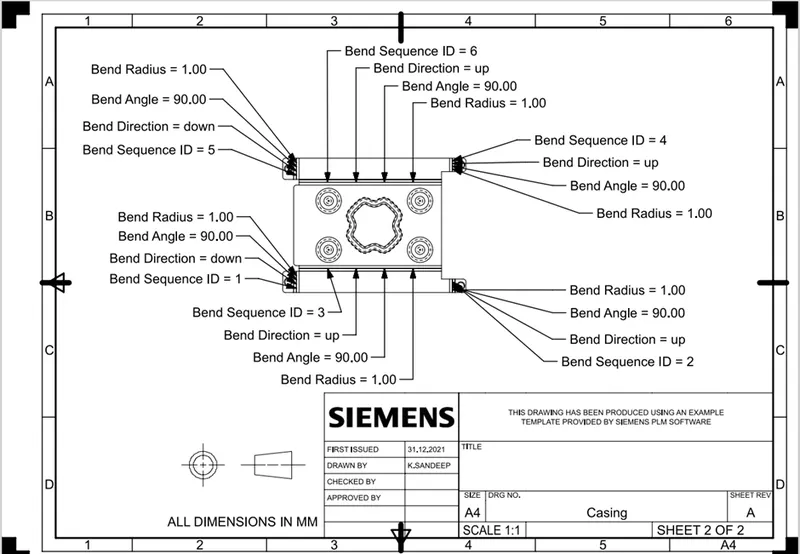
Detailed Drawing Sheet Image:
Conclusion:
Casing modelled successfully in sheet metal using NX CAD.