Advanced Sheet Metal Design Using NX Cad Challenge_1_Casing Design
Advanced Sheet Metal Design Using NX Cad
Casing Design
Lijith V M
Introduction
In this project, we are to learn Casing Design using NX Cad for modeling. Siemens NX is a cutting-edge software that is highly useful for the manufacturing sector. It provides many applications like sheet modeling and modeling and drafting.
NX Sheet Metal contains a powerful set of tools to design and optimize sheet metal parts. Standard bending calculations, sheet metal features, and advanced analysis tools all contribute to improving quality and reducing the cost of sheet metal parts.
NX Sheet Metal provides a set of tools within the NX design environment that allows for simple and fast design of sheet metal parts, dependent on their material and manufacturing process, the most common of which is straight brake sheet metal forming.
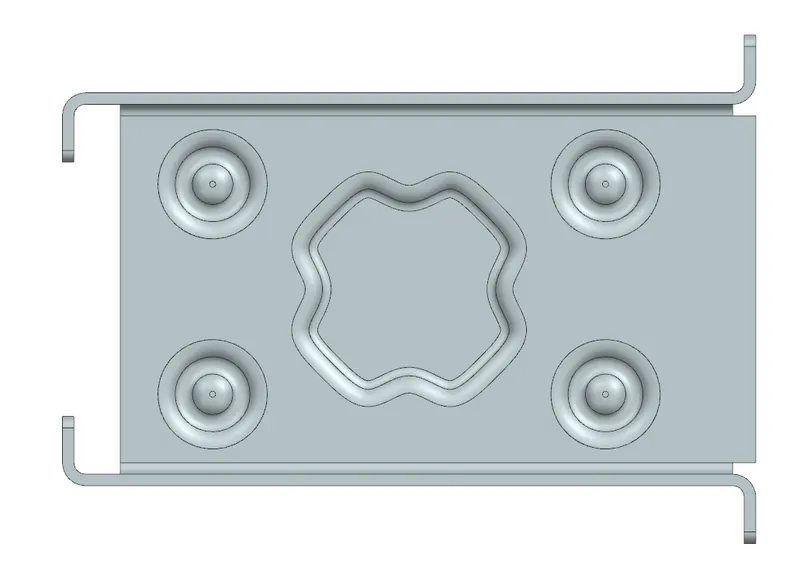
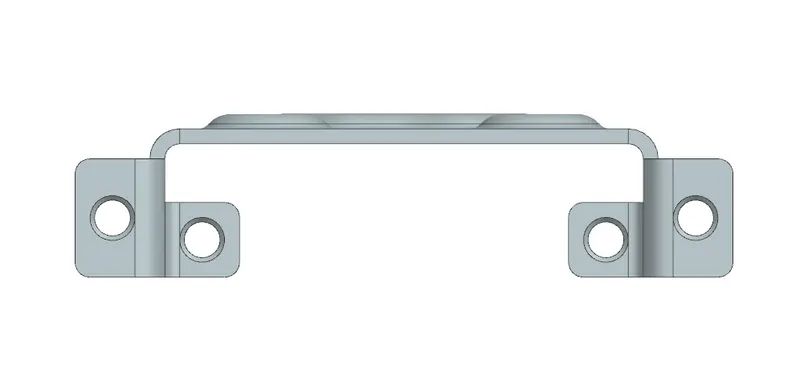
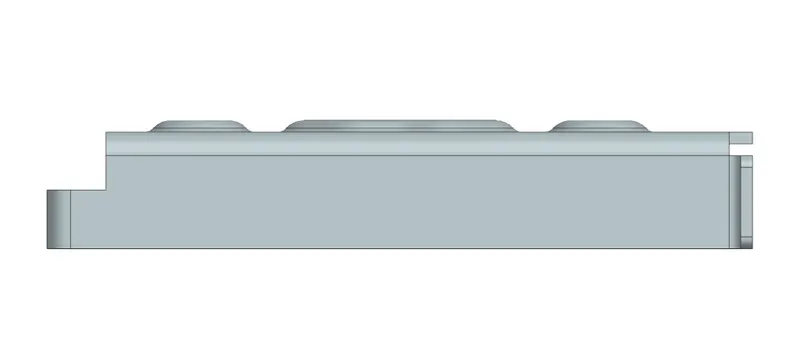
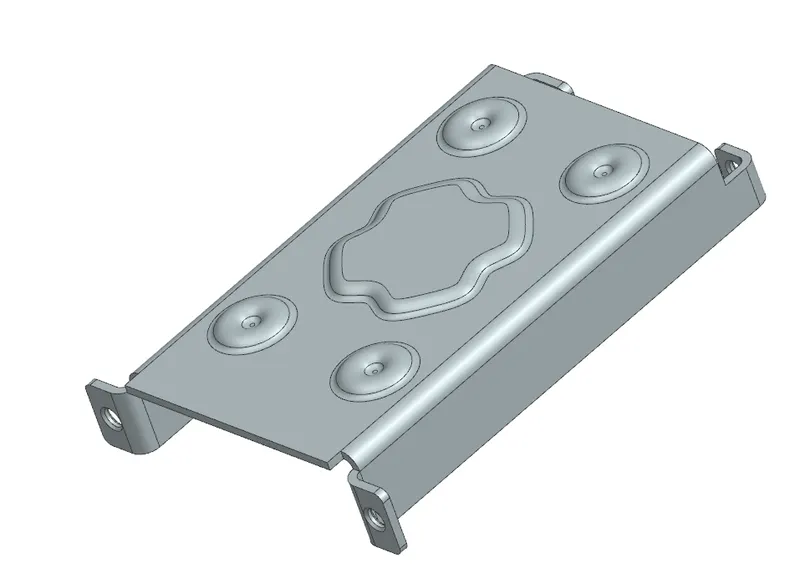
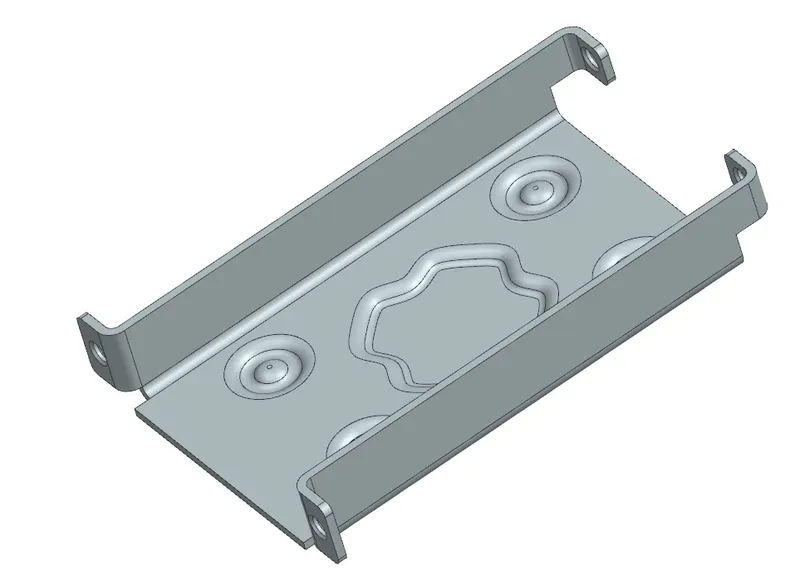
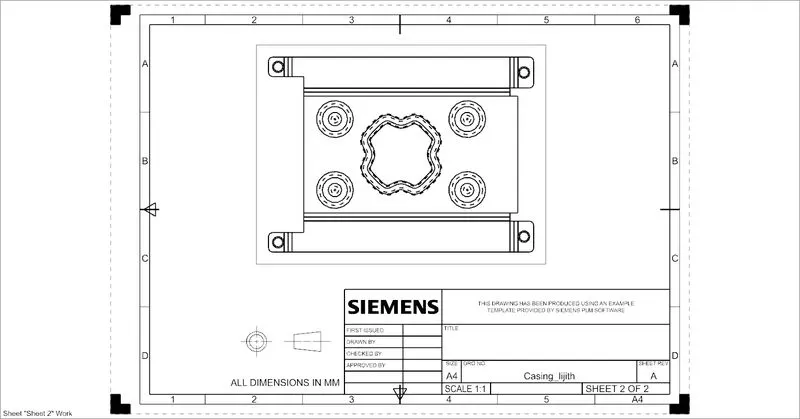
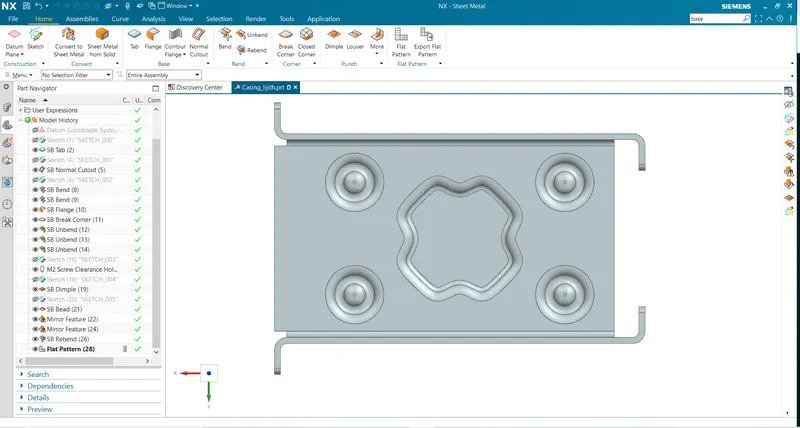
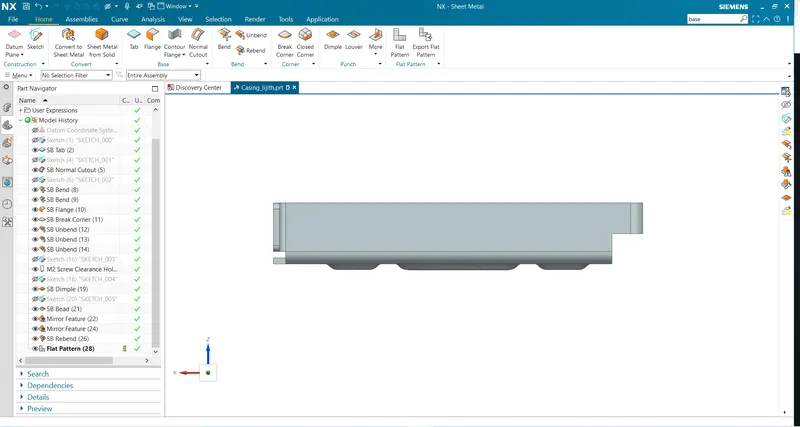
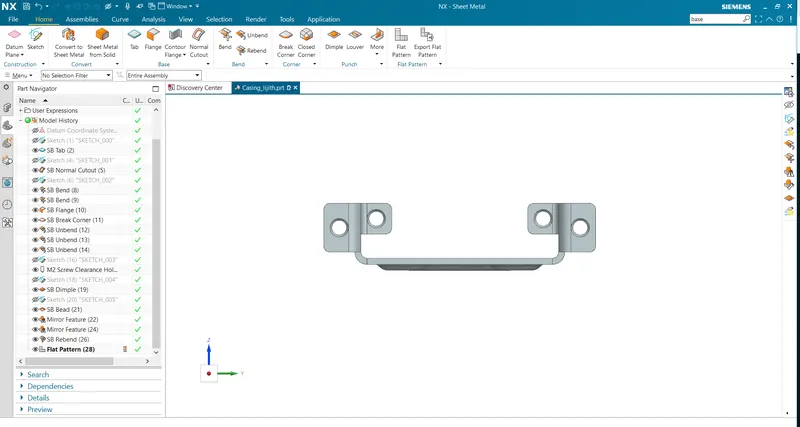
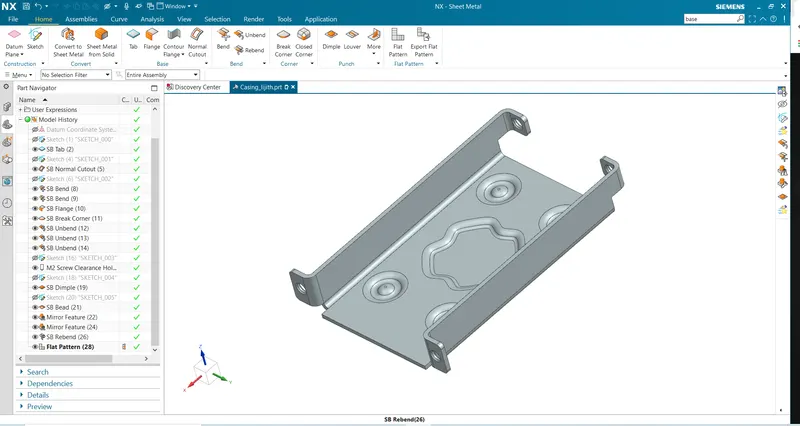
In Casing Design, NX sheet metal tools like flanges, tab, bend, dimple, bead, etc to get the final model. The drafting tool is used to get the technical sketch of a casing made.
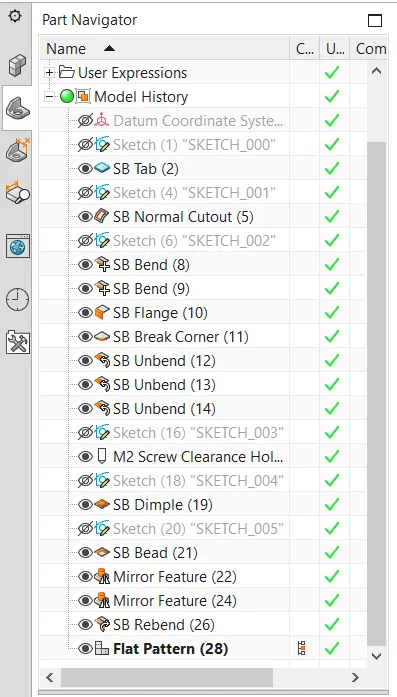
2.Tools / Features Used
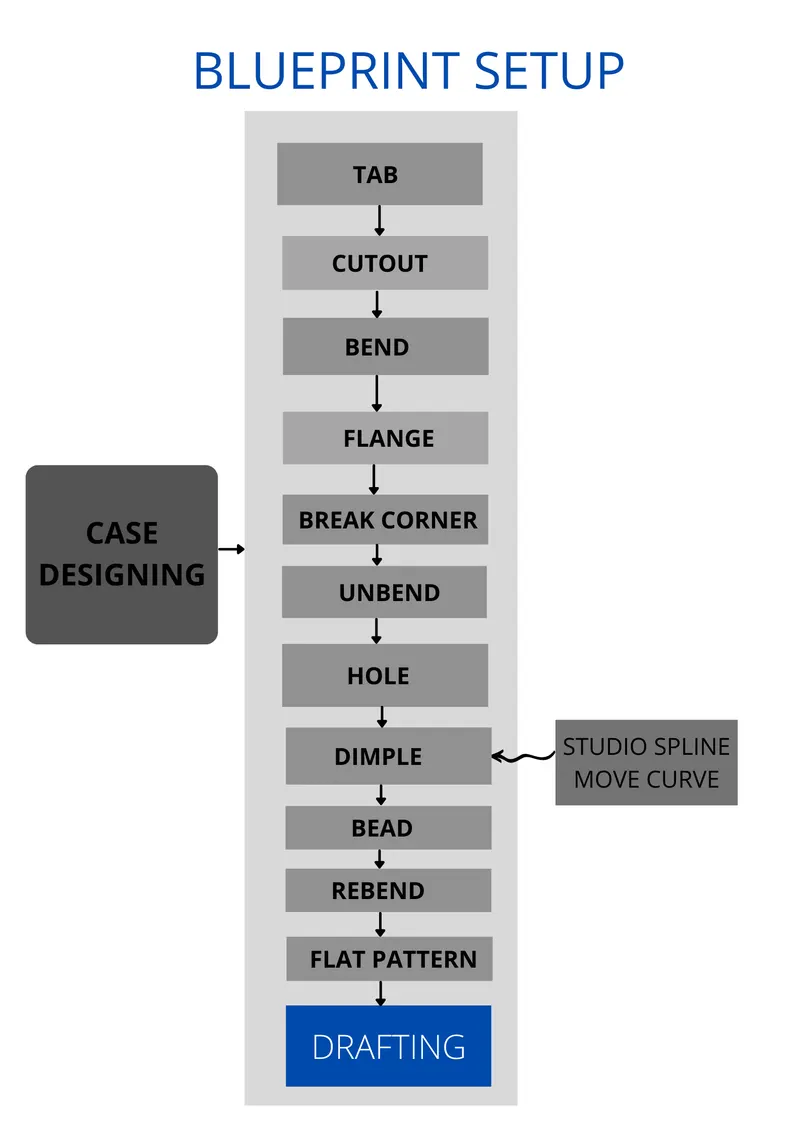
- Tab: Tab is the feature that helps to extrude a sketch or to give thickness to a sketch. Tab also adds material to the plane face.
- Cutout: It helps to cut out material from a surface. Sketches are made on the surface. It can be lines, curves, or closed sketches to cut out material from the surface.
- Bend: It helps to create bend between the surfaces based on the reference lines. Modifies the model by bending material on one side of a sketch line adding a bend between two sides.
- Unbend: It helps to unfold the model surfaces and exhibit all surfaces to a plane. It flattens the bend.
- Flange: Flanges are used to create a bend between two walls. The flange can only be made on a straight edge. It can be bent at any angle in different directions.
- Hole: To create incisions on the surface based on the requirement. Closed sketches are made on the surface to create holes.
- Dimple: Lifts the material inside the sketch. The sketch is stamped on the surface of sheet metal.
- Bead: Lifts material from the surface based on the sketch we provide. The sketch is stamped on the surface of sheet metal.
- Rebend: It helps to fold back the surfaces as they were. Bend and Rebend are the opposite tools that help in unfolding and folding surfaces.
- Flat pattern: Creates flat pattern features from formed sheet metal. Creating a flat solid allows the designer to quickly get a flattened model of the bent sheet metal part. This tool can be extremely useful to measure the total area of the sheet metal required for the component.
- Break Corner: It helps to round up the sharp corners or add chamfers. It works in a similar way as fillets.
- Draft: After completing the final model drafting helps to get a technical drawing of the component at ratio.
Design Process
- A rectangular sketch was made in the XY plane.
- 1mm thickness was added using the tab feature which helps to create a rectangular sheet of 1mm thickness.
- Another rectangle was made on the surface of the sheet to cut out material from the sheet.
- Two straight lines were drawn on the surface to make bends.
- Flanges are added in the desired direction at the ends of bent edges.
- Break corners help to round up the edges of flanges.
- Unbend the bends to the XY plane, 4 points are marked on it to create holes.
- A closed sketch is made on the XY plane using studio spline and move curve, to make a dimple.
- A circular sketch is made on the surface to make the bead, and a mirror feature is used to create 3 instances of the bead.
- Rebend feature is used to bend the unbent surfaces back.
- A flat pattern helps to create a flat model of the bent sheet.
- The draft was made on a4 sheet in the ratio of 2:1.