Advanced Sheet Metal Design Using NX Cad Challenge_1_Casing Design
CASING
OBJECTIVE : To design Casing using Sheet Metal application in Siemens NX Software.
INTRODUCTION : Sheet Metal Design plays a vital role in design domain and used in many areas like automobile, aerospace, communication, defence.
DESIGN APPROACH :
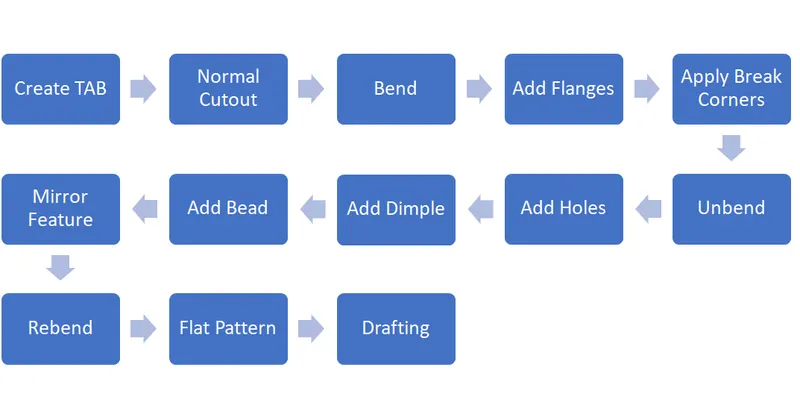
DESCRIPTION FOR TOOLS/FEATURES :
Tab : Used to create base feature and to add material to the sketch/faces.
Normal Cutout : It extracts volume from sheet metal and cutting faces will be perpendicular to sheet metal surface.
Bend : Used to bend the sheet metal wrt some sketch or any reference.
Flange : Adda flange on the edges and create a bend between two walls.
Break Corner : To round the edges of sheet metal.
Unbend : It flattens sheet metal through selected bends.
Holes : To create holes suitable to requirements.
Dimple : To lift an area of the model inside a sketch that stimulates a stamping tool.
Bead : Used to strengthen the sheet metal.
Mirror Feature : Used to mirror the features.sketches about an axis or line.
Rebend : Used to rebend the unbent surface.
Flattern Pattern : Creates flatten sheet metal view in drafting.
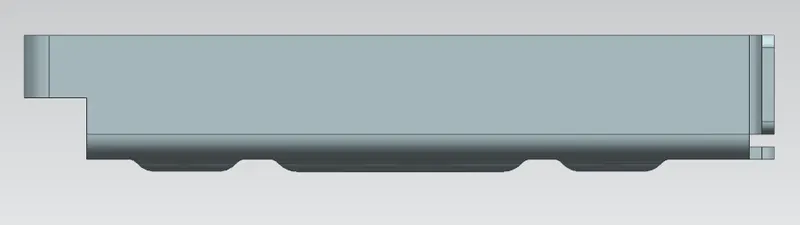
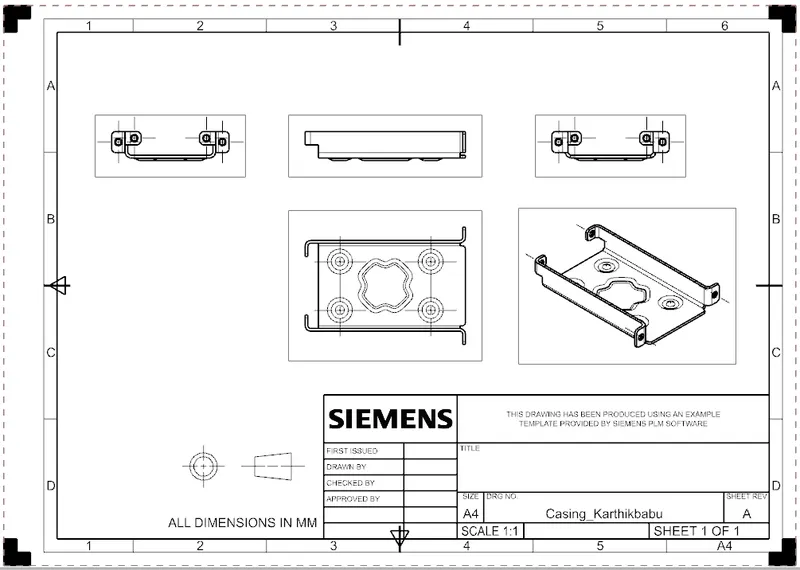
Front View
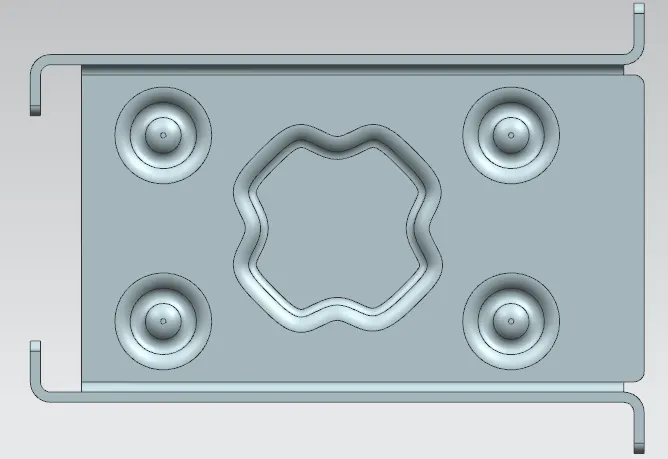
Top View
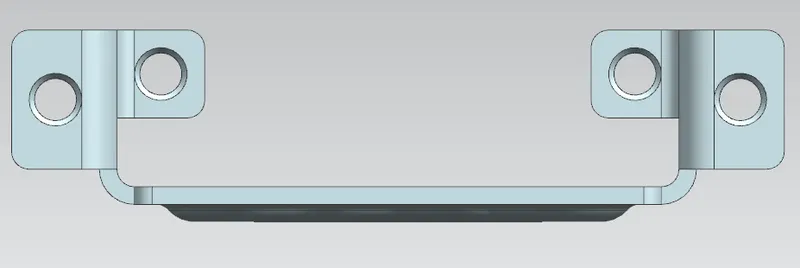
Right View
Isometric View
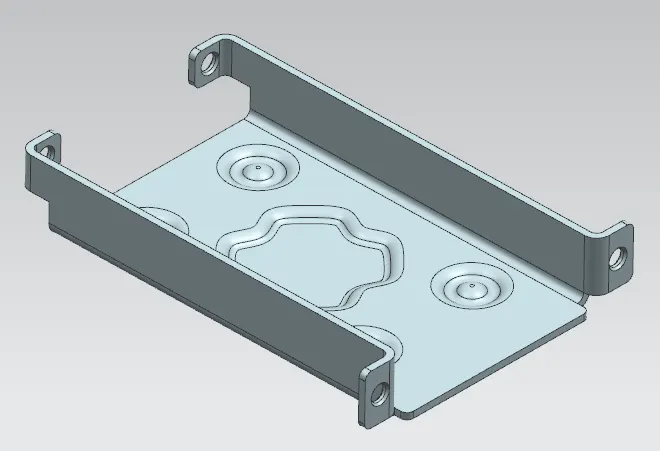
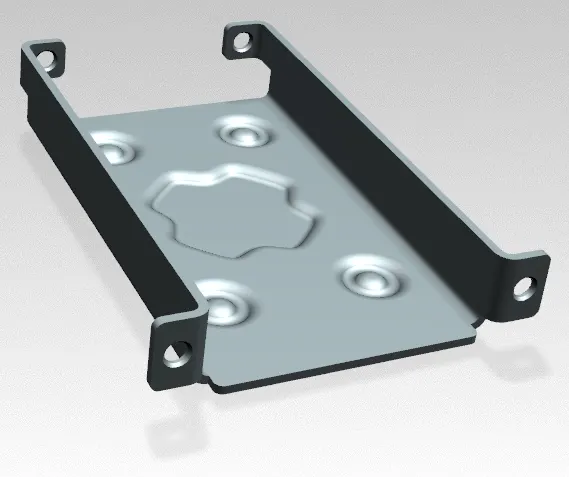
Rendered Image
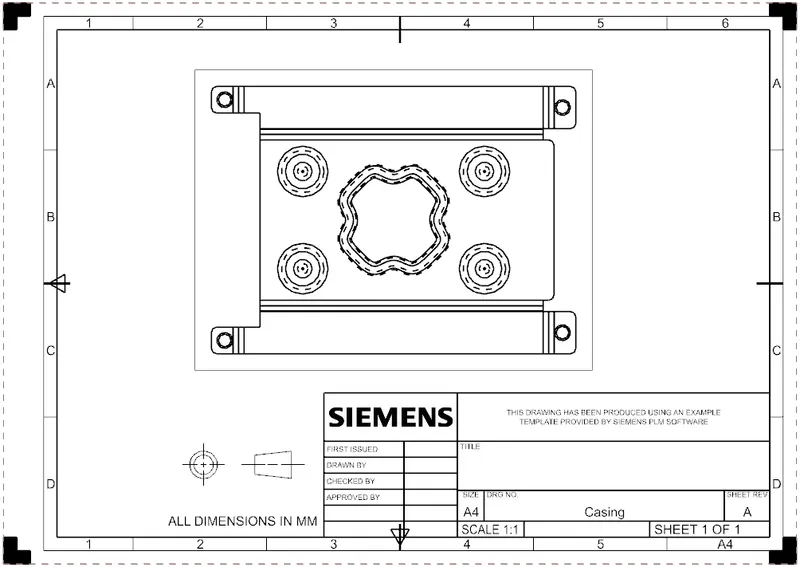
DRAFTING : Creates Drawing view from 3D part and assembly model and helps to allign and scale drawing views and arrange drawing sheets.
CONCLUSION :
Casing design is performed using Sheet Metal application in NX CAD.