2D Meshing of rear wheel holder in an automobile using Hypermesh
Objective:
- Extract the mid surface of the following component
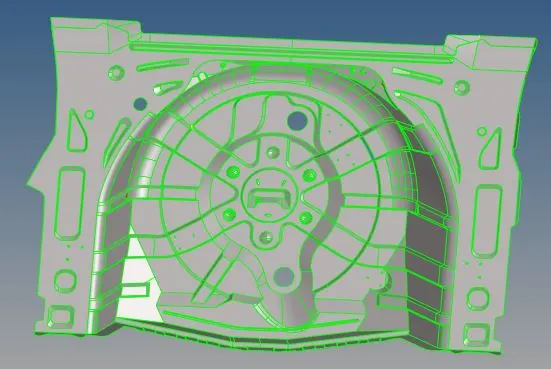
- Generate 2D mesh with target length = 5 mm and satisfying below quality
|
S.N |
Quality Criteria |
Value |
|
1 |
Aspect Ratio |
5 |
|
2 |
Skewness |
45 |
|
3 |
Warping |
15 |
|
4 |
Taper |
0.5 |
|
5 |
Min. Length |
2mm |
|
6 |
Max. Length |
8mm |
|
7 |
Min angle Quad |
45 |
|
8 |
Max angle Quad |
135 |
|
9 |
Min angle Tria |
20 |
|
10 |
Max angle Tria |
120 |
|
10 |
Tria % |
10 |
- Assign thickness to the mesh
Procedure:
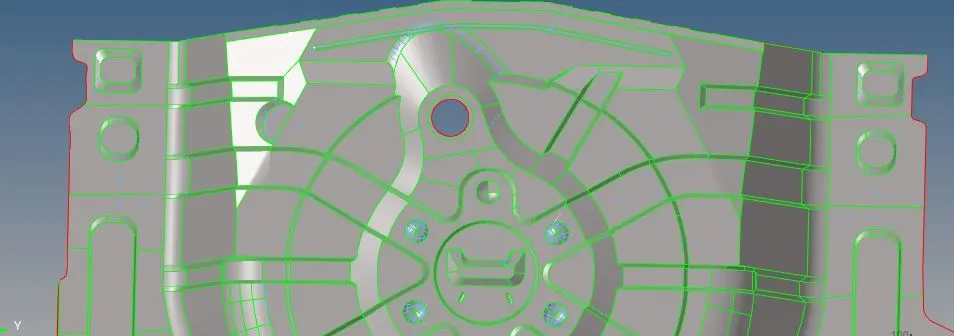
Step 1 – Generate the mid surface and perform geometry cleanup
- Import geometry to Hypermesh.
- Delete solids if any
- Generate mid surface using auto mid surface as the thickness is almost consistent throughout the model.
- There will be many uneven sections. Repair the sections using Replace Points option and toggle edges
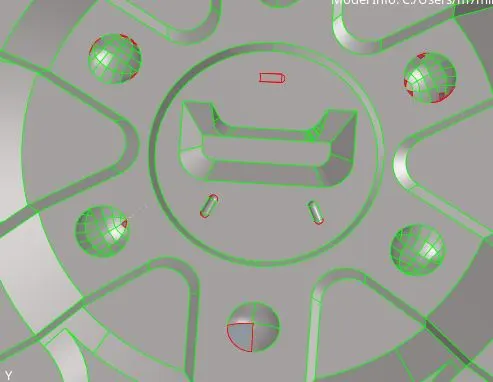
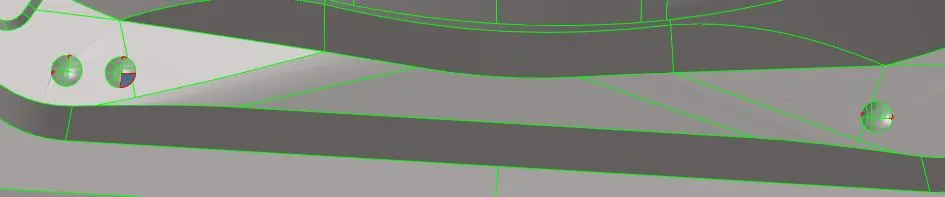
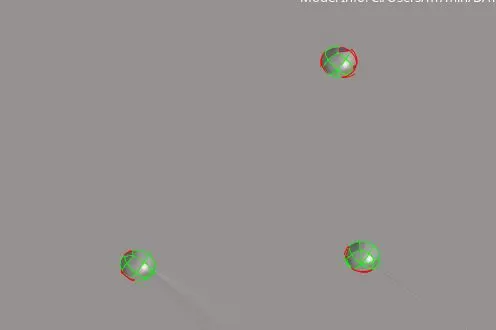
- After repair
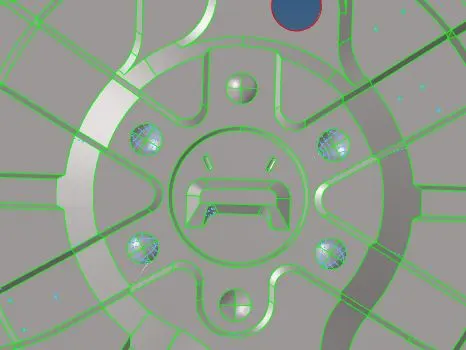
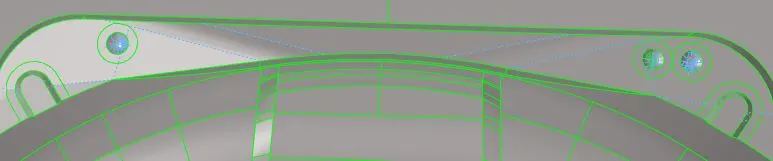

- Now that there are not unwanted surface distortion, split the surface into smaller surfaces and easily controllable ones to better control the flow of mesh using surface split options
- Manually confirm that mid surface is clean.
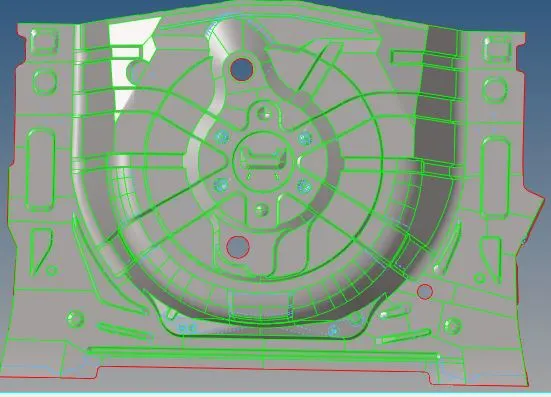
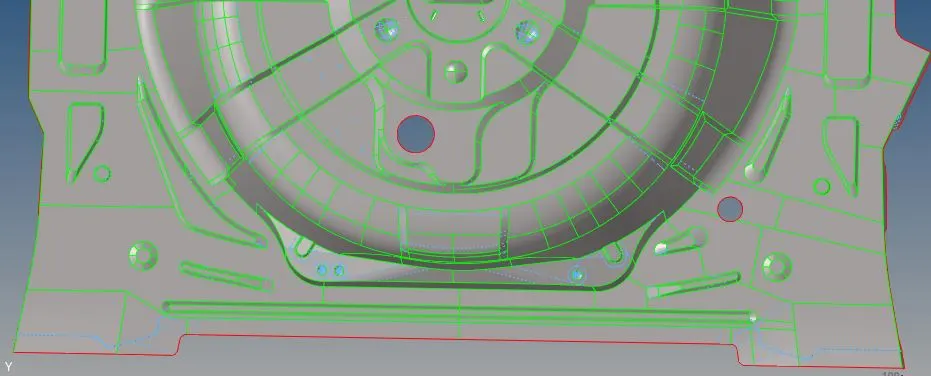
Step 2 – Generate 2D mesh.
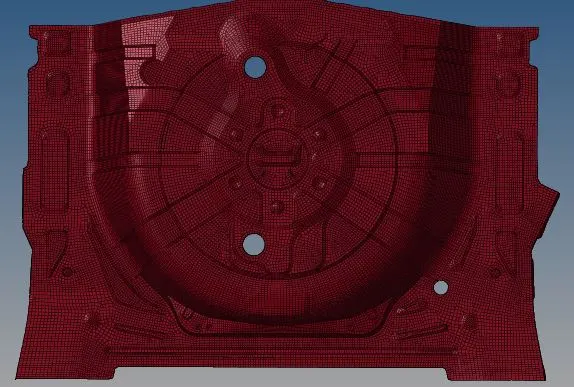
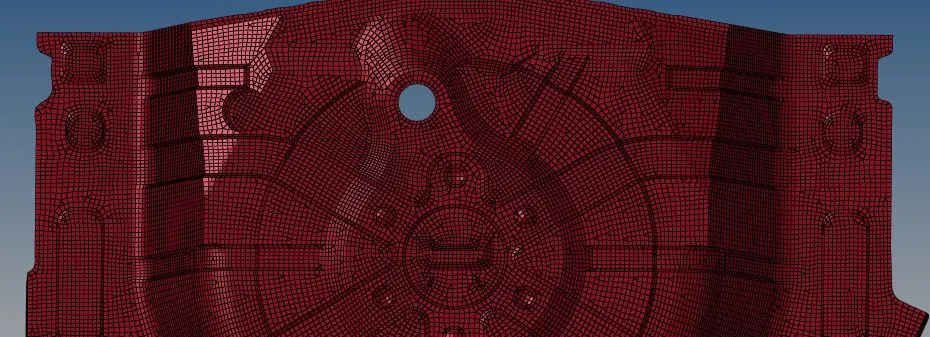
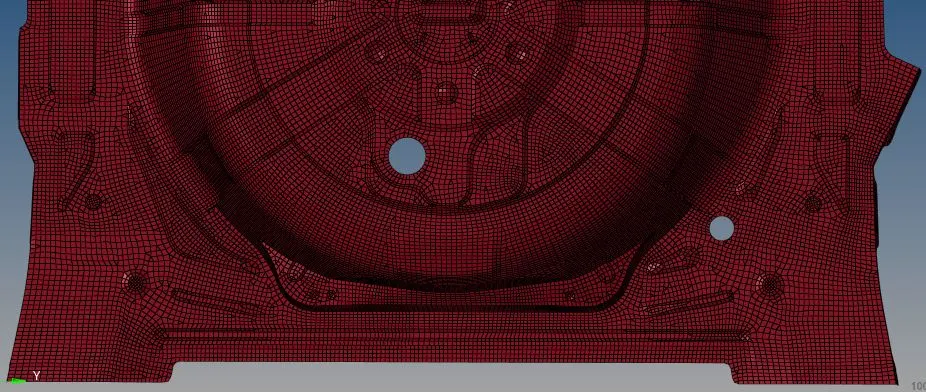
- Start the meshing of the model using
2D -> Automesh -> select surface -> element length = 5 mm -> element type = mixed -> mesh
- Repeat this process for all the surfaces and try to avoid creating trias where possible
- Check the element quality and repair the failing elements using one of the following options.
Element optimize, place nodes, split elements, combine elements, or recreating the mesh by selecting surrounding elements.
- Once all the elements are repaired, check for quality once more and confirm there are no failing elements.
- Also to check the equivalence of elements got to
Tools -> edges ->select all elements -> tolerance = 2mm -> equivalence
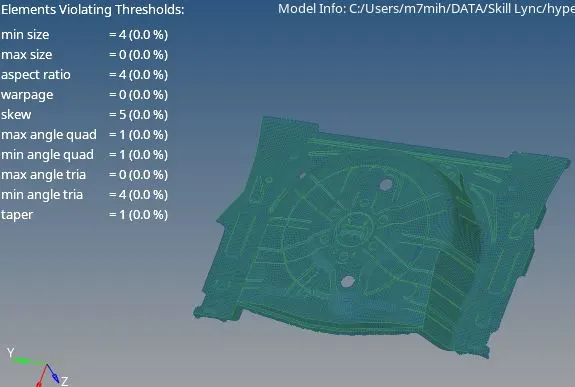
Step 3 – Assign Thickness to the mesh
- Create new property. Name it thickness 1mm
- Go to component (containing mid surface and mesh), right-click -> assign -> property ->select the property -> ok
- To view the model with thickness select 2D traditional and detailed element representation from the viewing tab.
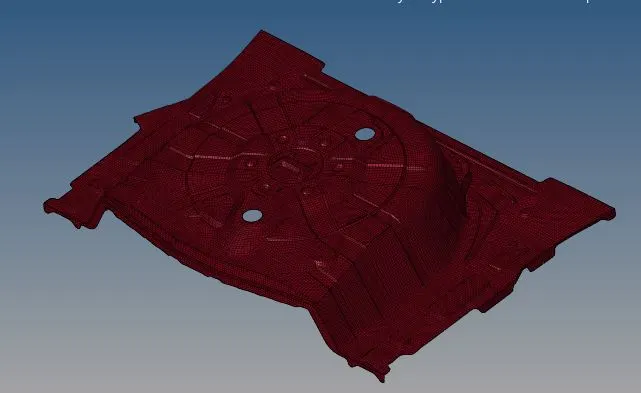
CONCLUSION:
This activity helped us mesh a Floor Panel. Since the thickness was almost consistent, mid surface was relatively easy. But the model contained several difficult surfaces and parts which were a major concern during the meshing. So this activity helped us mesh a complex model using minimal trias possible and also capturing the feature in detail.