 Free · 3 lessons · no payment
Mold Design using SOLIDWORKS: 3 free lessons
Three free lessons from Skill-Lync's Mold Design using SOLIDWORKS course. The first is a theory session on injection molding, mold cycle time, thermoplastics versus thermosets, and plastic selection. The other two introduce SolidWorks itself, covering a new part file, units, planes and mouse controls, then a disc brake sketch built with circles, slots, arcs and circular patterns.
Last updated 16 Nov 2026 · 3 free lessons (35 min) · full course: 41 lessons (14 h 11 min), paid · ₹40,000
 Free lesson 1 · 18 minInjection Molding Basics, Mold Cycle and Plastic Selection
What will you learn in the free Mold Design using SOLIDWORKS lessons?
- How injection molding works, from hopper to ejection
- Factors that set injection mold cycle time
- Thermoplastics versus thermosets and common engineering plastics
- Sketching with relations, dimensions and circular patterns in SolidWorks
Free lessons you can watch now
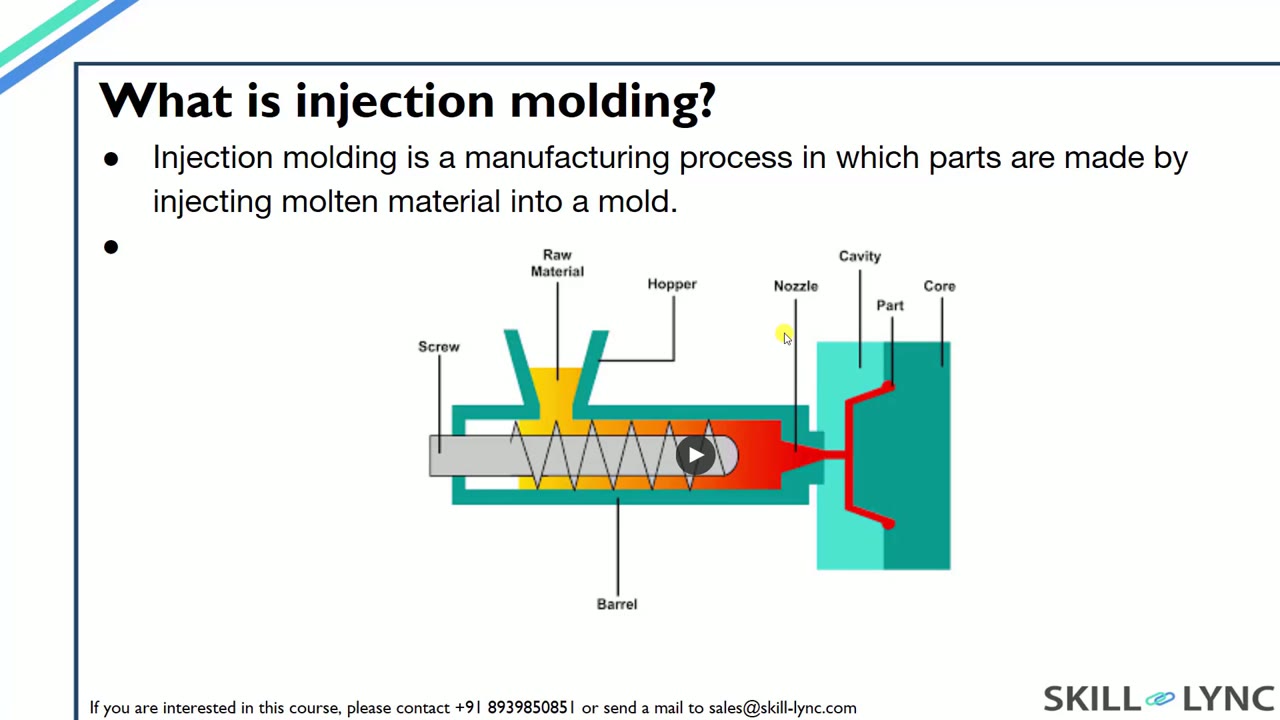
- Lesson 1 · 18 minInjection Molding Basics, Mold Cycle and Plastic SelectionThe instructor explains how injection molding works, from pellets in the hopper through the screw, sprue, runner and gate to the core and cavity. The lesson then covers mold cycle factors, thermoplastics versus thermosets, other plastic processing methods, automotive mold statistics and how to choose among engineering plastics.
 Lesson 2 · 4 minGetting Started in SolidWorks: Part Files, Units and PlanesA short orientation for beginners, with no mold design in it. The instructor opens a new part file, changes the unit system, shows the Feature Manager, makes the front, top and right planes visible, and explains zoom, rotate and pan with the mouse.
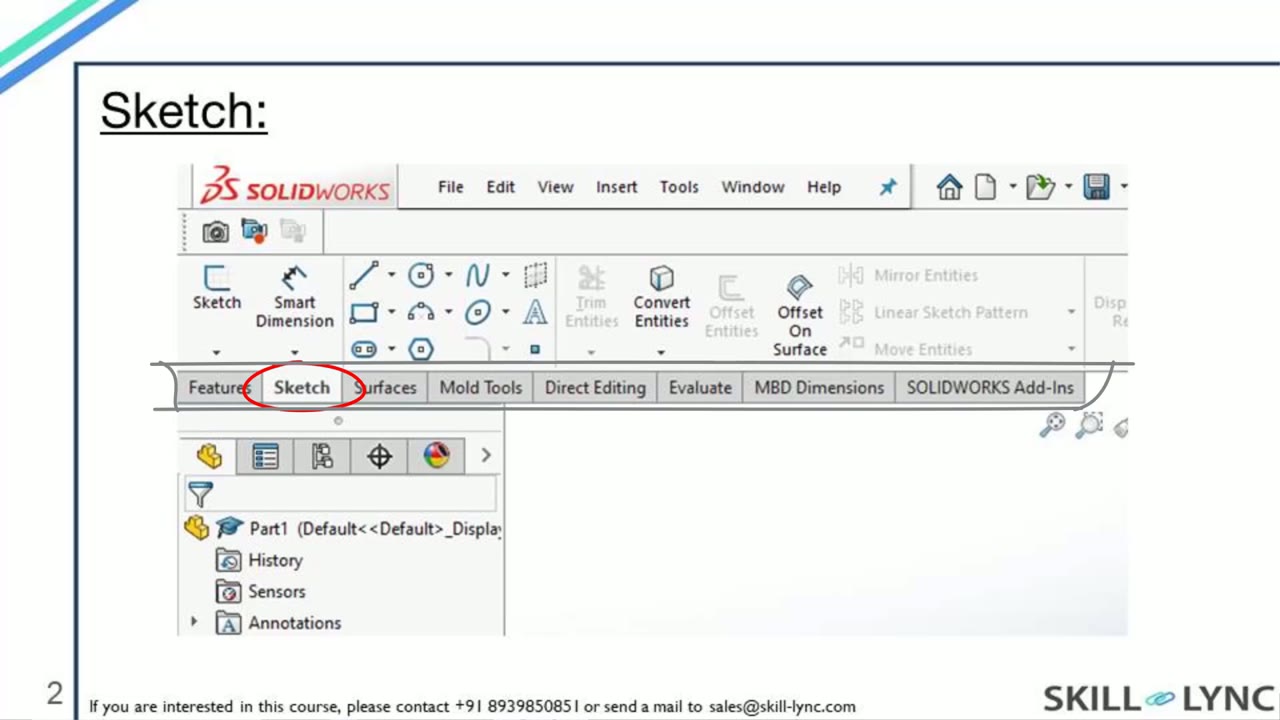 Lesson 3 · 13 minSolidWorks Sketch Tools Through a Disc Brake SketchThe instructor builds a disc brake sketch on the front plane using the circle, smart dimension, straight slot, three-point arc and circular pattern commands. The lesson dimensions concentric circles of 30, 125 and 175 mm, adds relations, and patterns 20 slots and 7 arc cuts until the sketch is fully defined.
Which lessons of Mold Design using SOLIDWORKS are free?
The first 3 lessons are free on Grow by Skill-Lync: 35 min of video from Skill-Lync's Mold Design using SOLIDWORKS course that you can watch here at no cost: leave your name and phone number once and they play (as of 16 Nov 2026). The full course is paid (₹40,000); its other 38 lessons are listed in the outline below so you can see what each one covers.
How long is the Mold Design using SOLIDWORKS course?
The full course has 41 lessons and 14 h 11 min of recorded video, plus the projects and assignments that come with enrolment. The free lessons alone take about 35 min, so you can finish them in an evening and decide whether to continue.
What comes after the free lessons?
Lesson 4 onwards is in the paid Mold Design using SOLIDWORKS course on Skill-Lync, with mentor support and a certificate. For a career in CAD & design, the Post Graduate Program in CAD goes further with industry projects and placement support.