 Free · 3 lessons · no payment
Introduction to Model-Based Development using MATLAB and Simulink: 3 free lessons
Three free lessons from Skill-Lync's Introduction to Model-Based Development using MATLAB and Simulink course. They start with MATLAB scripting, covering the interface, variables, data types, tables, functions and callbacks, then introduce Simulink blocks, signals and the toolbar, ending with a logic model built from relational and logical operator blocks.
Last updated 16 Nov 2026 · 3 free lessons (5 h 38 min) · full course: 12 lessons (28 h 4 min), paid · ₹40,000
 Free lesson 1 · 114 minMATLAB Scripting Basics: Interface, Variables and Data Types
What will you learn in the free Introduction to Model-Based Development using MATLAB and Simulink lessons?
- MATLAB variables, data types and colon notation
- Tables and cell arrays for mixed data
- MATLAB functions and GUI push button callbacks
- Simulink blocks, signals and toolbar options
Free lessons you can watch now
- Lesson 1 · 114 min · 4 partsMATLAB Scripting Basics: Interface, Variables and Data TypesThis lesson introduces MATLAB as Matrix Laboratory and tours the home screen, including the command window, workspace and command history. It then covers commands, variables and data types, colon notation, operators and decision-making statements, and ends with strings and cell arrays demonstrated in the tool.
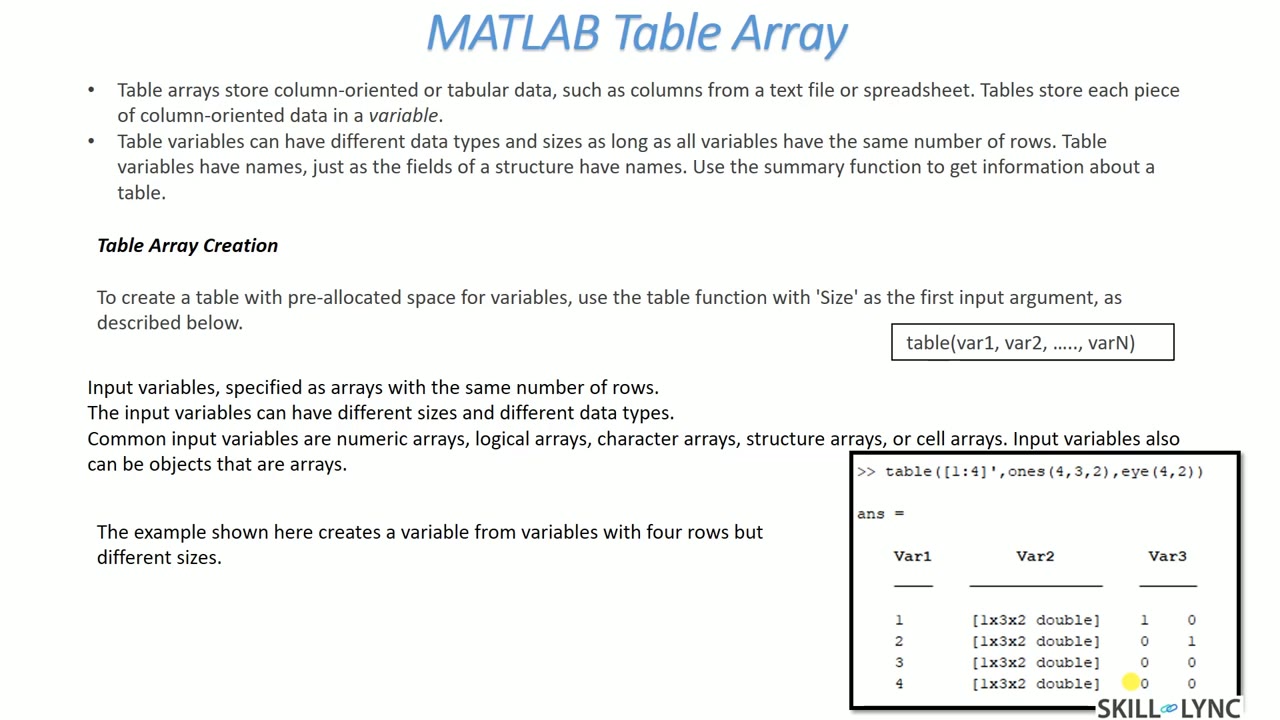 Lesson 2 · 133 min · 5 partsMATLAB Tables, Functions, Callbacks and Scripted Simulink ModelsThe instructor covers MATLAB table arrays, creating a table with the table function and reading a variable with the dot operator, for example the mean of a column. The lesson goes on to functions and callbacks, shows a GUI volume calculation example, and ends by building a Simulink model from a script.
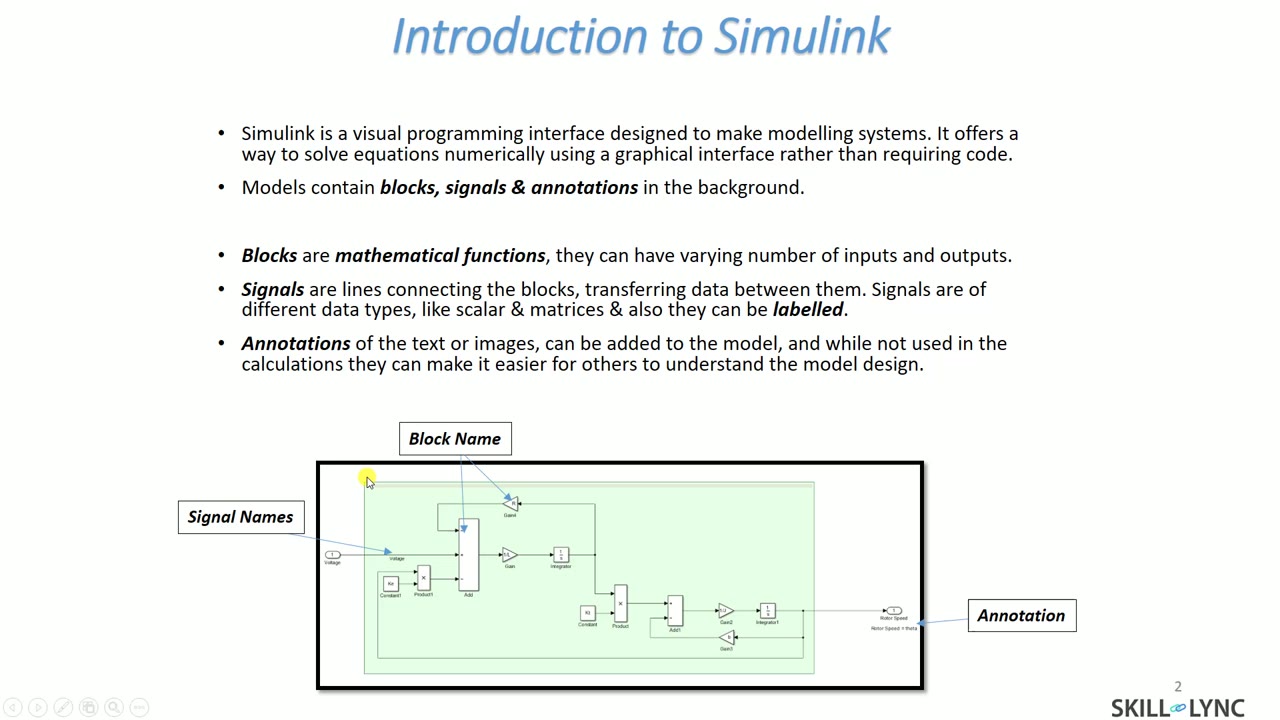 Lesson 3 · 91 min · 4 partsSimulink Basics: Blocks, Signals and the ToolbarThis lesson explains that a Simulink model is made of blocks, signals and annotations, then walks through the toolbar, including model settings, the run button with stop time, and build model for code generation. In the tool it covers signal labels, port data types, and a logic example built from relational and logical operator blocks.
Which lessons of Introduction to Model-Based Development using MATLAB and Simulink are free?
The first 3 lessons are free on Grow by Skill-Lync: 5 h 38 min of video from Skill-Lync's Introduction to Model-Based Development using MATLAB and Simulink course that you can watch here at no cost: leave your name and phone number once and they play (as of 16 Nov 2026). The full course is paid (₹40,000); its other 9 lessons are listed in the outline below so you can see what each one covers.
How long is the Introduction to Model-Based Development using MATLAB and Simulink course?
The full course has 12 lessons and 28 h 4 min of recorded video, plus the projects and assignments that come with enrolment. The free lessons alone take about 5 h 38 min, so you can finish them in an evening and decide whether to continue.
What comes after the free lessons?
Lesson 4 onwards is in the paid Introduction to Model-Based Development using MATLAB and Simulink course on Skill-Lync, with mentor support and a certificate. For a career in MATLAB & controls, the Post Graduate Program in Electric Vehicle Design & Development goes further with industry projects and placement support.