 Free · 3 lessons · no payment
Flow Simulation using SolidWorks: 3 free lessons
Three free lessons from Skill-Lync's Flow Simulation using SolidWorks course. They introduce the short course and its requirements, set up a pipe flow simulation in SolidWorks Flow Simulation from geometry to results plots, and show how to set legend limits correctly when running a parametric study.
Last updated 16 Nov 2026 · 3 free lessons (50 min) · full course: 13 lessons (3 h 48 min), paid · ₹40,000
 Free lesson 1 · 2 minIntroduction to the Short CFD Course and Requirements
What will you learn in the free Flow Simulation using SolidWorks lessons?
- Preparing a watertight pipe geometry with lids
- Setting up an internal flow with the wizard
- Cut plots, mesh refinement and boundary layer
- Parametric studies on inlet velocity
Free lessons you can watch now
- Lesson 1 · 2 min · 2 partsIntroduction to the Short CFD Course and RequirementsThe instructor welcomes undergraduate mechanical and aerospace students who may find CFD mathematically heavy. He explains that the course hides most difficult details while covering core concepts, uses SolidWorks to build simple models and run simulations, and needs a SolidWorks copy with Flow Simulation.
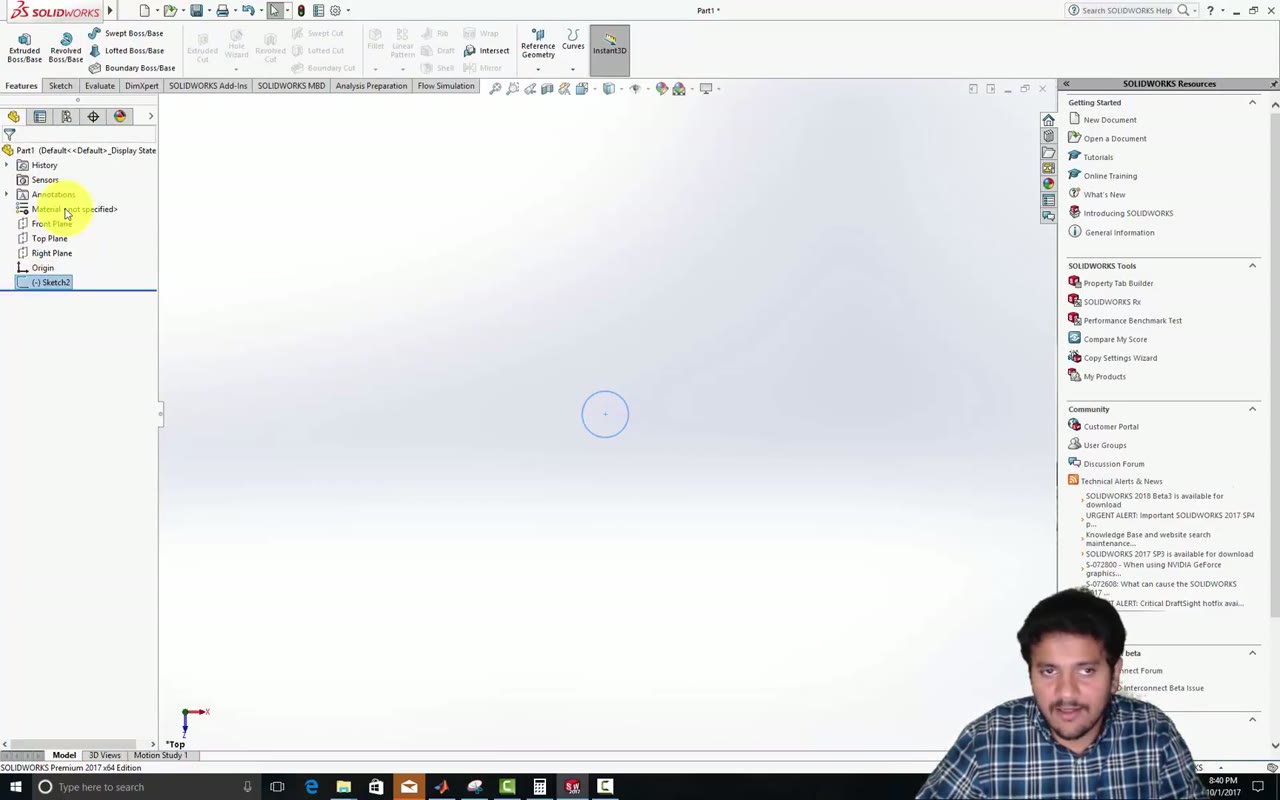 Lesson 2 · 40 min · 2 partsSetting Up and Viewing a Pipe Flow SimulationThe instructor builds a pipe in SolidWorks by sketching, extruding 0.3 m and shelling to 1 mm. He closes the ends with lids, sets up an internal steady flow using the wizard, then refines the mesh and shows velocity on a cut plane with boundary layer growth.
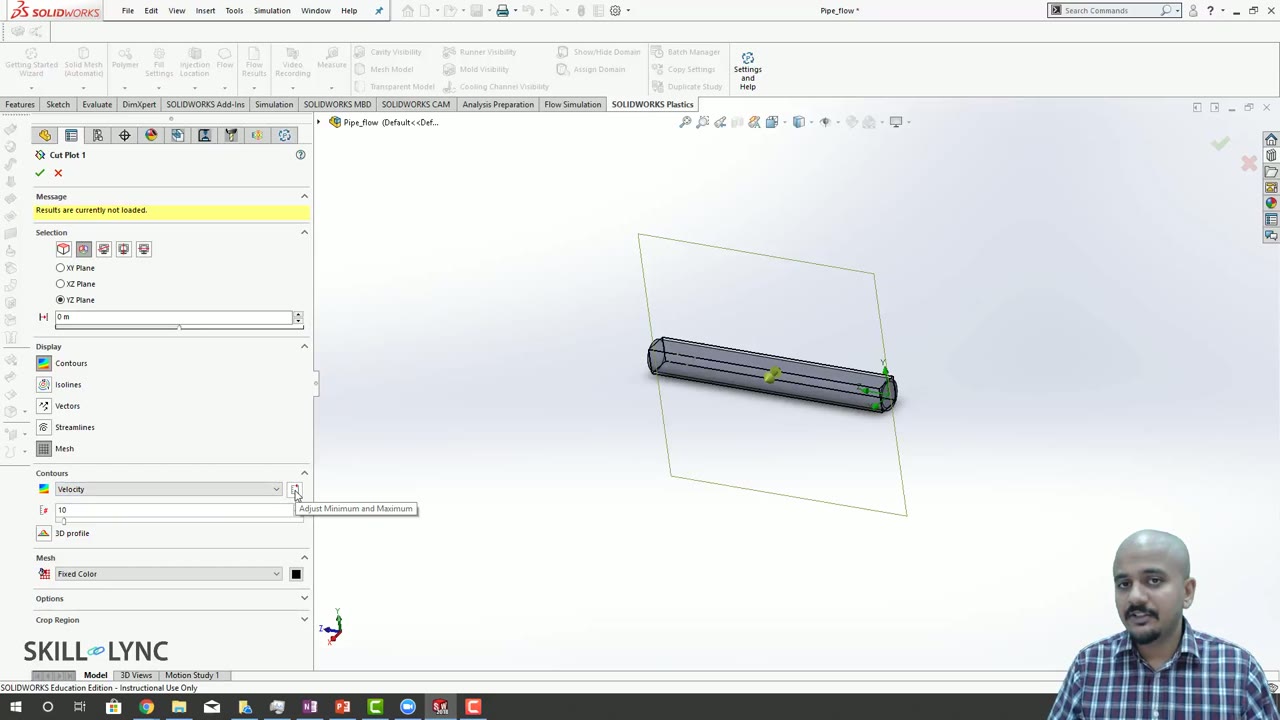 Lesson 3 · 8 min · 2 partsGlobal vs Plot Maximum in Parametric Study LegendsThe instructor answers a student question on legends in a parametric study. He sets a cut plot to global minimum and maximum, runs inlet velocities from 1 to 20 m/s, compares it with plot maximum, and warns against typing legend limits manually.
Which lessons of Flow Simulation using SolidWorks are free?
The first 3 lessons are free on Grow by Skill-Lync: 50 min of video from Skill-Lync's Flow Simulation using SolidWorks course that you can watch here at no cost: leave your name and phone number once and they play (as of 16 Nov 2026). The full course is paid (₹40,000); its other 10 lessons are listed in the outline below so you can see what each one covers.
How long is the Flow Simulation using SolidWorks course?
The full course has 13 lessons and 3 h 48 min of recorded video, plus the projects and assignments that come with enrolment. The free lessons alone take about 50 min, so you can finish them in an evening and decide whether to continue.
What comes after the free lessons?
Lesson 4 onwards is in the paid Flow Simulation using SolidWorks course on Skill-Lync, with mentor support and a certificate. For a career in CFD, the Post Graduate Program in Computational Fluid Dynamics goes further with industry projects and placement support.