 Free · 3 lessons · no payment
Computational Combustion Using Python and Cantera: 3 free lessons
Three free lessons from Skill-Lync's Computational Combustion using Python and Cantera course. The first lesson defines computational combustion, shows how the species transport equation links CFD to chemistry, and outlines the course topics. The other two are short Windows setup walkthroughs for installing Python with Sublime Text and for installing matplotlib with pip.
Last updated 16 Nov 2026 · 3 free lessons (25 min) · full course: 39 lessons (9 h 21 min), paid · ₹40,000
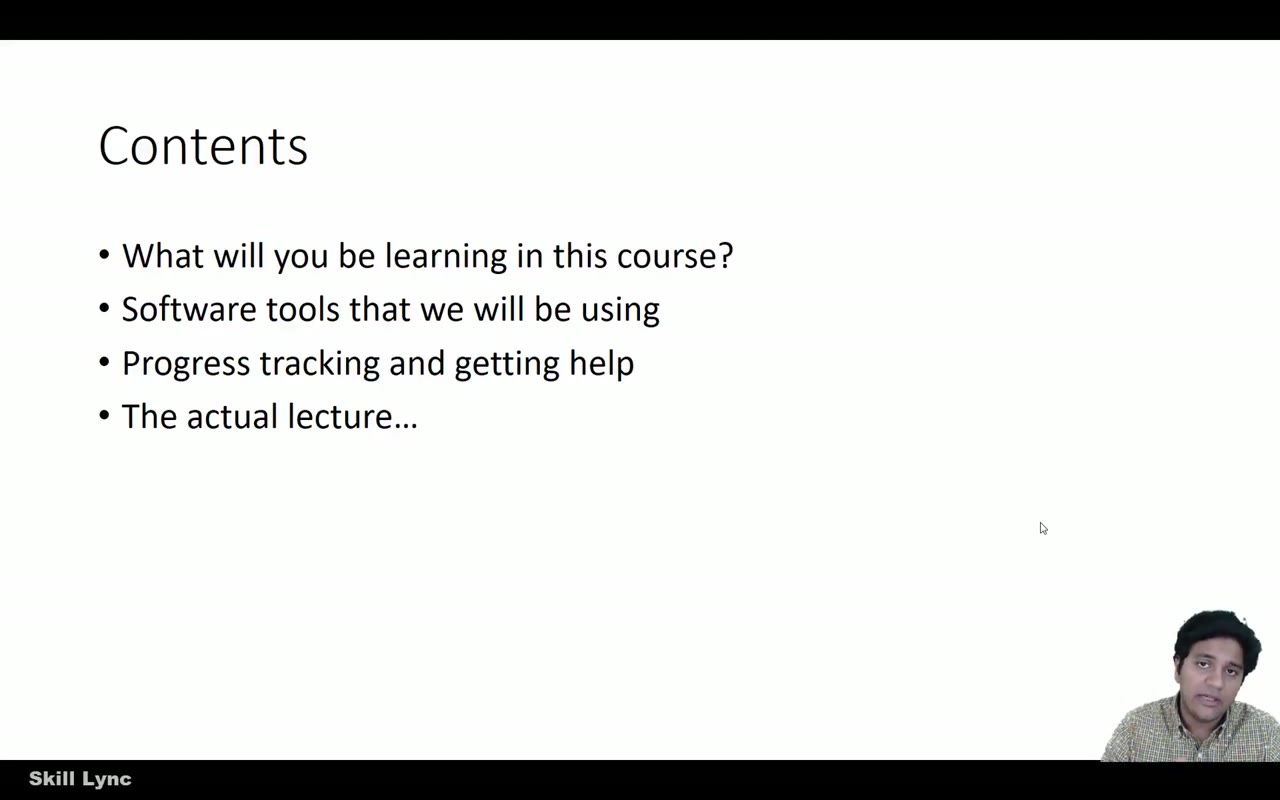 Free lesson 1 · 20 minWhat Computational Combustion Is and How It Links to CFD
What will you learn in the free Computational Combustion Using Python and Cantera lessons?
- What computational combustion simulates and why
- Species transport equation and its source term
- Chemical mechanisms in Chemkin format, such as GRI
- Setting up Python, Sublime Text and matplotlib
Free lessons you can watch now
- Lesson 1 · 20 minWhat Computational Combustion Is and How It Links to CFDThe instructor outlines the 12-week course, its Python, NumPy, matplotlib and Cantera tools, and how assignments work. The lecture then defines computational combustion, shows a Stanford hypersonic nozzle simulation, and explains how the species transport source term connects the flow solver to chemistry, including the GRI methane mechanism and validation against experiments.
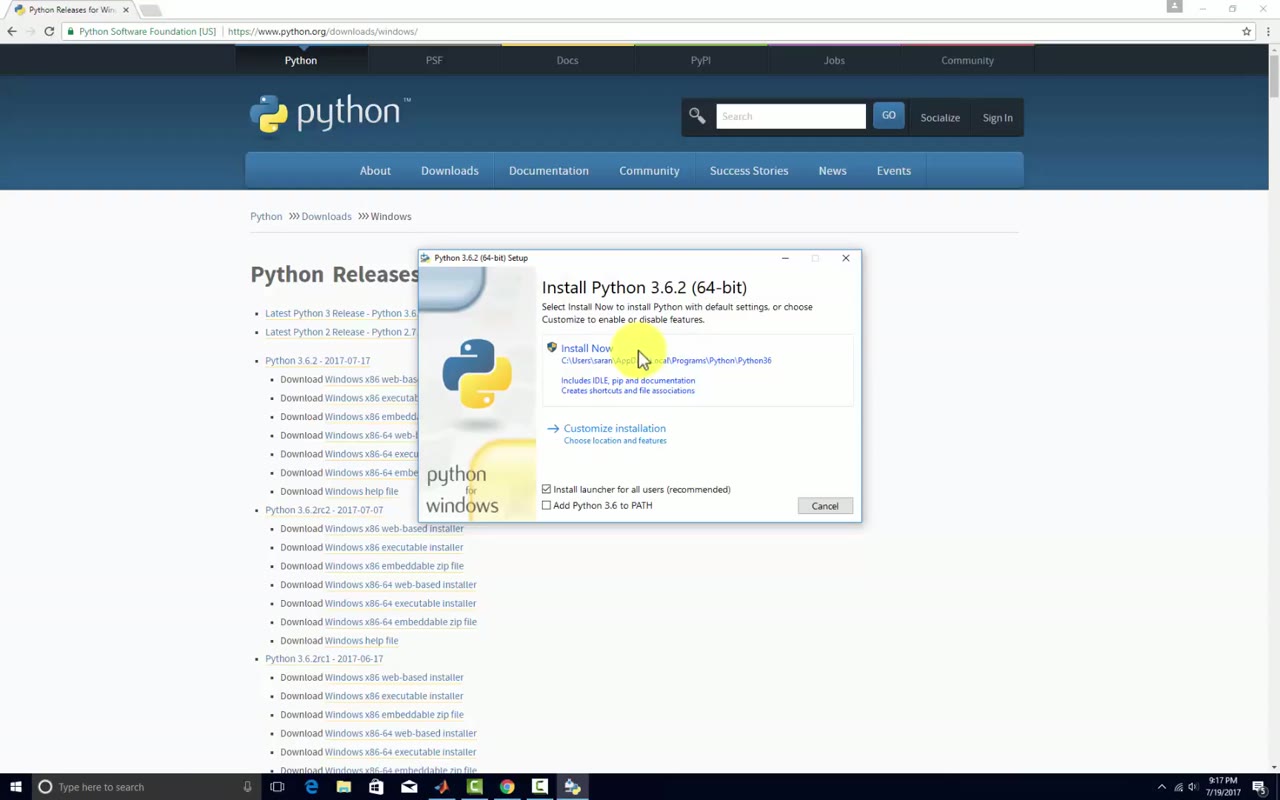 Lesson 2 · 4 minInstalling Python and Sublime Text on WindowsThis is a setup walkthrough only. The instructor downloads and installs the Python 3 Windows installer, notes that pip is included, installs Sublime Text 3, then adds the Python folder to the PATH environment variable so that a script runs with Control-B in Sublime Text.
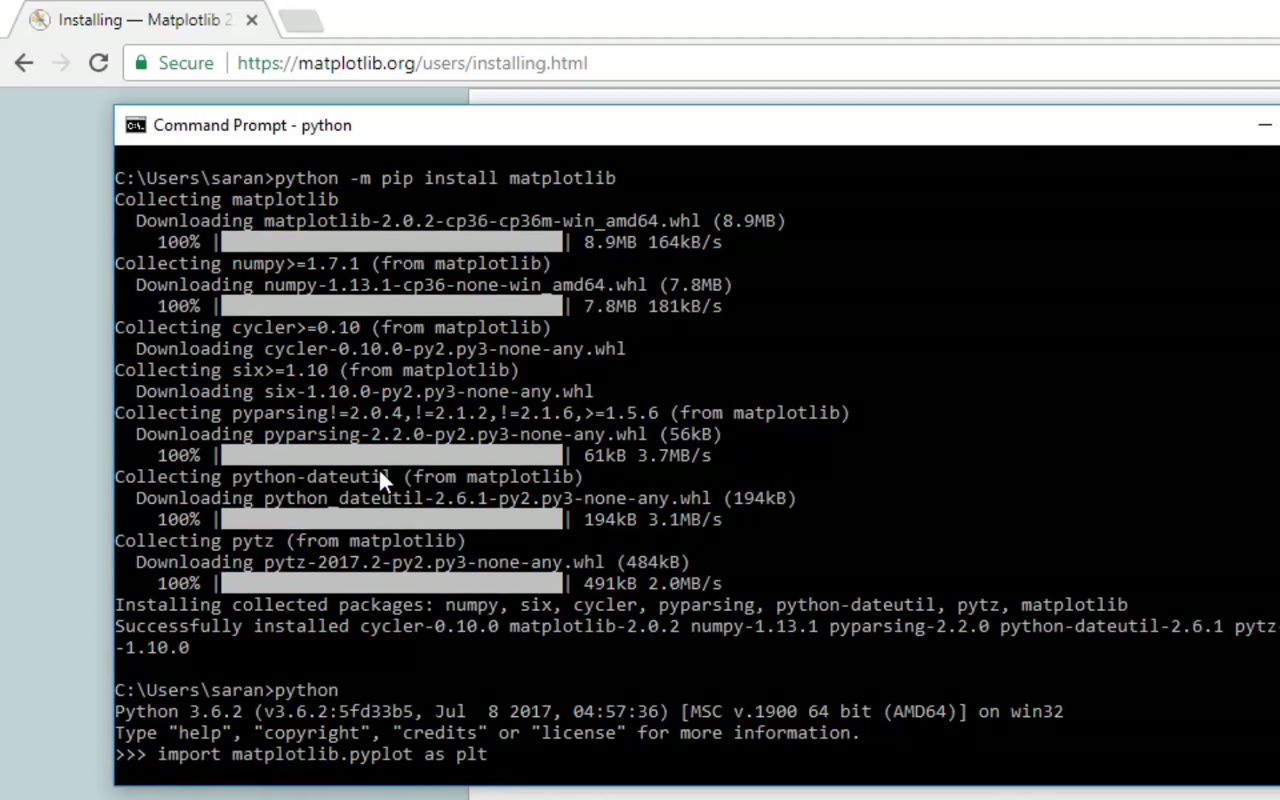 Lesson 3 · 1 minInstalling Matplotlib with pip on WindowsThis under-one-minute walkthrough shows how to install matplotlib on Windows from the command prompt. It checks that pip is installed, installs setuptools and matplotlib with python -m pip, then imports matplotlib in Python and types a few commands to draw a simple bar graph.
Which lessons of Computational Combustion Using Python and Cantera are free?
The first 3 lessons are free on Grow by Skill-Lync: 25 min of video from Skill-Lync's Computational Combustion Using Python and Cantera course that you can watch here at no cost: leave your name and phone number once and they play (as of 16 Nov 2026). The full course is paid (₹40,000); its other 36 lessons are listed in the outline below so you can see what each one covers.
How long is the Computational Combustion Using Python and Cantera course?
The full course has 39 lessons and 9 h 21 min of recorded video, plus the projects and assignments that come with enrolment. The free lessons alone take about 25 min, so you can finish them in an evening and decide whether to continue.
What comes after the free lessons?
Lesson 4 onwards is in the paid Computational Combustion Using Python and Cantera course on Skill-Lync, with mentor support and a certificate. For a career in CFD, the Post Graduate Program in Computational Fluid Dynamics goes further with industry projects and placement support.