 Free · 3 lessons · no payment
Advanced PCB Design Using Altium: 3 free lessons
Three free lessons from Skill-Lync's Advanced PCB Design Using Altium course. They tour Altium projects, templates, libraries and fiducials, explain surface mount versus through-hole parts and how 2.54 mm and 1.27 mm grid settings behave, and set up an Altium 365 workspace and an LDO 5V project with committed changes.
Last updated 16 Nov 2026 · 3 free lessons (34 min) · full course: 54 lessons (16 h 55 min), paid · ₹40,000
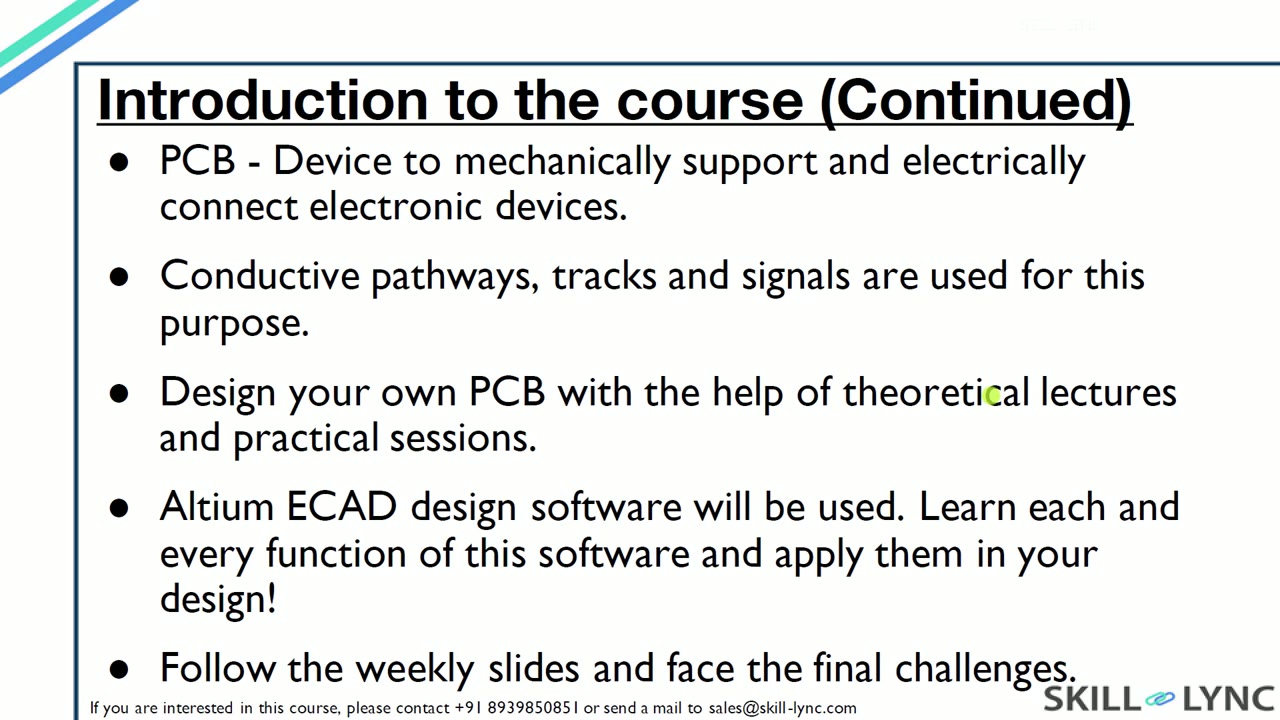 Free lesson 1 · 10 minAltium PCB Design Introduction: Projects, Templates, Libraries and Fiducials
What will you learn in the free Advanced PCB Design Using Altium lessons?
- Altium project structure, templates and libraries
- Surface mount versus through-hole packages
- Visible grid, snap grid and 2.54 mm and 1.27 mm settings
- Creating a workspace and committing to Altium 365
Free lessons you can watch now
- Lesson 1 · 10 minAltium PCB Design Introduction: Projects, Templates, Libraries and FiducialsThe lesson introduces the course and the week one scope, then tours Altium eCAD, its project files and its version control. It explains project templates, schematic and PCB libraries, the schematic sheet and layout, and the role of fiducials, mounting holes and the Explorer panel.
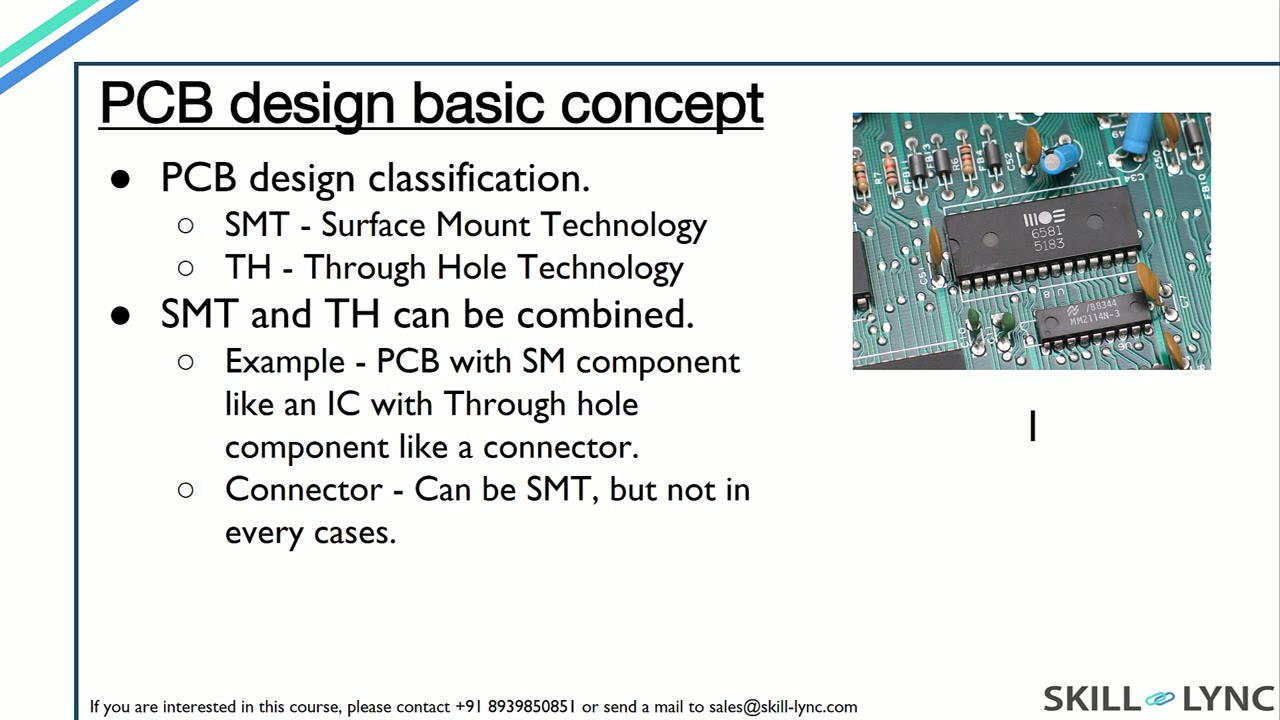 Lesson 2 · 12 minSMT and Through-Hole Basics, and Setting Altium Schematic GridsThe lesson distinguishes surface mount and through-hole technology, then explains why grid settings must match across symbols. It demonstrates changing the visible grid, snap grid and snap distance to 2.54 mm and 1.27 mm, and shows the wire kinks a wrong grid causes.
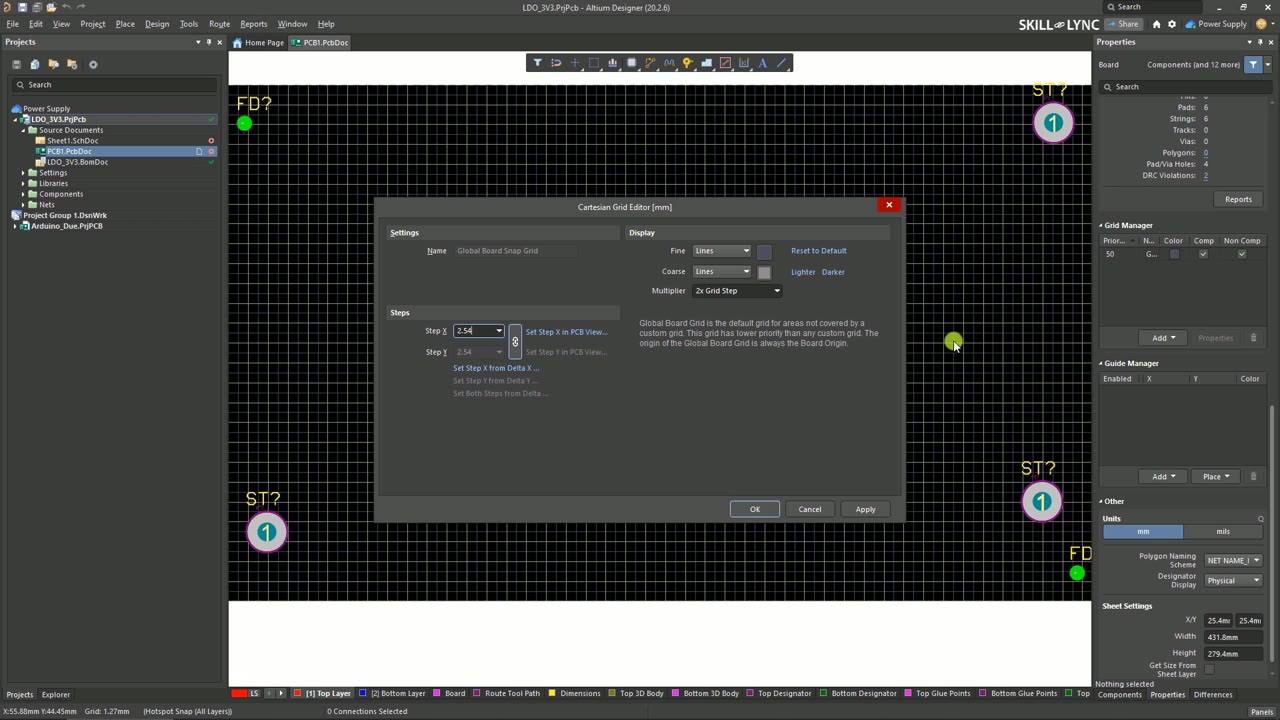 Lesson 3 · 12 minAltium Grid Settings, Workspace and Version Control CommitsThe lesson changes the layout grid between 1.27 and 2.54 mm and explains why revision control matters. It then creates an Altium 365 workspace and an LDO 5V project, adds library files and an A4 template, and commits each change to cloud storage.
Which lessons of Advanced PCB Design Using Altium are free?
The first 3 lessons are free on Grow by Skill-Lync: 34 min of video from Skill-Lync's Advanced PCB Design Using Altium course that you can watch here at no cost: leave your name and phone number once and they play (as of 16 Nov 2026). The full course is paid (₹40,000); its other 51 lessons are listed in the outline below so you can see what each one covers.
How long is the Advanced PCB Design Using Altium course?
The full course has 54 lessons and 16 h 55 min of recorded video, plus the projects and assignments that come with enrolment. The free lessons alone take about 34 min, so you can finish them in an evening and decide whether to continue.
What comes after the free lessons?
Lesson 4 onwards is in the paid Advanced PCB Design Using Altium course on Skill-Lync, with mentor support and a certificate. For a career in Embedded & electronics, the PG Program in Embedded Systems for EV Applications goes further with industry projects and placement support.