Wiring harness routing & packaging Rules Week 3 Challenge
p clamp:
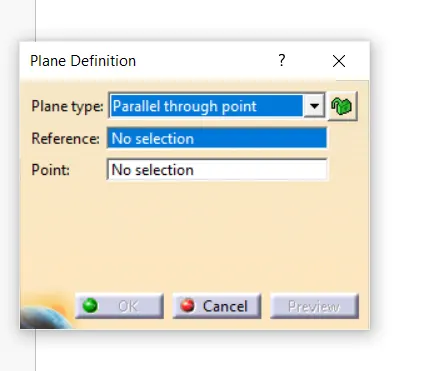
dowloaded cad data and define planes for entry, exit and base planes for clamp in plane definition from reference elements in part design work bench
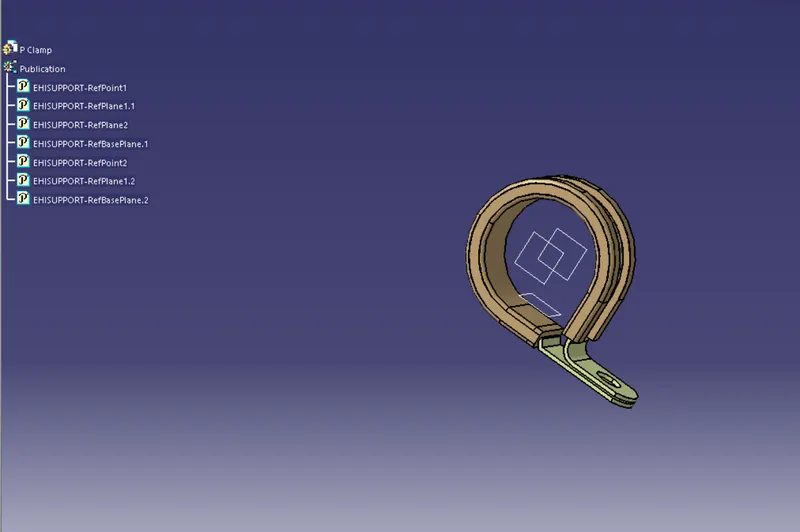
define it has support in electric part design so publications are generated

so finally we defined p clamp
connector :
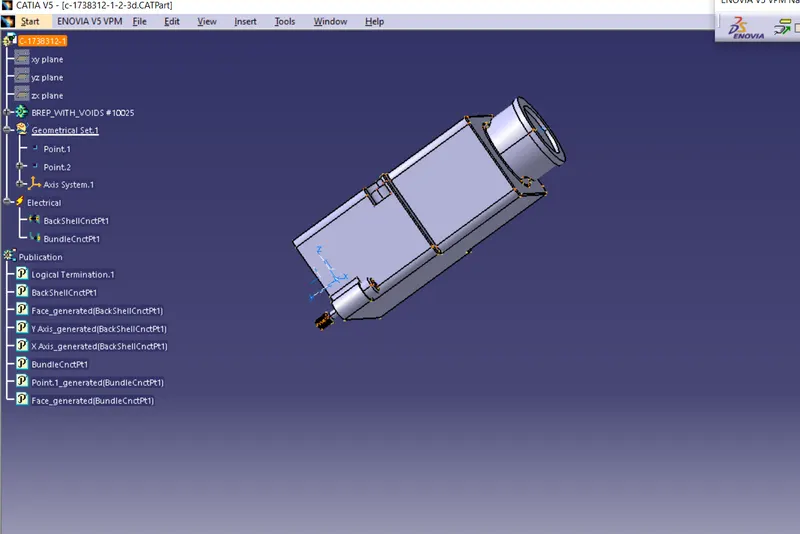
connector part was taken from cad data
1) defining geometric parameters:
define point and axis for connector connection point and point for bundle connection point in part design
2) define connector:
next move to electric part design define it as connector so that electrical properties and publications were added

3) define connector connection point and bundle connection point
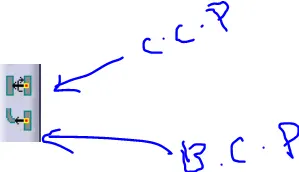
finally connector is defined
catalog for COT tubes:
Actually catalog is standard library is used to store part data and can be used any point of time by using One click
|
Name |
ID (mm) |
OD (mm) |
Thickness (mm) |
|
15mm COT |
12 |
15 |
1.5 |
|
20mm COT |
17 |
20 |
1.5 |
|
35mm COT |
32 |
35 |
1.5 |
|
10mm COT |
7 |
10 |
1.5 |
|
5mm COT |
3 |
5 |
1 |
step to create catalog document for COT_tubes :
1) go to file
2) select catalog document you will see the following window
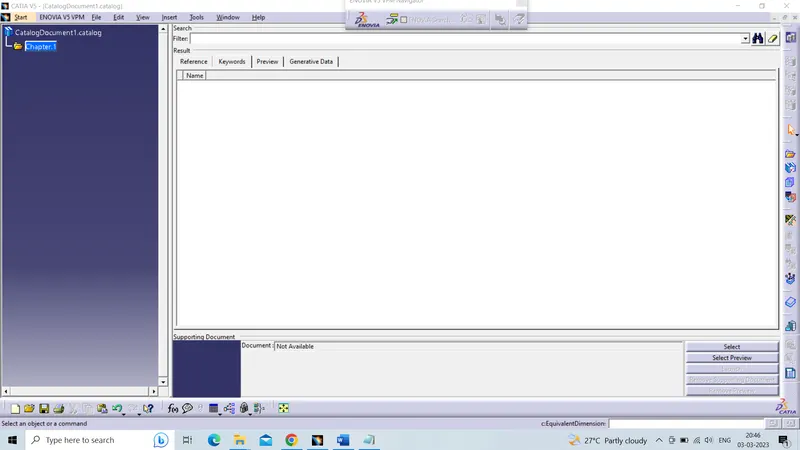
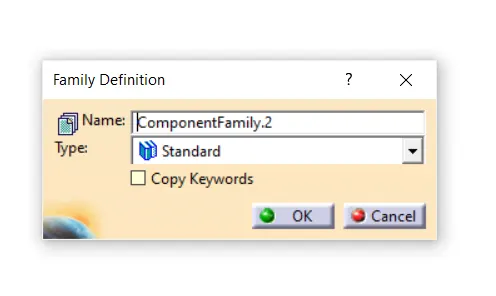
3) click on add family the following icon

family definition will be appeared change name to COT_Tubes and change type to Conduit and click on OK so that COT_Tubes catalog is created
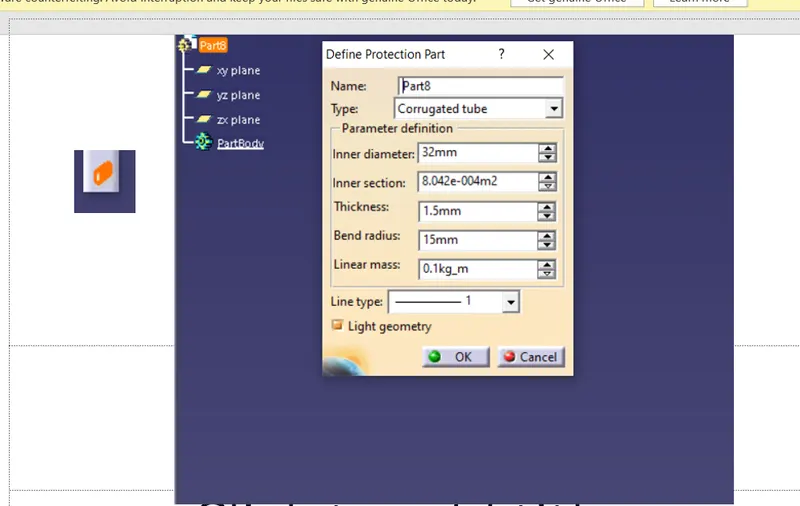
4) Go to electric part design click on define protective part and click on product structure as shown in the image then a pop up window will be highlighted enter following data as per the data given so that each dia cot tubes are created save it cat.part before adding it into catalog
5) after saving click on store device and add each and every created cot tubes

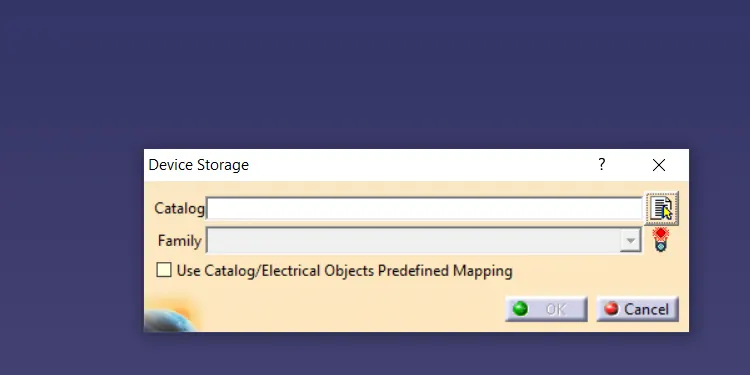
6) define the path and select family as cot_tubes