Wiring harness routing & packaging Rules Week 3 Challenge
Question 1:
Download following cad data & define it as Electrical support using Electrical Part design Workbench. Define all the necessary properties.
P clamp
Steps to define the component as electrial support
1. Open the component in the part design
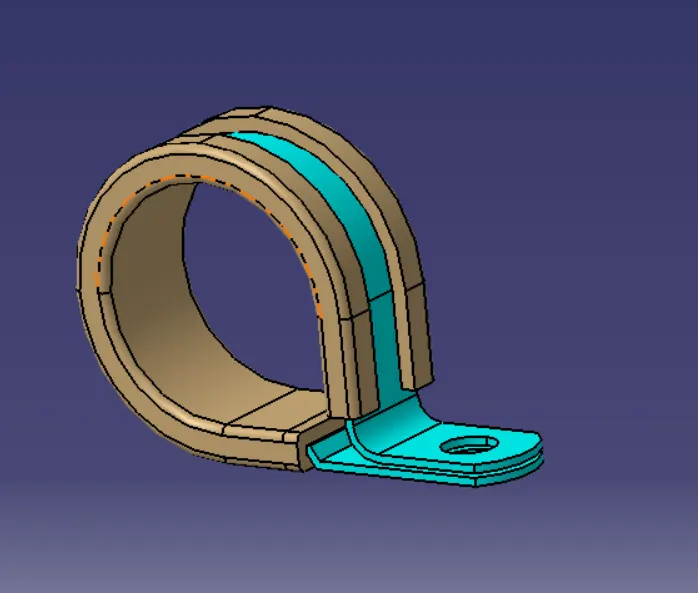
2. Create entry point and exit point
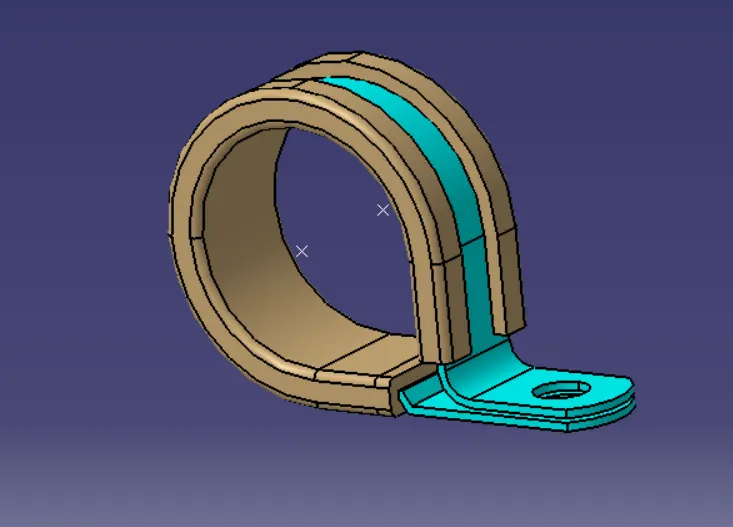
3. create entry, exit and base planes
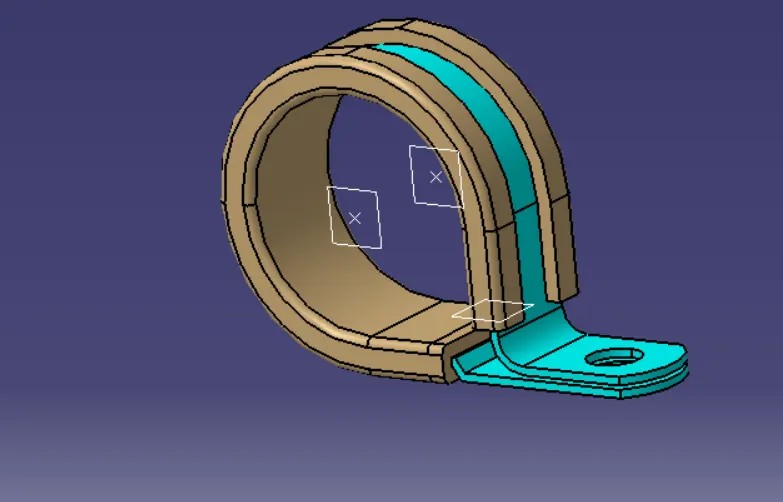
4. Open the electrical part workbench and define the support on both sides using entry plane and exit plane and base plane.
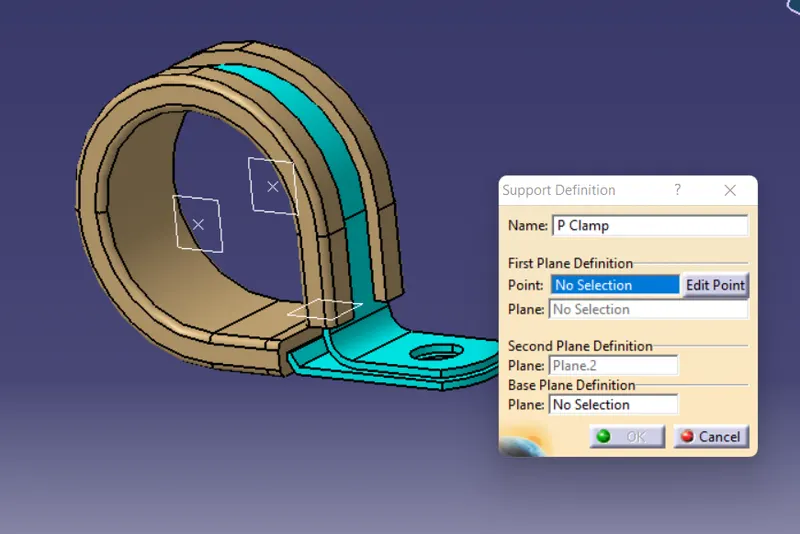
Question 2:
Download following Back shell cad data & define it as Electrical back shell using Electrical Part design Workbench. Define all the necessary properties
Back shell
Steps to define the component as electrial support
1. Open the component in the part design
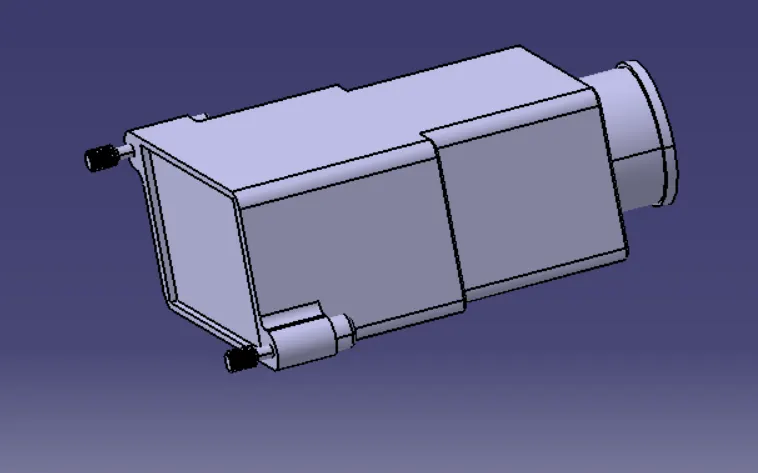
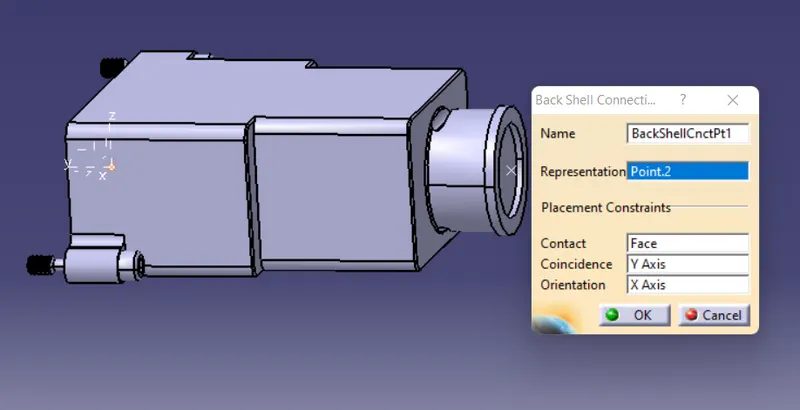
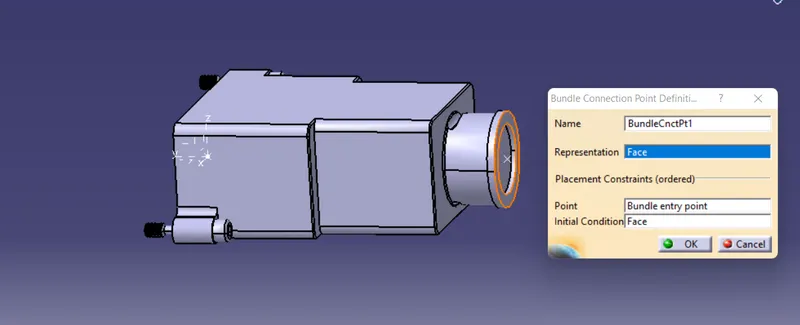
2. Create bundle connection point and connector connection axis system
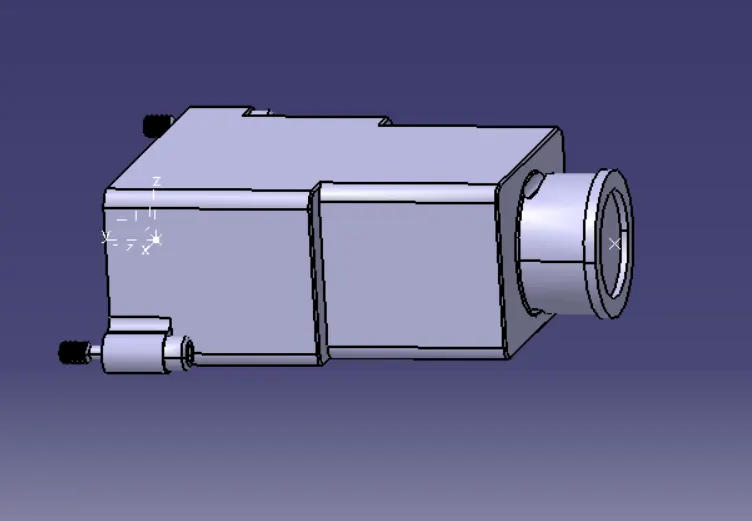
3. open electrical part workbench define as backshell
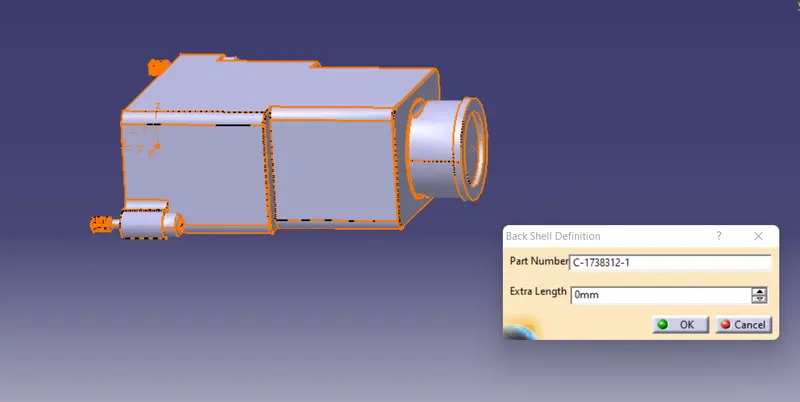
4. Define bundle connection point and backshell connection point
Question 3:
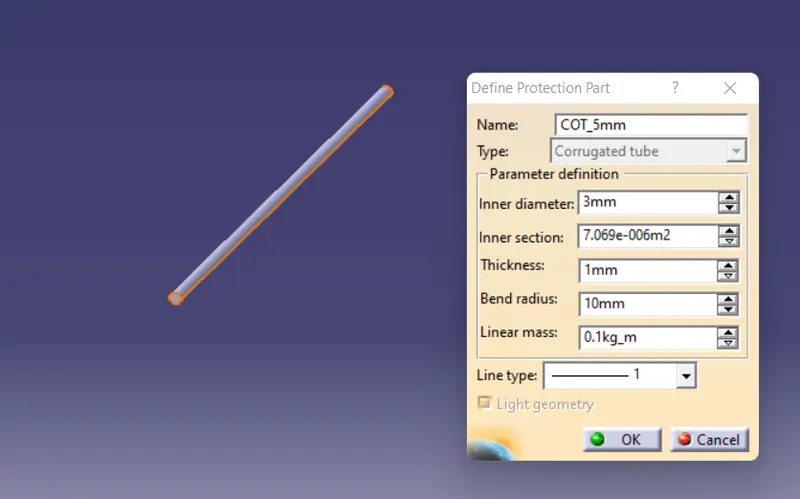
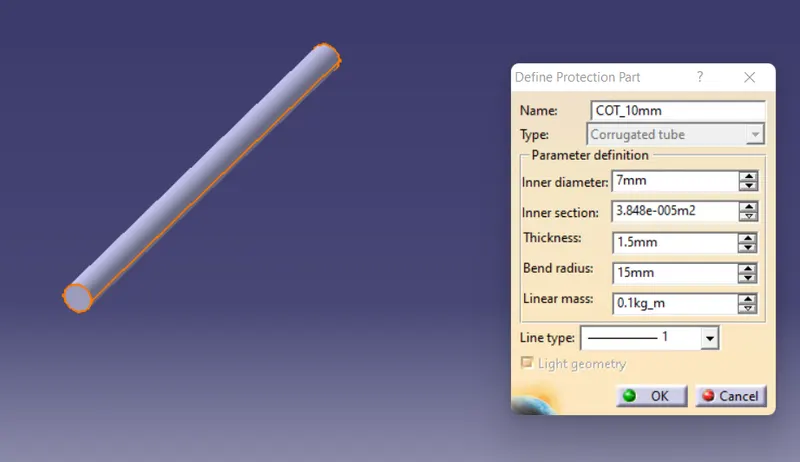
Create Following Corrugated tubes & Add them in Catalogue under “Slit COT” family.
|
Name |
ID (mm) |
OD (mm) |
Thickness (mm) |
|
15mm COT |
12 |
15 |
1.5 |
|
20mm COT |
17 |
20 |
1.5 |
|
35mm COT |
32 |
35 |
1.5 |
|
10mm COT |
7 |
10 |
1.5 |
|
5mm COT |
3 |
5 |
1 |
Corrogated tube - 20mm
steps to create the corragetd tube protection
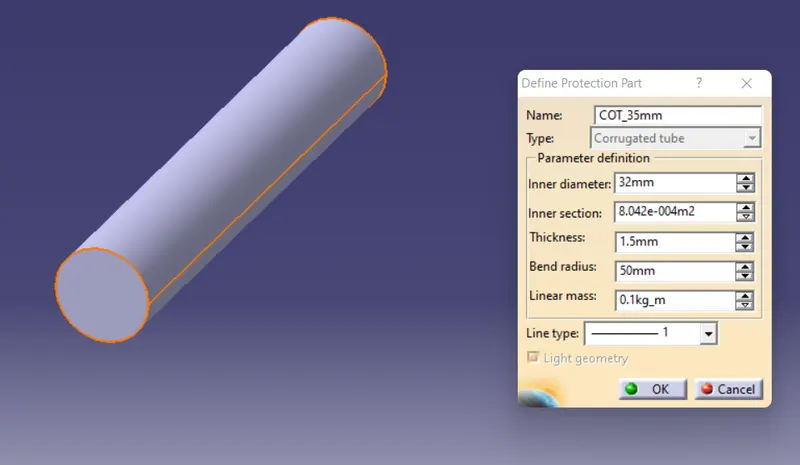
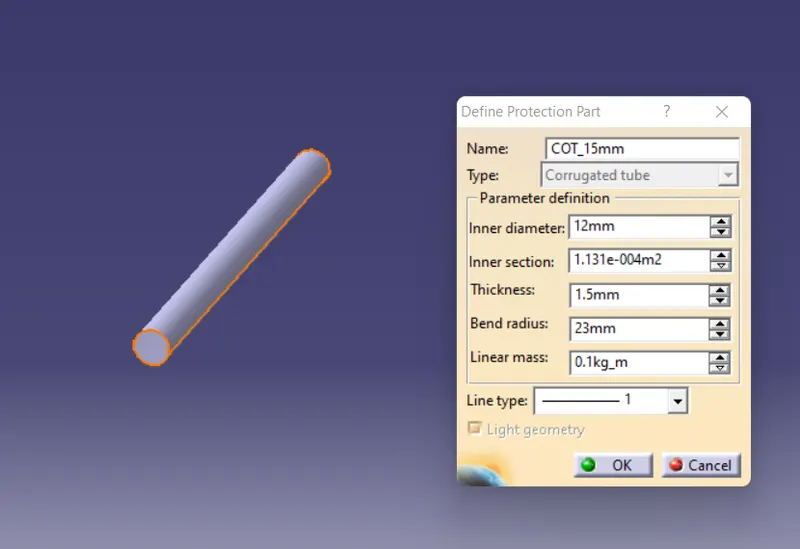
1.open the electrical part workbench and define protection part
enter the required dimensions
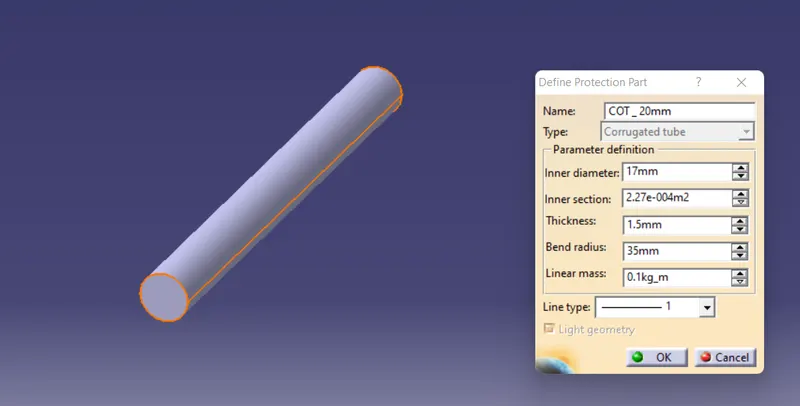
corrogated protection part is created
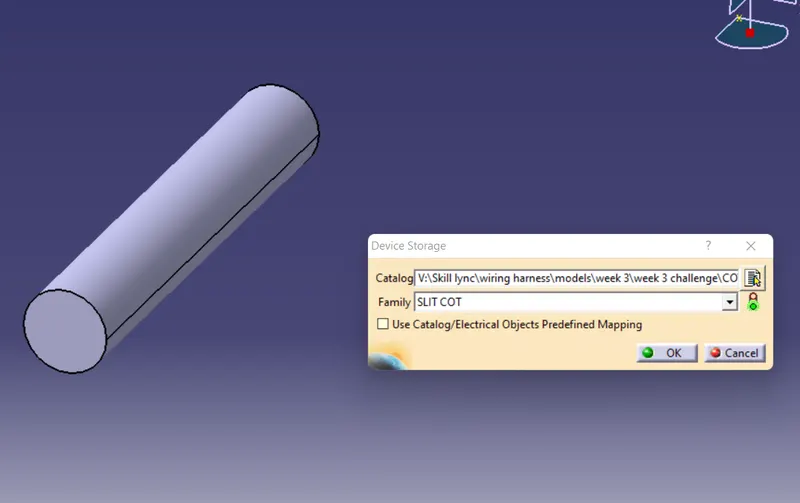
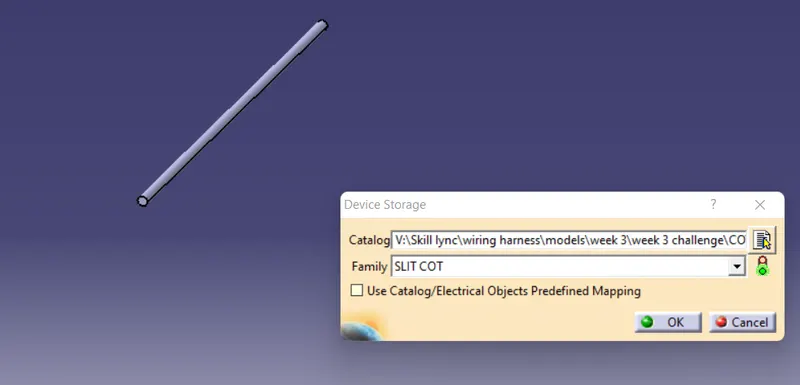
Create a catalog for corrogated tube and add a family of Slit cot and add the diffrent tubes in the catalog
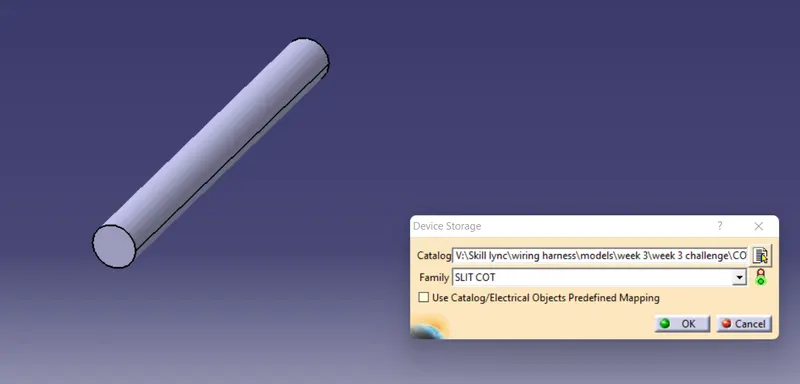
repeat the same for all the given tubes
Corrogated tube - 5mm
Corrogated tube - 10 mm
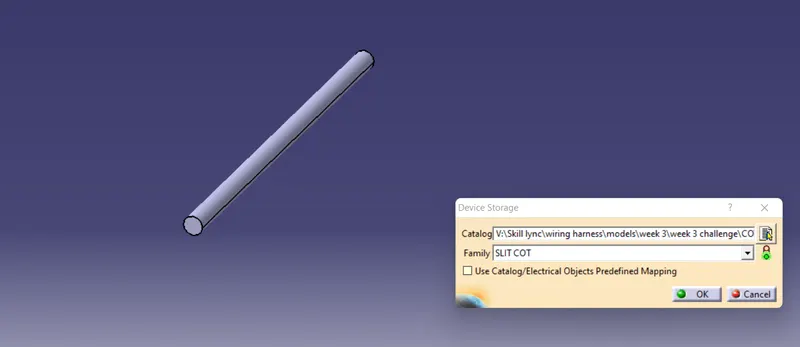
Corrogated tube - 15 mm
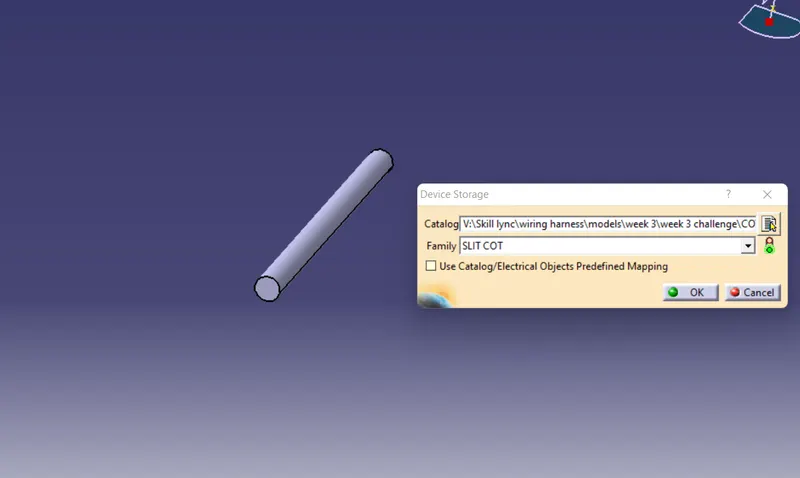
Corrogated tube- 35 mm