Wiring harness routing & packaging Rules Week 3 Challenge
1.P clamp
downoad p clamp part in igs file and open it to cat part design to create required points and planes for bundle entry.
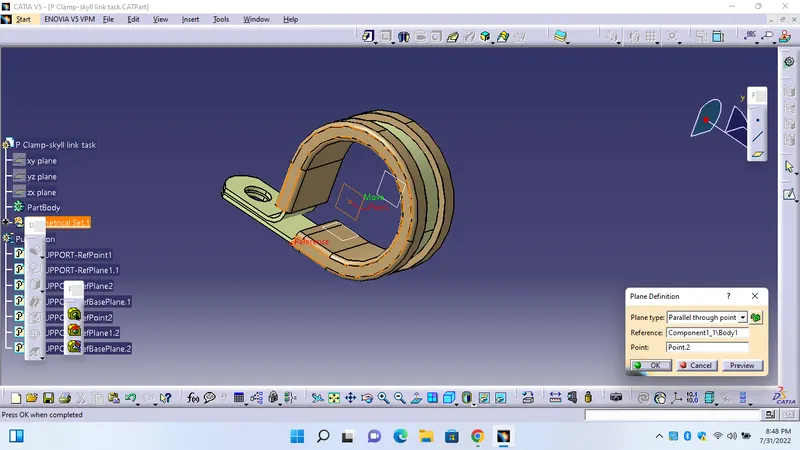
again go back to electrical part design and efine as support and again added required electrical properties
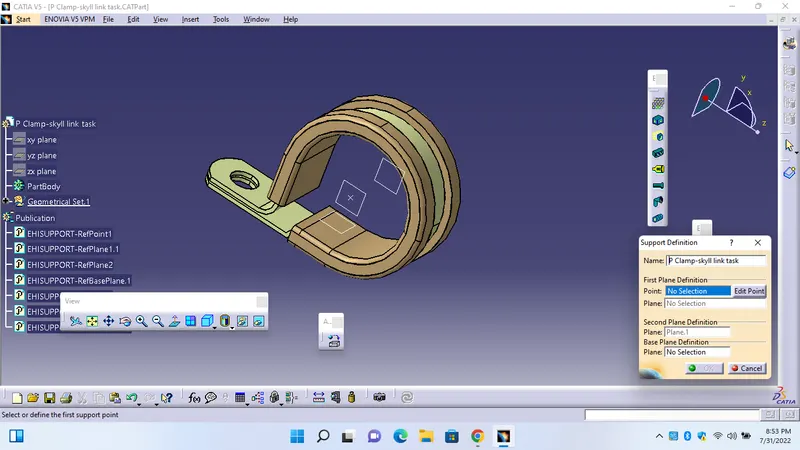
2. backshell
downoad backshell part in igs file and open it to cat part design to create required points and planes and axis for bundle entry and backshell entry points
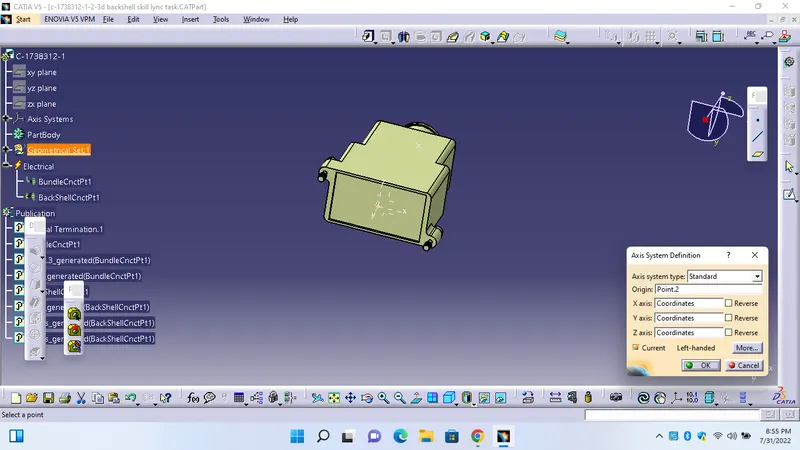
again go back to electrical part design and define as backshell and again added required electrical properties
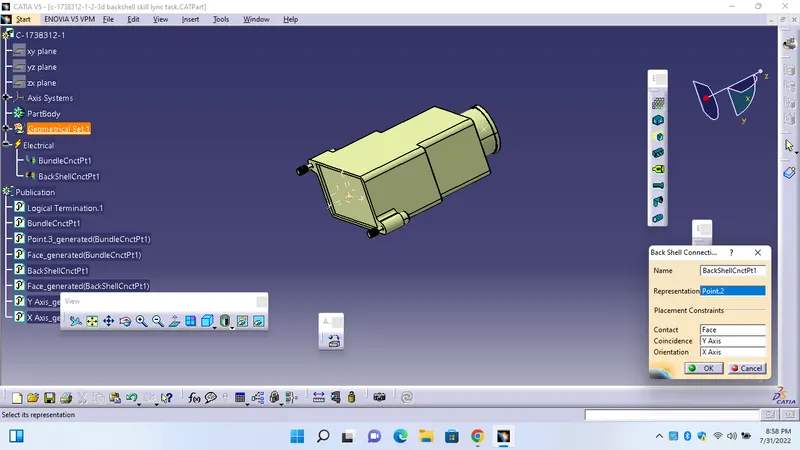
added backsell connection point by using axis systems y axis directed to mating direction(coincidence),x axis represents locking side (orientation)
3.Cot -tube catalouge
open new window as a catalouge document file
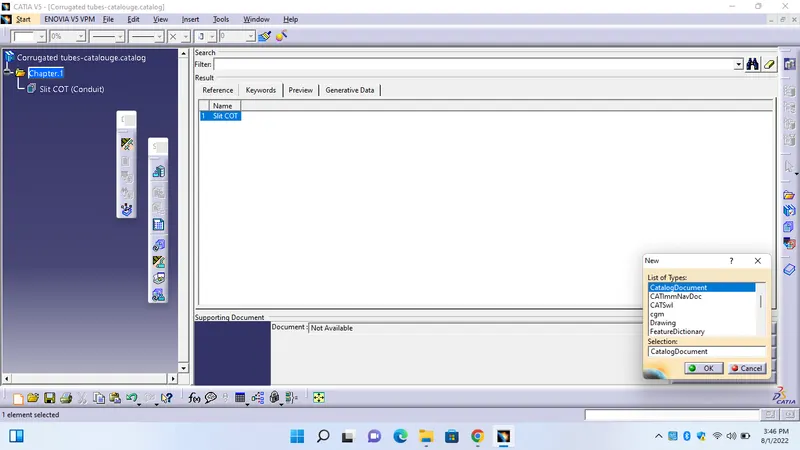
select ADD family andf mentioned catalaouge name and select item as a conduit because cot tubes are under the cinduit catagity.
then creat the cot tube as mentionded in task and click on store device and go to novigate file and click ok to store the file.
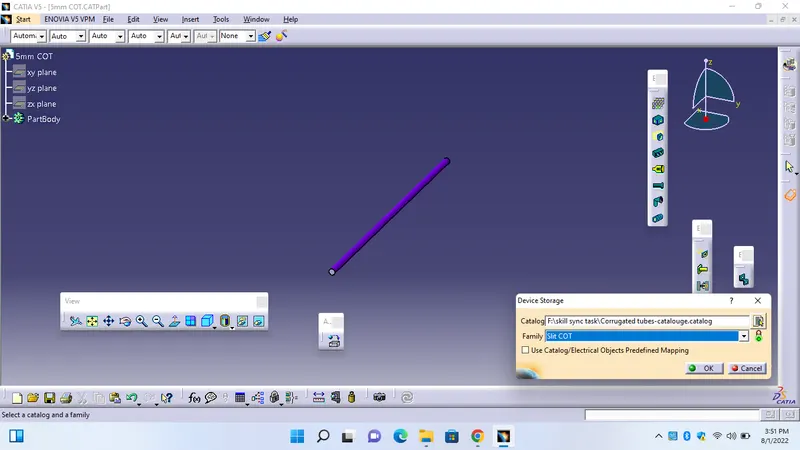
we can chage the color as we required and click save option now it will store into catalouge.