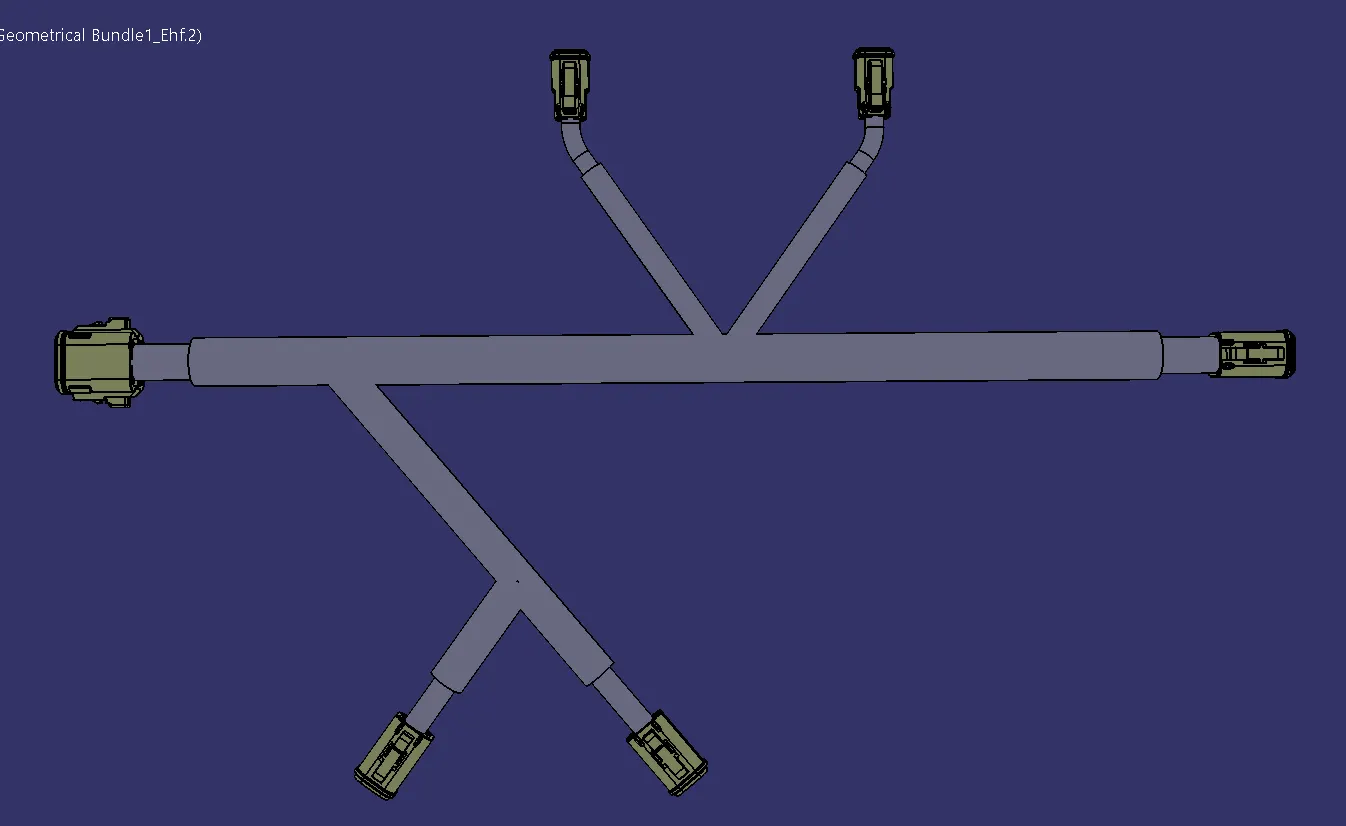
Wiring harness design in CATIA V5 - 3D modeling Week 7 Challenge
Wiring Harness Flattening in CATIA-V5:
Aim:
- To Flatten The Harness Assembly completed in week 4 Challenge.
- To make a Drawing Sheet using the Flattened Wiring harness Assembly.
Flattenning Methodology:
- Creating a New Product named (Electrical Harness Flattening)
- Switching The workbench to Electrical Harness Flattening.
- Then Define the Parameters by clicking the command 'Harness Flattening Parameter'.
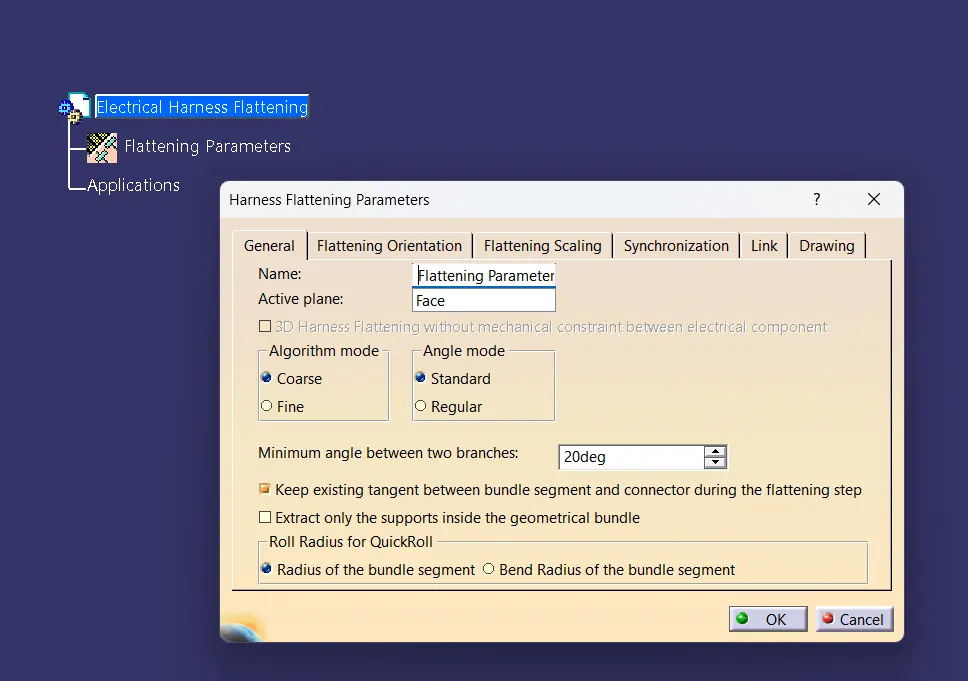
- Then sideloading the week-4 Harness Assembly.
- In Electrical Harness Assembly- Inserting the wiring harness assembly by Extract Command And Required Face.
- Then Flatten The Assembly By Flatten Command and Selecting the Required Face & Required Branches.
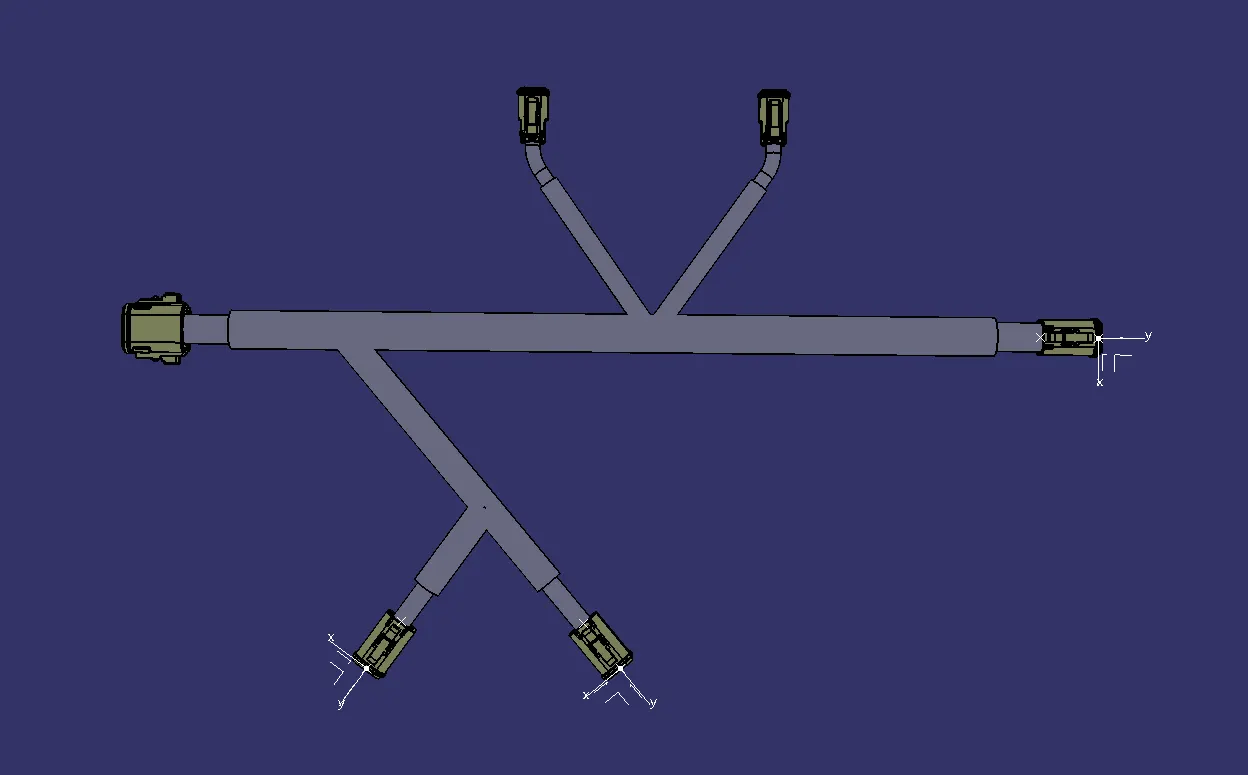
- Bending the Branches by using the Command "Bending".
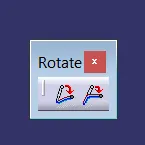
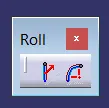
- Rolling The Branches by using the command "Rolling".
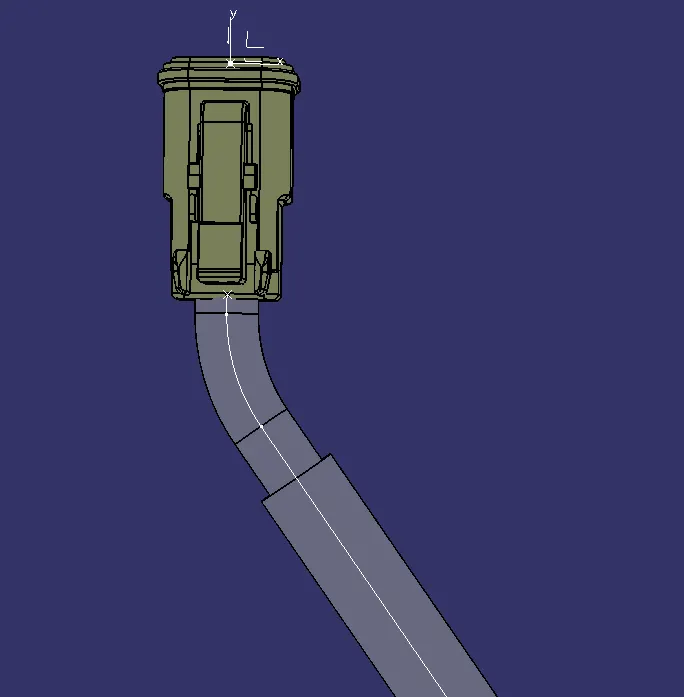
- Then Generate Numberings for Geometrical Bundle In Mechanical Assembly Workbench.(To generate Balloons In Drafting)
Drafting Methodology:
- Creating New drawing file.
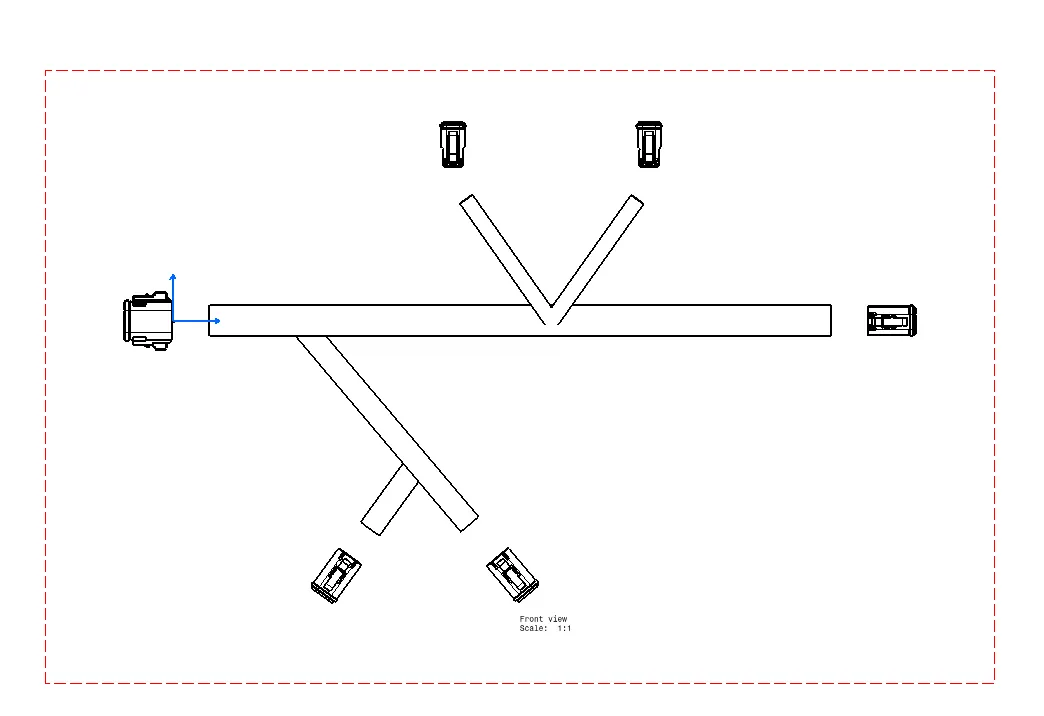
- Imporing the Front view of the flattened Assembly.
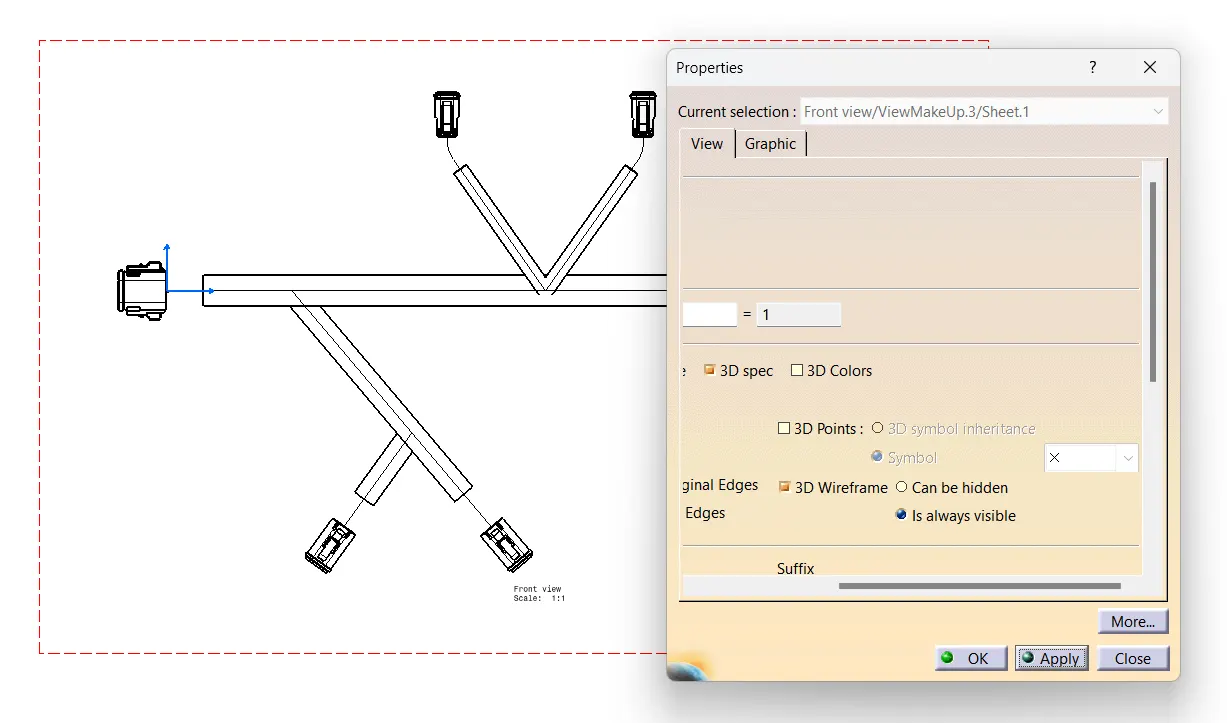
- Changing the Properties.
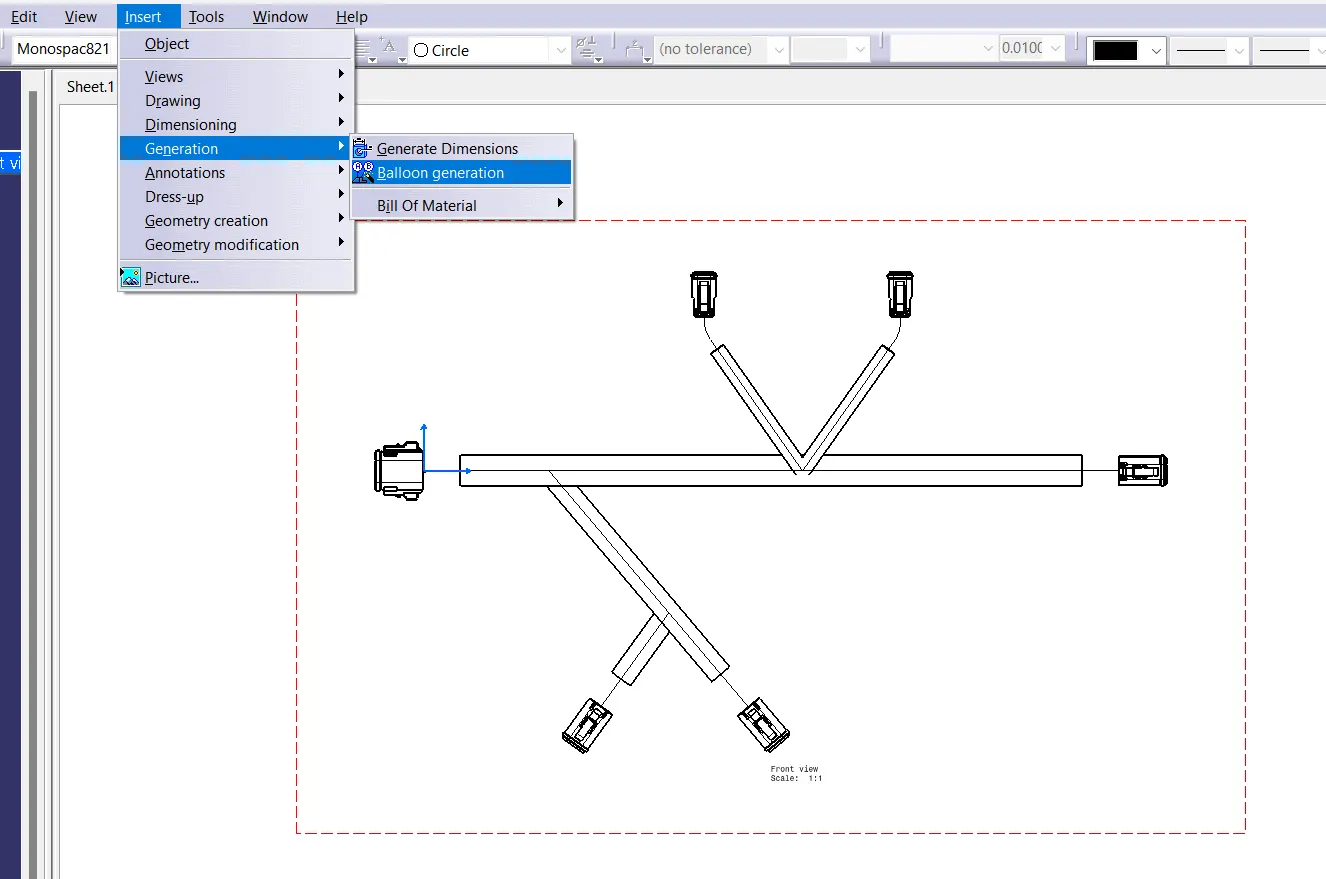
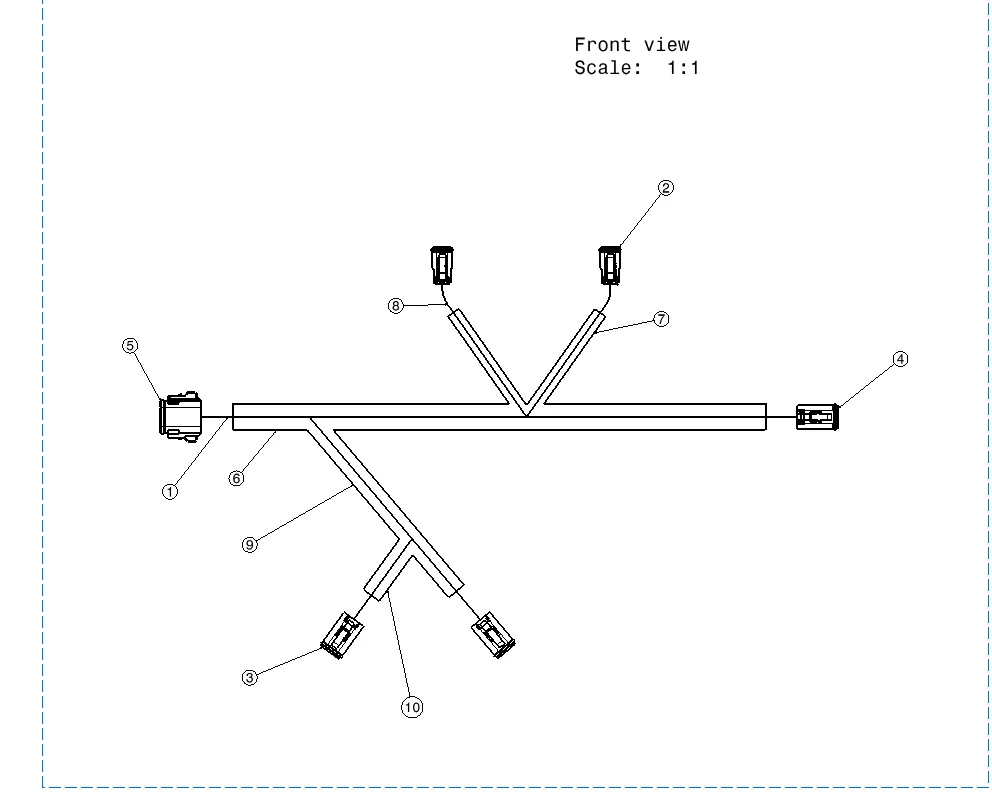
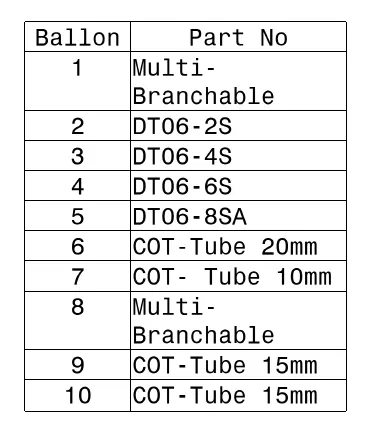
- Balloon Generation.
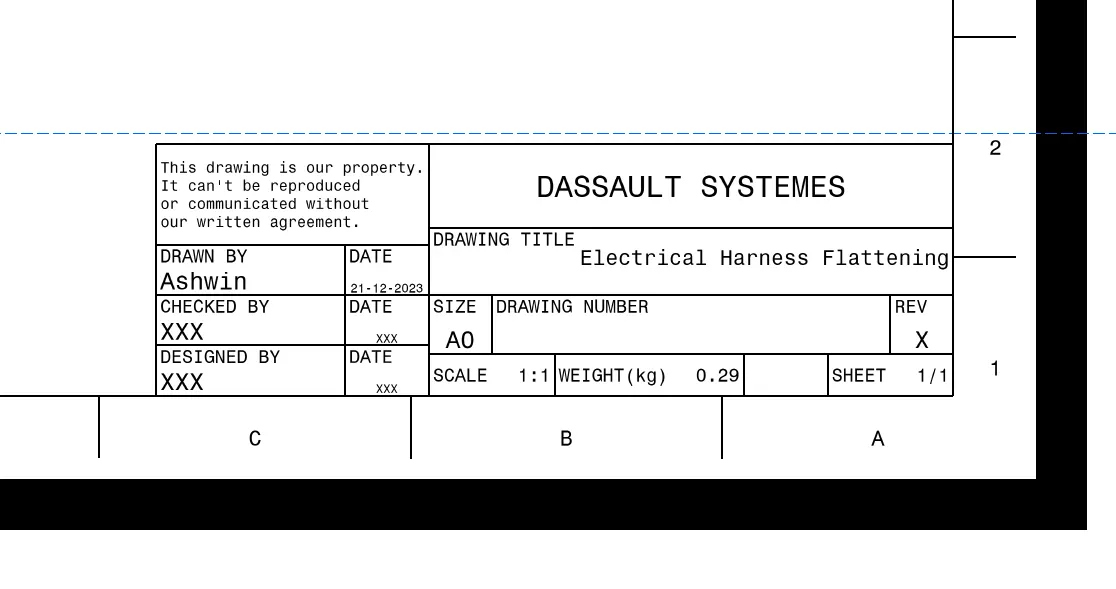
- Generating Title Block.
- Generating Bill Of Materials.
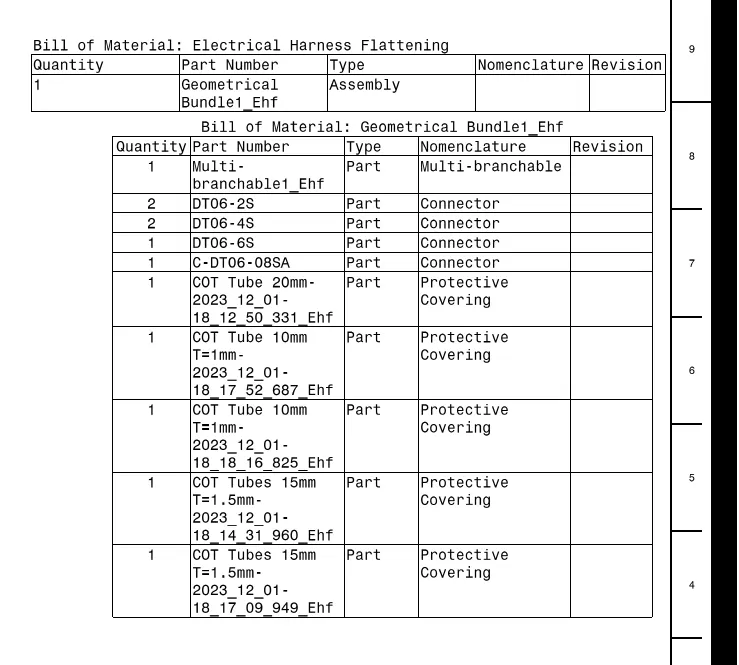
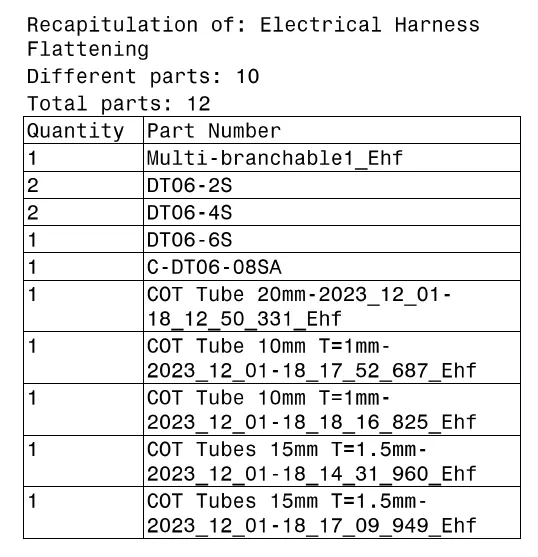
- Recapitulation Table. (Summary)
- Balloon Table.
Complete Drafting:
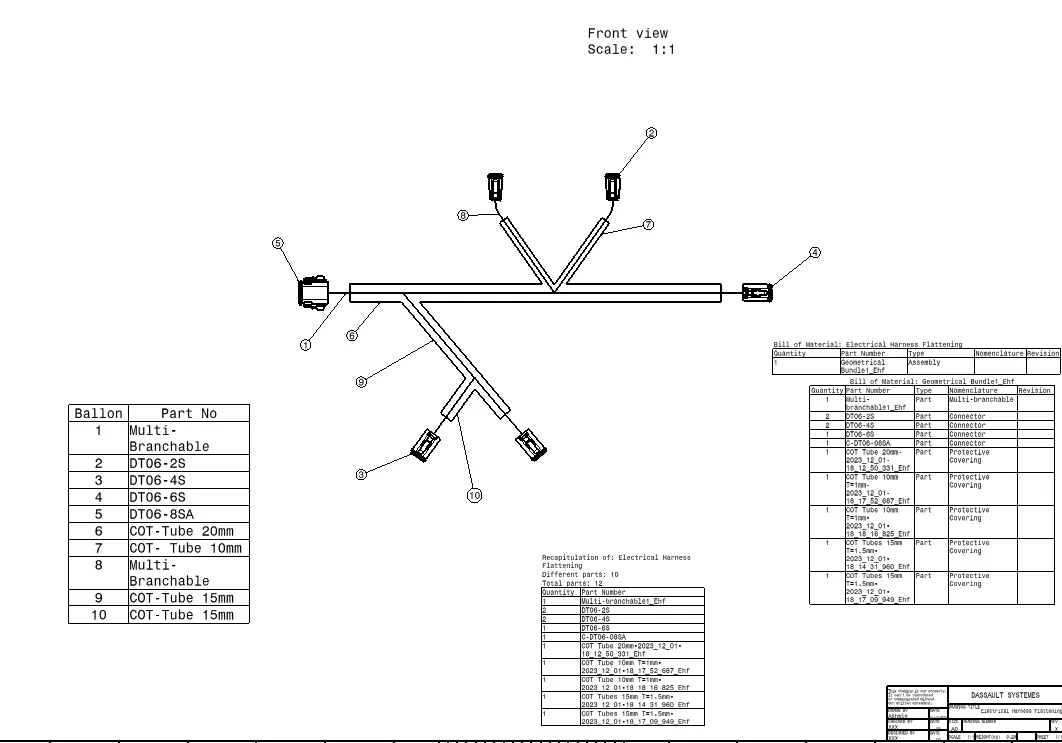
Flattening Assembly: