Wiring harness design in CATIA V5 - 3D modeling Week 7 Challenge
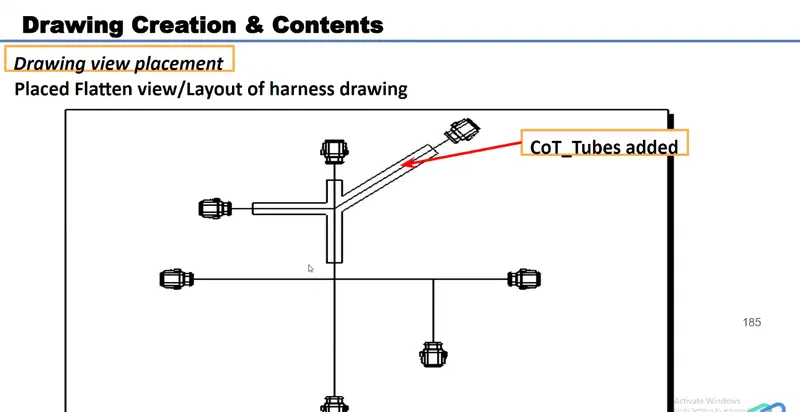
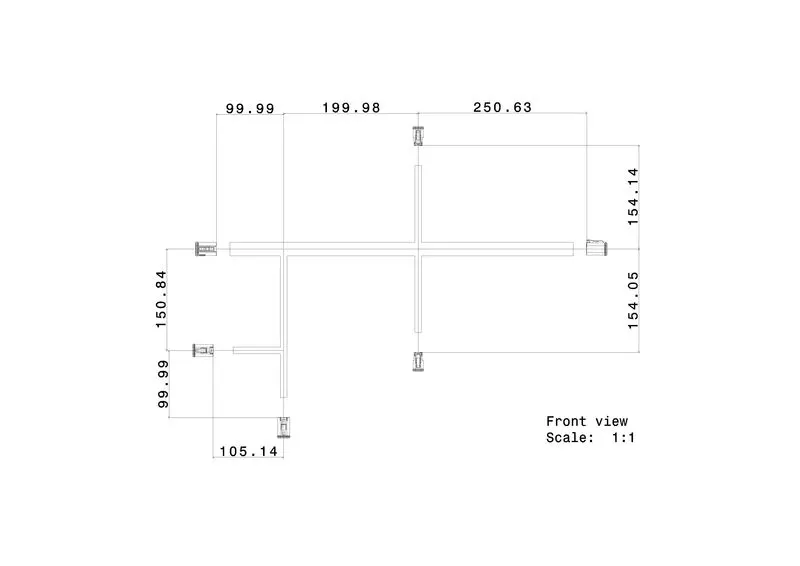
Aim - Flatten the harness assembly completed in “ week 4 challenge”. Place the flattened view on drawing sheet. Ensure bundles with protective coverings has different visuals on drawing view.
Process -
1.) Define the Connector
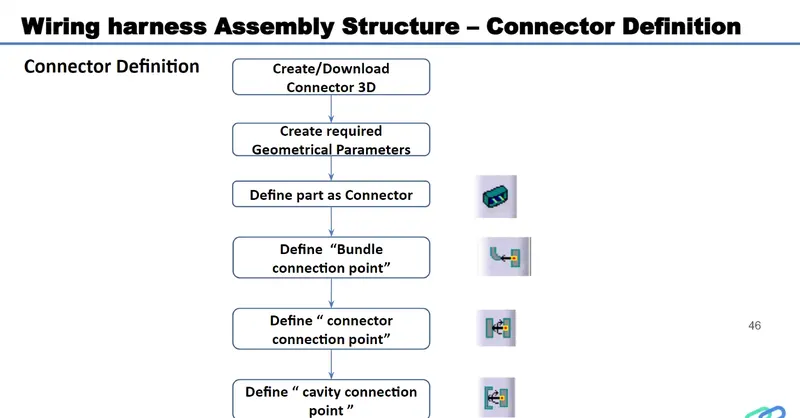
a) Download Connector 3D Part from www.te.com
- DT06-4S
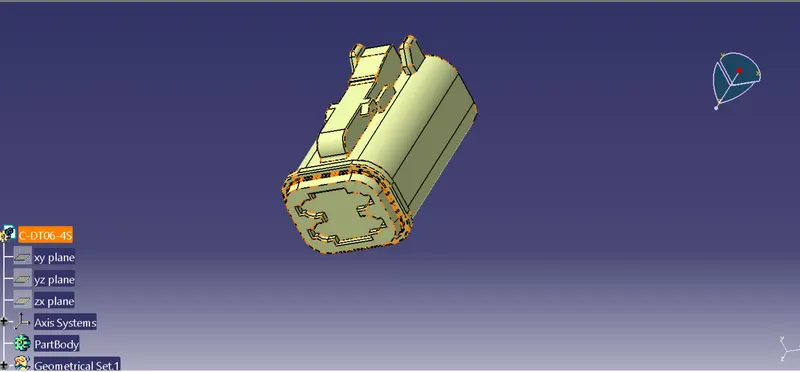
b) Create a Required Geomtrical parameters- Point, Axis Systems
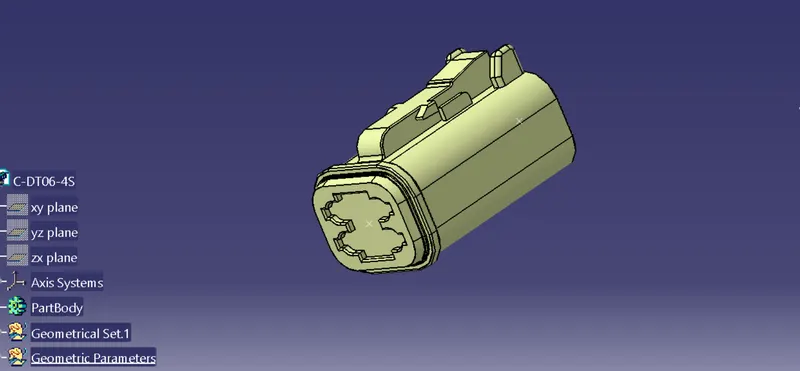
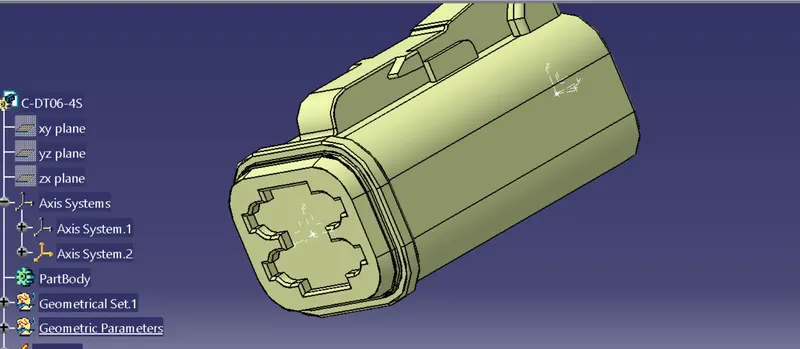
c) Define Part as a connector
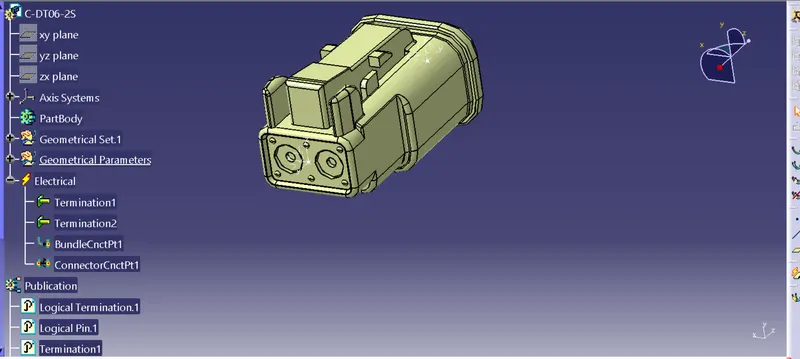
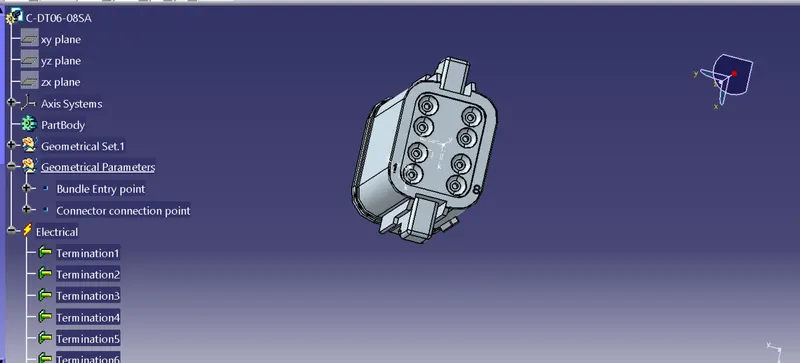
Switch from part workbench to Electrical Part workbench, Using the Define connector command to define the connector as a Electrical component
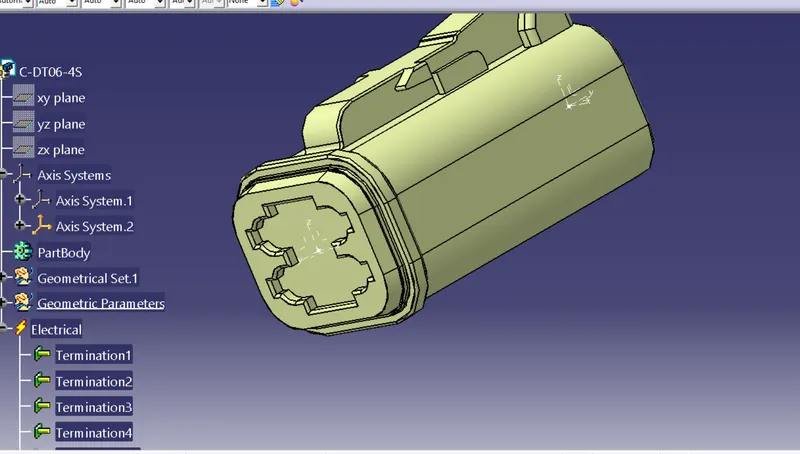
Define the Bundle Connection point and Connector connection Point
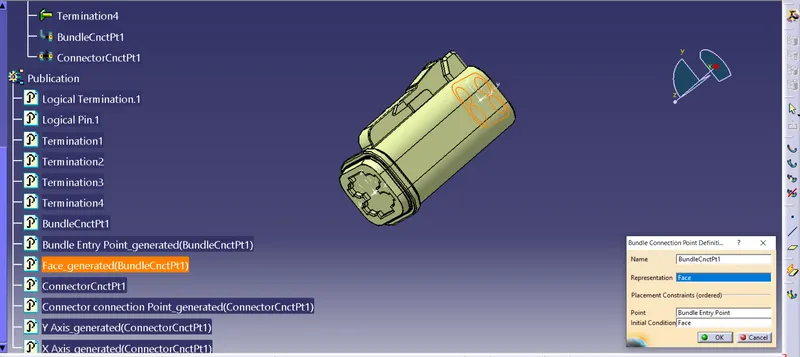
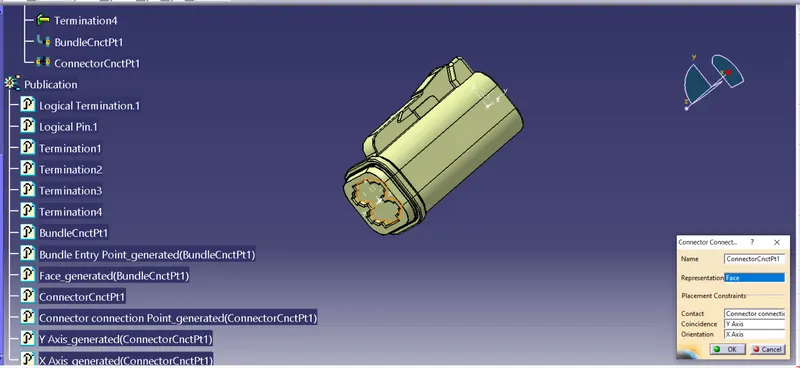
Follow the same process for define the all connectors
- DT06-6S
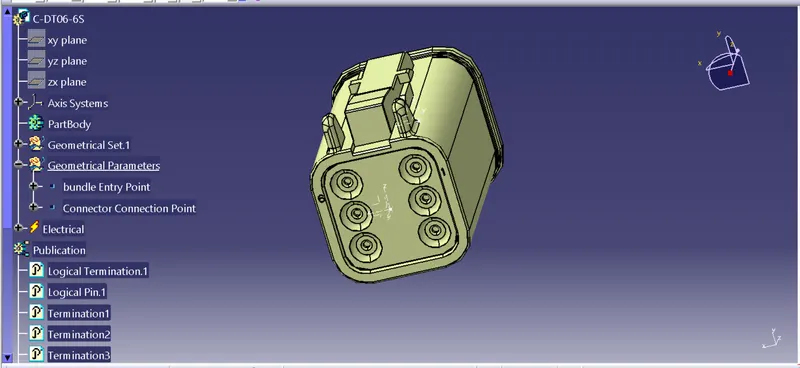
- DT06-2S
- DT06-08SA
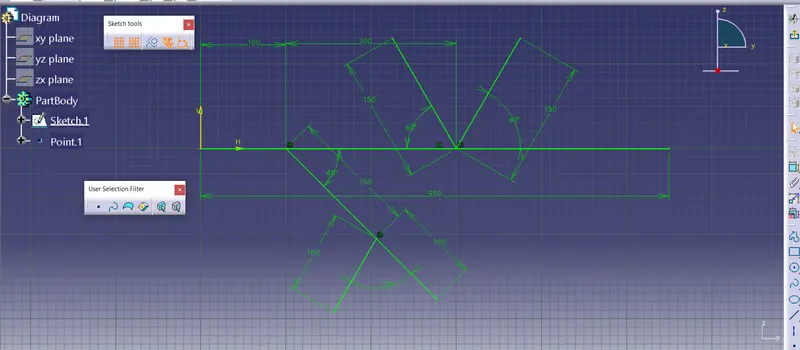
2.Now create a New Sketch in part workbench for Reference purpose
3. Now create a Context Assembly
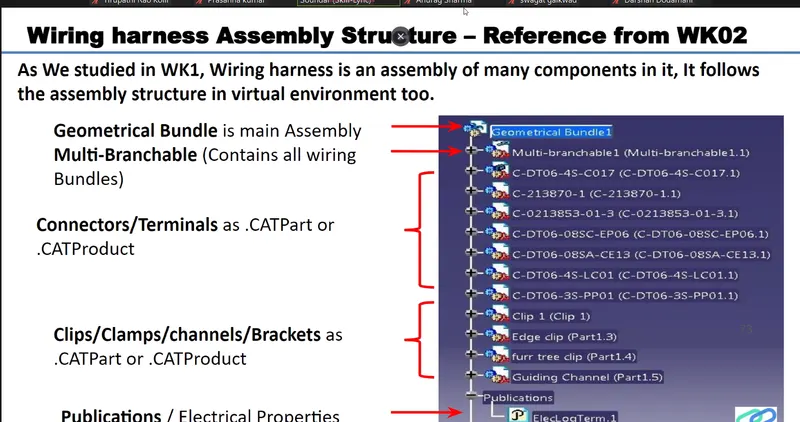
a)Exit all components in that By using Exit component command
b) Switch from Part assembly to Electical Harness Assembly workbench
c) Using the Geometrical Bundle command Convert the product as Geomtrical Bundle
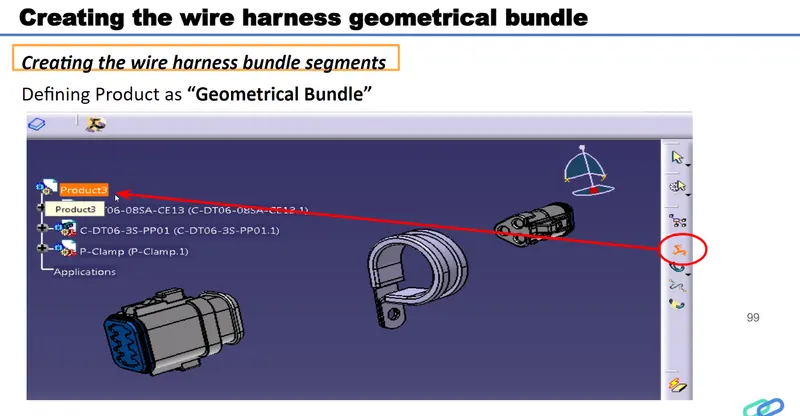
d) Using the Multi Branchble component Command to create the Bundles .
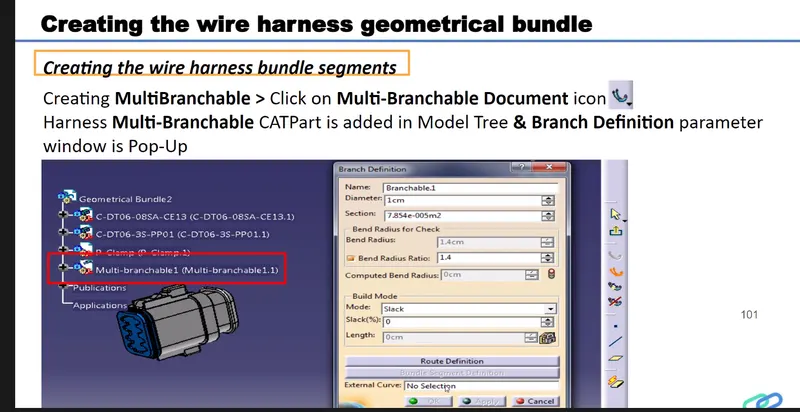
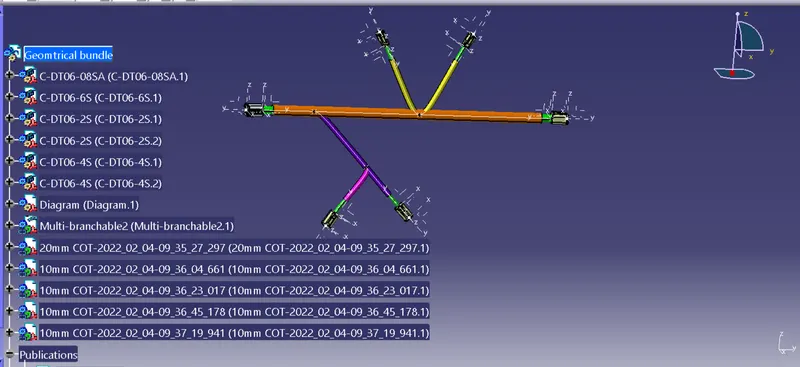
Finally Creat the COT_ Tubes by using Protuctive Covering Command
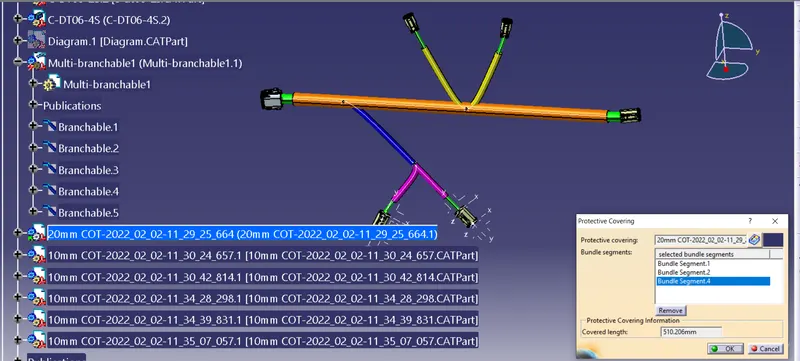
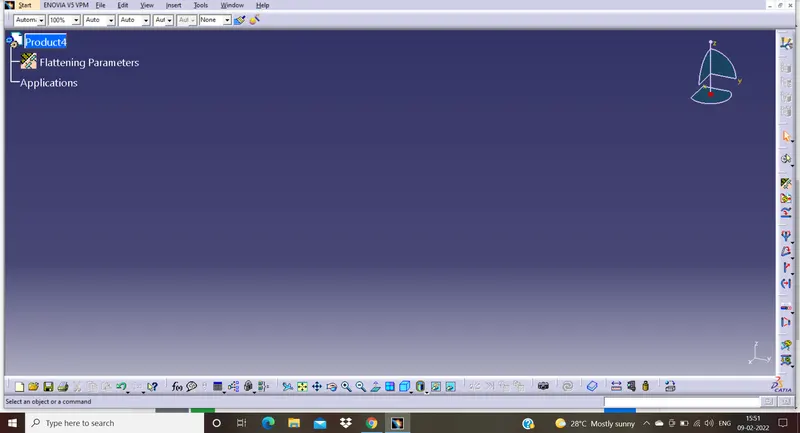
create the product > Switch to Electrical Flattening Workbench > Create the flattening Parameter
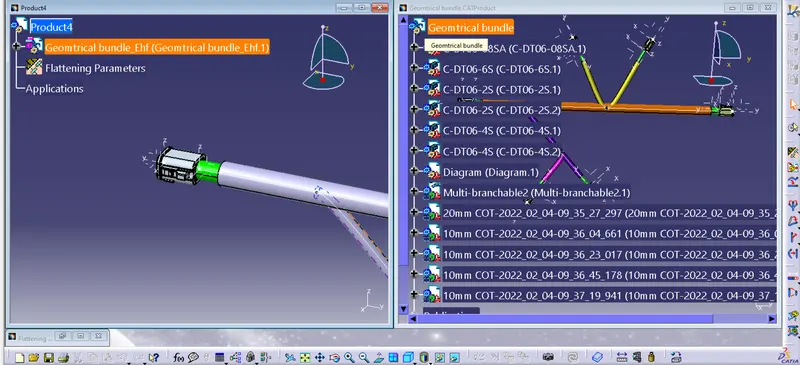
By using windows vertically > Extract command > to extract the Geometrical Bundle in to the Flattening Product
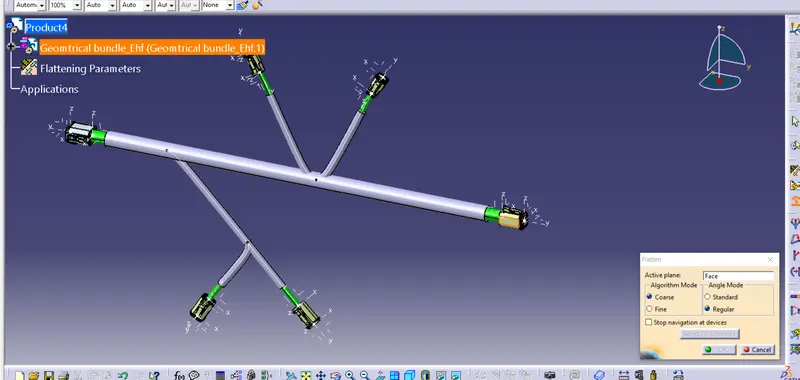
Using Flatten command Flatten the Product
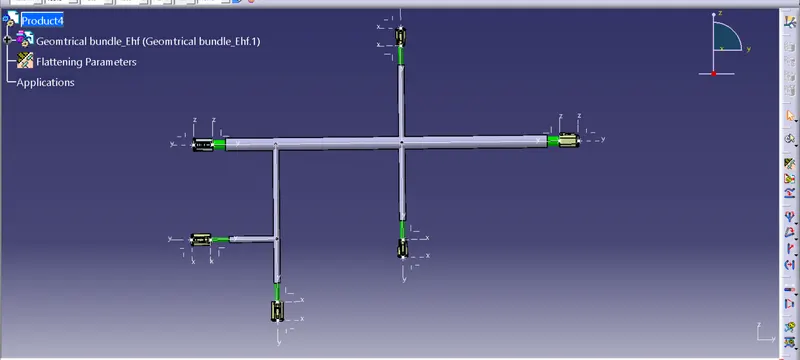
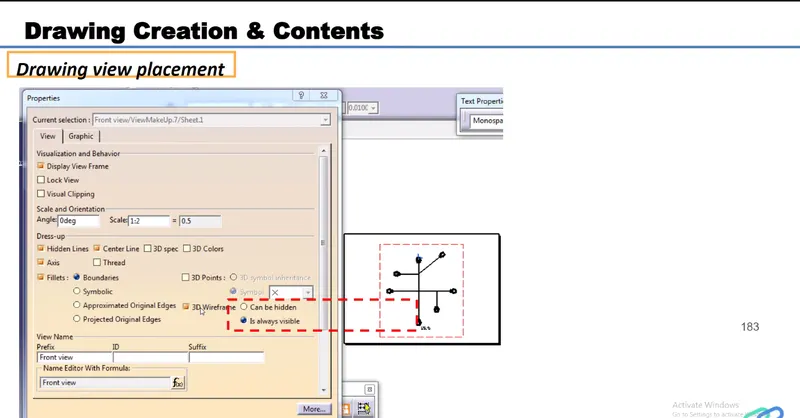
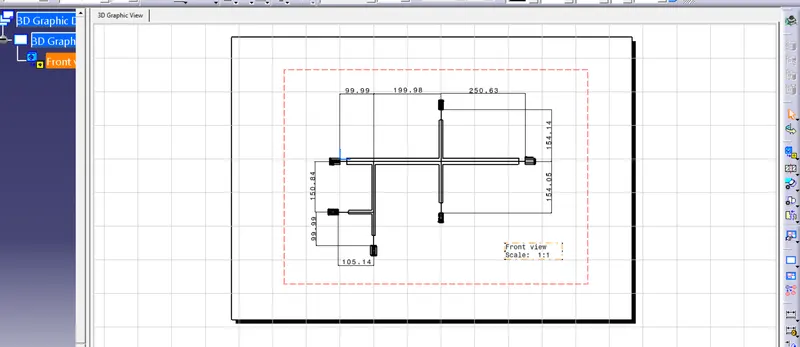
Next Create a Drawing