Wiring harness design in CATIA V5 - 3D modeling Week 7 Challenge
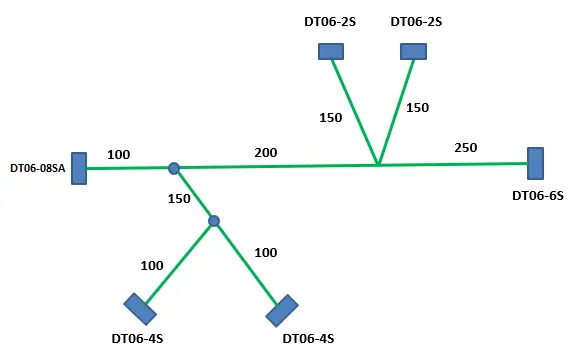
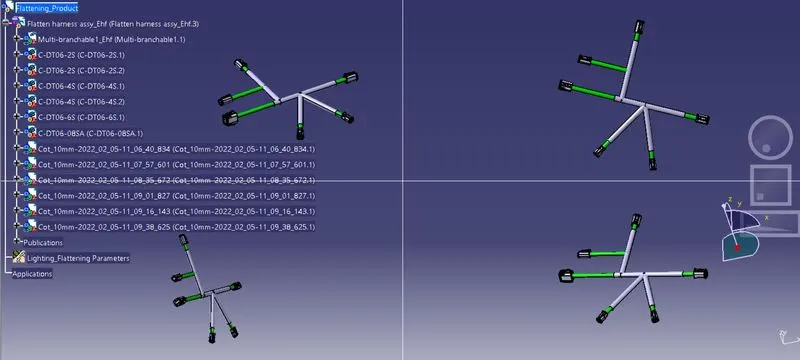
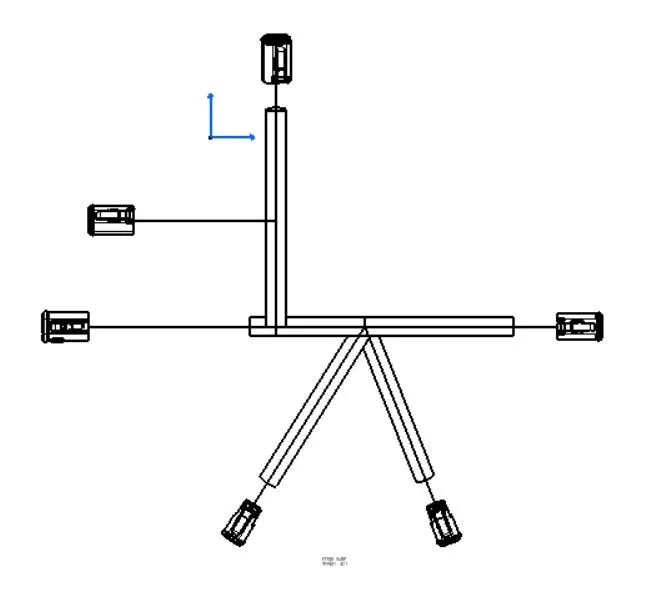
Flatten the harness assembly and the flattened view on drawing sheet:
Here we have to conclude that the harness assembly is to convert into flattened view on the drawing sheet.
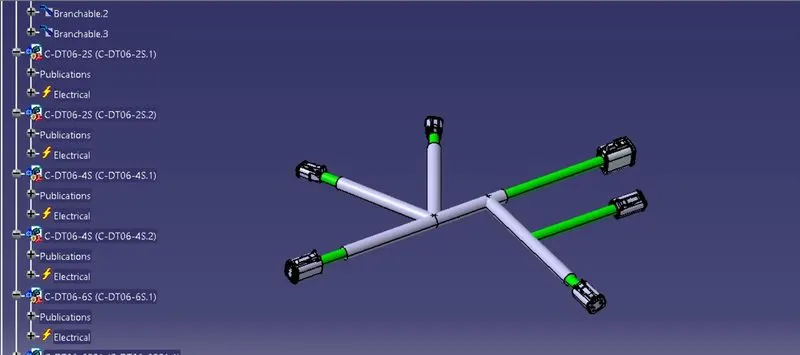
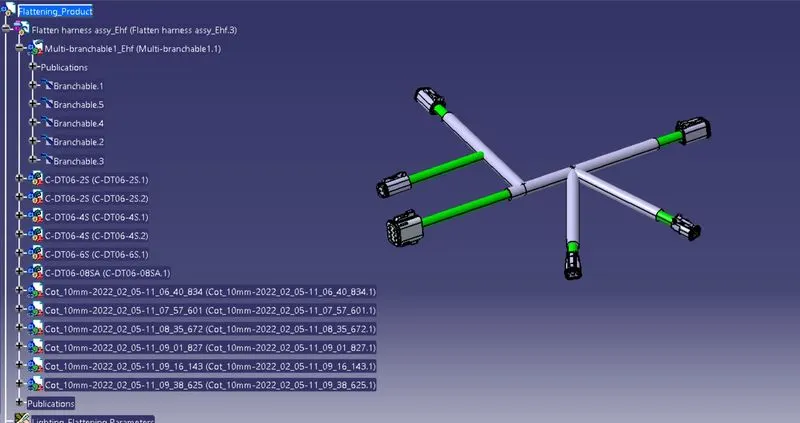
For that we have created wiring harness with connectors by following all wiring rules
After completing the harness assembly we have to exact the entire assembly into flattern workbench
When we enter into the flattern asembly we should do the prime step is to give the parameters to the product part
In this each and every product part is individually give the parameters based on that parameters only we can create the drawings
After giving the parameters we have to extract the needed assembly to convert into flattened
By using straighting command we can completely make the assembly into stright
After that open the drawing sheet and take of the view and add specifications and properties as we required.
Finally we get a drawing sheet with all specifications in 2D view.