Wiring harness design in CATIA V5 - 3D modeling Week 7 Challenge
To flatten a wire harness we have to switch to the wire harness flattening.In the flattening workbench you can find the below options as define flattening.Use it and define the flattening.
When you click the flattening options or flattening parameters different options pop up as shown below
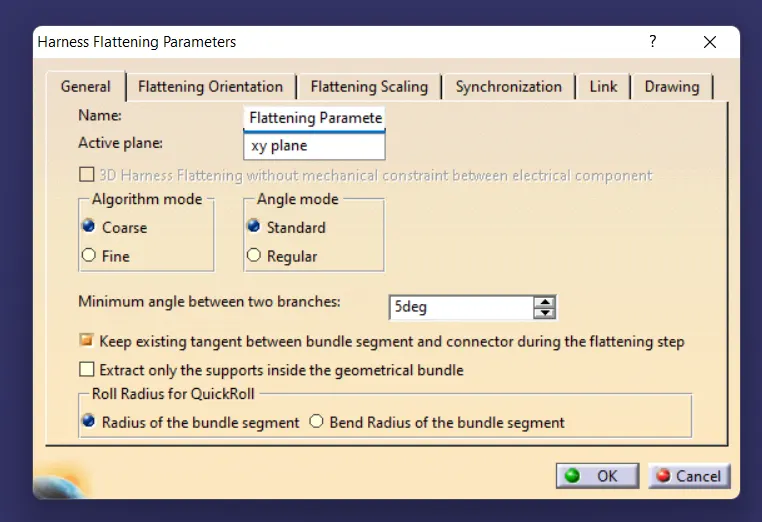
Set all the options from general to drawing according to your requirement.Next open your model in the vertical window and use Extract option next to flattening and click on your bundle in the next window, your flattening model is defined in the wire harness flattening.
When you define the model as the harness flattening model ,the model changes as the Ehf model by default.
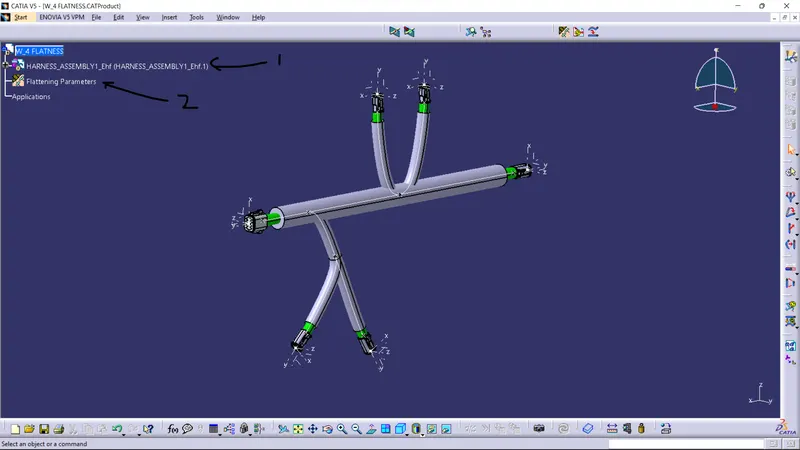
Now that the model is defined as Ehf,to flatten it use the Flatten option next the extract and select the plane and the select the bundles your model will be flattened as shown below.
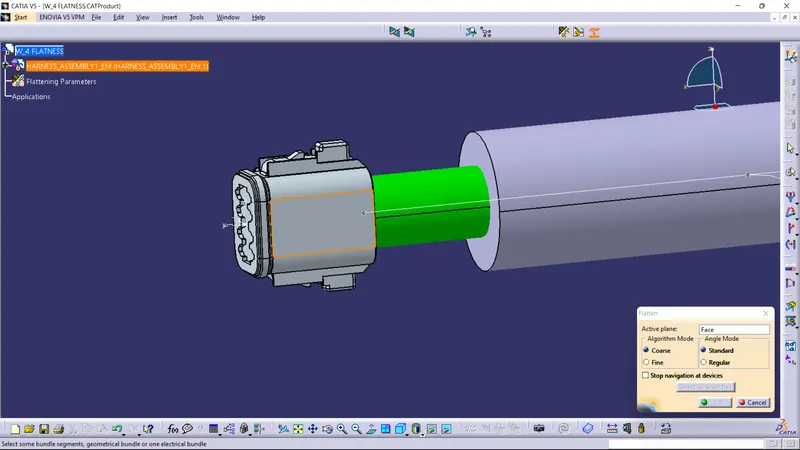
FLATTENED MODEL
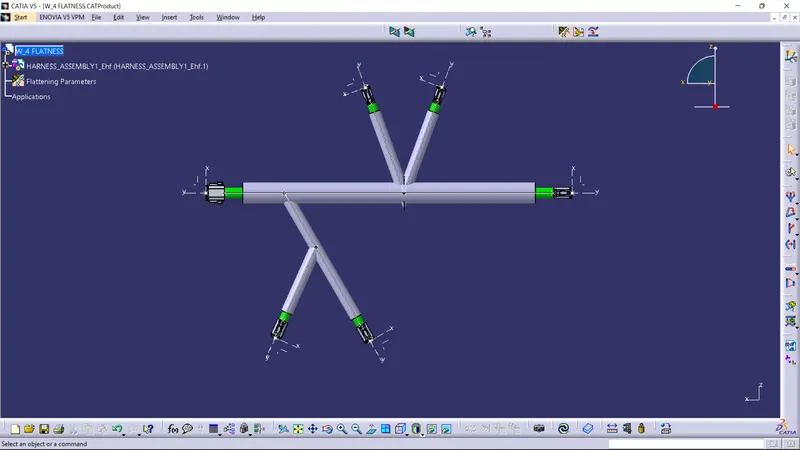
Use the rotate option to make the bundles and cot tubes perpendicular as below.
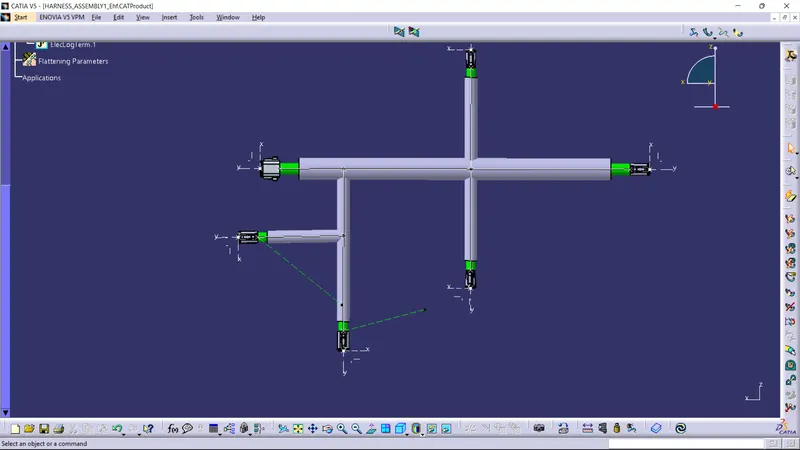
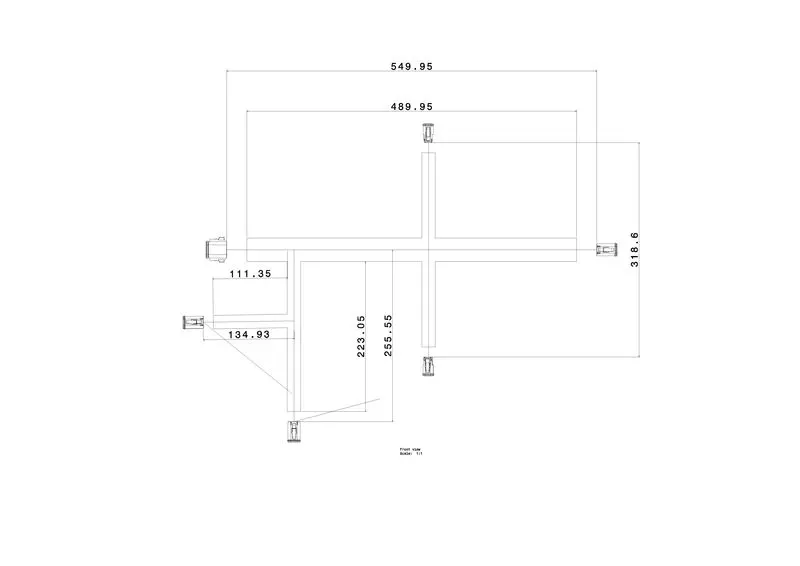
Now to convert the model into the drawing define new drawing window and select model and define the front plane.Now change the properties of the flattening model in drawing option of flattening parameters and select the bundle and 2d detailed and select the wire frame options in the drawing properties of the model.Give the detailing and dimensions.
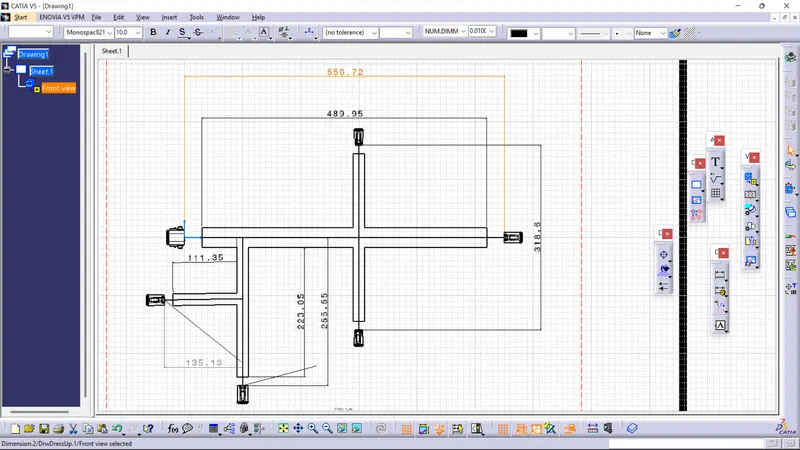
You also enable the color specs of the model
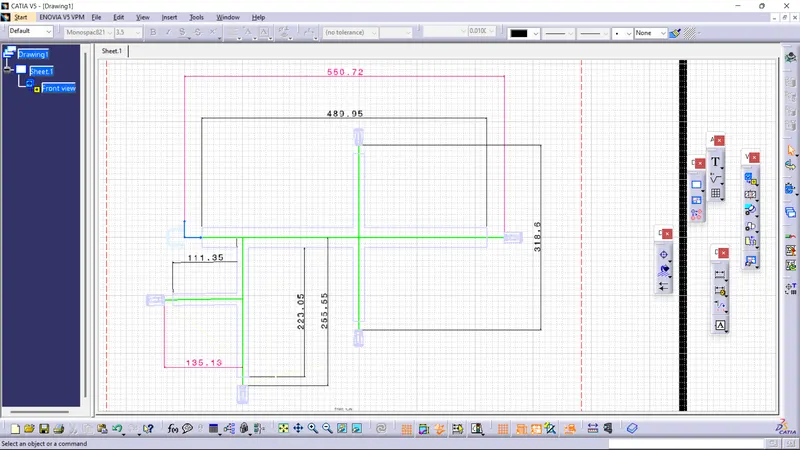
You can also save your model in different formats like jpg or pdf, below is the JPG of the drawing.