Wiring harness design in CATIA V5 - 3D modeling Week 7 Challenge
1.
Report:
First make the rquired sittings and save the product file in the Harness Flatneing.
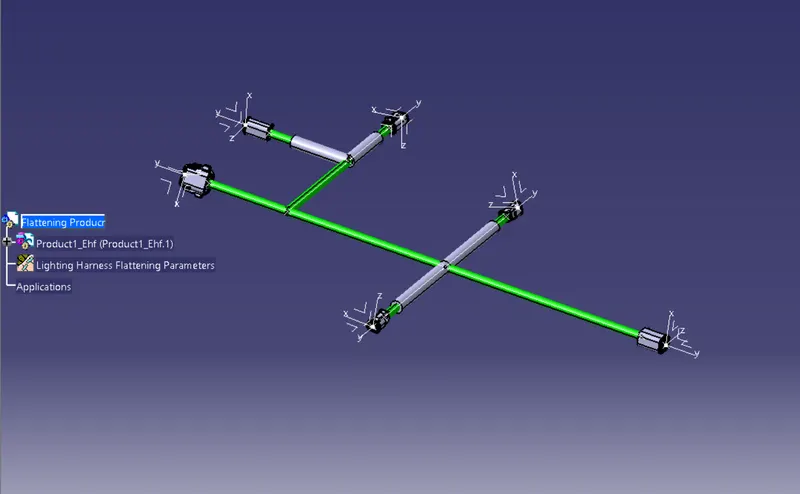
Next load the Harness Assembly to be be Flattened to the Harness Flattening Platform Using extract option.
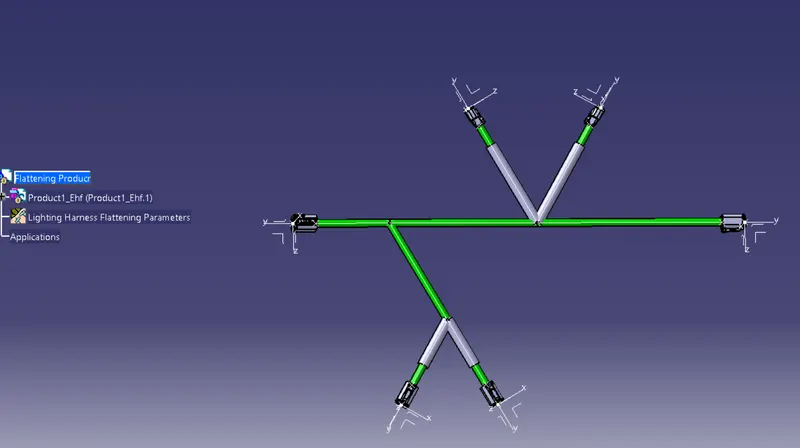
Make the necessary Manupalitation to move the connectors to its dsire position and direction.
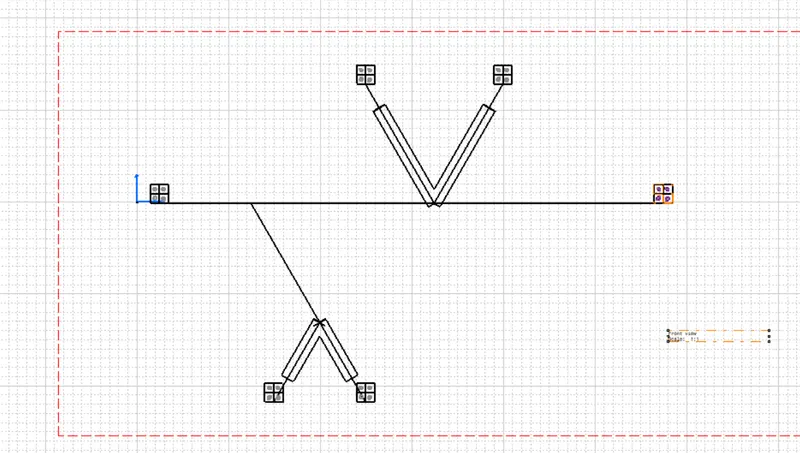
Next select all branches and flattened the system.Save the system.
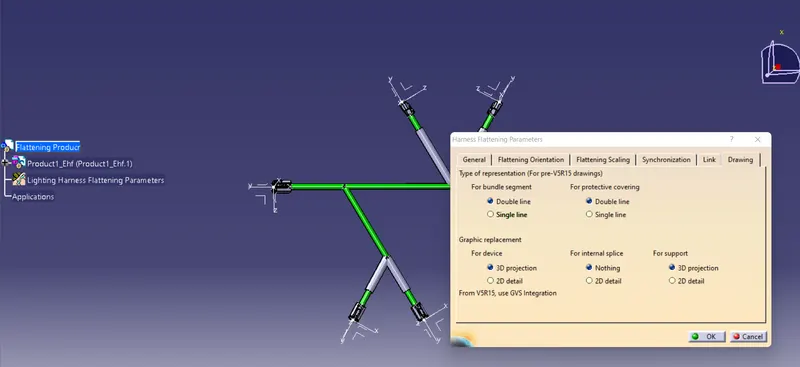
Rotate the routing to the desired angle and make the sitting.
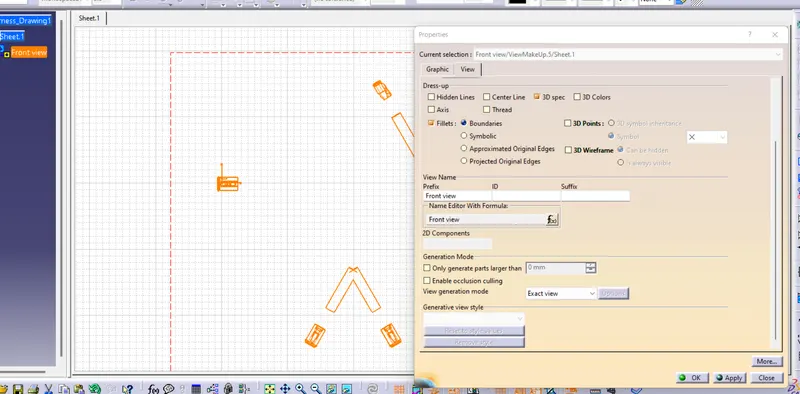
Add the coroguate tubes and synchnorizes the harness Assembly with the Flattening Assembly.
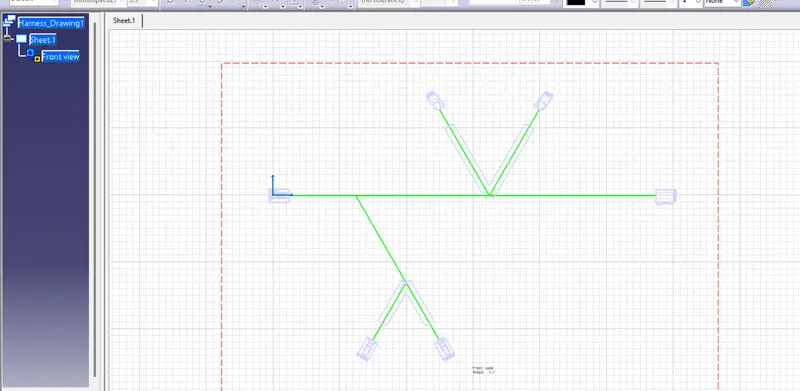
Open Drawing and make the standard sitting.
Select the front View and pick the selected face from the Flattening Assembly.
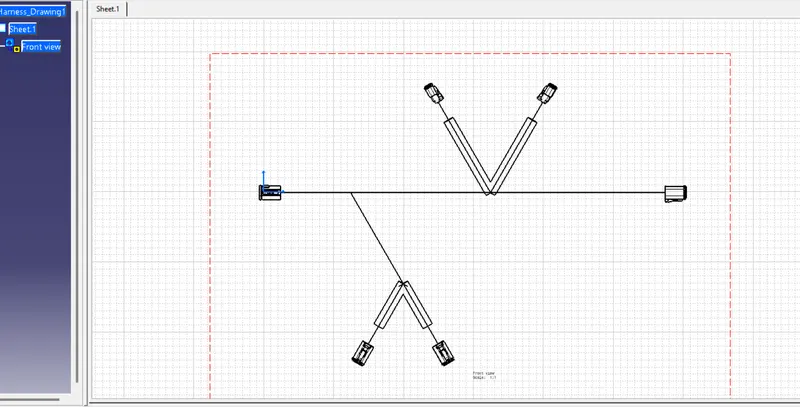
Right click on the drawing and make the sittings and save the 2D file.