Wiring harness design in CATIA V5 - 3D modeling Week 7 Challenge
AIM:
TO FLATTEN THE WIRING HARNESS AND DRAFT THE WIRING HARNESS ASSEMBLY.
GIVEN:
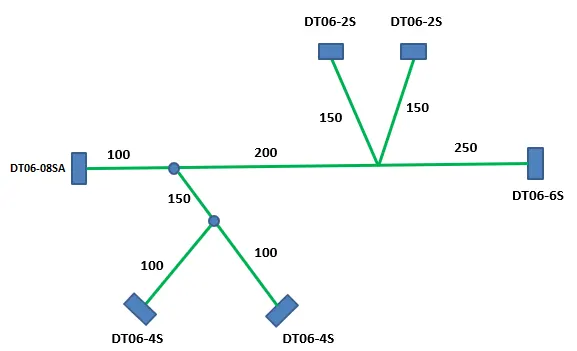
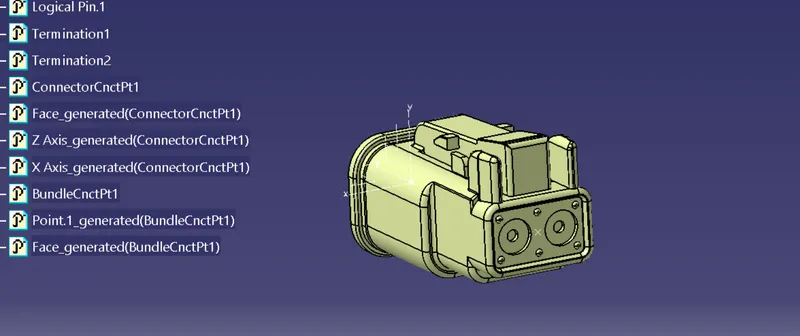
For DT06-08SA-
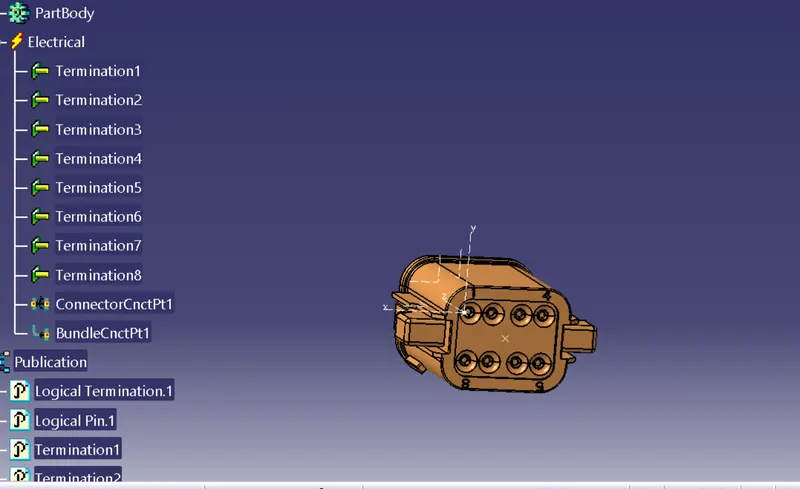
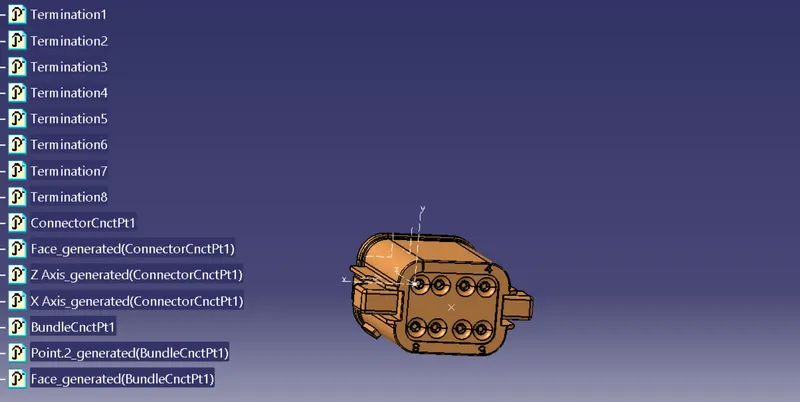
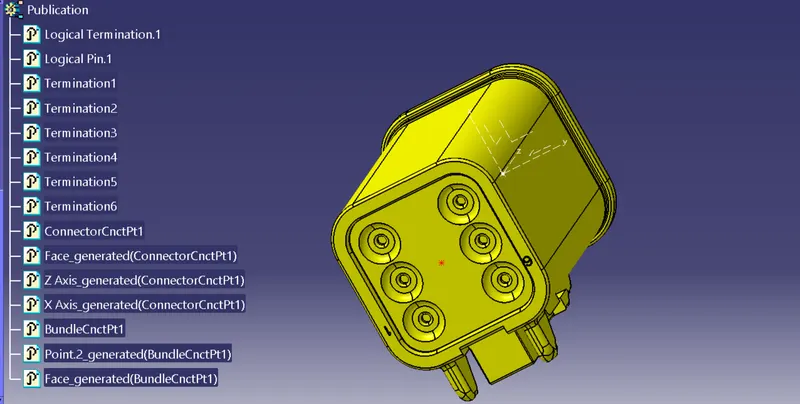
CT-DT06-6S
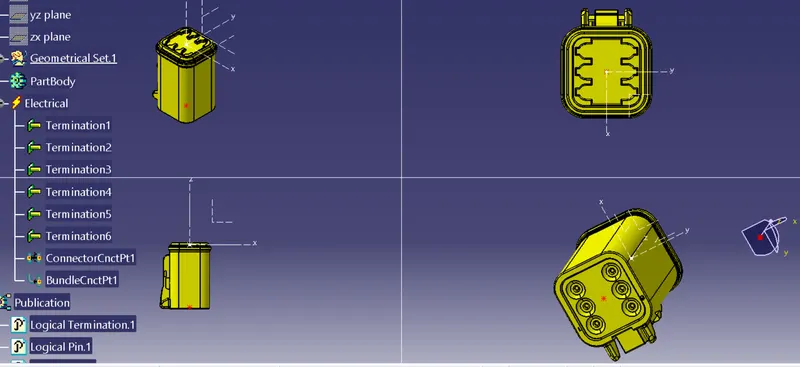
DT06-4S
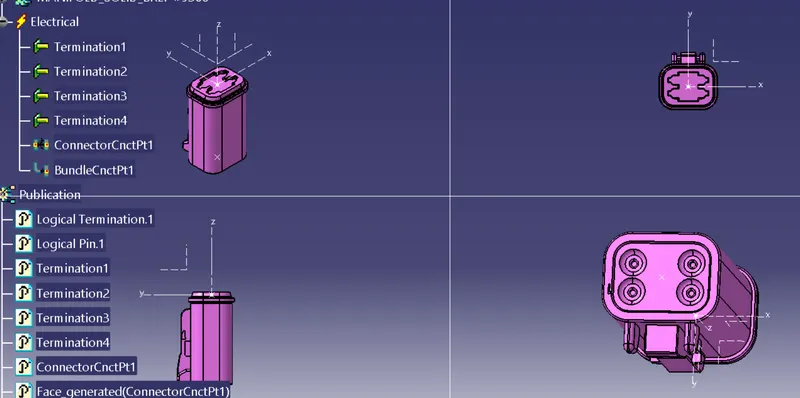
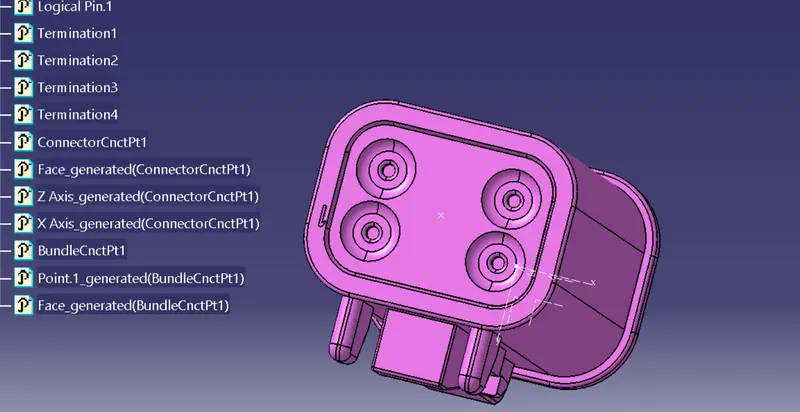
DT06-2S
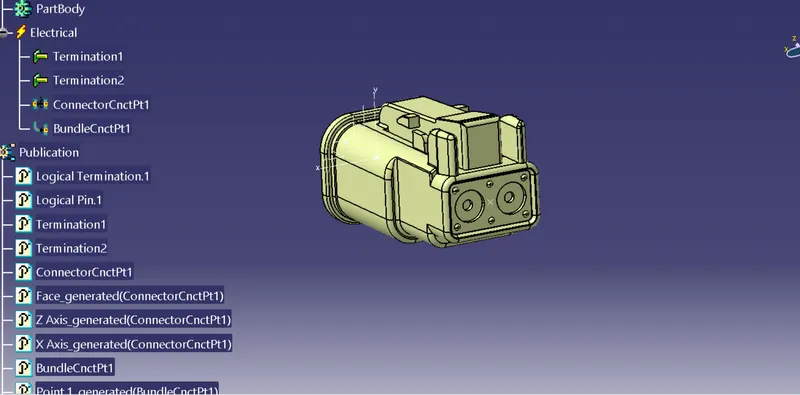
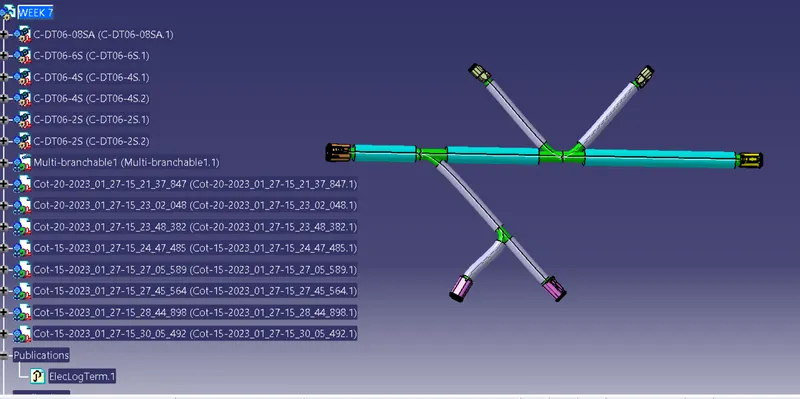
After that we assemble ,Then appying covering
ThenHarness fltening parameters we find some commands are not visible

WE GO TO THE HARNESS FLATTENING WORKBENCH AND DEFINE THE FLATTENING PARAMETERS
When we enter in parameters these are essentially important to activate above flatening command
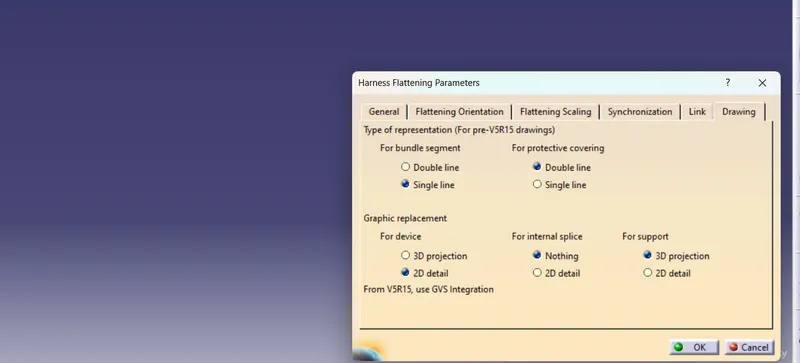
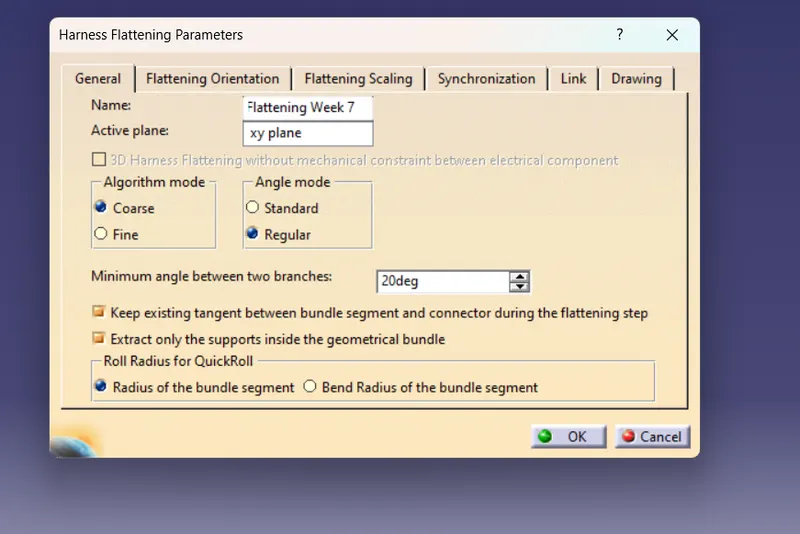
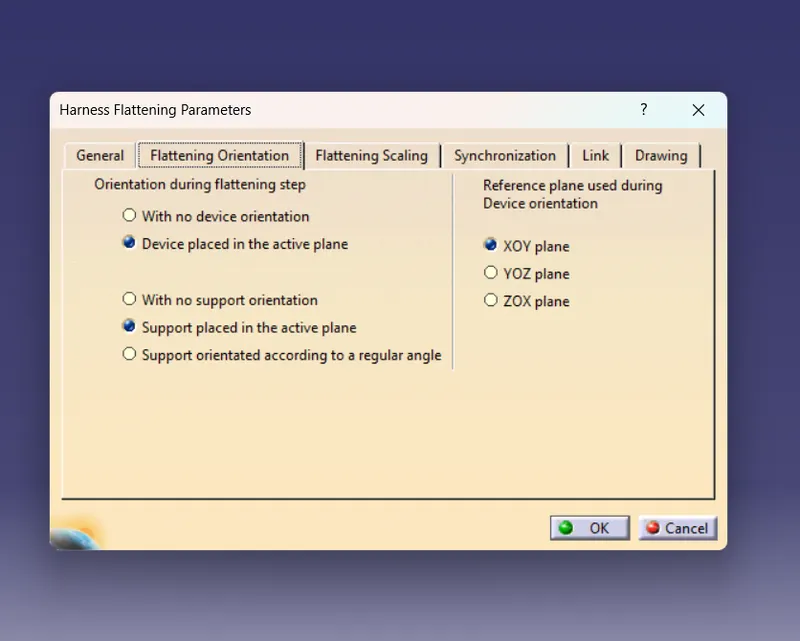
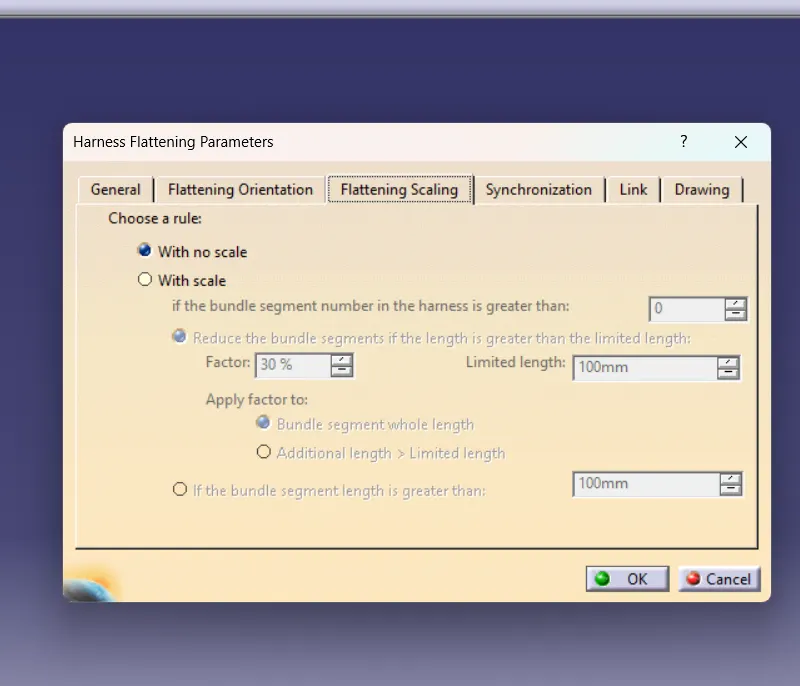 In this section we go with no scale because with scale like we take 30% so if we go with 100 it show 30 for present we go with scaleing and if it is necessary at time we think about that.
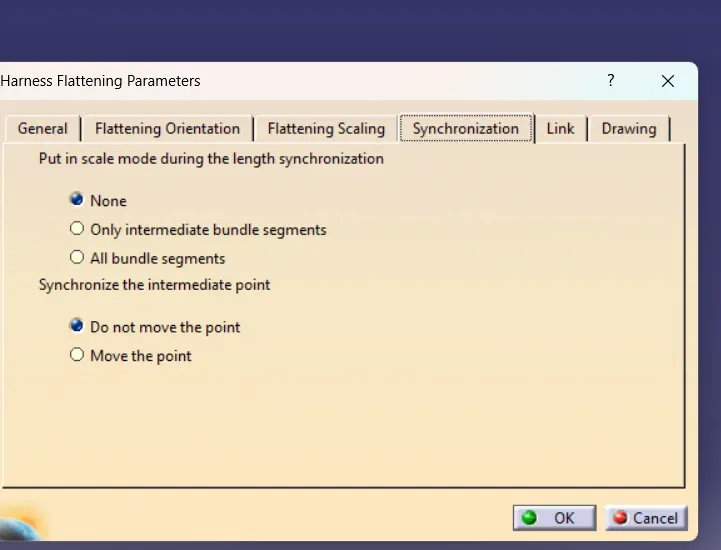 We take Synchronization s by default,it works as improving some area identifying them
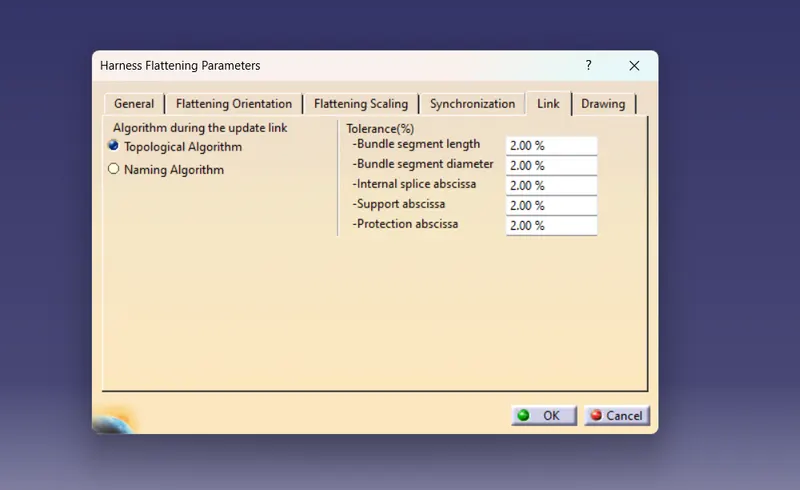 Here all tolerance limit shows 2% So we took it as by default
After that OK these parameters that invisible commands are visibled
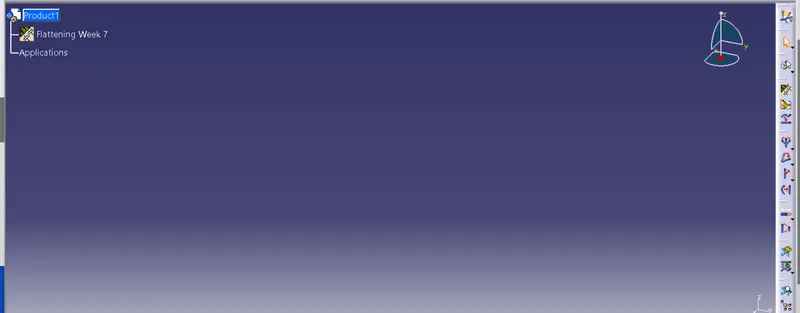

WE USE THE EXTRACT COMMAND TO BRING THE HARNESS ASSEMBLY TO THE FLATTENING WORKBENCH HERE.
CHOOSING A SUITABLE PLANE WE FLATTEN THE HARNESS ASSEMBLY
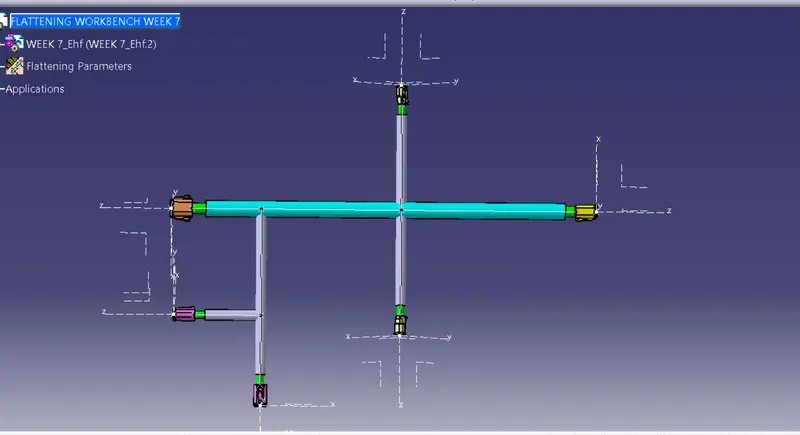
after that select drawing and select front view
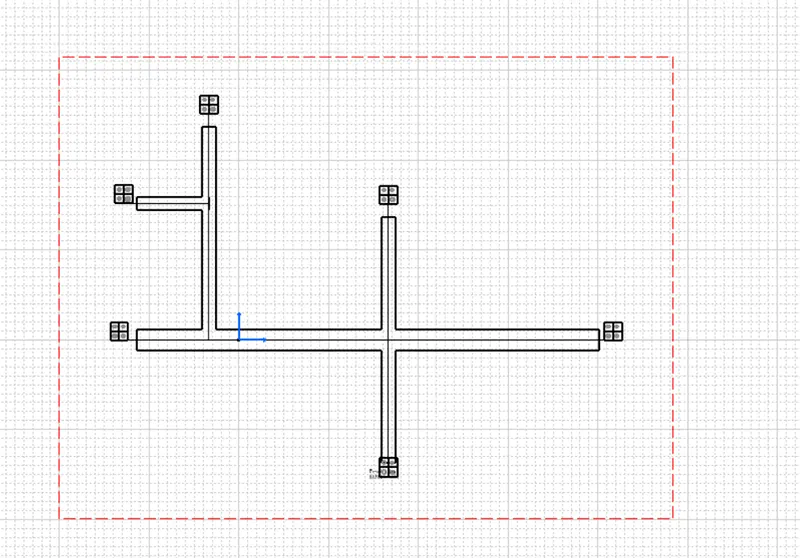
If we change
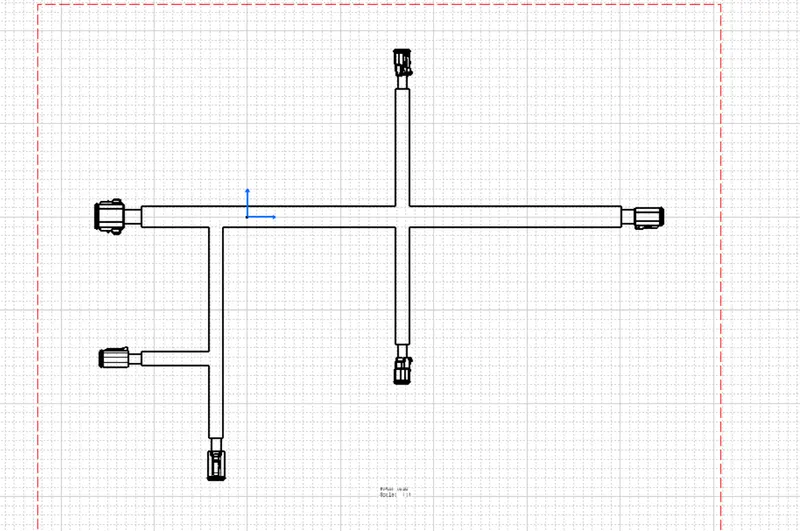 Graphic replacement in 3D projection that helps to identify easily
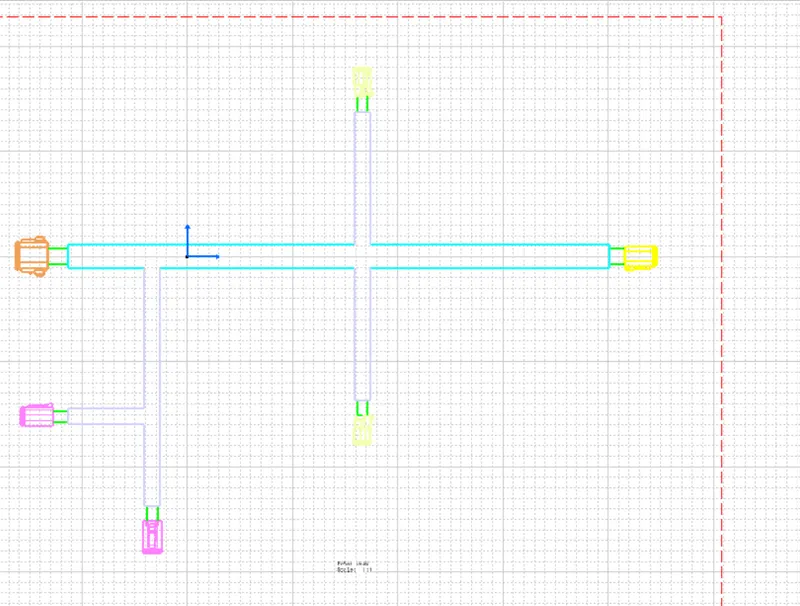 After enabling 3D colours that also help to identify easily