Wiring harness design in CATIA V5 - 3D modeling Week 7 Challenge
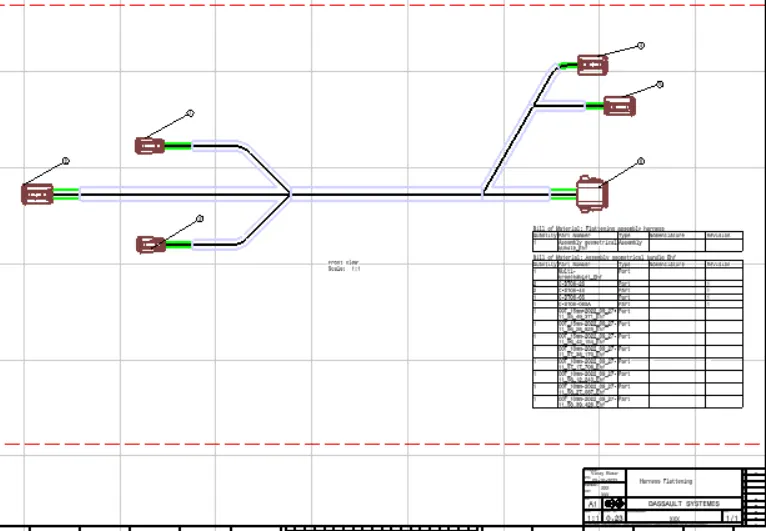
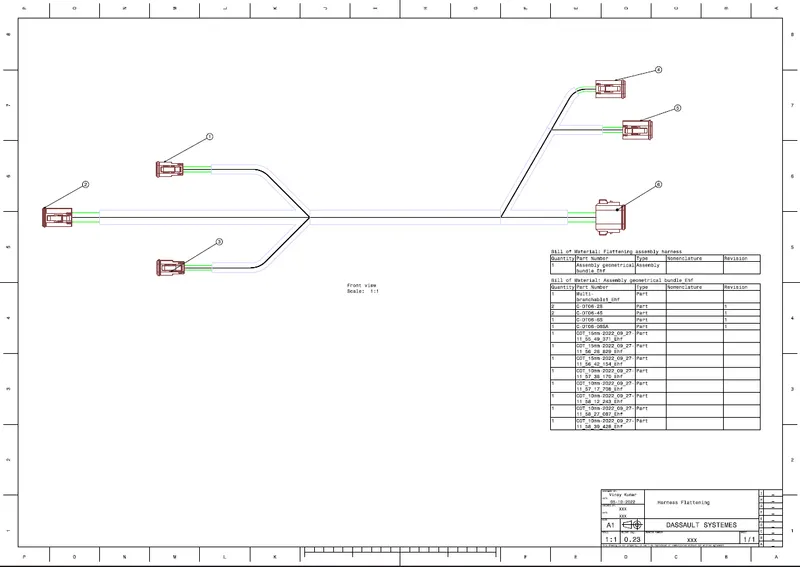
Objective: Flatten the harness assembly completed in “ week 4 challenge”. Place the flattened view on drawing sheet. Ensure bundles with protective coverings has different visuals on drawing view.
Given connectors
- DT06-4S
- DT06-6S
- DT06-2S
- DT06-08SA
Downloaded the connecters from the TE.com
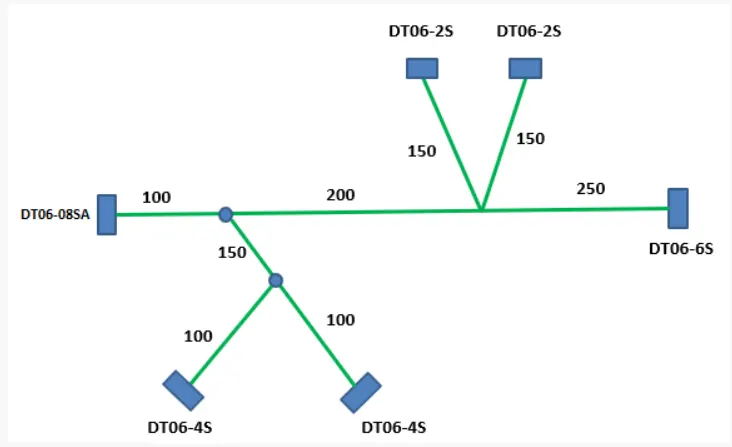
Given layout
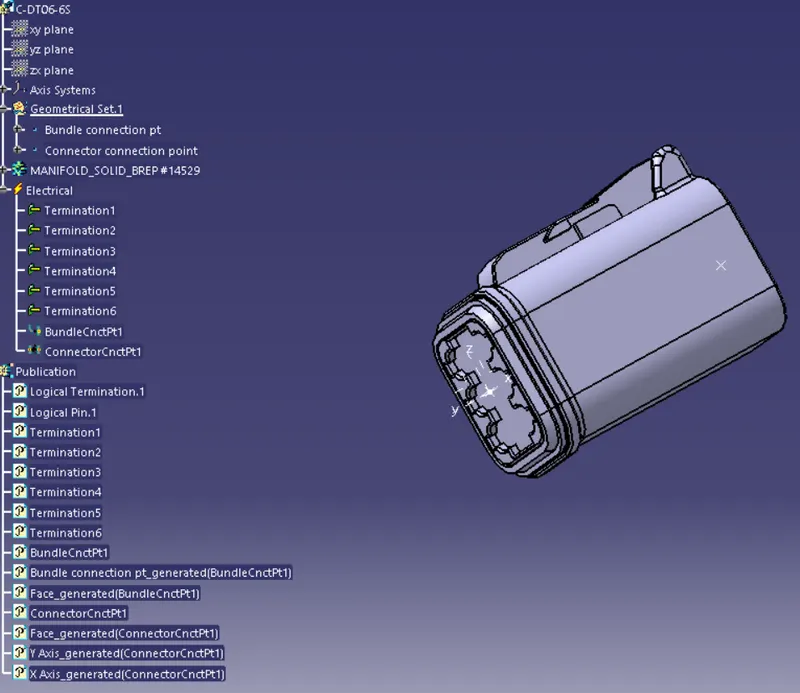
Open the downloaded connectors in the part workbench and add bundle connector point and connector connection axis system.
define the parts in the electrical part workbench as connectors
- DT06-6S
- DT06-08SA
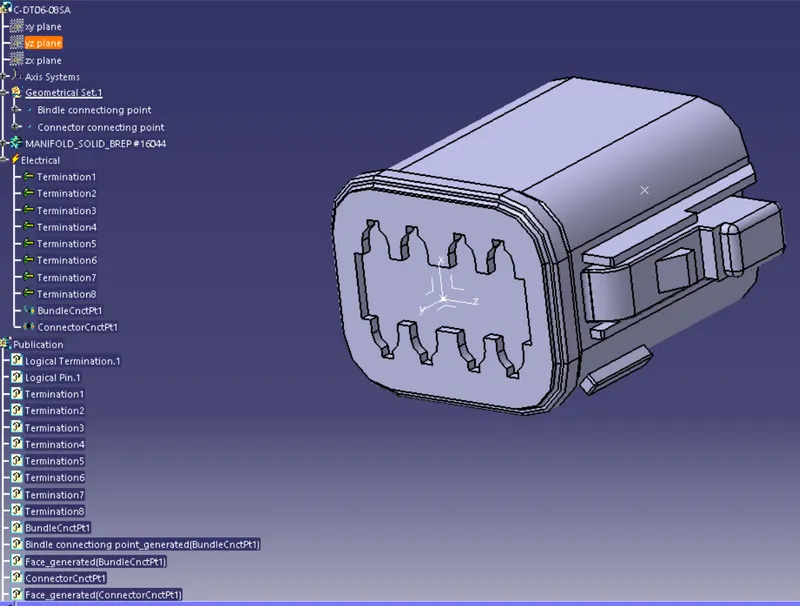
- DT06-4S
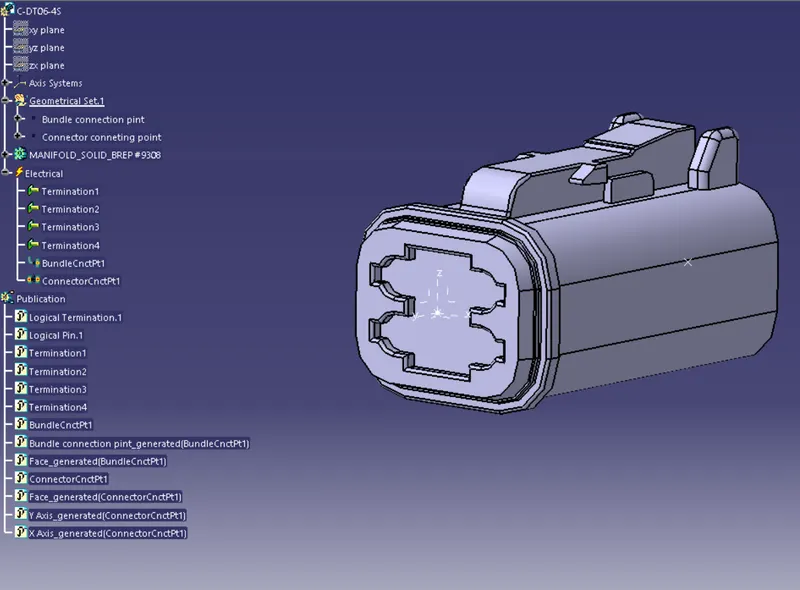
- DT06-2S
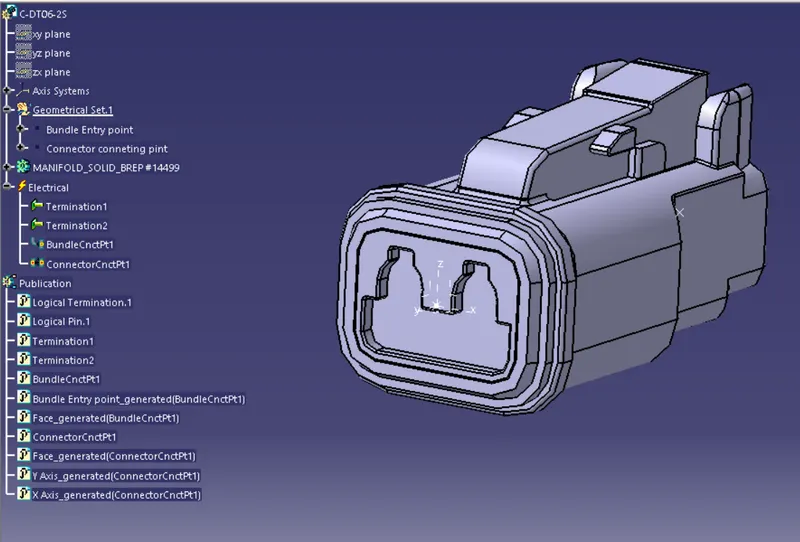
create a product as assembly and open the connectors and arrange the connector as per the given layout using sketch and move tools
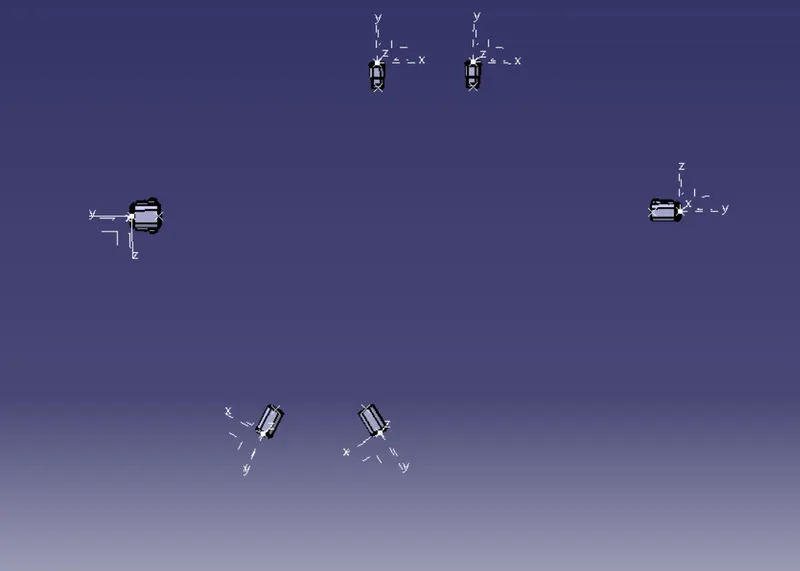
create the multi branching between the conenctors
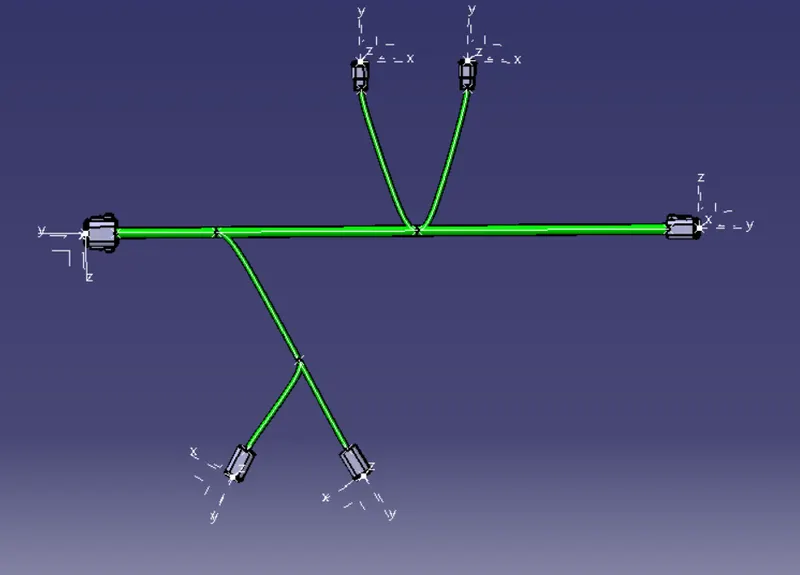
create protective covering by keeping extremeties at 30 mm
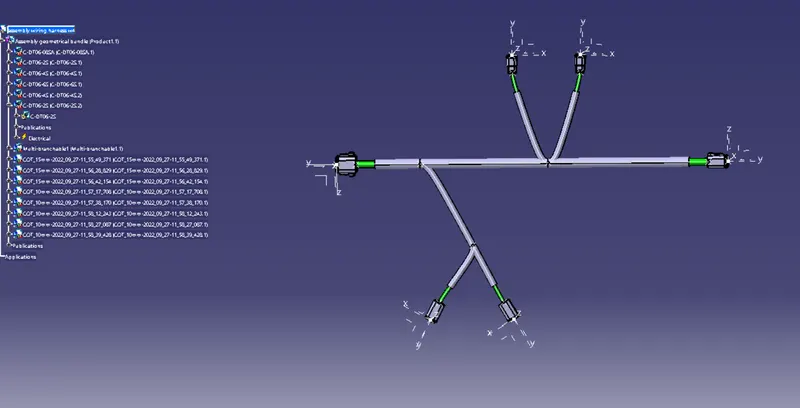
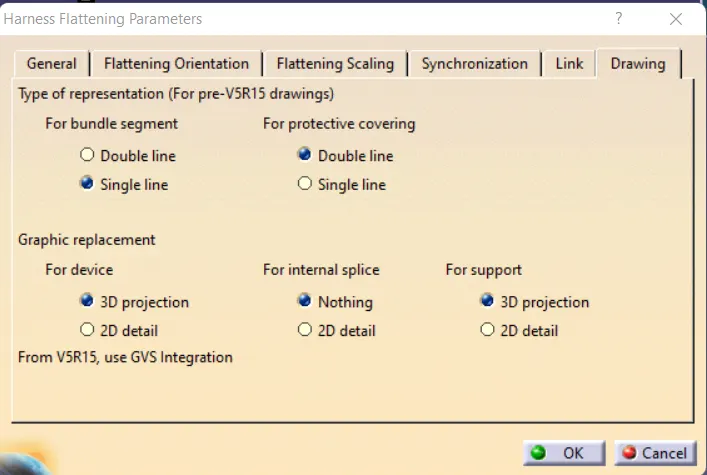
Open the flattening workbench and set the flattening parameters
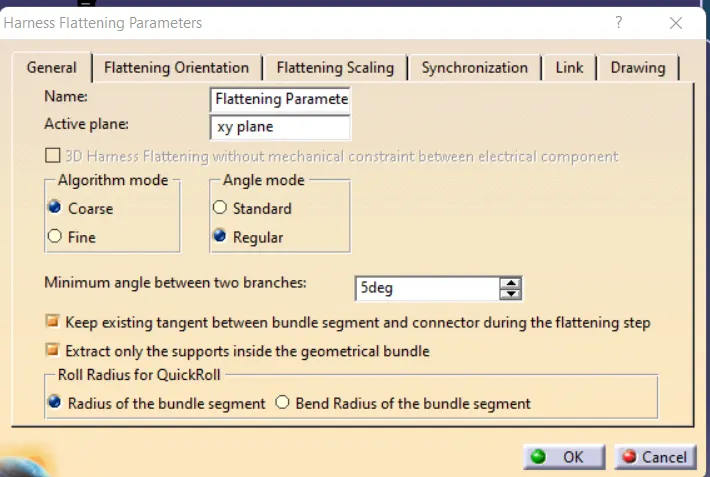
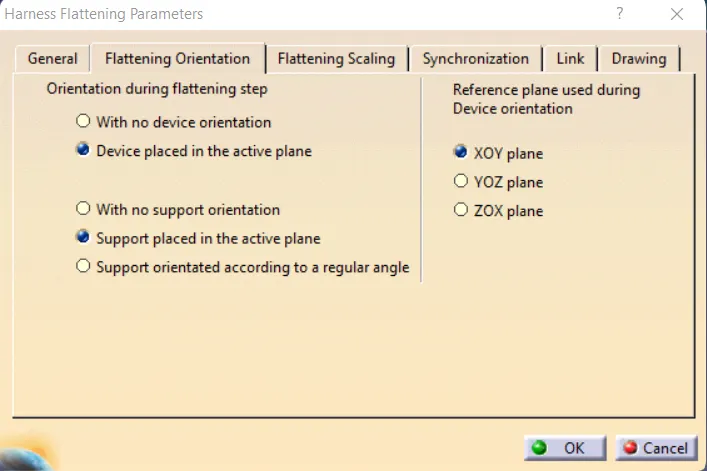
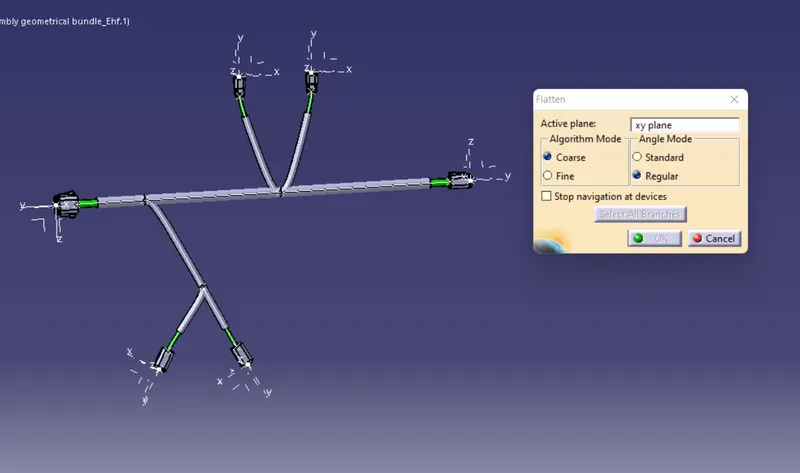
Using the flatten tool flatten the assembly in the xy plane
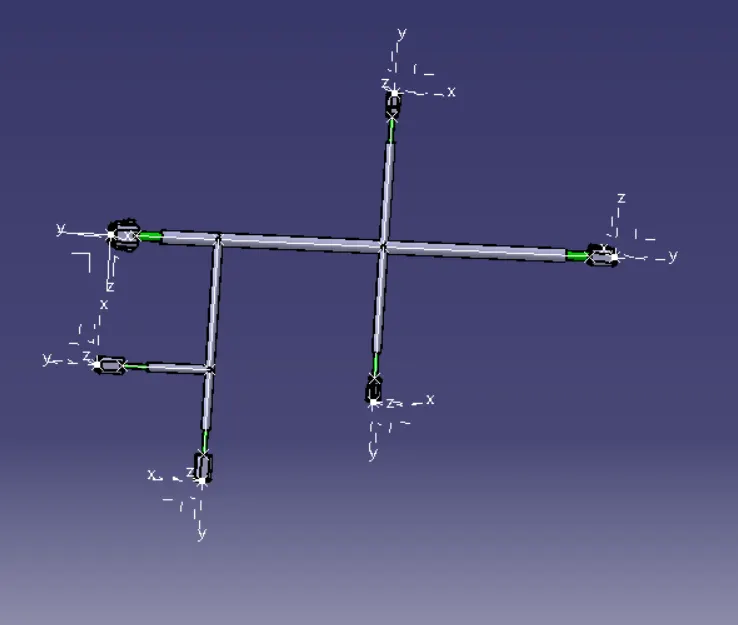
Then make the view more precise by using roll over , roll , blend tools in order to present more professionally.
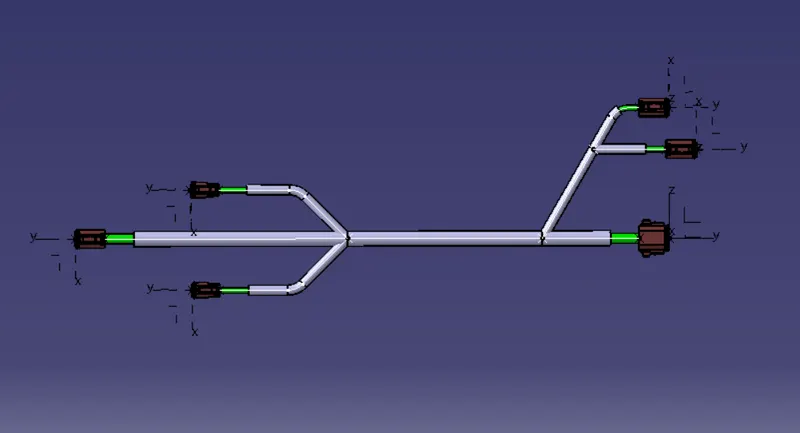
Use the drafting workbench for 2D representation of the flattened assembly, the sheet size, views etc need to be slelcted prior to the drafting workbench.
make sure that that 3D wireframe is "ON" so that the routing is visible to us.