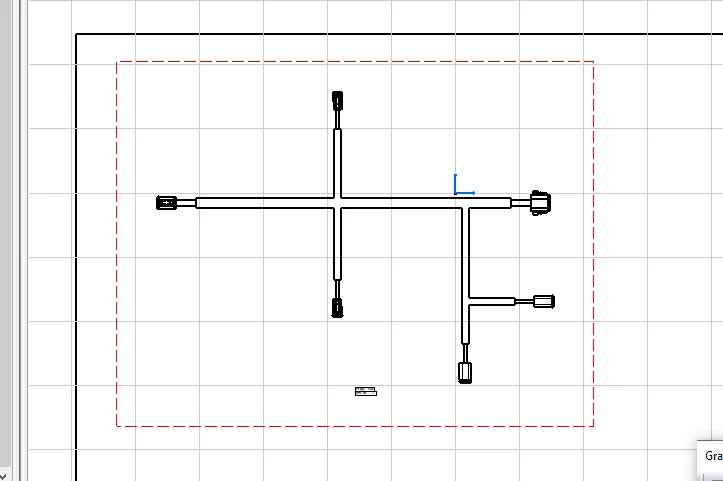
Wiring harness design in CATIA V5 - 3D modeling Week 7 Challenge
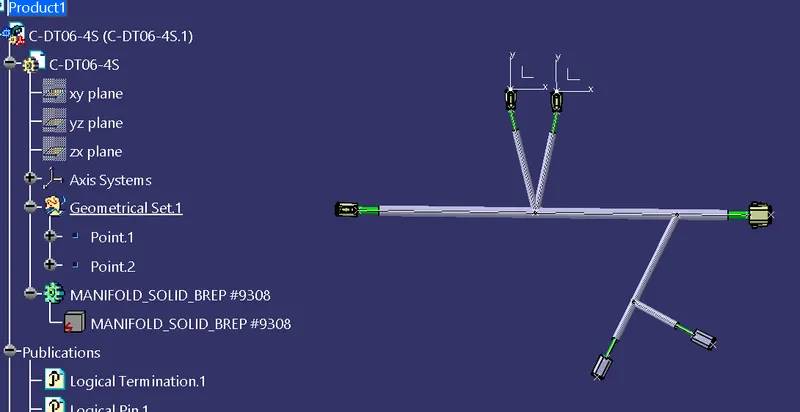
we have already saved the electrically defined connectors in our catalogue, we can directly import all the connectors in an assembly and place them as per the above layout and start creating the bundles accordingly
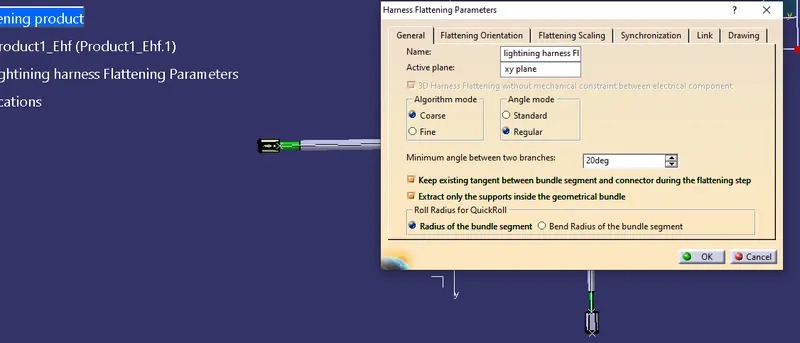
this parameters file is saved along with our harness assembly. It is mandatory to save the parameter file along with the harness assembly file as it will synchronize data from the same drive/location.
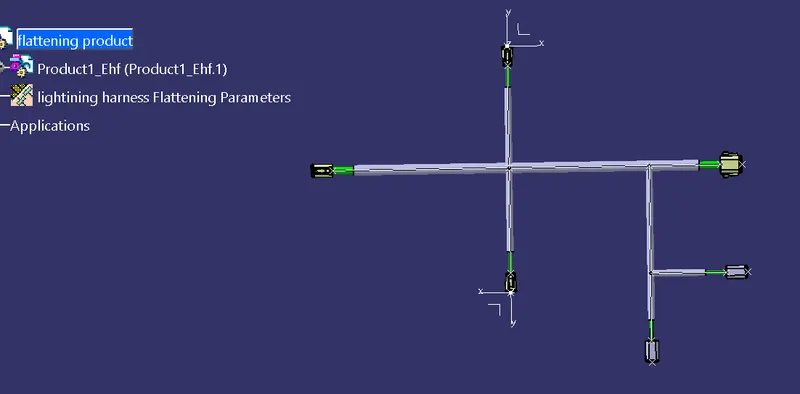
Now open both the parameters file and harness assembly file in separate windows and extract the assembly file in the parameters file.Now flatten the product using the flatt option in wiring harness installation work benchSelect one branch and click on the select all branches option. This will select all the branches connected with each other. Also, select a plane in which we need our drawing to be represented.Create a new drawing sheet and present the view in it. Make sure the drawing properties are set appropriately.