Wiring harness design in CATIA V5 - 3D modeling Week 5 & 6 Challenge
Wiring harness design in CATIA V5 - 3D modeling Week 5 & 6 Challenge
Aim:
- To route the given wiring harness layout in Electrical workbench with the given connectors.
- Also check the bundle continuity and to create 3D annotations.
Procedure to define electrical connectors:
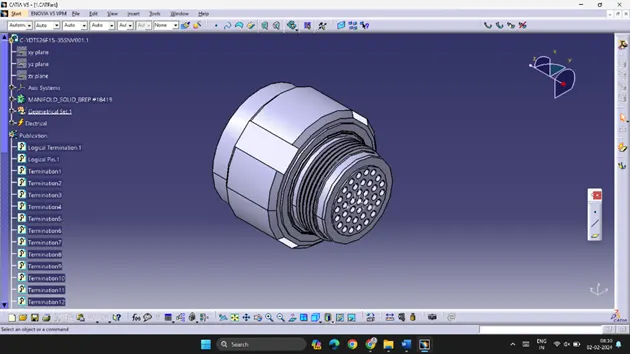
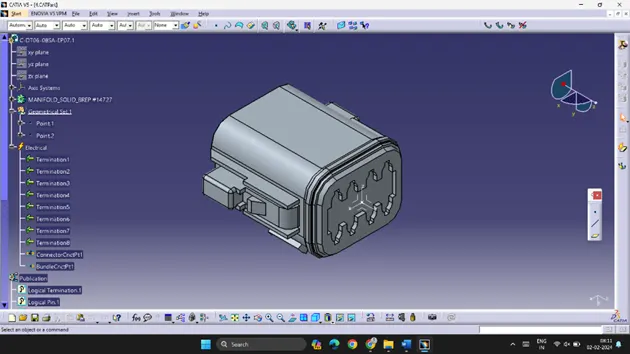
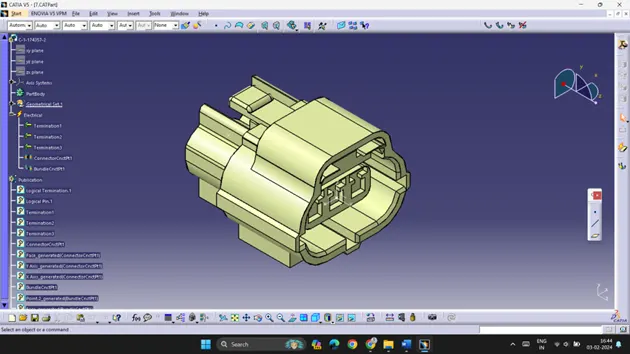
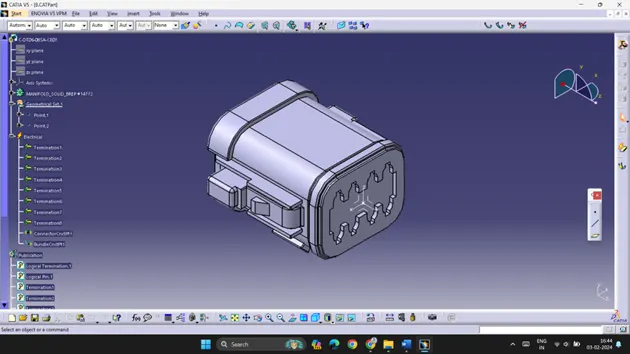
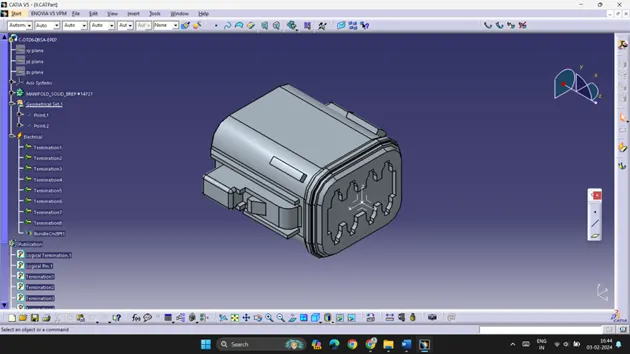
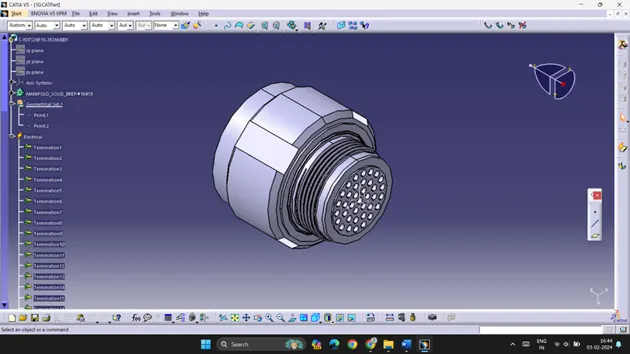
- Create/Download 3D connectors
- Create required Geometrical Parameters
- Define Part as a connector
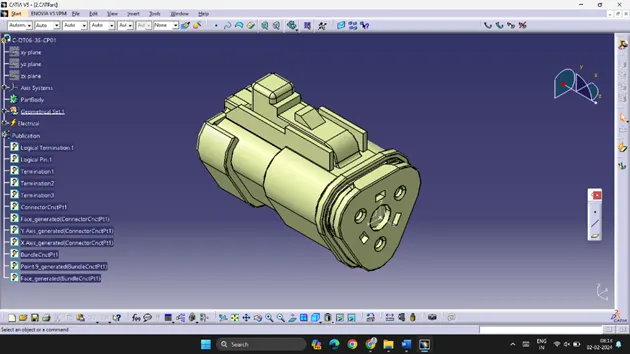
- Define Bundle connection point
- Define connector connection point
All the files are saved individually.
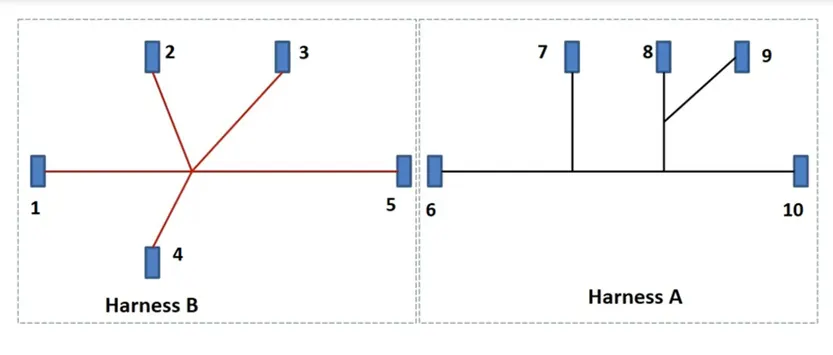
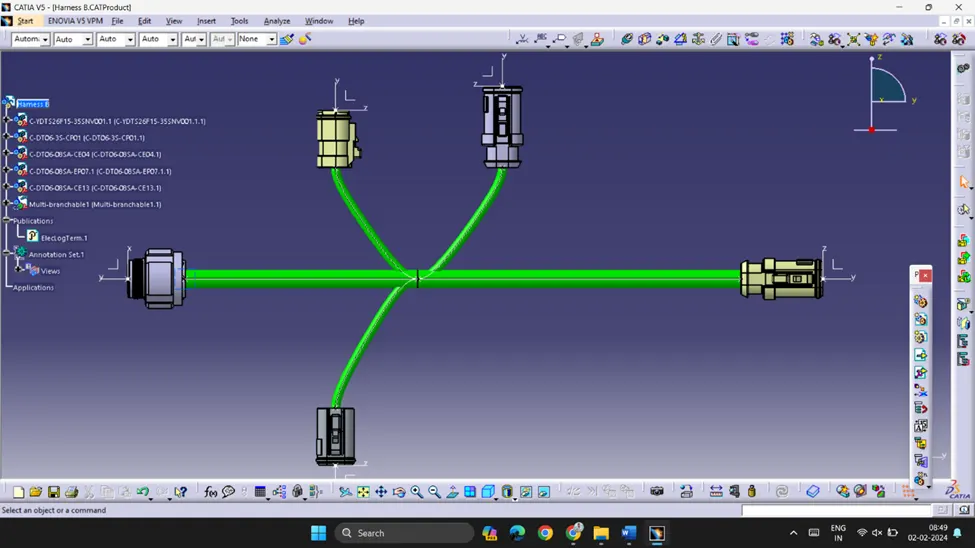
The above image has two harnesses, Harness B and Harness A. Routing is created just as the image above.
Harness B:
 |
 |
 |
 |
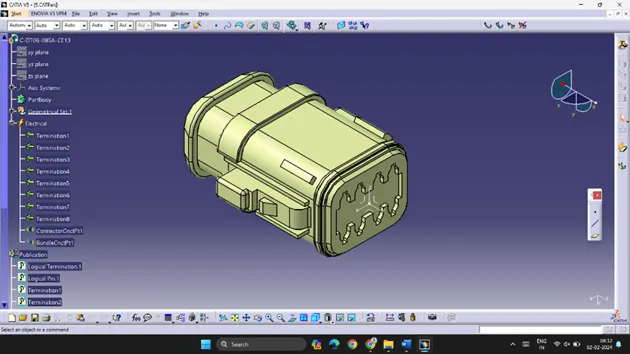 |
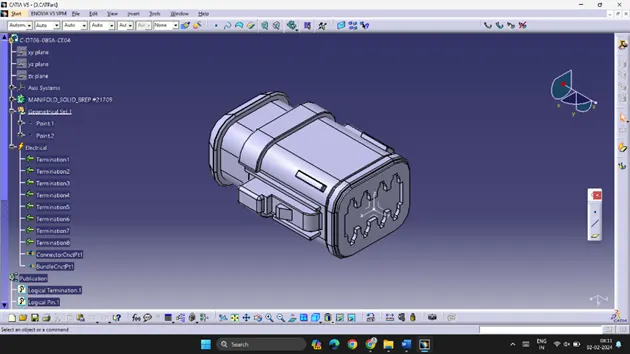
- All the connectors are electrically defined with required geometrical parameters.
- All the connectors are arranged according to the given layout using mechanical assembly workbench.
- Using Harness Assembly workbench, all the connectors are provided routing with muti-branchable command.
- Connections and warning are checked to ensure the routing is good.
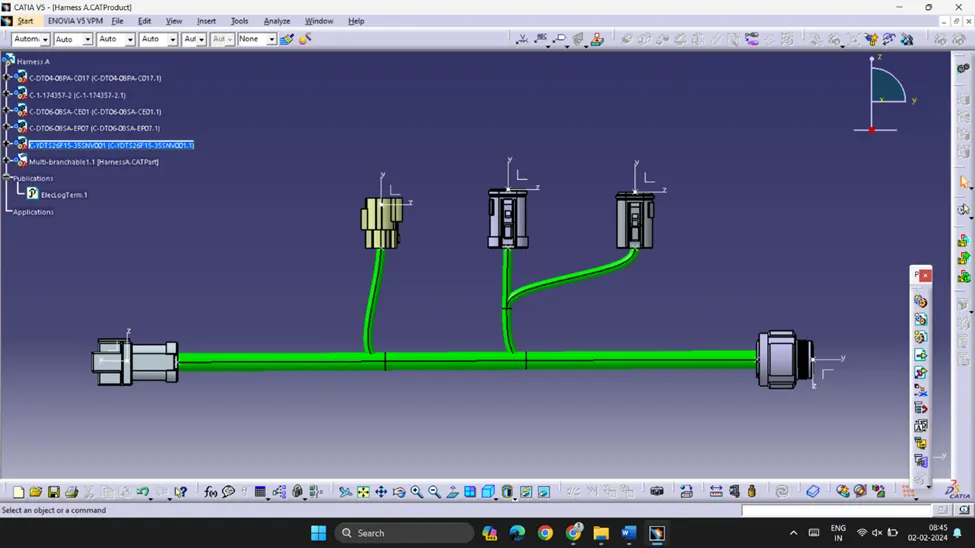
Harness A:
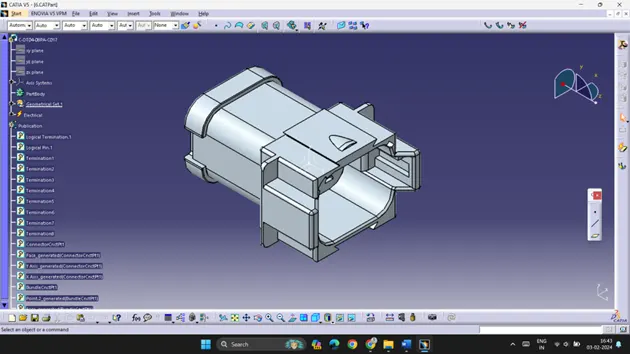
- The same procedure is followed for Harness A.
- Here the connection layout is different.
 |
 |
 |
 |
 |
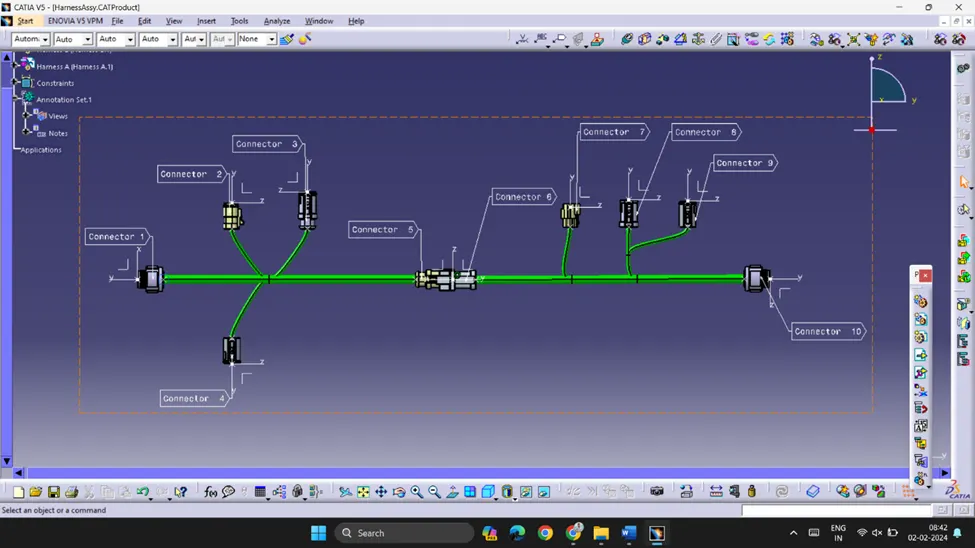
Harness Assembly and 3D Annotations:
- The two Harnesses, A and B are imported to a new product file.
- The two Harnesses are connected in Electrical Workbench.
- 3D annotations are also given to all the connectors, this helps in understanding the Harness Assembly.
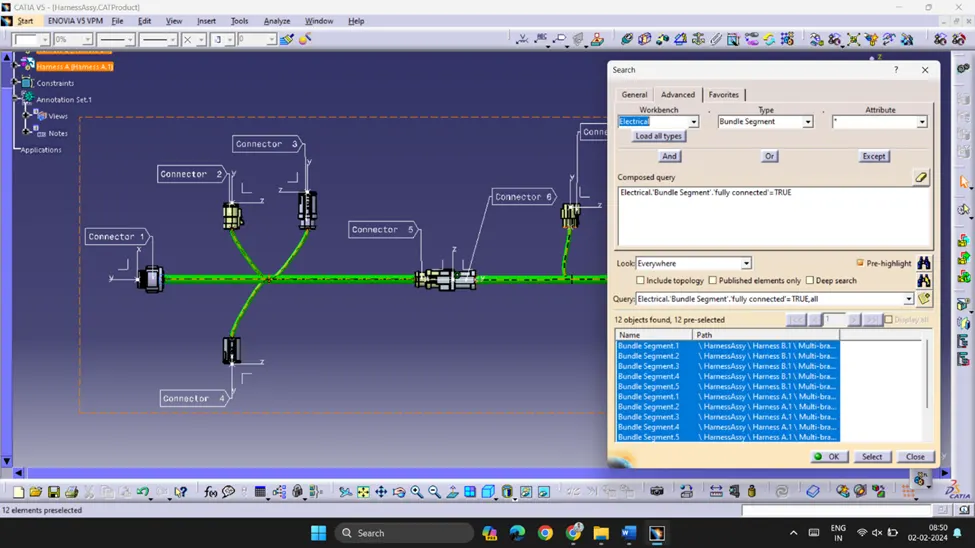
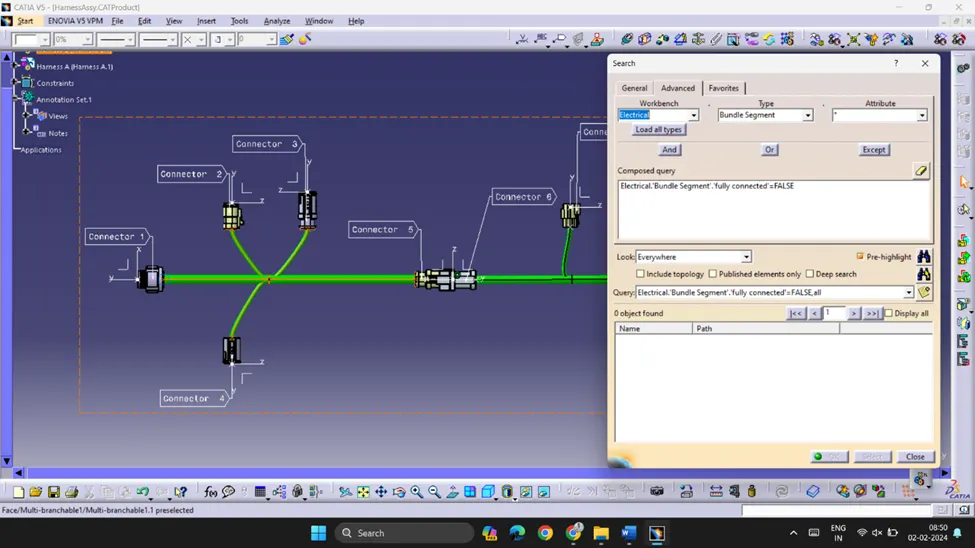
Connectivity check:
- Connectivity check is performed to ensure all the connectors are connected in the right direction for seamless connection.
- To perform this check, go to Edit > Search > Advance > Select Electrical Workbench > Bundle Segment > Fully connected > True/False.
Convert to.igs format:
· The entire Harness assembly is converted to .igs to view as a single part body.
Conclusion:
Harness Assembly is created as the instructions provided in the layout. Given 3D annotations to all the connectors. The file is also converted into .igs format.