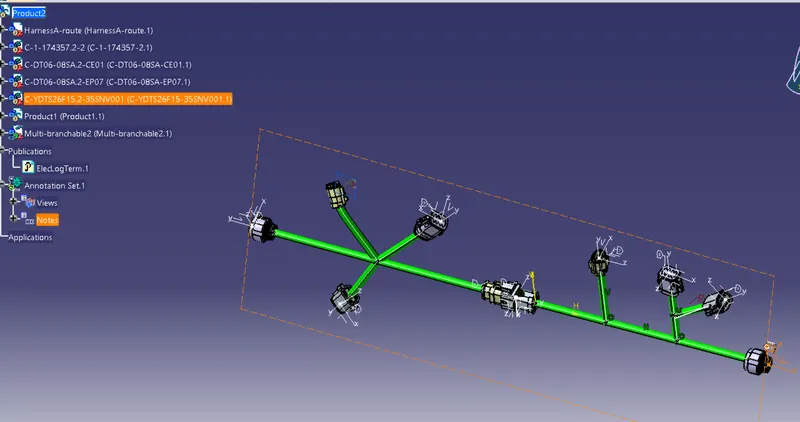
Wiring harness design in CATIA V5 - 3D modeling Week 5 & 6 Challenge
1.
Report:
Firstly download all the Cad Files and save then in the desired location. Convert all of them into electrical and save them as a cad file.
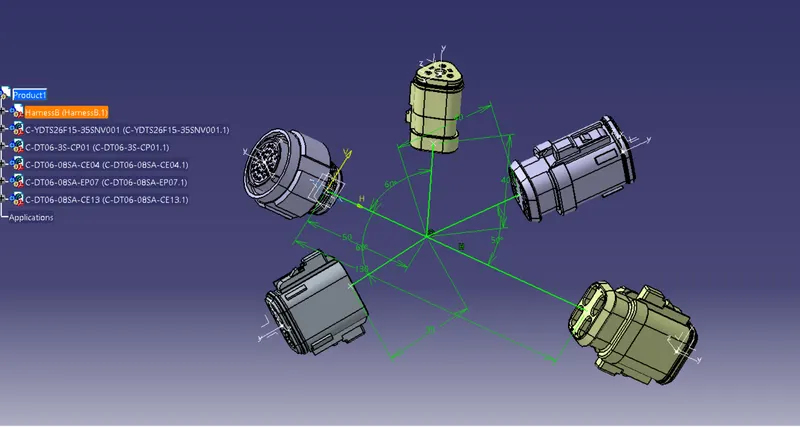
Next deisgn a rough wireframe using Part design with aprox dimension and add all the electrically defined to the wireframe using assembly design in which using Snap option.
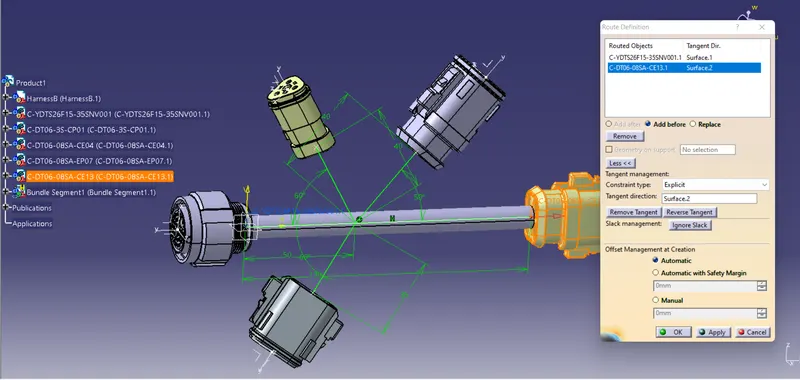
Do the same thing for Harness A and Harness B and save them .Next load them to electrical Harness Assembly and the route using route definitation.
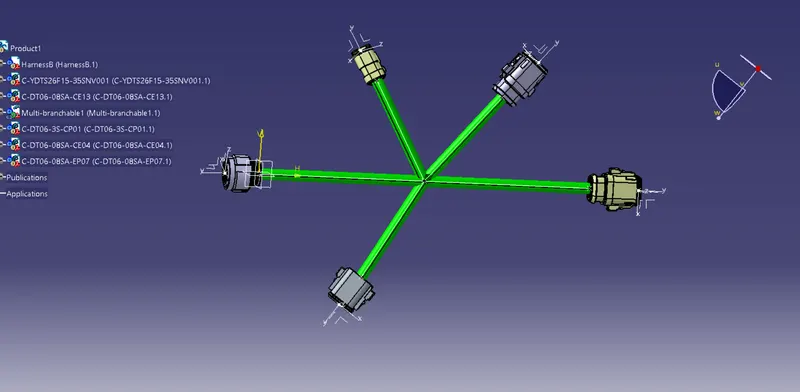
After complete routing connect them electrically at point 5& 6 and make sure the sonnection is complete .
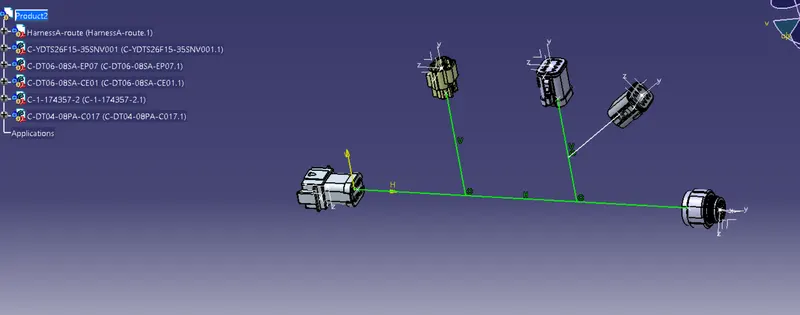
Same for other is also done.
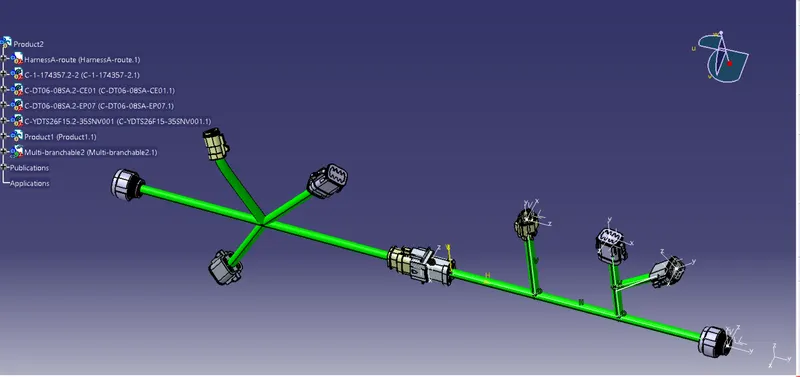
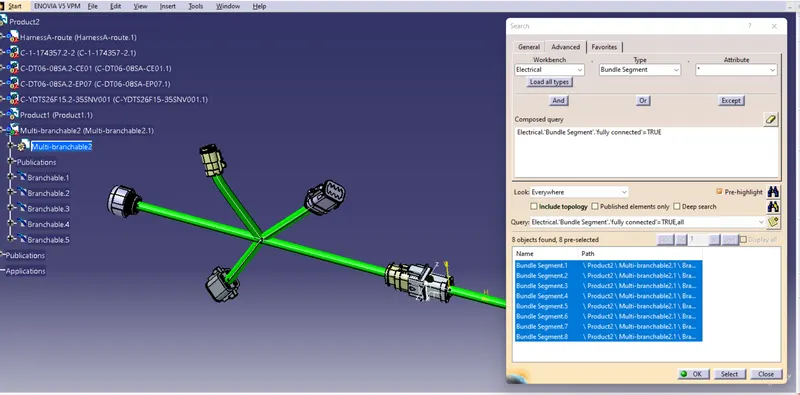
Now check for continuity in the search option , Advance and electrical and in attributes fully connected. Check for true and all are connected . Now save them.
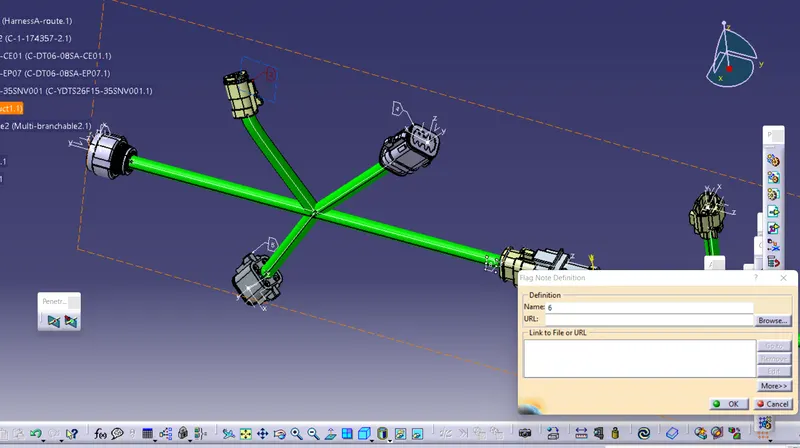
Go for 3D Annotation . Slsection View Creation Select the point and Creat a plane and using Flag name the Numbers as shown above.
Save the file and covert it to .igs