Wiring harness design in CATIA V5 - 3D modeling Week 5 & 6 Challenge
1. harness A & B
defining given cad parts as electrically defined.
with adding a connector connection point and the bundle connection point.
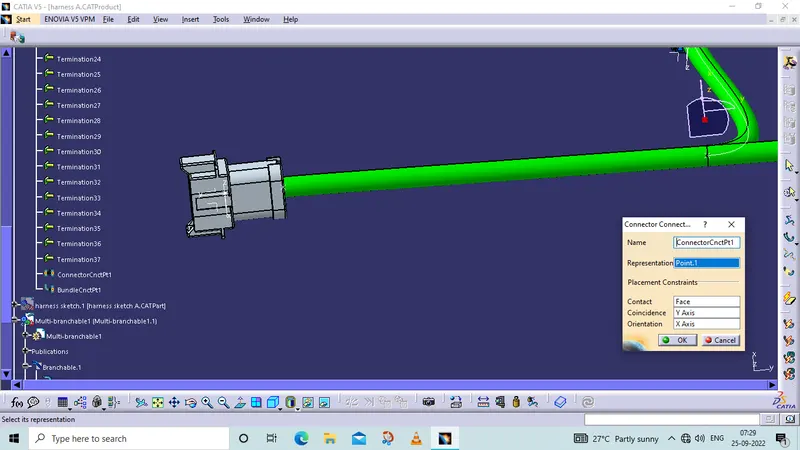
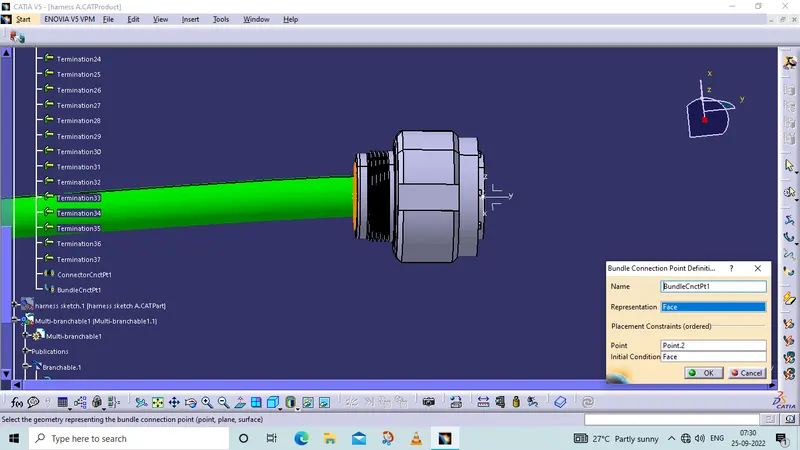
- Check the bundle Continuity. Add snap of result in submission
is used to analyze my connections are connected or not and to help to found my bundles and branches are continuously or not.
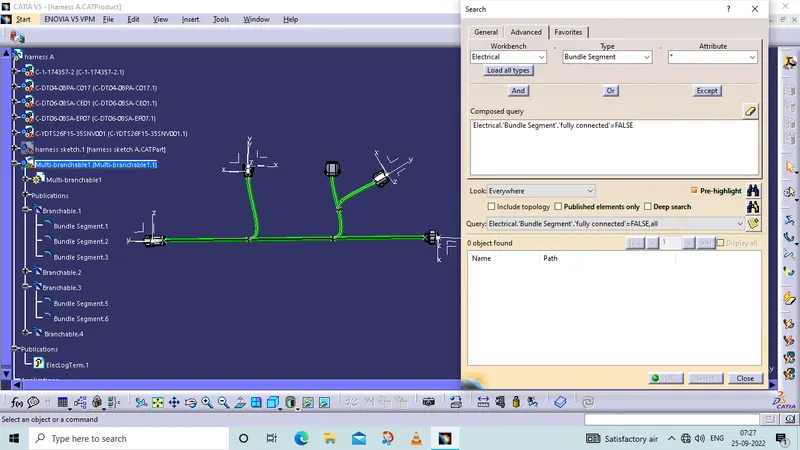
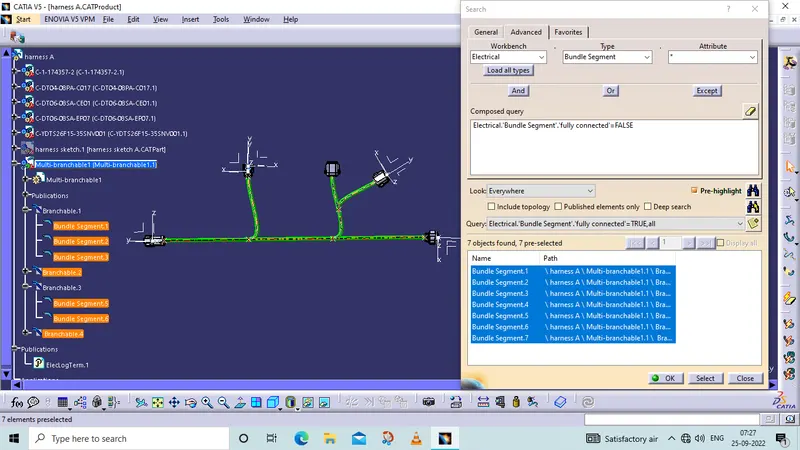
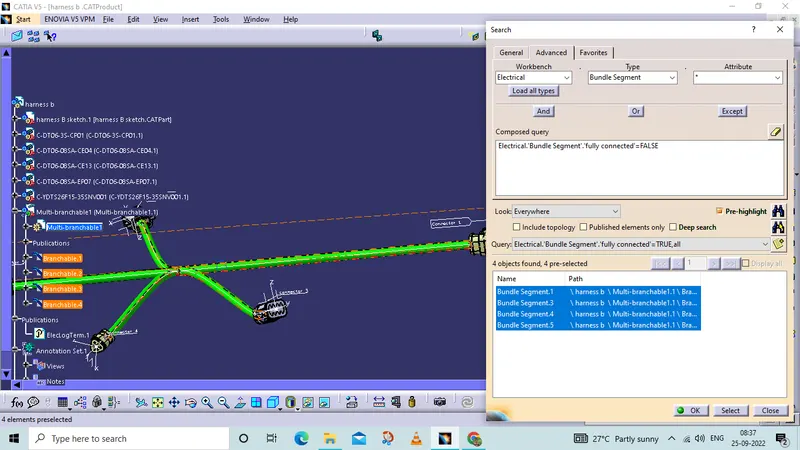
for both harness
- Add annotation to all connectors. Make an assumptions for annotations like connect 1 , 2 etc
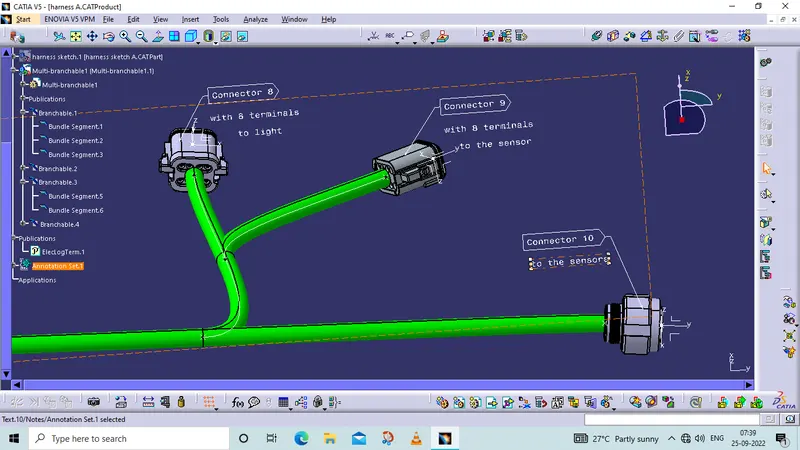
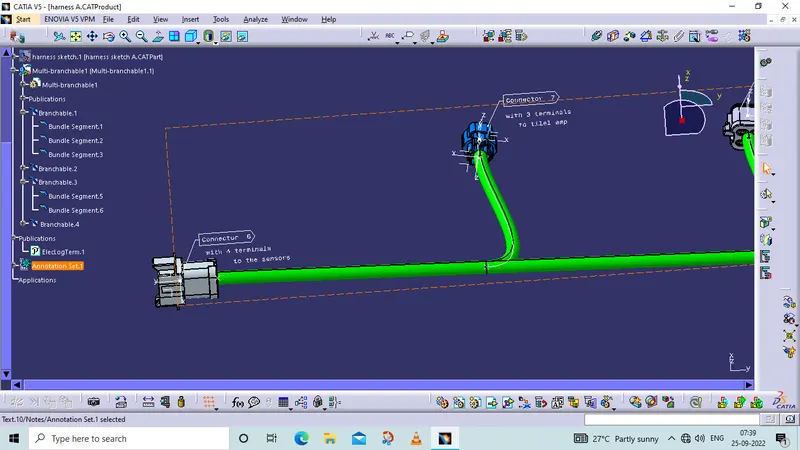
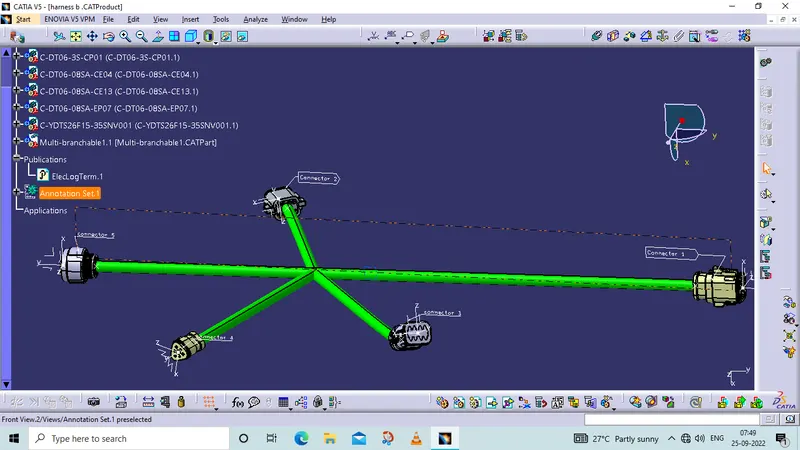
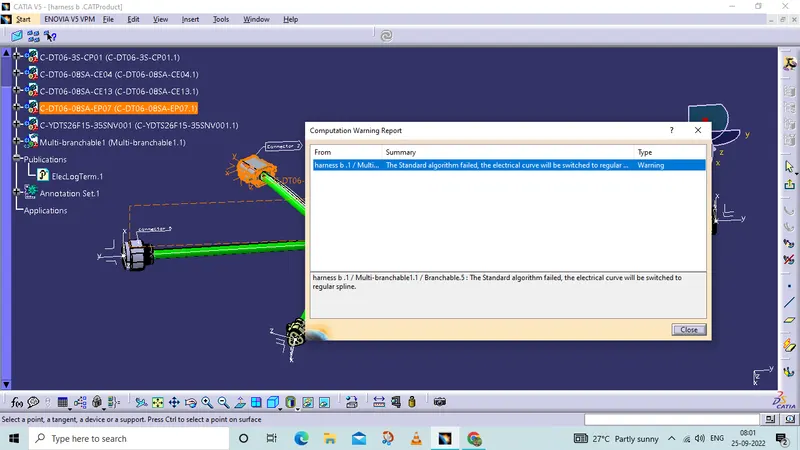
- Check for the bundle warning. Add snap.
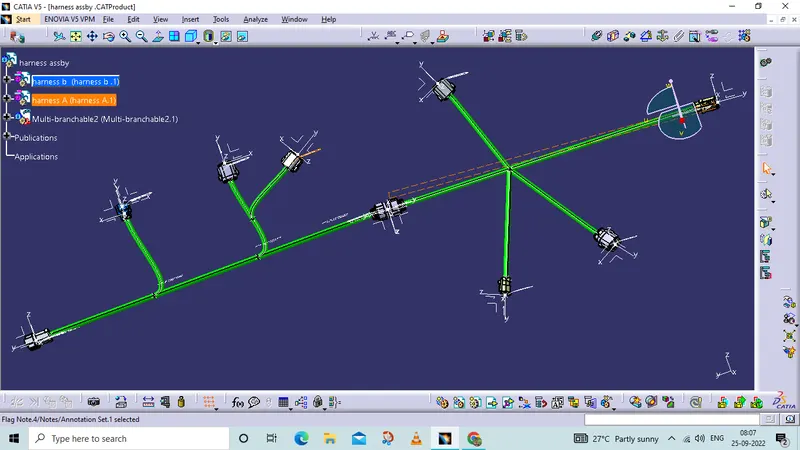
creation of cover
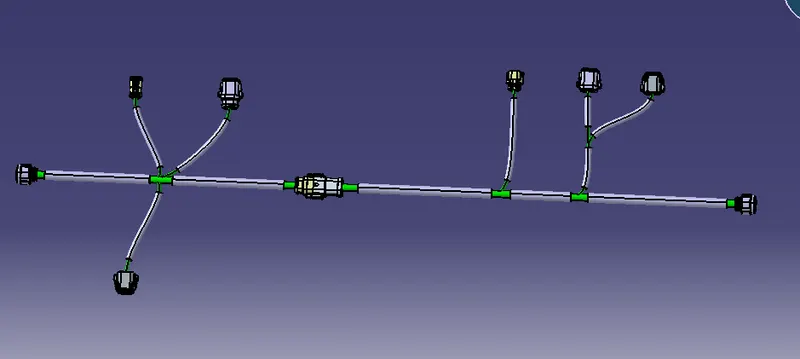
- Generate CAT.part of harness assembly and convert is in. igs format.
addded my igs file format
- harnes A
- harness b
- harness assembly