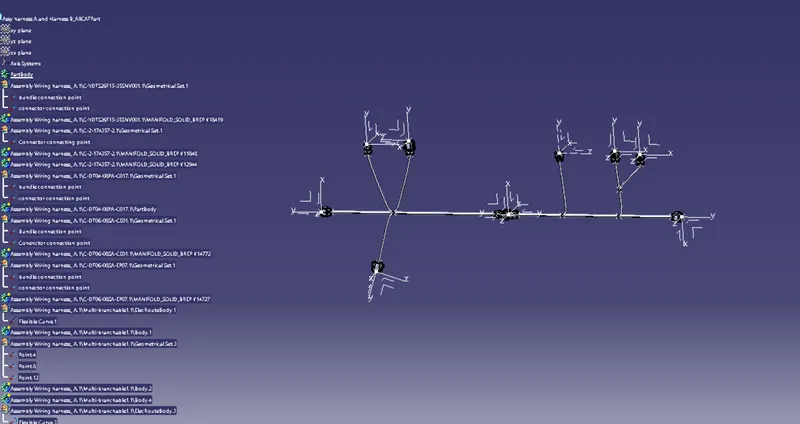
Wiring harness design in CATIA V5 - 3D modeling Week 5 & 6 Challenge
Objective:Route the following harness layout in Electrical workbench
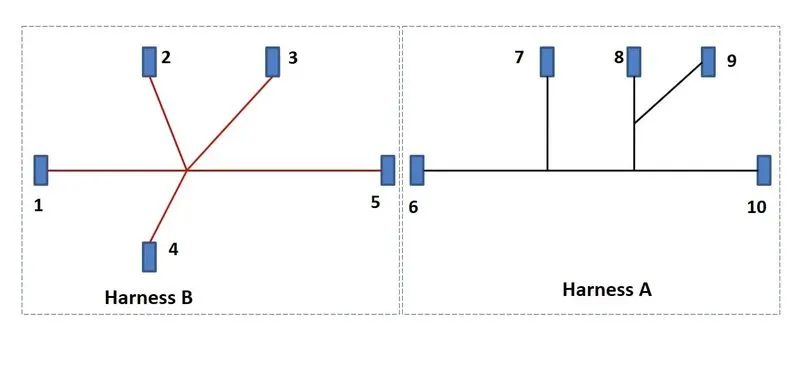
- The Electrical Connectors are represented by numbers in the figure. There are 8 Different types of connector at 10 different location.
- Bundle contunuity has to checked
- After the two harness are created the next objective is to have them interconnected electrically
- Check for bundle warnings in harness A and B.
- The final objective of this project is to convert the final harness file into IGS file format.
1. Open all the connectors in the part workbench and define bundle entry point and connectior connecting axis
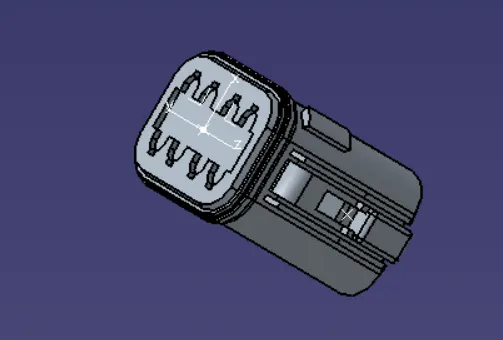
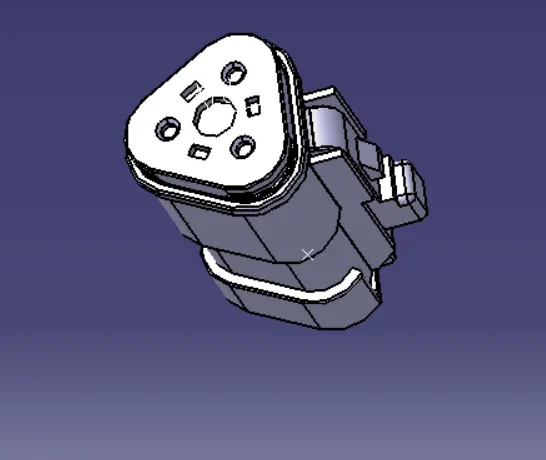
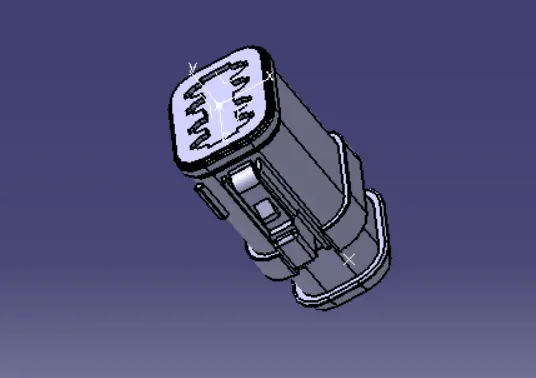
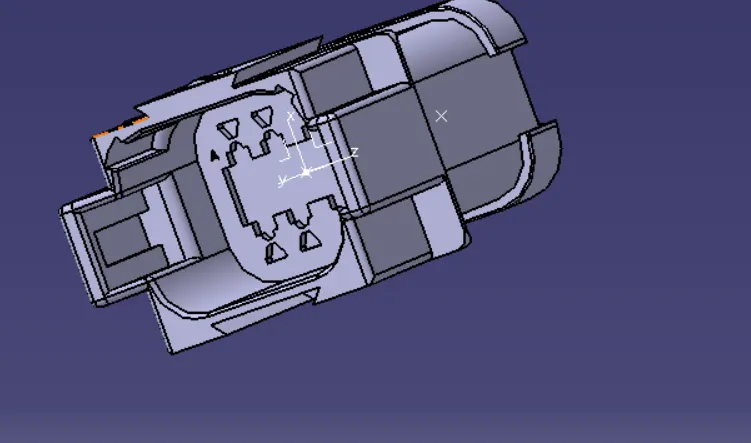
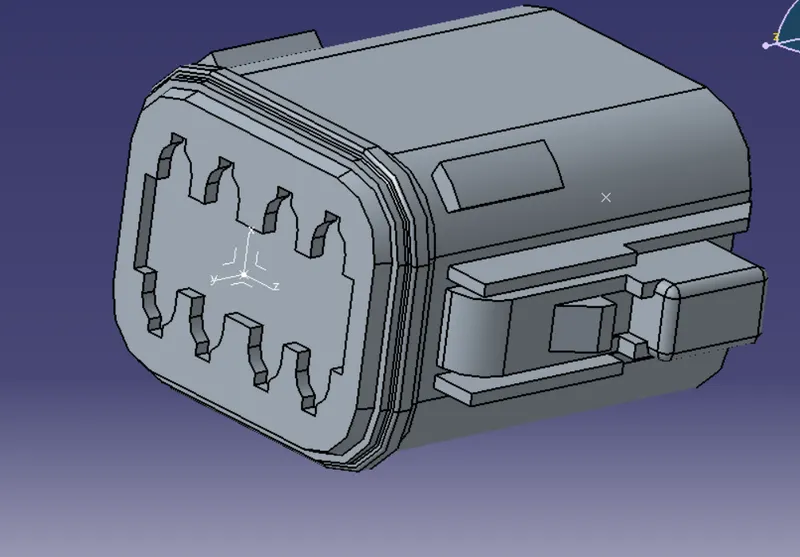
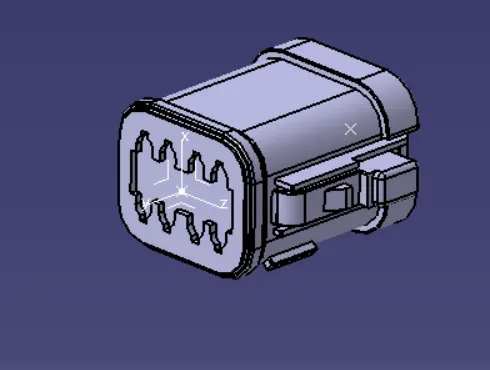
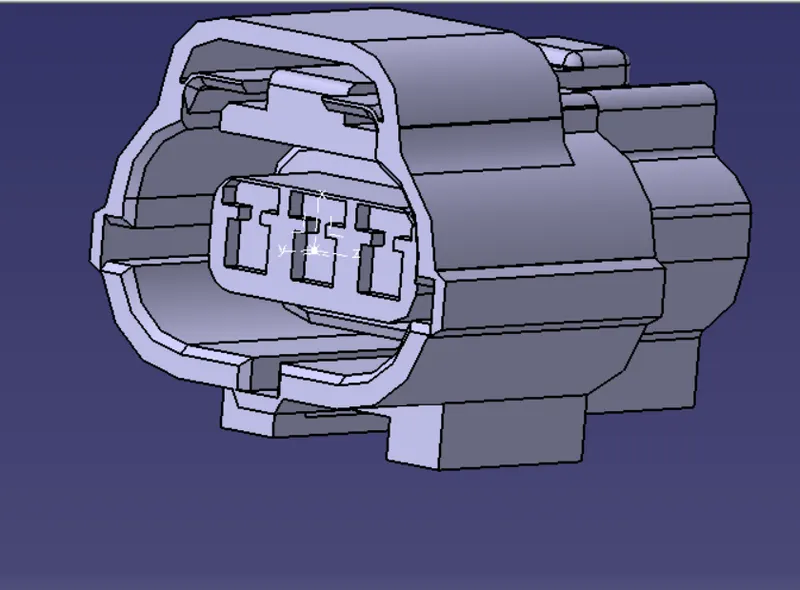
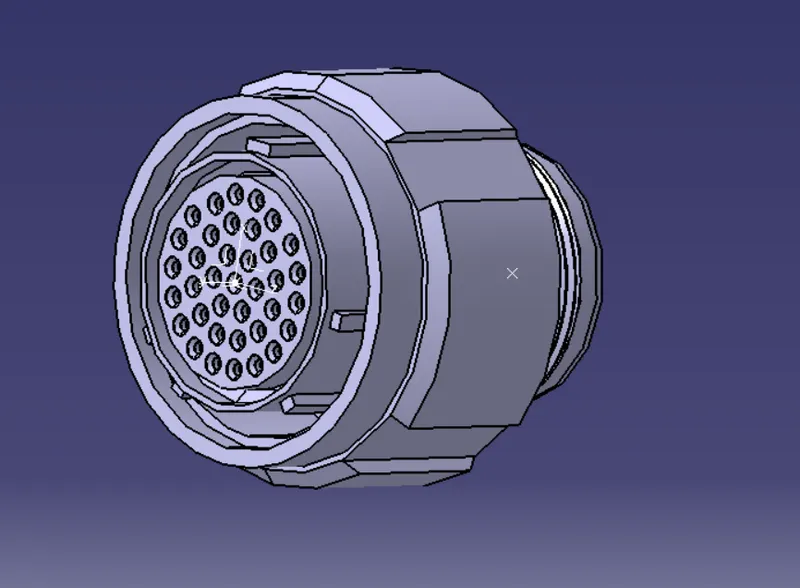
Define the componets as connectors
Define bundle connection point and connector connection point
Create a sketch to fix the connector postions as shown in the given layout
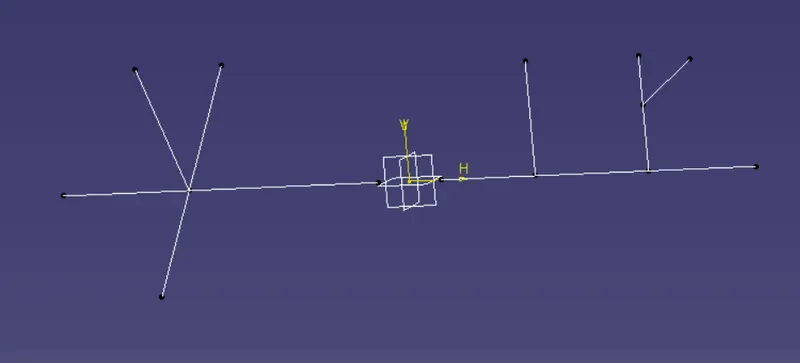
Assemble the harness A connectors and create the bundle routing as shown in the layout. Give annotations for the connectors
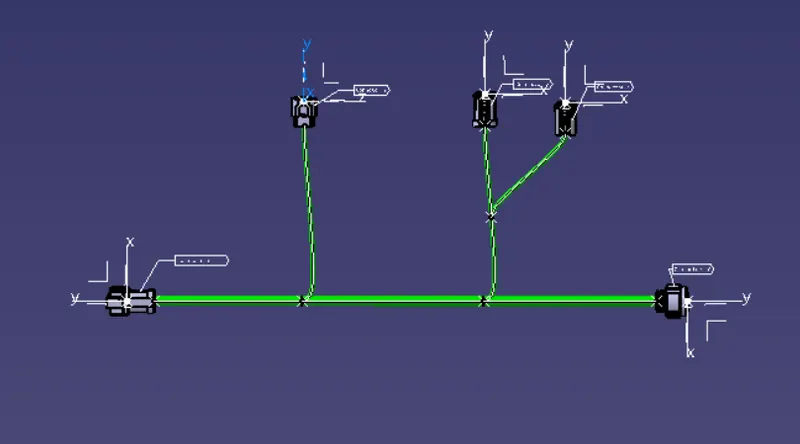
Check for bundle continouty
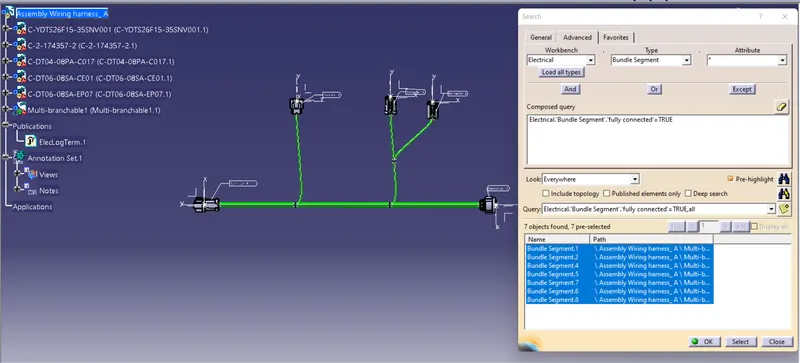
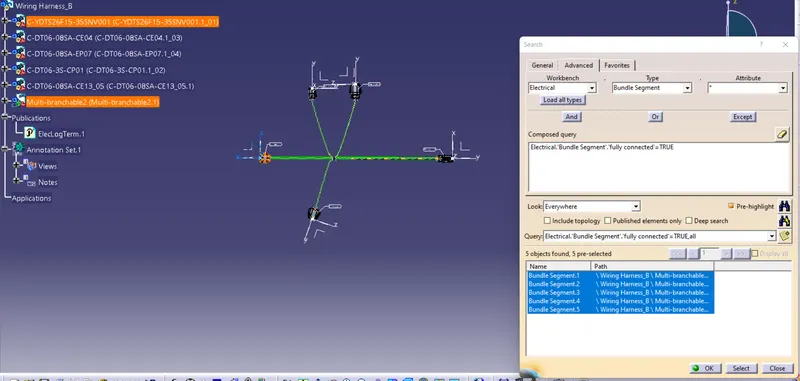
Assemble the harness B connectors and create the bundle routing as shown in the layout. Give annotations for the connectors
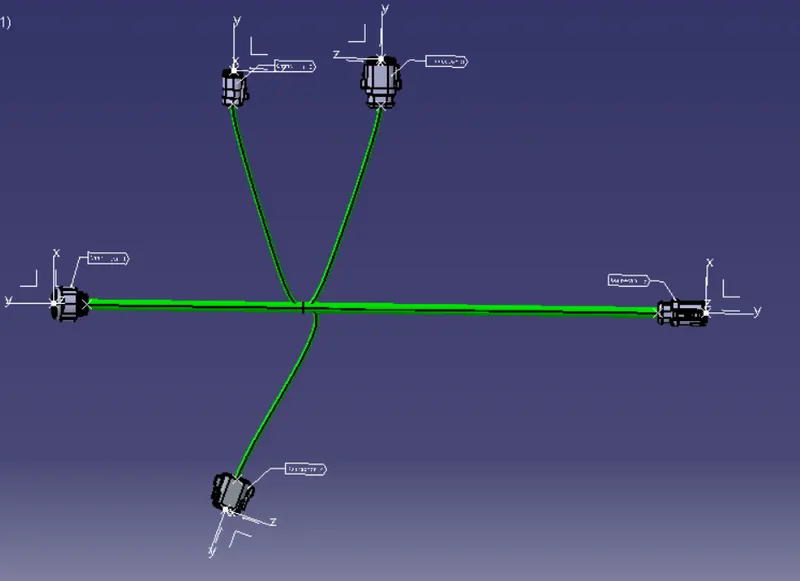
Check for bundle continouty
Convert the CAT.part of harness assembly in IGS format