Wiring harness design in CATIA V5 - 3D modeling Week 4 Challenge
REPORT:
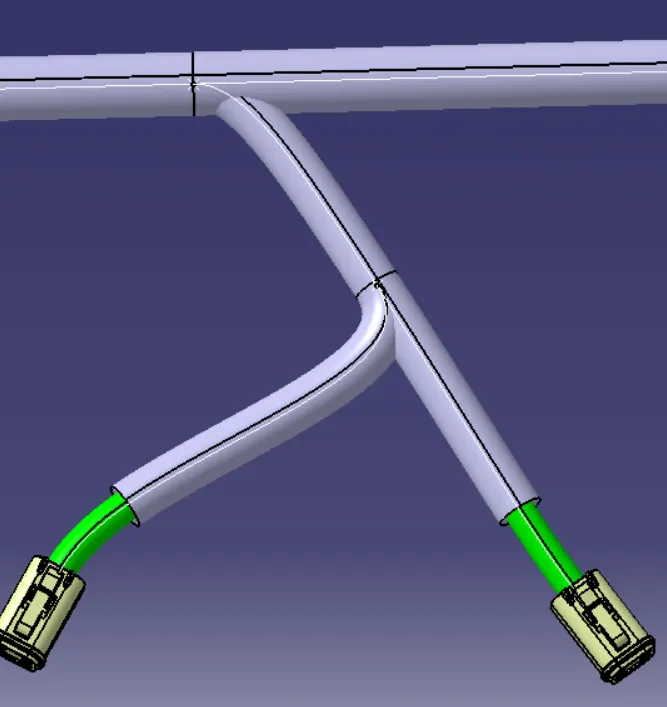
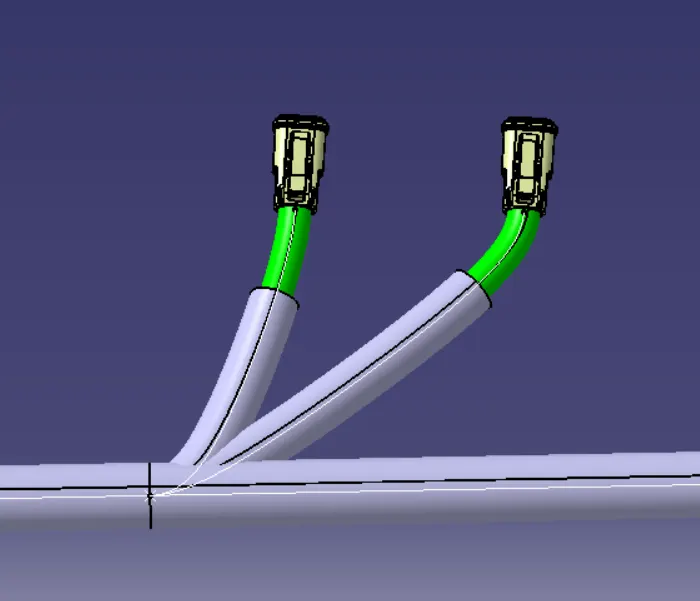
for routing the harness first checked the connectors which has to be implimented in the harness. the connectors are downloaded from the te.com website. after downloading the connectors igs files it is converted into cadpart by catia v5. after that the connectors are checked for the compaptibility. and the connectors are defined electricaly by using define connectors. for that proper parameters are given in part workbench. after defining the connectors go to the electrical harness assembly workbench for creating the bundle segment. for that the work file is converted into geometrical bundle. and after that select the multi branchable command to creat the bundle. by selecting the two connectors created the main branch for the harness. in that proper length and diameter for the bundle are given. after that created the sub branches which is to connect the other connectors are created. it is created by using the same method. first a bundle point is created by using add bundle point command and after that go for the multibranchable command and select the point which we created for the sub branch and given the diameter for the bundle and select the connector mating point. the same procedure is done for the remaining connectors. after that the protection covers are made . fo that i used the catagoge which i created and acceced the cataloge for the corgutted tubes. the corgguted tubes are given for every bundle according to their size of diameter
harness routing
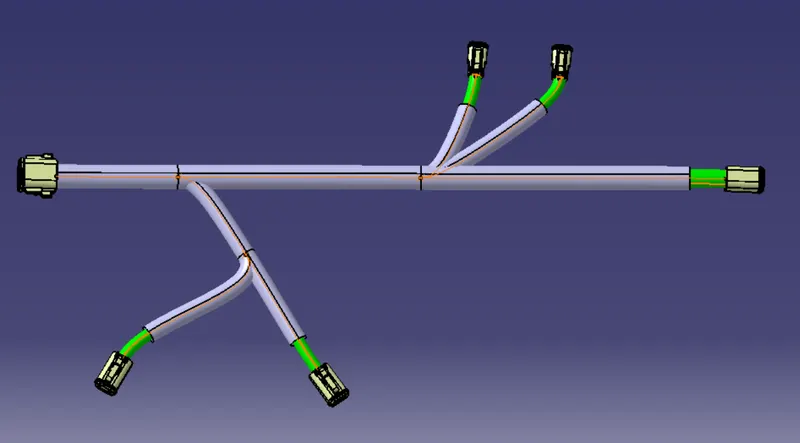
multi branches