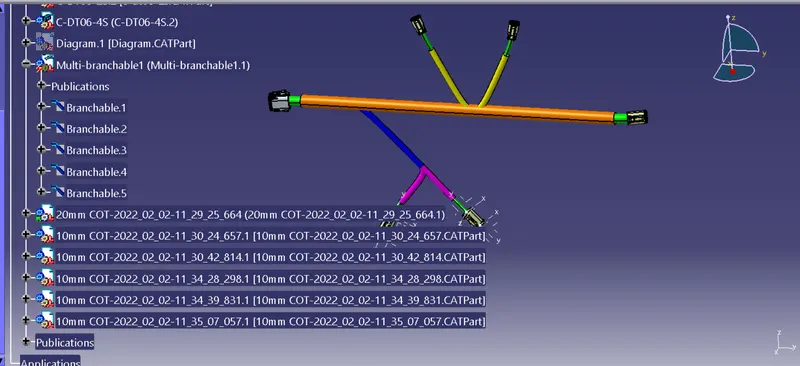
Wiring harness design in CATIA V5 - 3D modeling Week 4 Challenge
AIM -
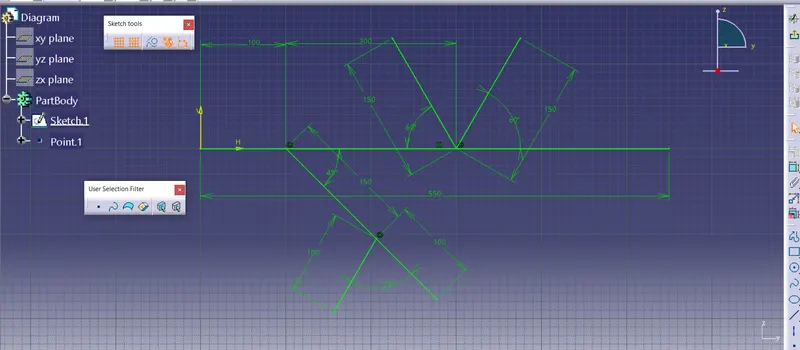
Route the following harness layout in Electrical workbench. Make assumption for harness bundle diameters. Use Following connectors as shown in layout diagram.
Add protective covering on all branches connected to DT06-2S & DT06-4S connectors. Keep end extremity at 30mm (from connectors end)
Download connector 3D data from www.te.com
- DT06-4S
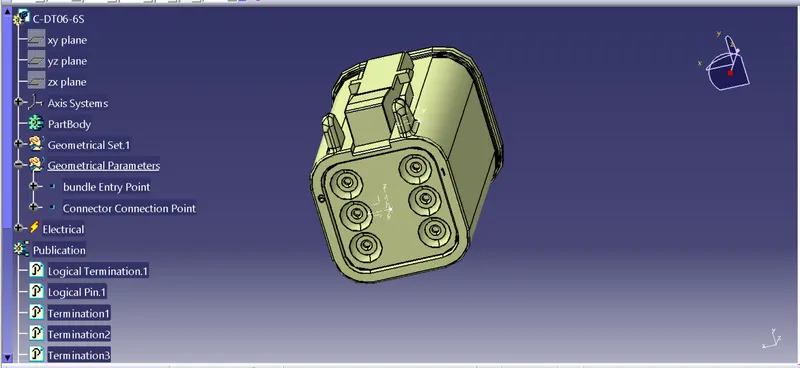
- DT06-6S
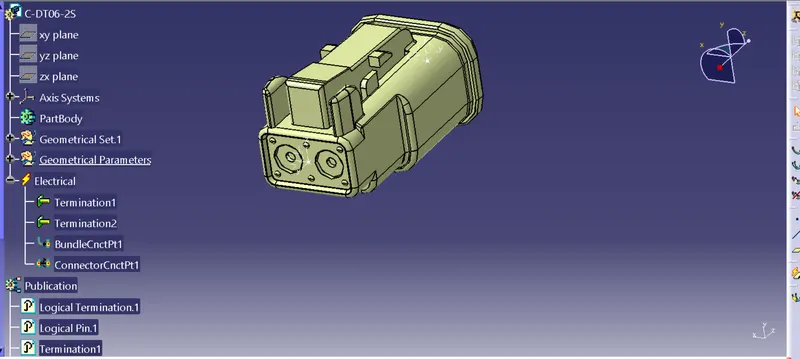
- DT06-2S
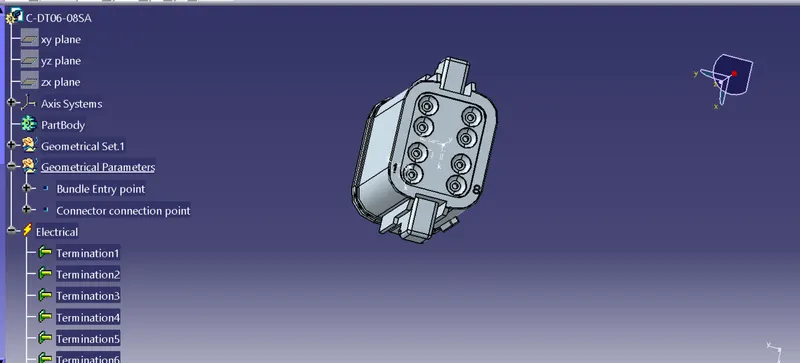
- DT06-08SA
Process -
1.) Define the Connector
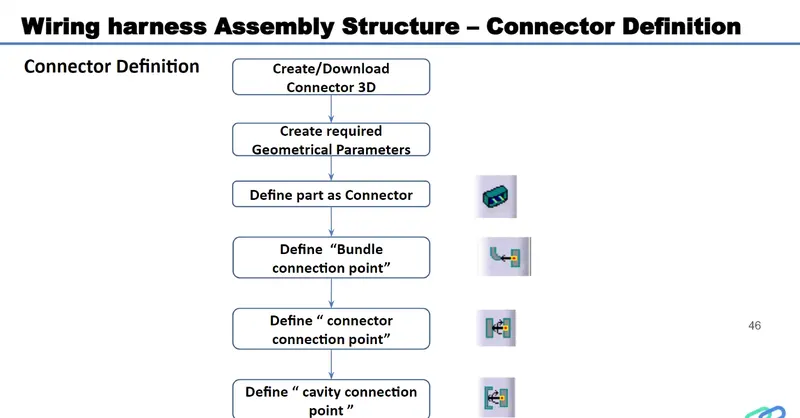
a) Download Connector 3D Part from www.te.com
- DT06-4S
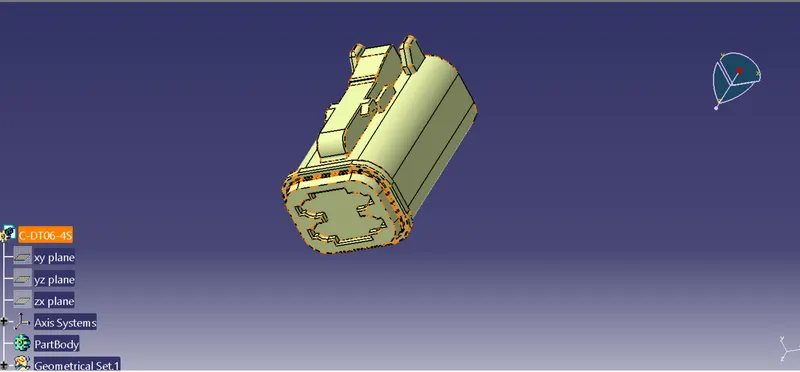
b) Create a Required Geomtrical parameters- Point, Axis Systems
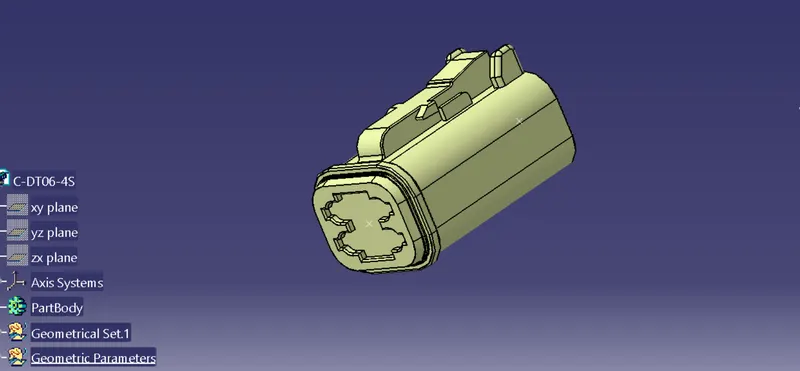
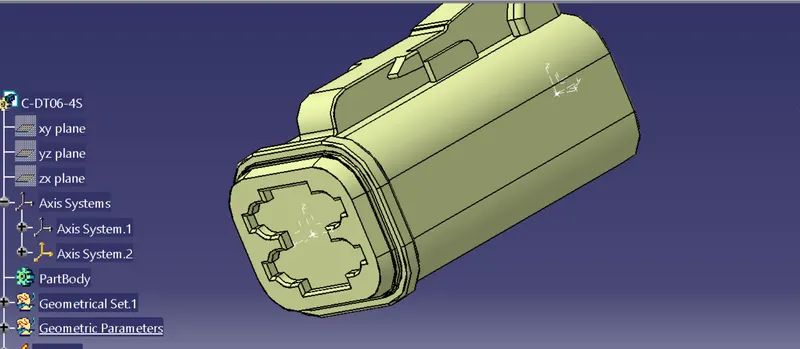
c) Define Part as a connector
Switch from part workbench to Electrical Part workbench, Using the Define connector command to define the connector as a Electrical component
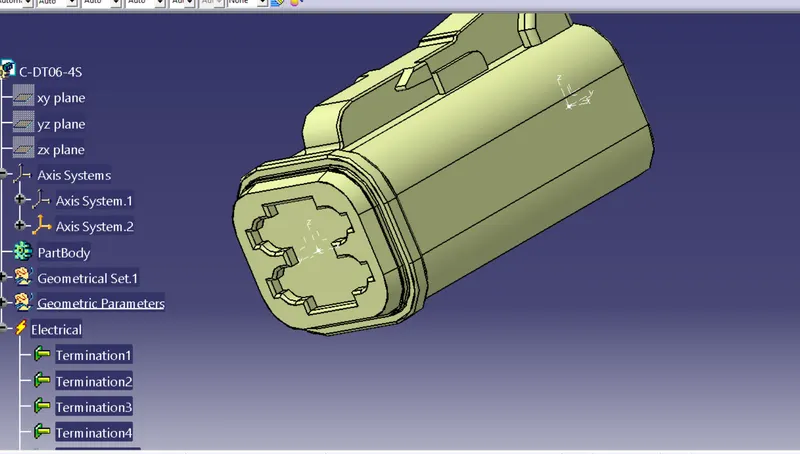
Define the Bundle Connection point and Connector connection Point
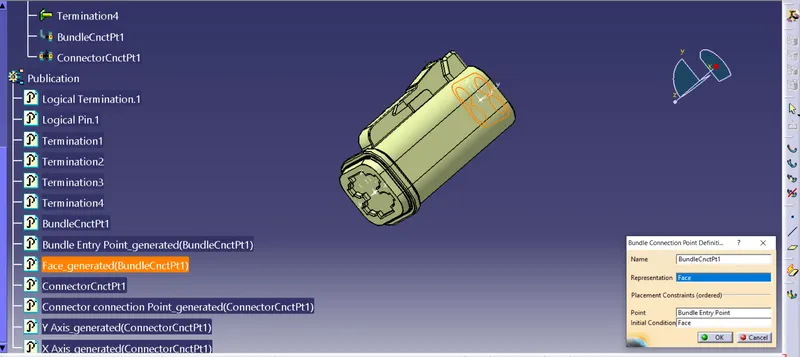
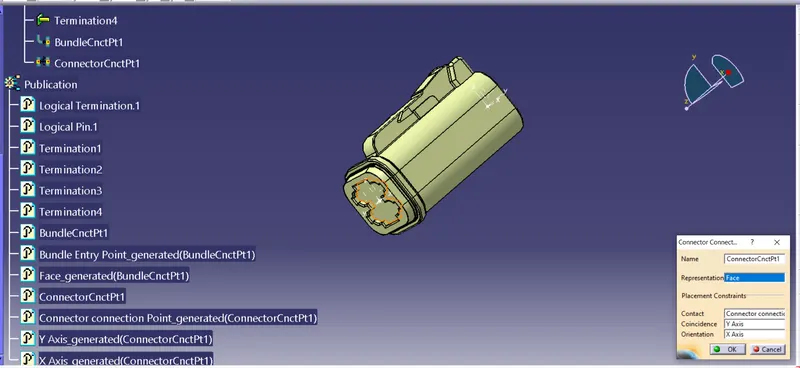
Follow the same process for define the all connectors
- DT06-6S
- DT06-2S
- DT06-08SA
2.Now create a New Sketch in part workbench for Reference purpose
3. Now create a Context Assembly
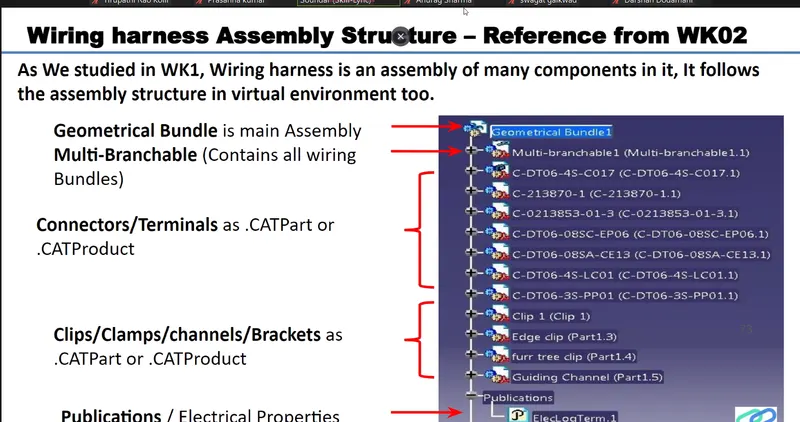
a)Exit all components in that By using Exit component command
b) Switch from Part assembly to Electical Harness Assembly workbench
c) Using the Geometrical Bundle command Convert the product as Geomtrical Bundle
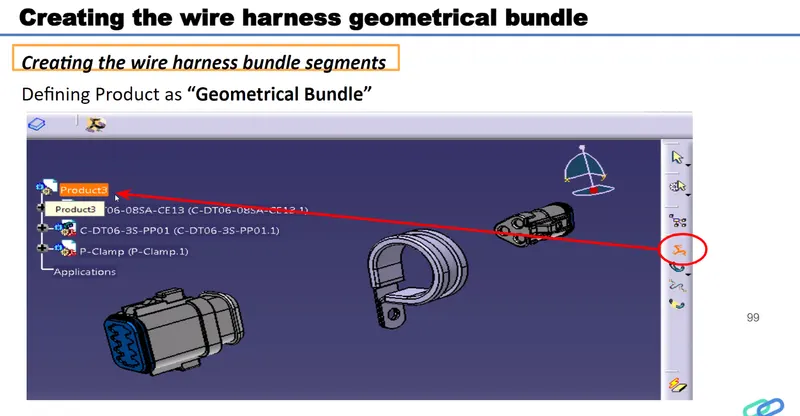
d) Using the Multi Branchble component Command to create the Bundles .
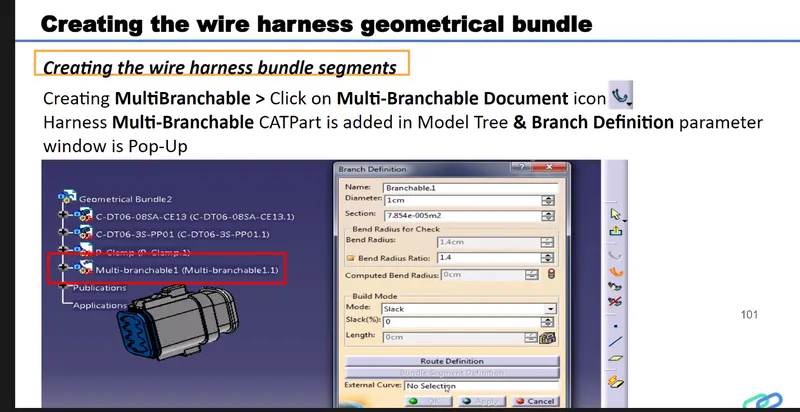
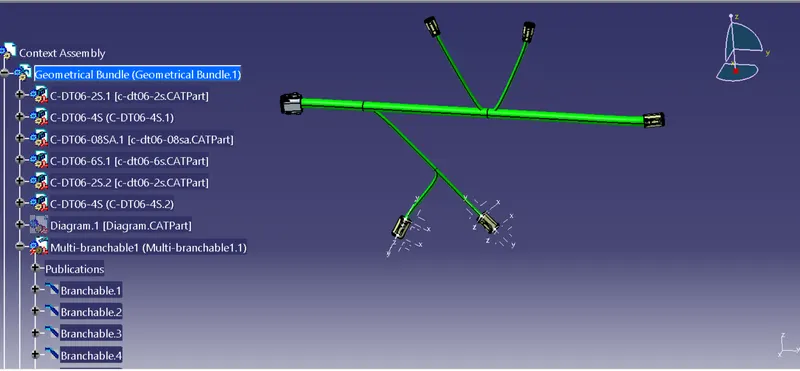
Finally Creat the COT_ Tubes by using Protuctive Covering Command
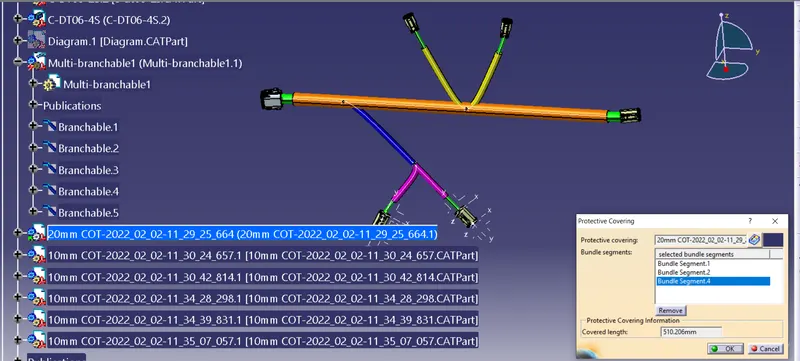
Total Context Assembly