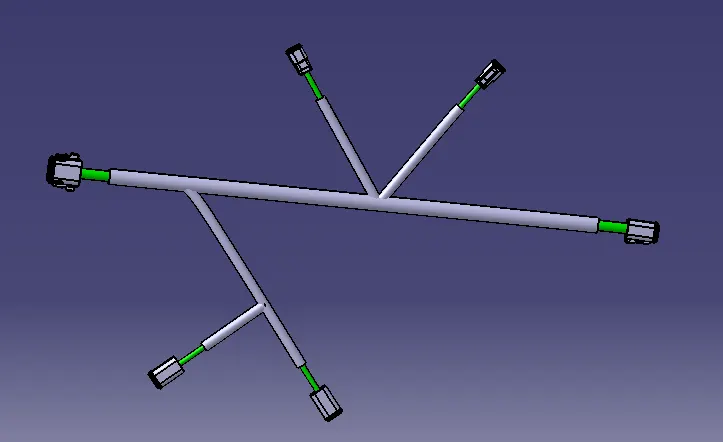
Wiring harness design in CATIA V5 - 3D modeling Week 4 Challenge
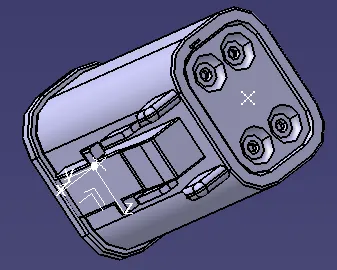
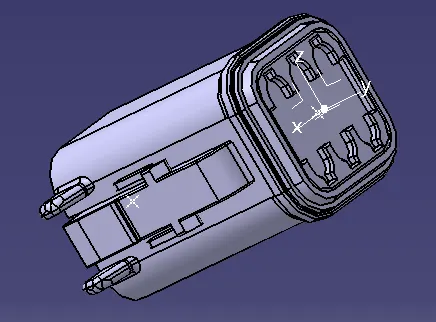
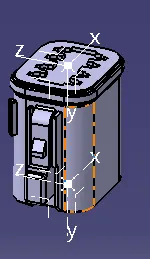
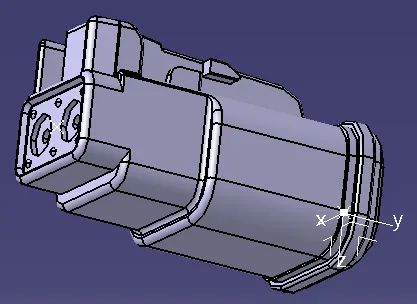
- The First step is to design the Connectors such as DT06-08SA,DT06-6S,DT06-4S,DT06-2S.
So define point and axis on the connectors in part design workbench.Considering the electrical part design work bench define it as connectors as well as define the connector connection point and the bundle connection point on them.Save the work.
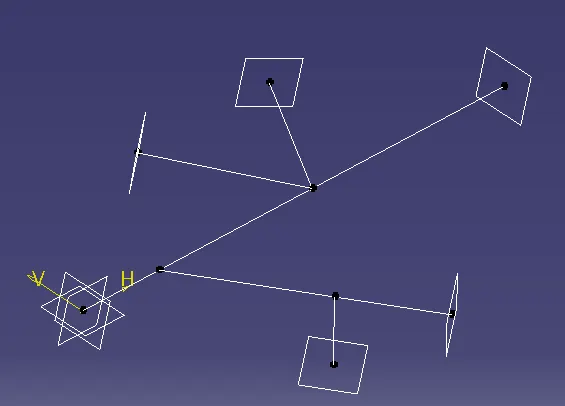
- Lets design the Routing Path for the required connections in the layout.
Consider the xy plane in the part design workbench.
- Bring the connectors to the product file along with the routing path designed before.
By using the Smart Move Snap Tool position the bundle connection point to the respective point on the layout.The work should be carried out in the Assembly Design workbench.Then use the Compass to rotate the connectors with the respected angle.Save the work.
- Move to the Electrical Harness Assembly and lets add Branch point with the respective lengths provided in the question.
Lets add Protective Covering to the layout.So for this add protective cover to them by selecting the paths and browse for the cataloque where we find the 15 mm COT tube and select it then move to the option on the path which shows End Extemity and Start Extremity and apply a distance of 30mm on them respectively or in them eitherly so after it save the work.