Wiring harness design in CATIA V5 - 3D modeling Week 4 Challenge
1.Preparation of Harness Assembly:
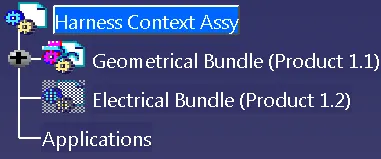
Create a master product file(Harness Context Assembly) and two sub-level product files named Geometrical Bundle & Electrical Bundle respectively.(Ref Below image).
Insert all the required Surrounding Part data into the Master Product file.
Save the master product file in a desired location.
2.Creating the Wire harness Geometrical Bundle:
Once Geometrical Bundle is created, then open it in a new window.
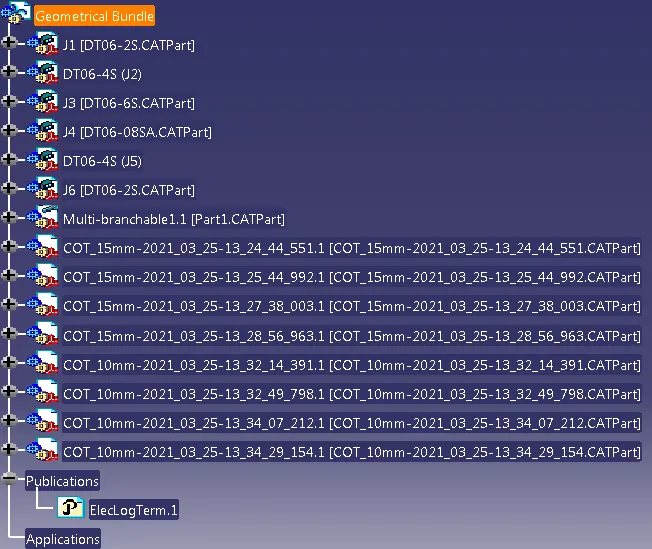
Select the "Geometrical Bundle" command and then click on Product Icon in Model tree to convert it into an Electrical Assembly.(Ref Image below)

3.Inserting Harness Components into Geometrical Bundle:
Before Inserting the components, ensure that all the required components have been electrically defined.
Once the required components were defined electically, then insert them using Catalog Browser command or using existing component command(ref below image)