Wiring harness design in CATIA V5 - 3D modeling Week 4 Challenge
REPORT
- Initially download connector 3D files from given link
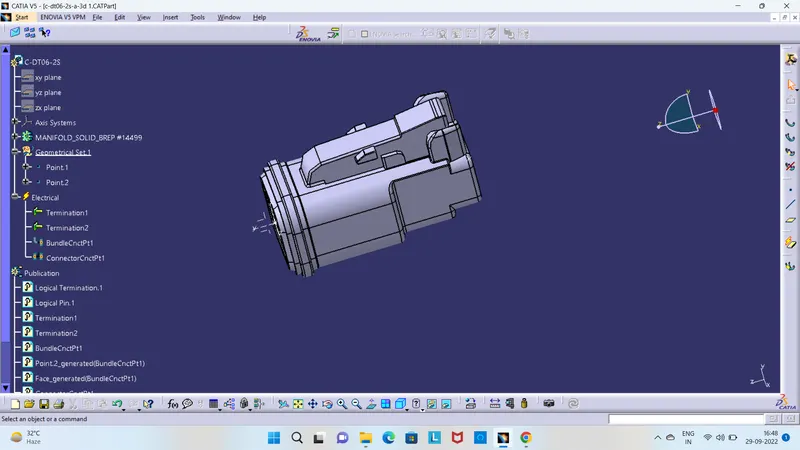
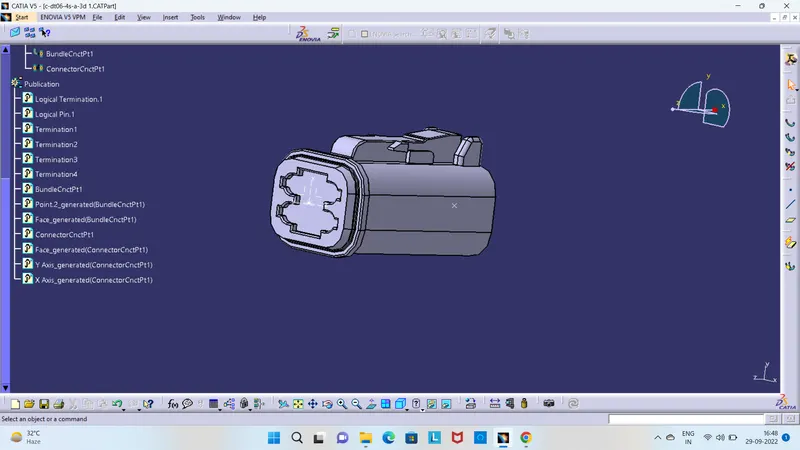
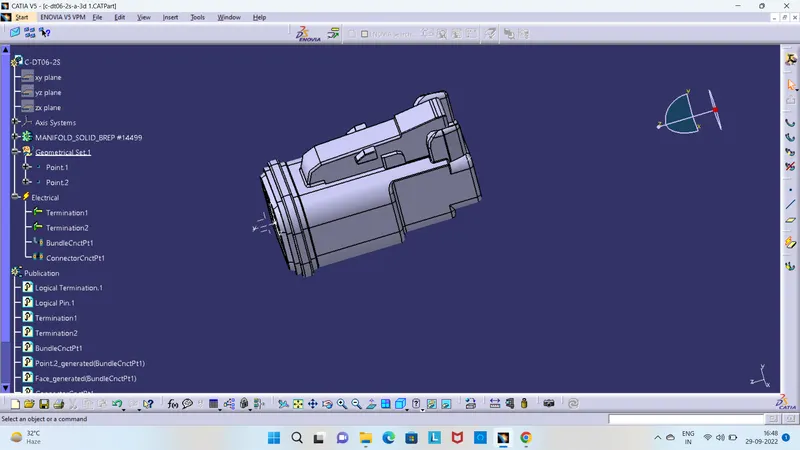
- Define connectors and give all electrical properties in "Electrical Part Design" workbench
- create a catalogue and add all the connectors in to that catalogue
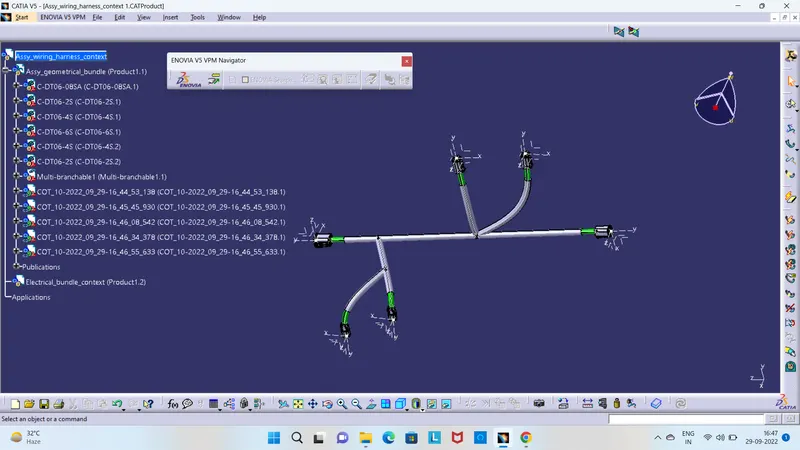
- Then import all the connectors in to harness assembly design
- create a multi-branchable document in which all the bundle segments are stored
- then create bundle segments in between connectors as showen in figure by using the bundle segment command
- then give protection covering for the bundle segments by keeping end extremity as 30mm
- Finally save all the parts using save management