Wiring harness design in CATIA V5 - 3D modeling Week 4 Challenge
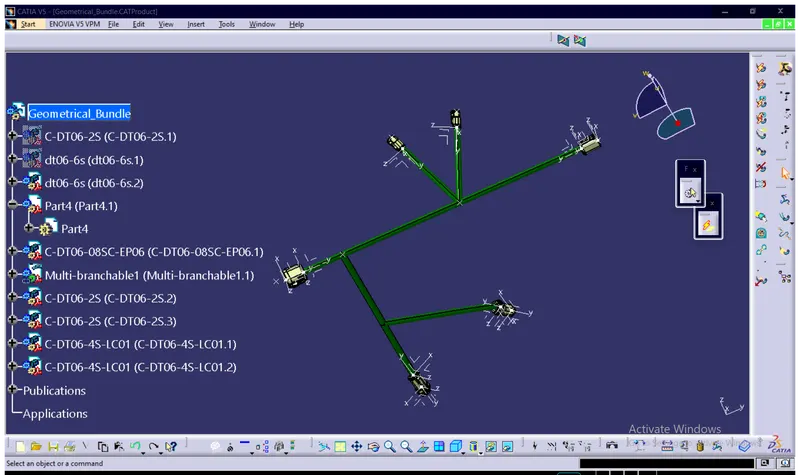
Here above pic shows that the different connector connects each other and creates the different types of branches can be added.the process to create the multiple branch is intially darw the sketch as per multiple branch in part design.
2.and open the assembly work bench paste the sketch which had already created inside the part design, in assembly work bench exists the all connectors inside the assembly work bench, connector can arrange as per sketch with the help of snap tool and creates the multiple branch between two connectors ,and add branch point to the main branch and create sub branch to my main branch.