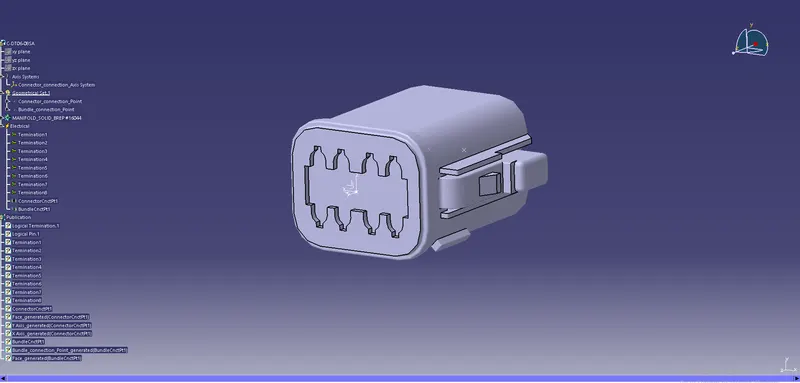
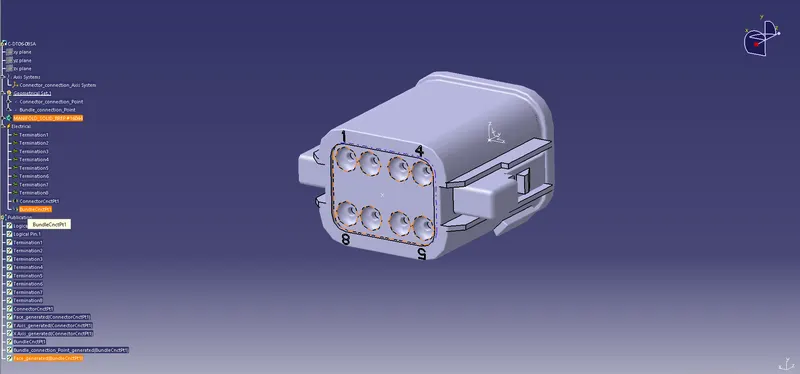
Wiring harness design in CATIA V5 - 3D modeling Week 2 Challlenge
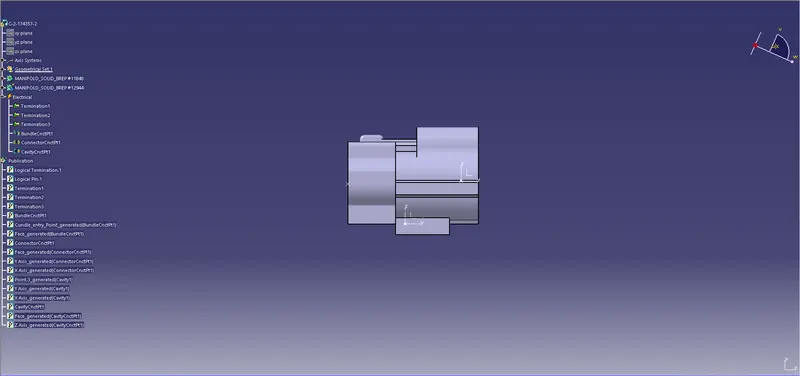
Connector definition:
- download 3d cad model
- create connector_connection_point, connector axis system, bundle connection point.
- define part as connector in electrical part design workbench.
- deine bundle connection point
- define connector connection point
- define cavity connection point for the clip.
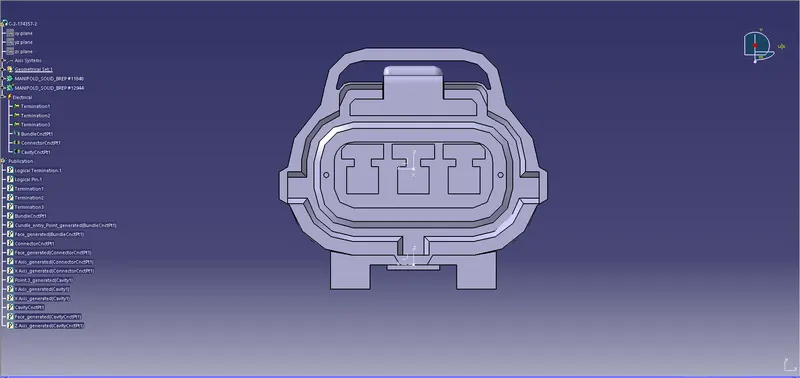
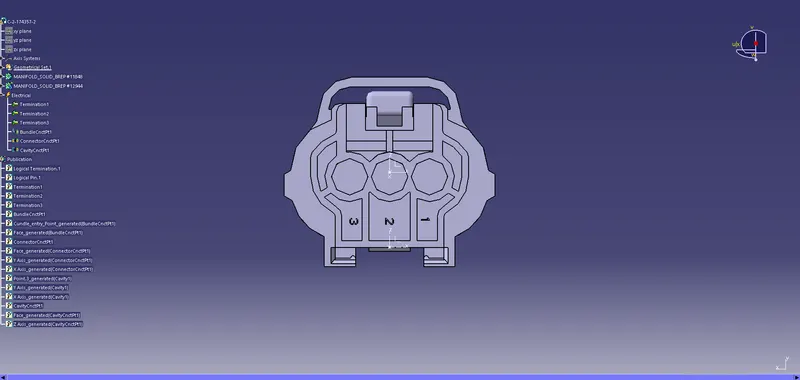
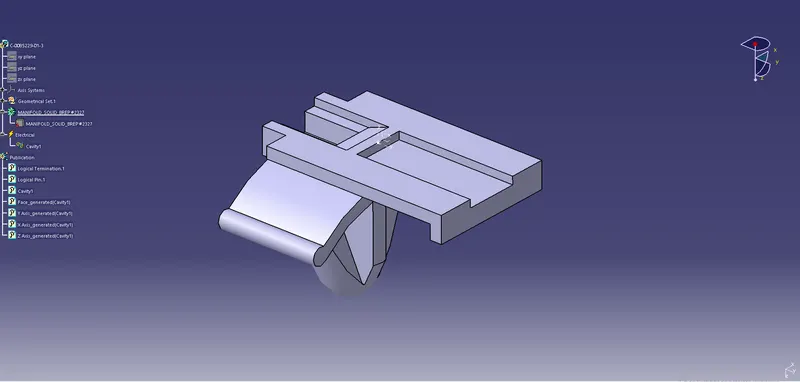
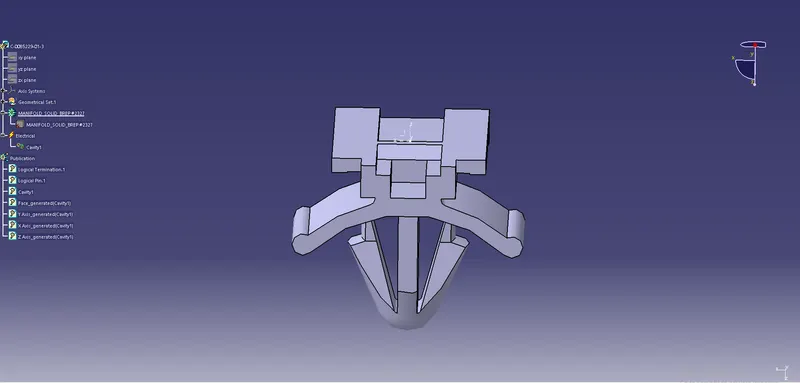
Clip Definition:
- Construct the cavity point.
- insert axis system at cavity point.
- define the part as cavity.
- Make sure the axis system are in the proper direction.
- Then in the harness assembly workbench, connect the clip to the connector using connect electrical device command.
2nd connector with 8 terminations: