Wiring harness design in CATIA V5 - 3D modeling Week 2 Challlenge
Typical design flow of EDS system
Logical Architecture ====> Electrical Schematics ====== >
Harness Drawing
Physical Architecture ======> Harness Routing =======>
Wiring Harness Design Process
- Input collection - data analysis is done in catia v5
- Component identification or searching
- Harness topology or idea to form harness - process of splitting harness in different parts for easy manufacturing and serviceability .
- Review - show to seniors , manufacturing and service teams and get approved.
- Concept routing and packaging & proposal - wiring harness path definition , mounting proposal , channel proposal , connector parking etc .
- Review - review with body , engine , plastic body, powertrain design team , manufacturing and service teams also with quality teams for best output
- Routing finalisation - detailing of finalised concept.
- Flattening and wire harness drawing - flattening means making the wire harness straight and putting on harness test board and then making the drawing of it.
- Flow chart for wire harness assembly or structure
Create or Download connector 3d data
|
|
|
Create geometrical parameters
|
|
|
Define part as connector
|
|
|
Define bundle connection point
|
|
|
Define connector connection point
|
|
|
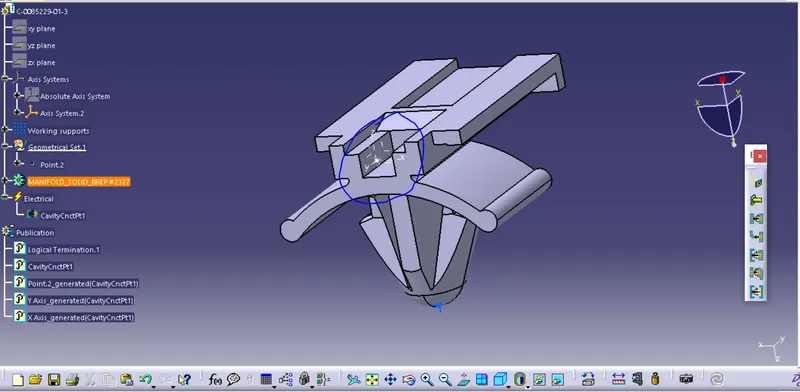
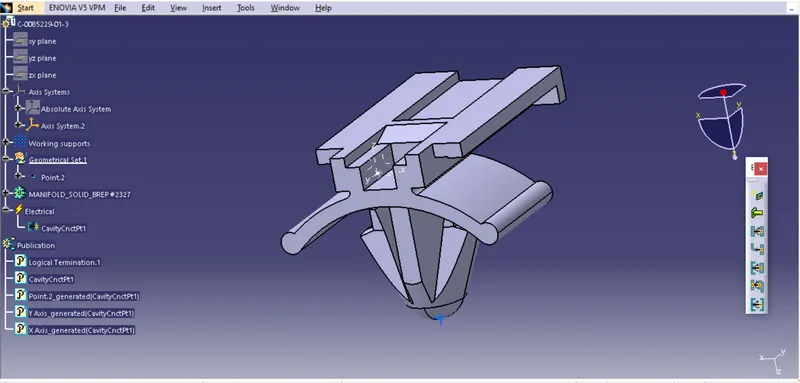
Define cavity connection point
- Explaining the flow chart with steps.
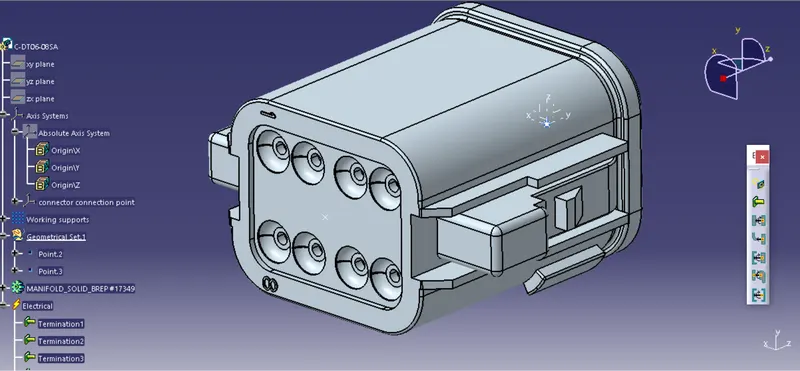
- Download or create connector 3d data: create the connector required on catia or any cad software or download it from website eg - tyco connectors, mouser, terminal technologies etc download the step file => open catia part design workbench => import the connector
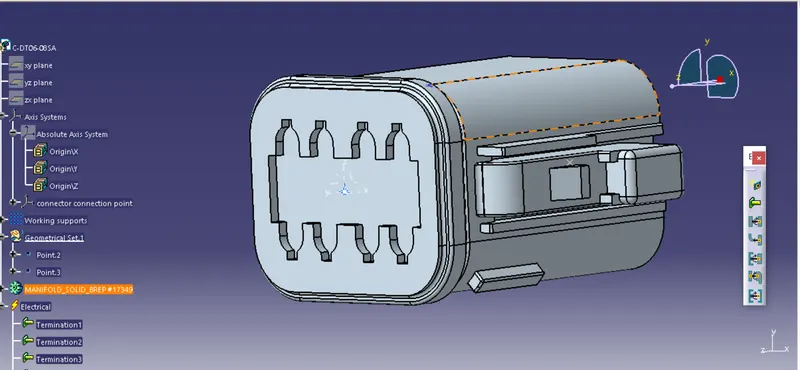
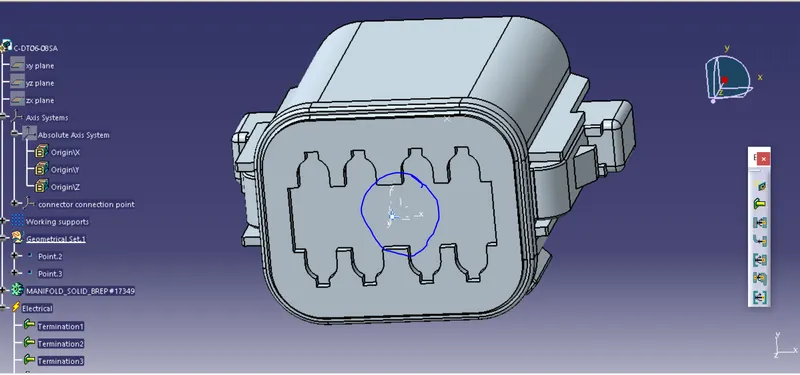
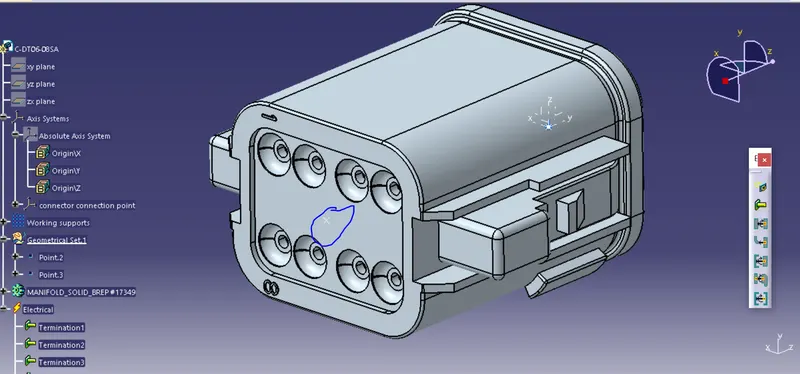
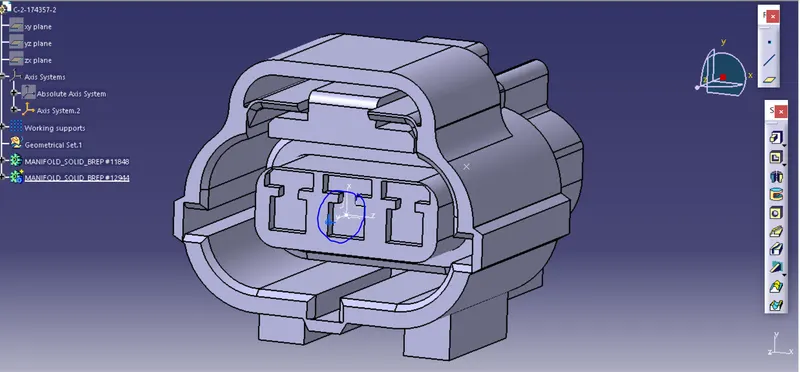
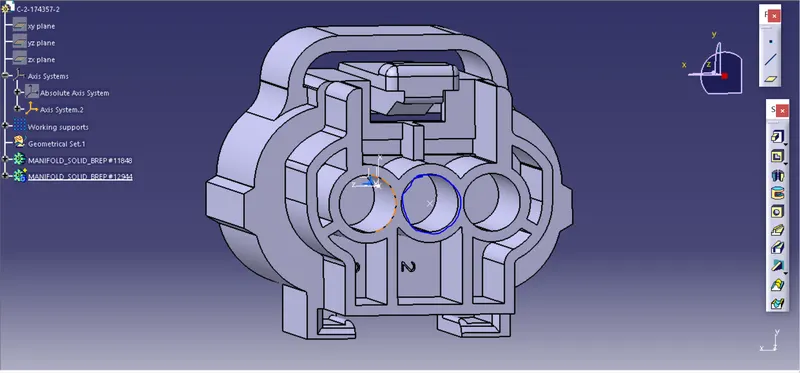
- Create geometrical parameters : set up a point on the connector surface i.e. open point => select in between => select two points diagonally and select middle point to get a point exactly on centre. => now open axis system =>let Y axis be facing towards => X towards locking system => Z axis towards the top.
- Define connector => open electrical part design => click on define connector .
2.
3.
4.
5.
6.
6.
7.