Wiring harness design in CATIA V5 - 3D modeling Week 2 Challenge
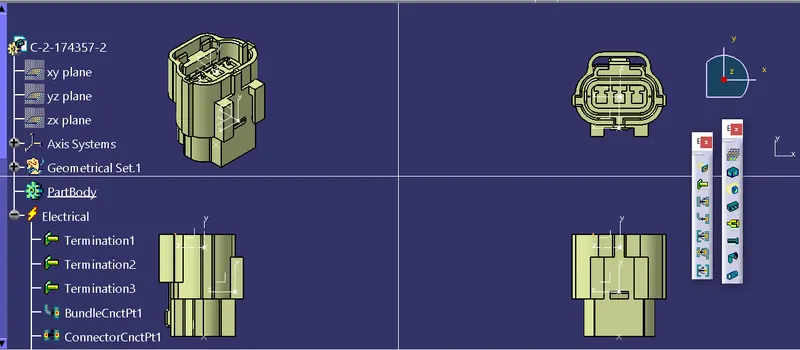
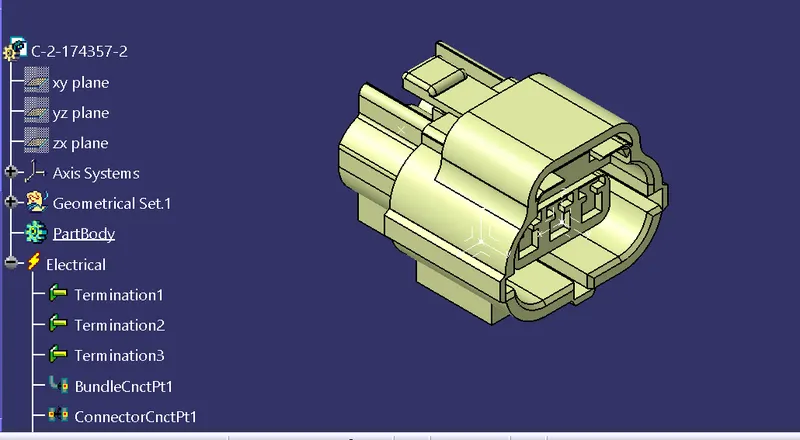
in this wiring harness first we download the igs file from te.com and next uploaded intlo part body and next step is to define connecter as electric properties we need to create some gemetrical features to Create point and axis open the connector in the Catia part workbench click on the point command and select the between option and select the points and select the Middle point then create the axis system based on the point and repeat the same process to the opposite side of the connector for Bundle entry point
next to same process to as per first doing to upload fail and to create a point and create a axis connector point and bundile points
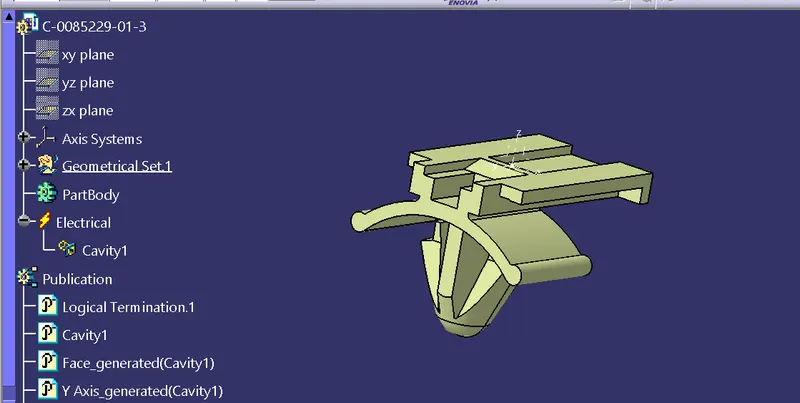
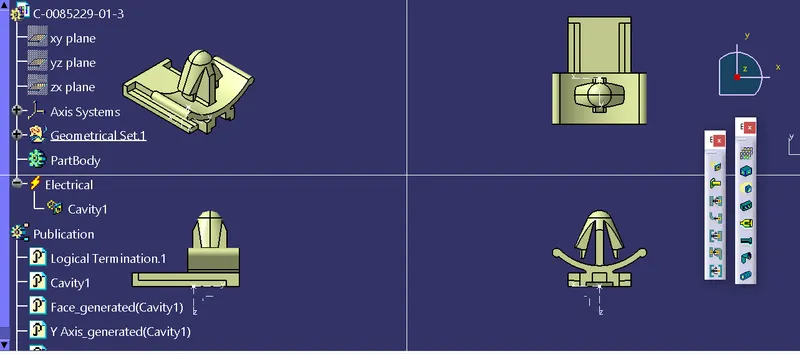
after completion of those features nexr assemble the two parts:
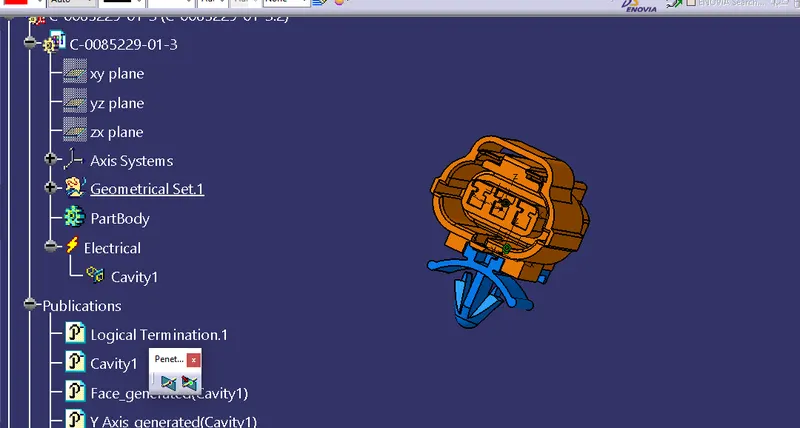
and next also same process to download the igs file and upload into part body and create point and insert axis system intlo the body and next goto work bench and create define the pins and bundel connctor and connector
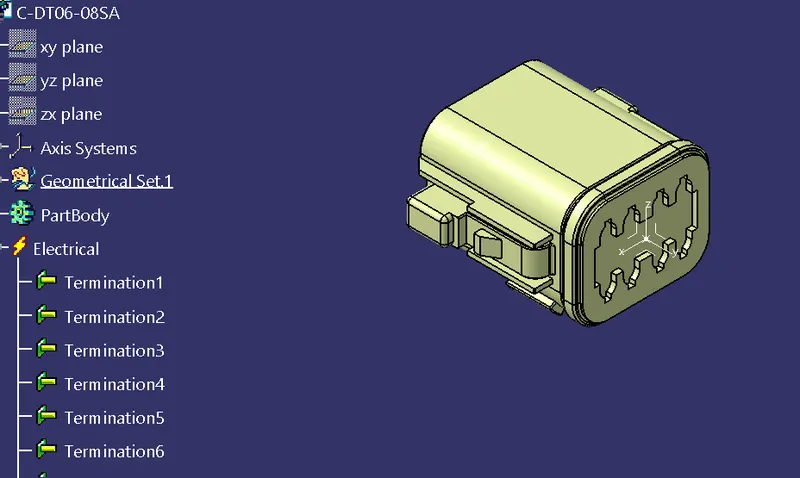
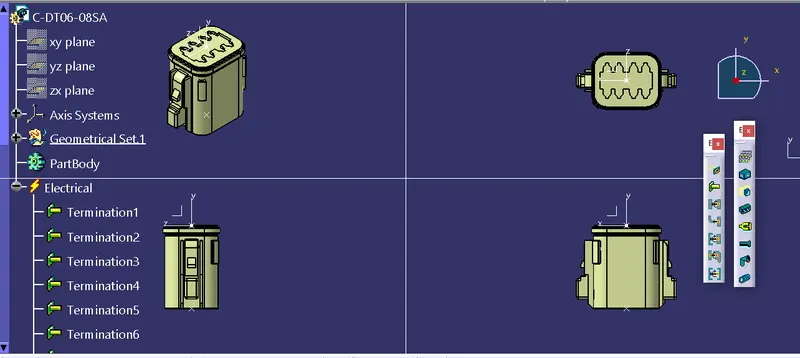
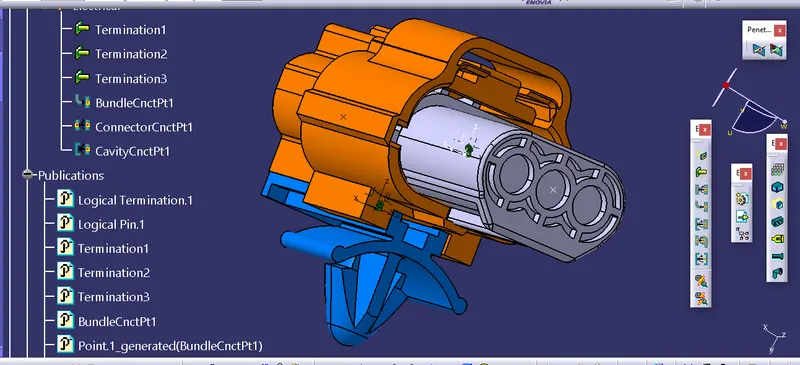
we had female connectors given in the challenge hence I have additionally downloaded a suitable male connector for completing the assembly.