Wiring harness design in CATIA V5 - 3D modeling Week 2 Challenge
Objective:
Download the following connectors & connector clip cad data from the given link & define it as Electrical Connector using the Electrical Part Design Workbench. Define all the necessary properties of Connectors & Clip.
Step 1:
Creating a catalogue for connectors:
Go to File>New>CatalogDocument
Name it Connectors
Type: Electrical
Save it to the desired location.
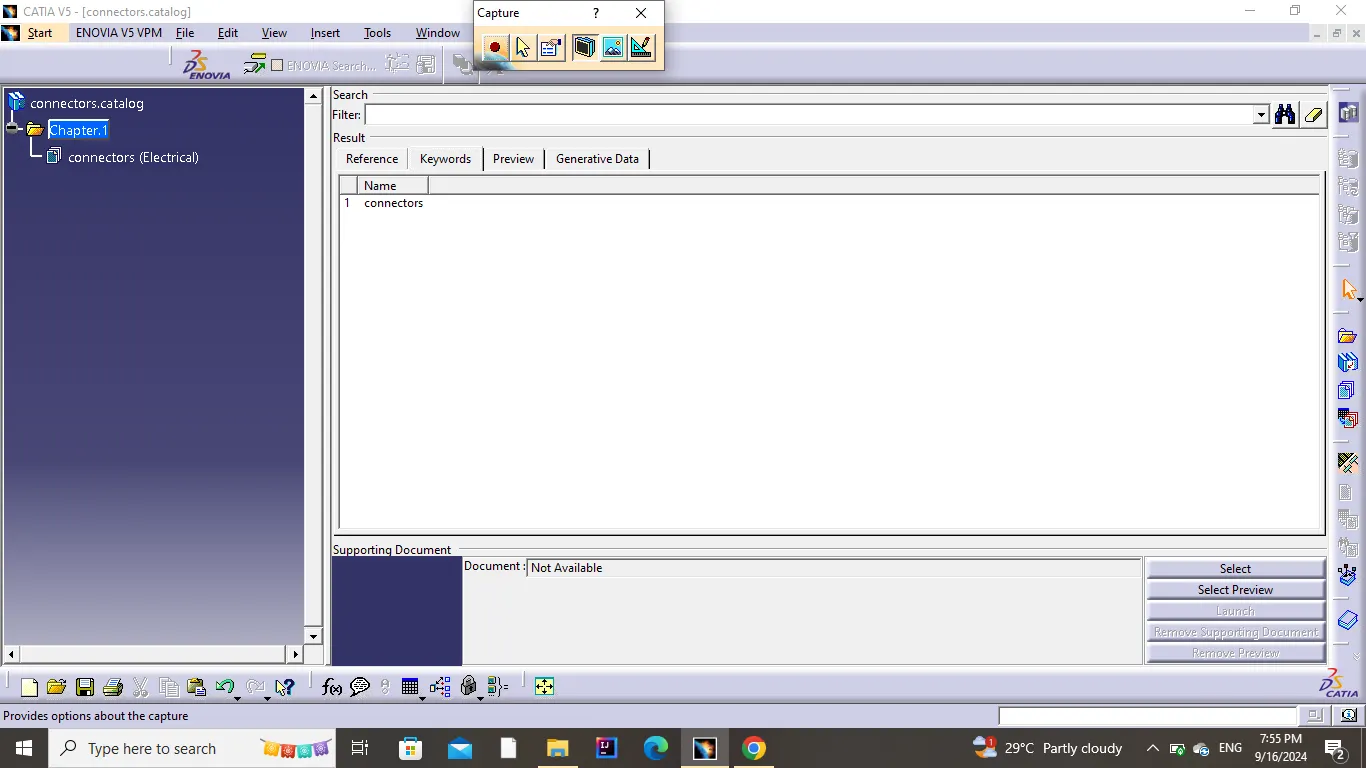
Now, we can save the imported or downloaded connector in the connectors catalogue to use it in the future.
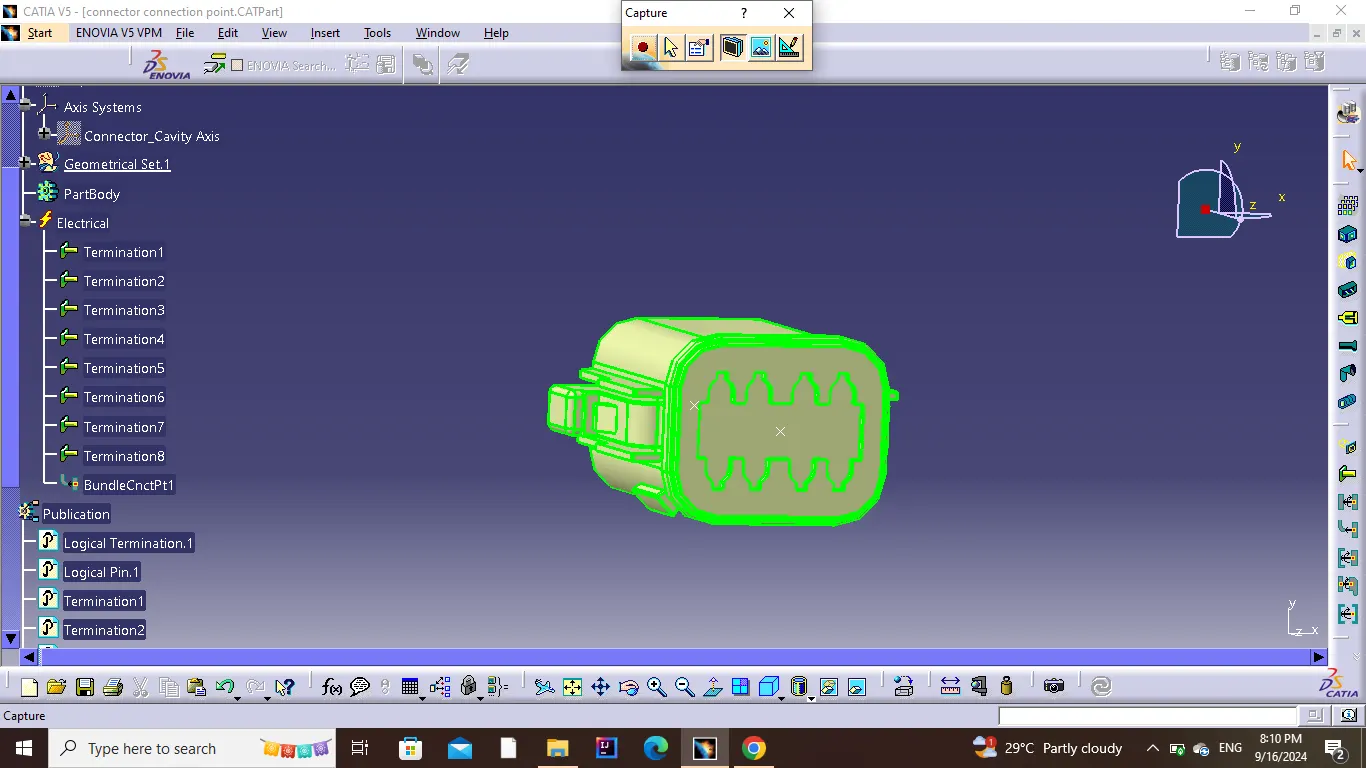
1)First Connector:
Create a point on the mating surface.
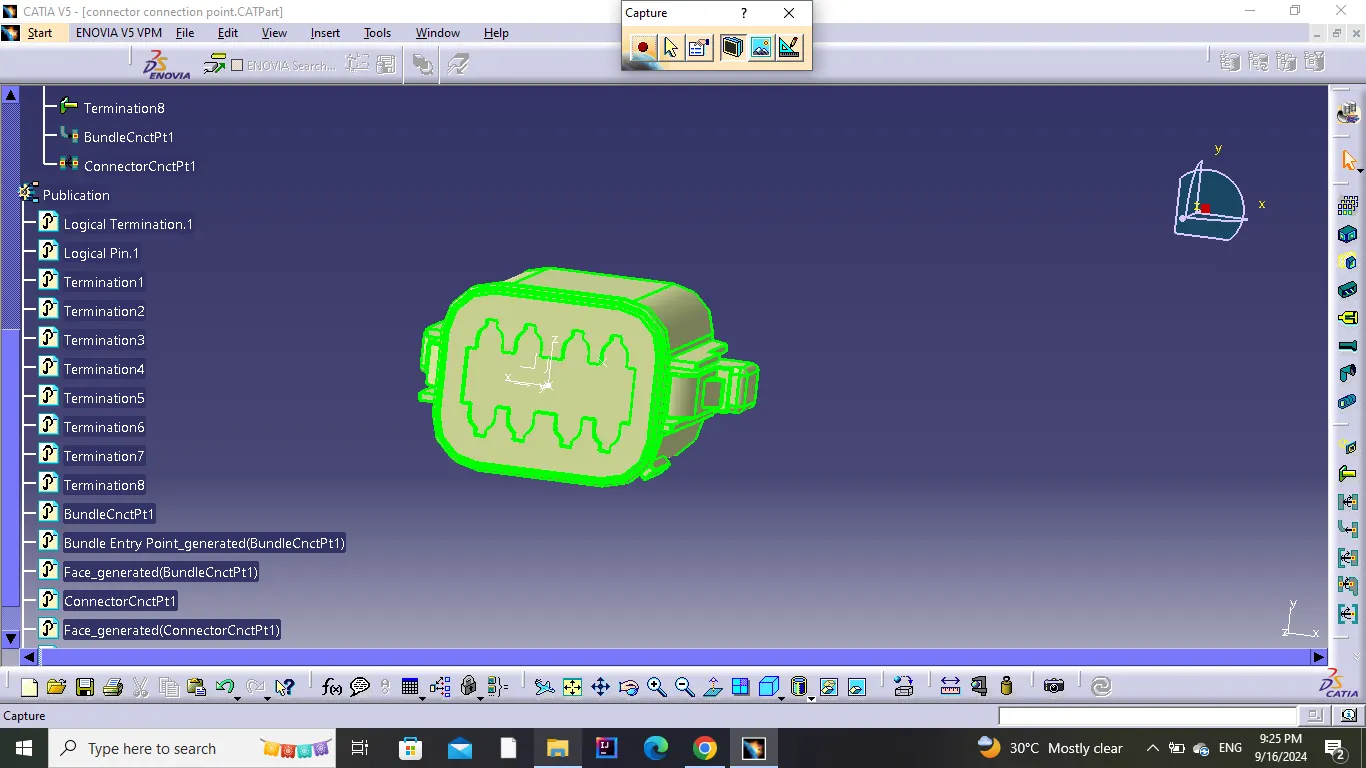
Create an axis on the point.
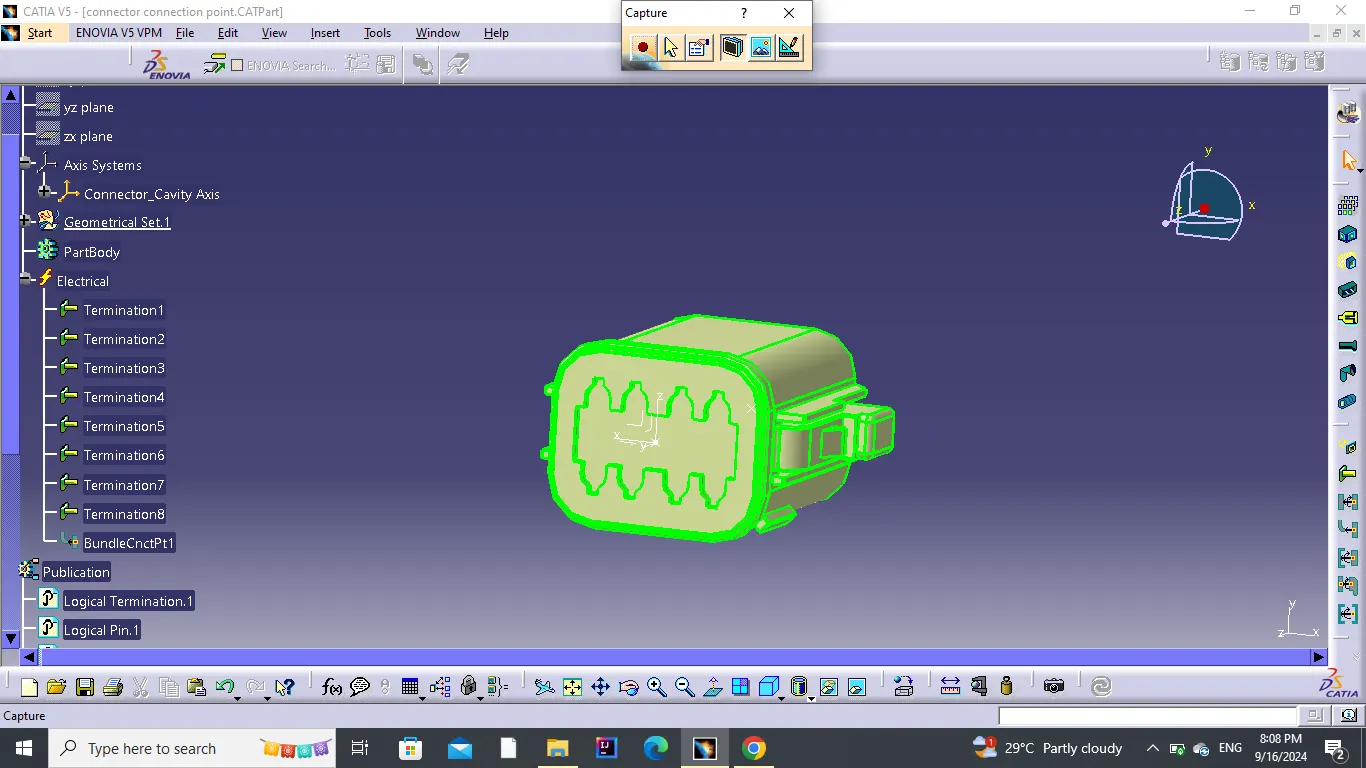
Create a point at the back as the bundle entry point.
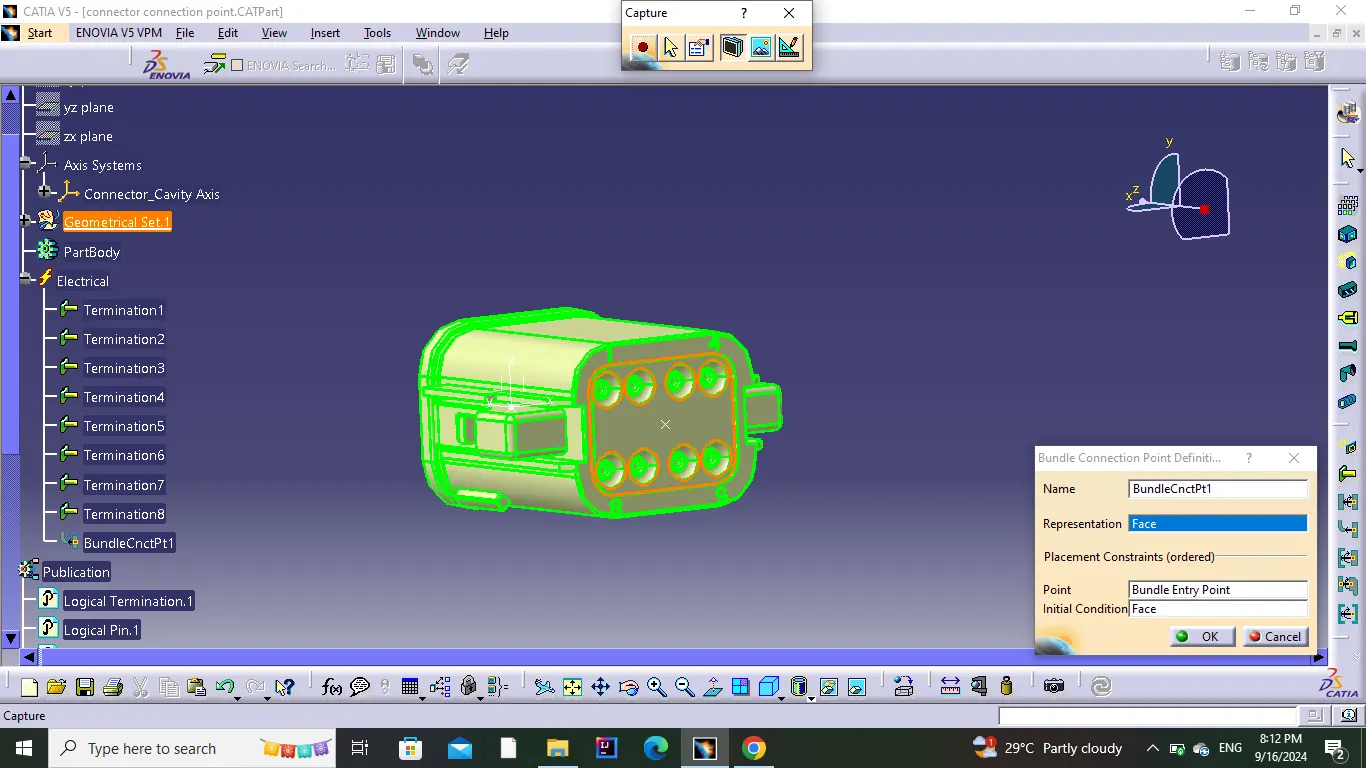
Define Connector Connection Point.
2)Second Connector:
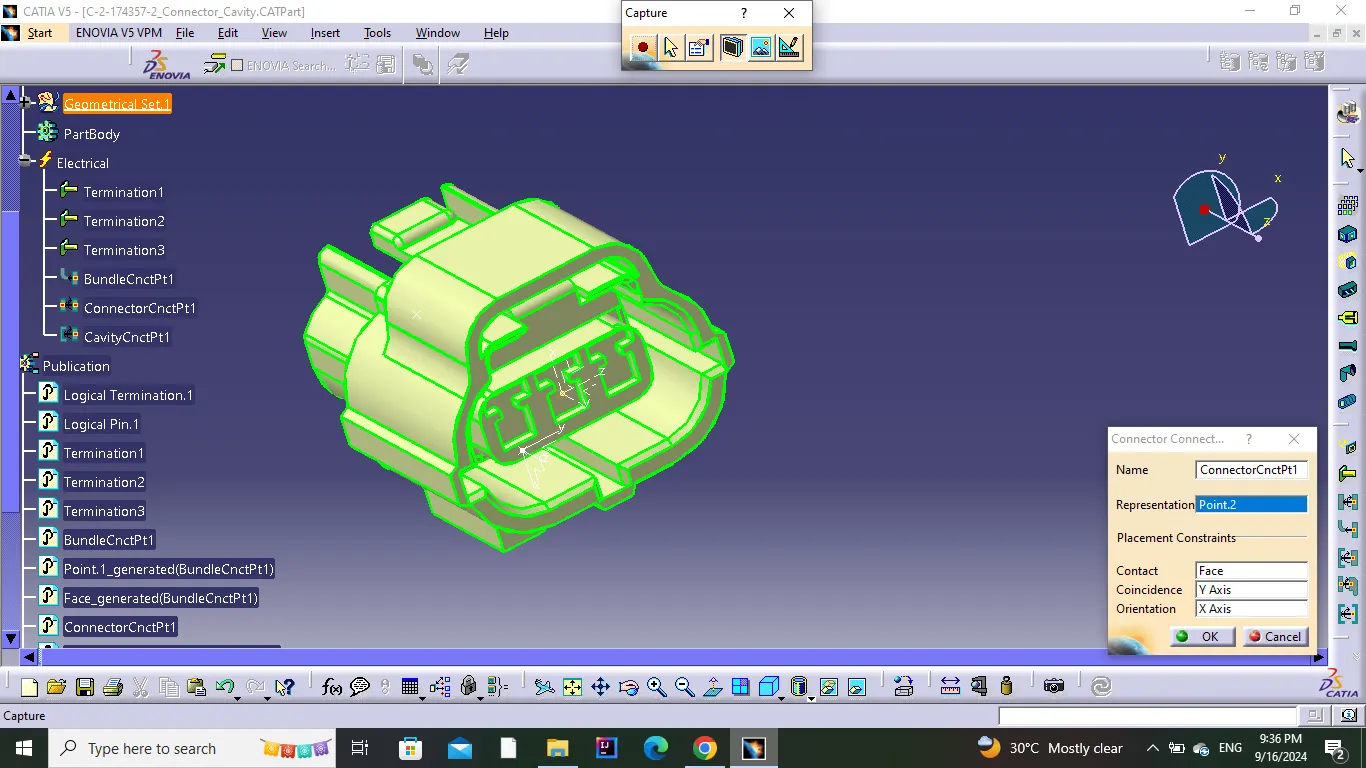
Create a point on the mating surface.
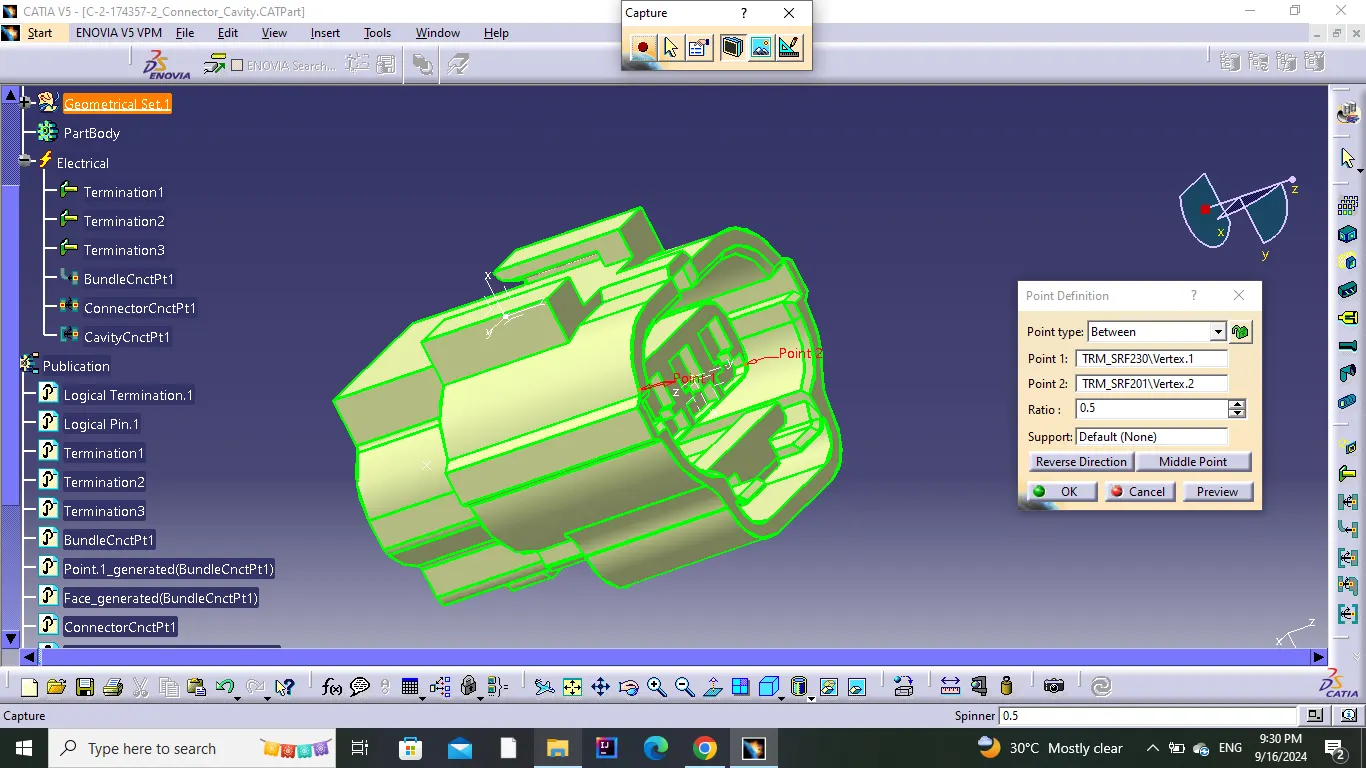
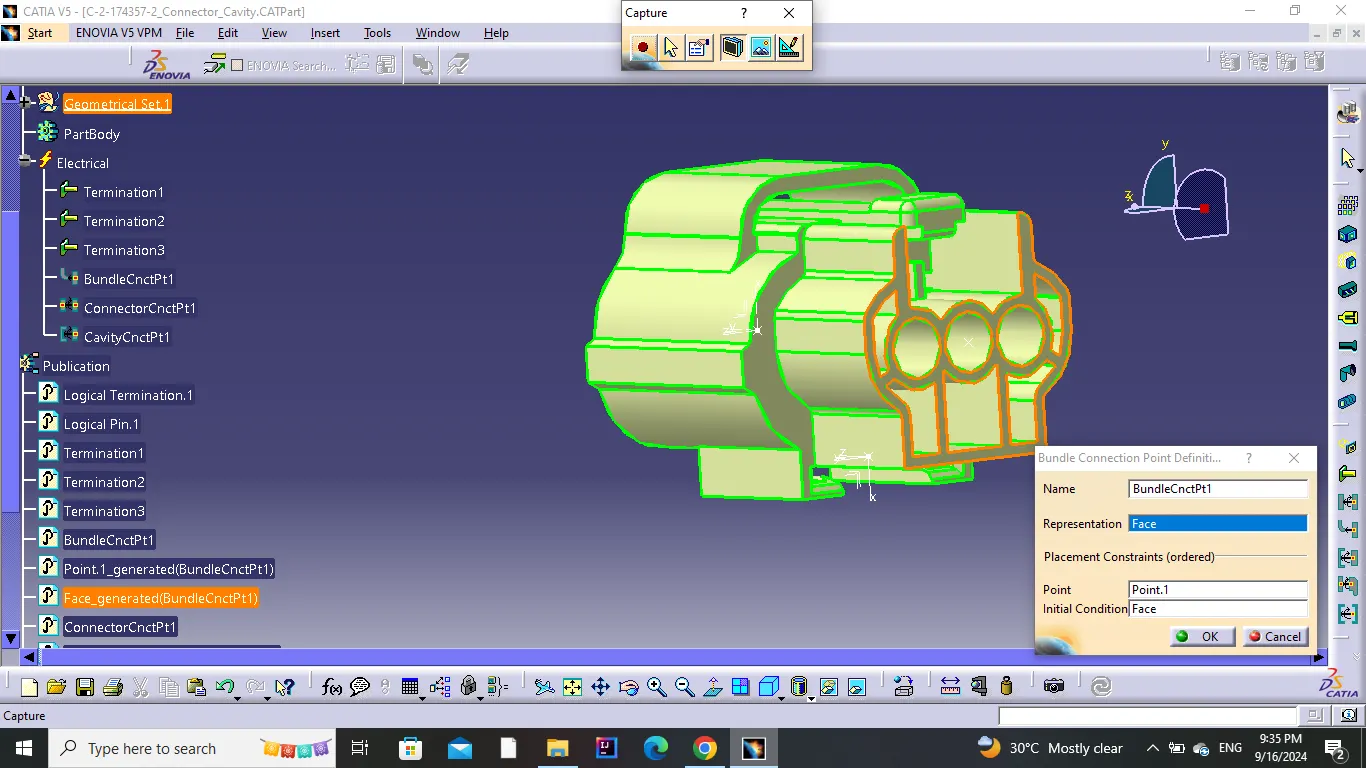
Create a point at the back as the bundle entry point.
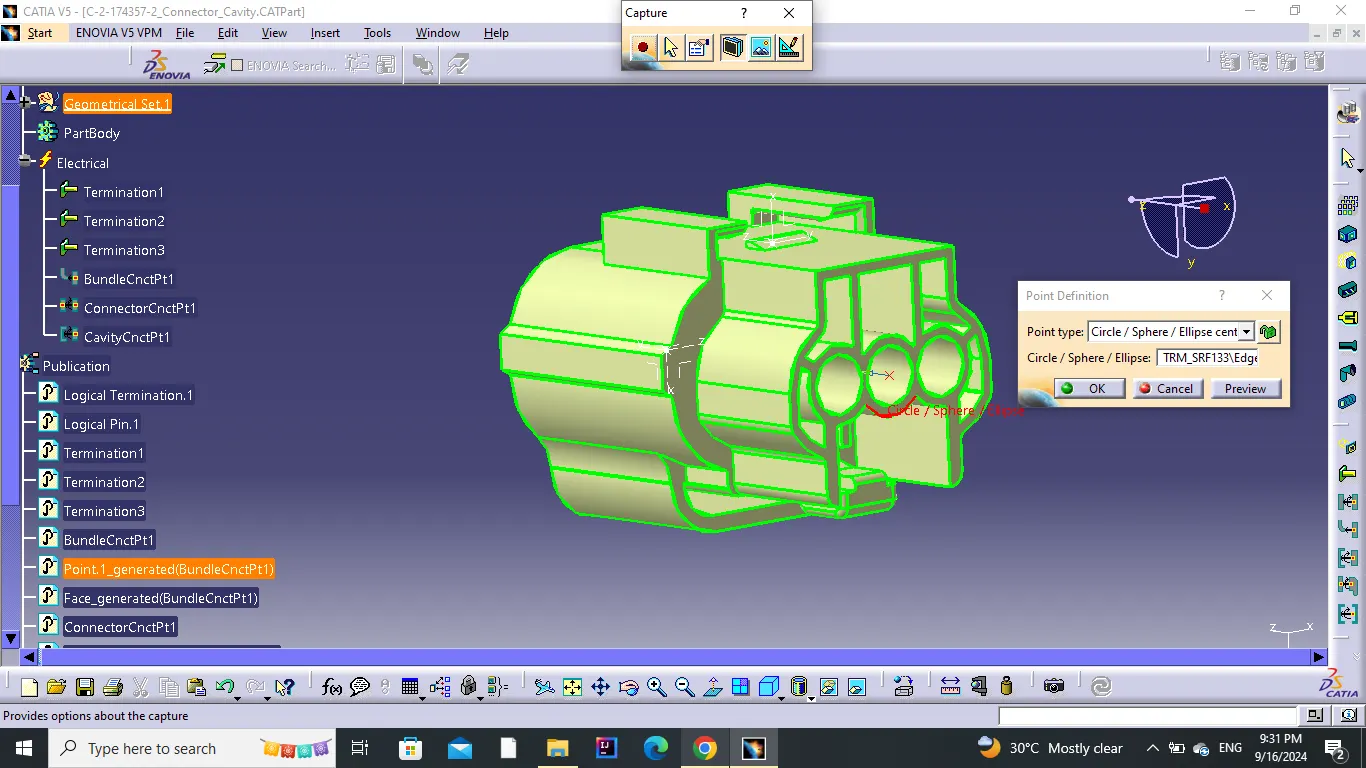
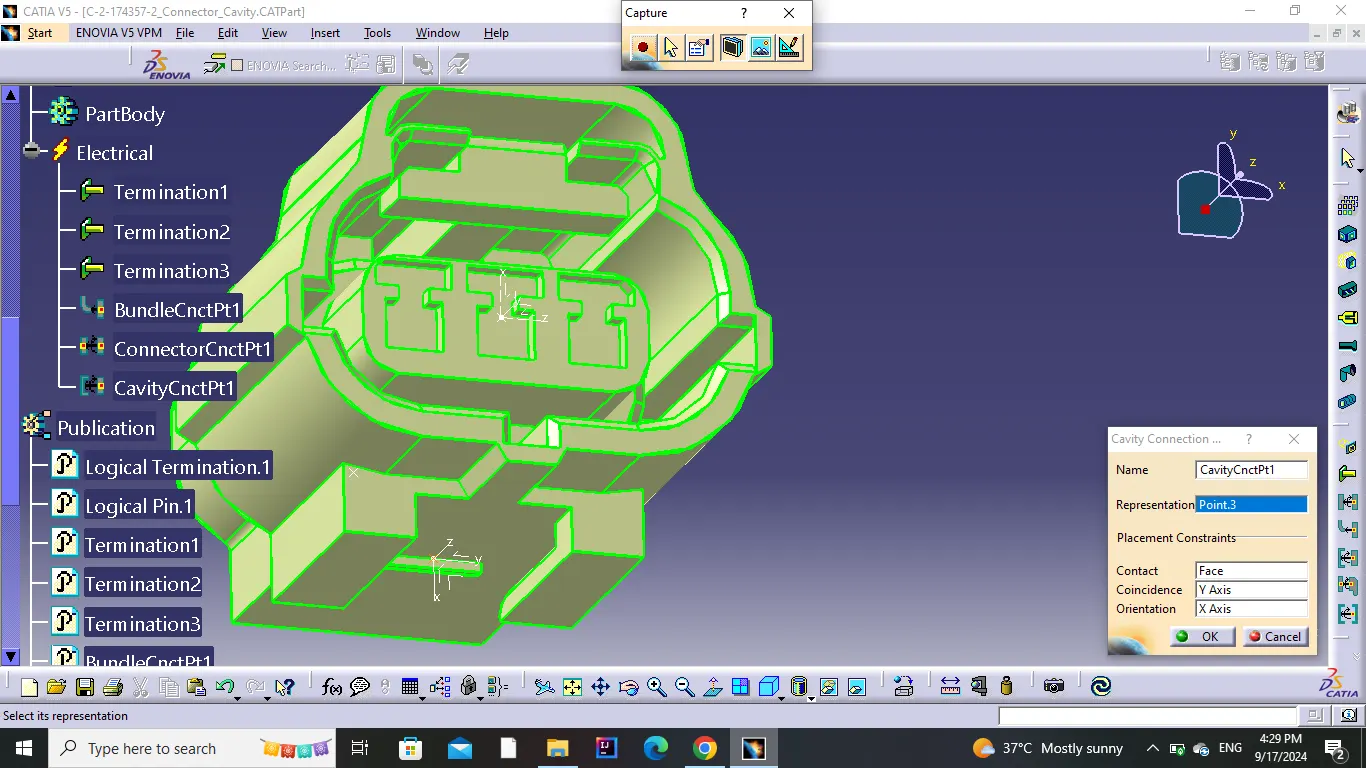
Create a point at the bottom as the cavity connection point.
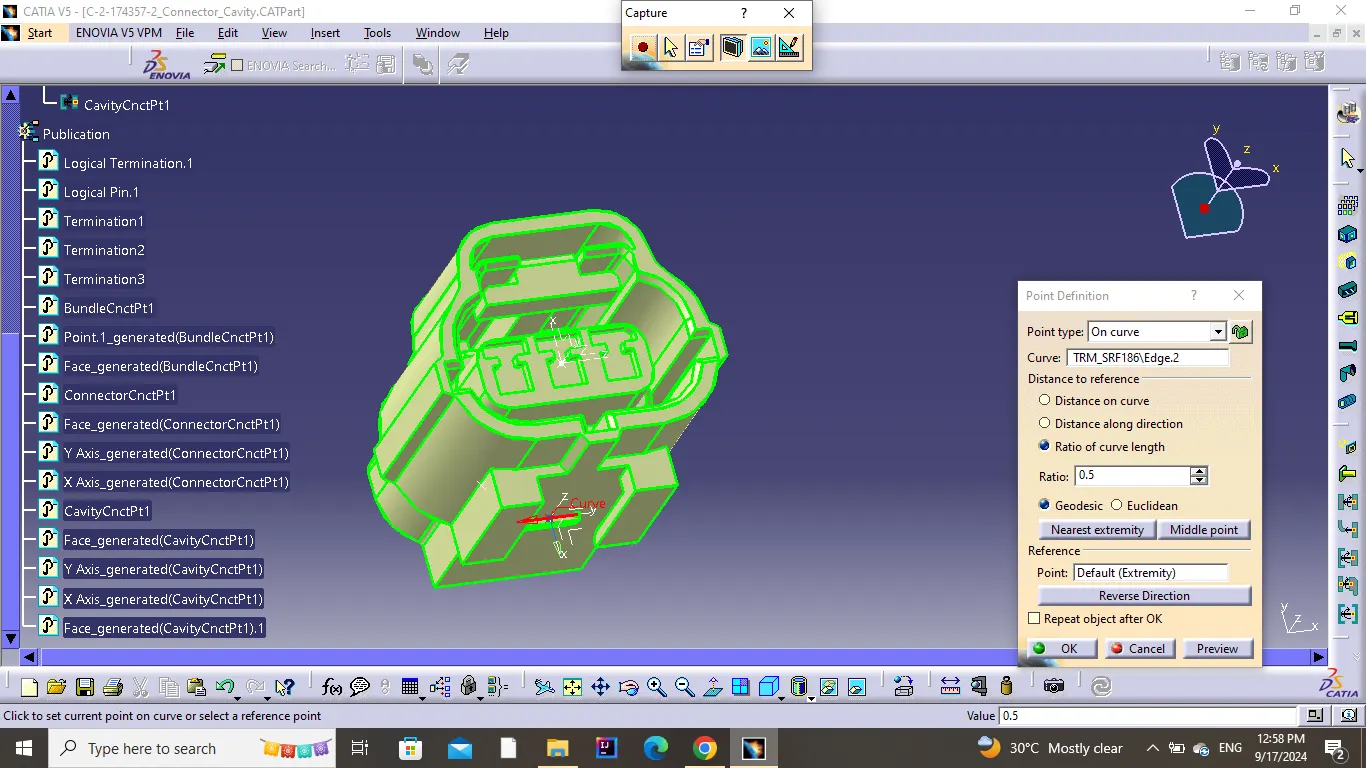
Create an axis on the points.
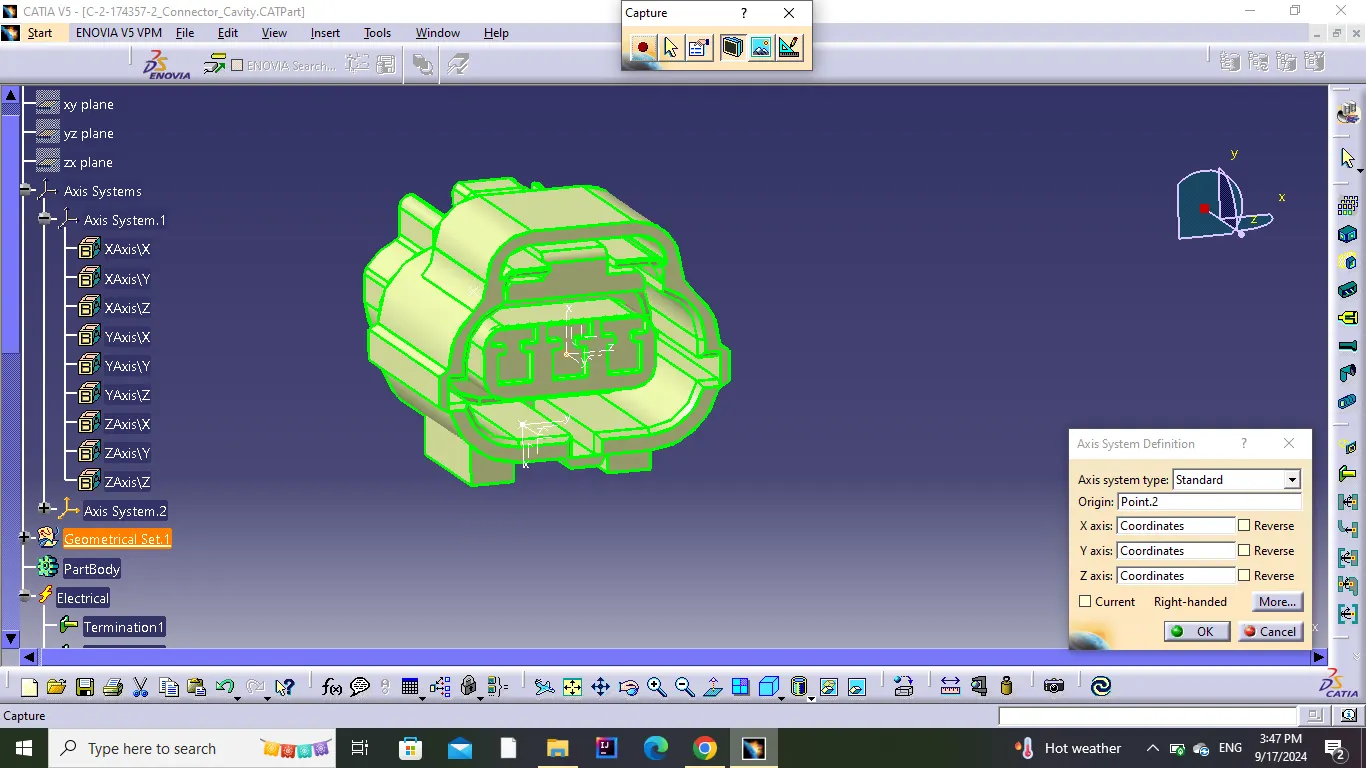
Now define the part as a connector with 3 terminations.
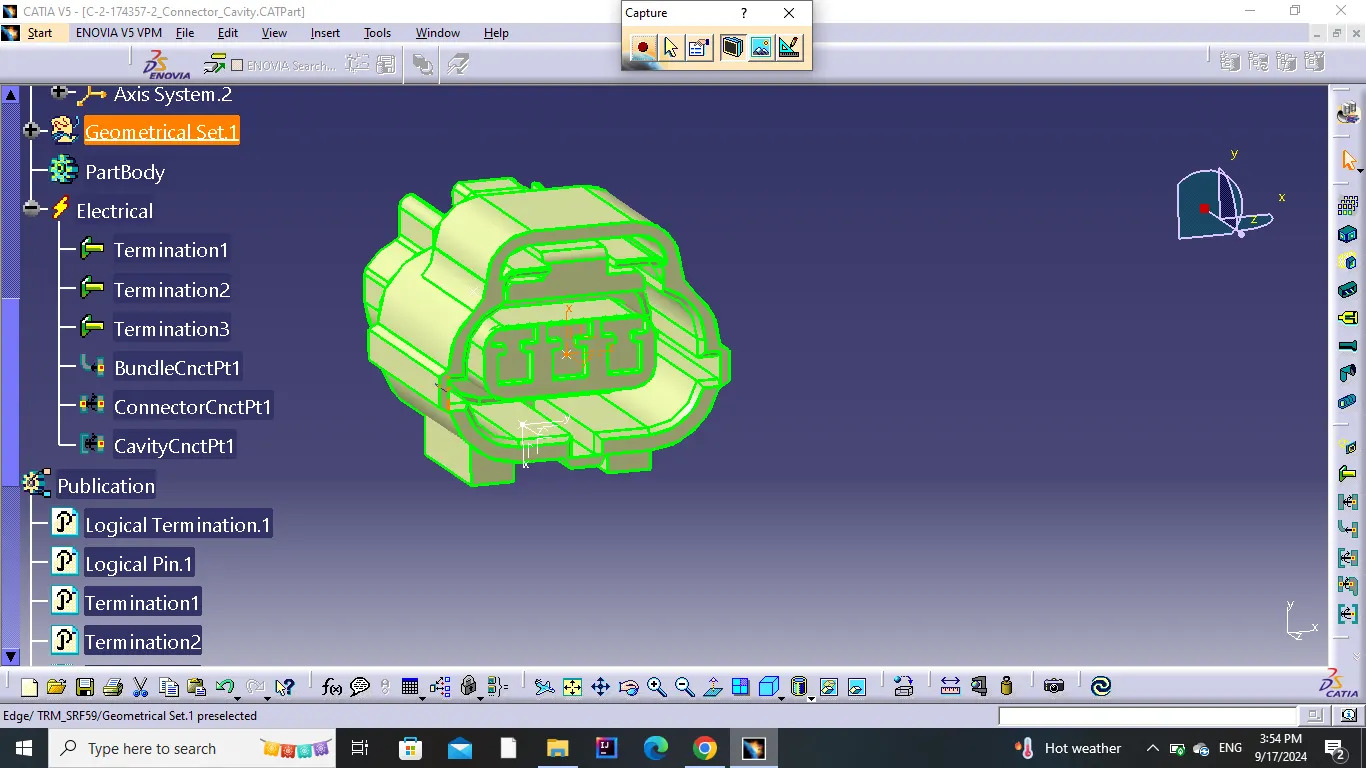
Define Bundle Connection Point.
Define Connector Connection Point.
Define Cavity Connection Point.
3)Clip:
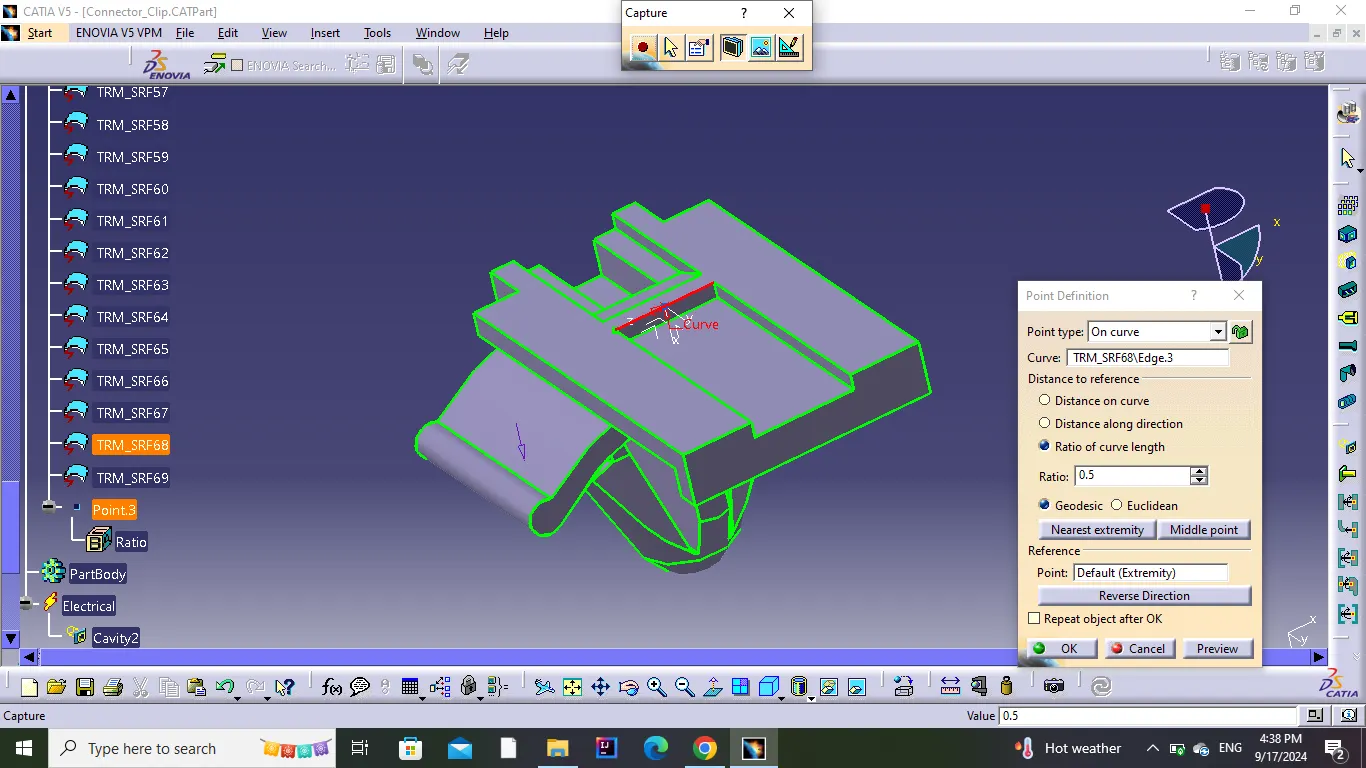
Create a point.
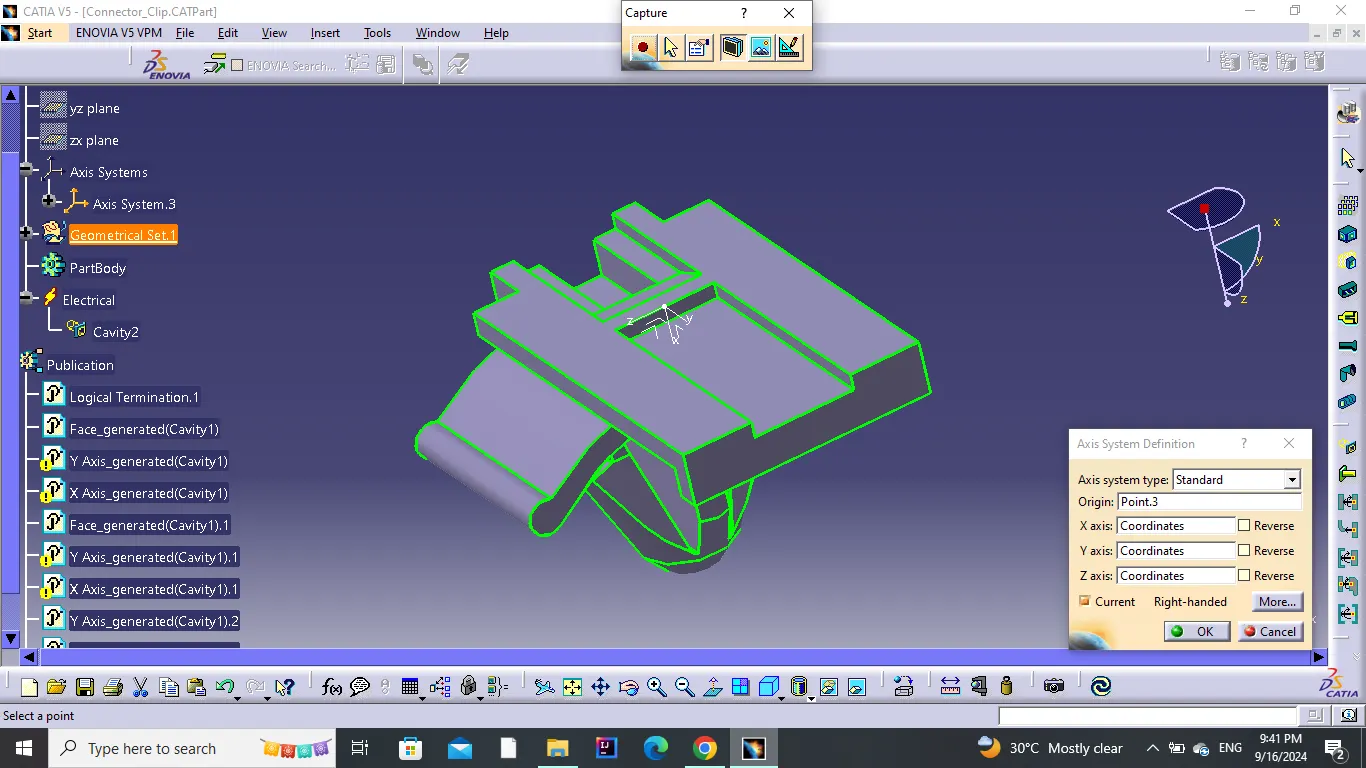
Create an axis on the point.
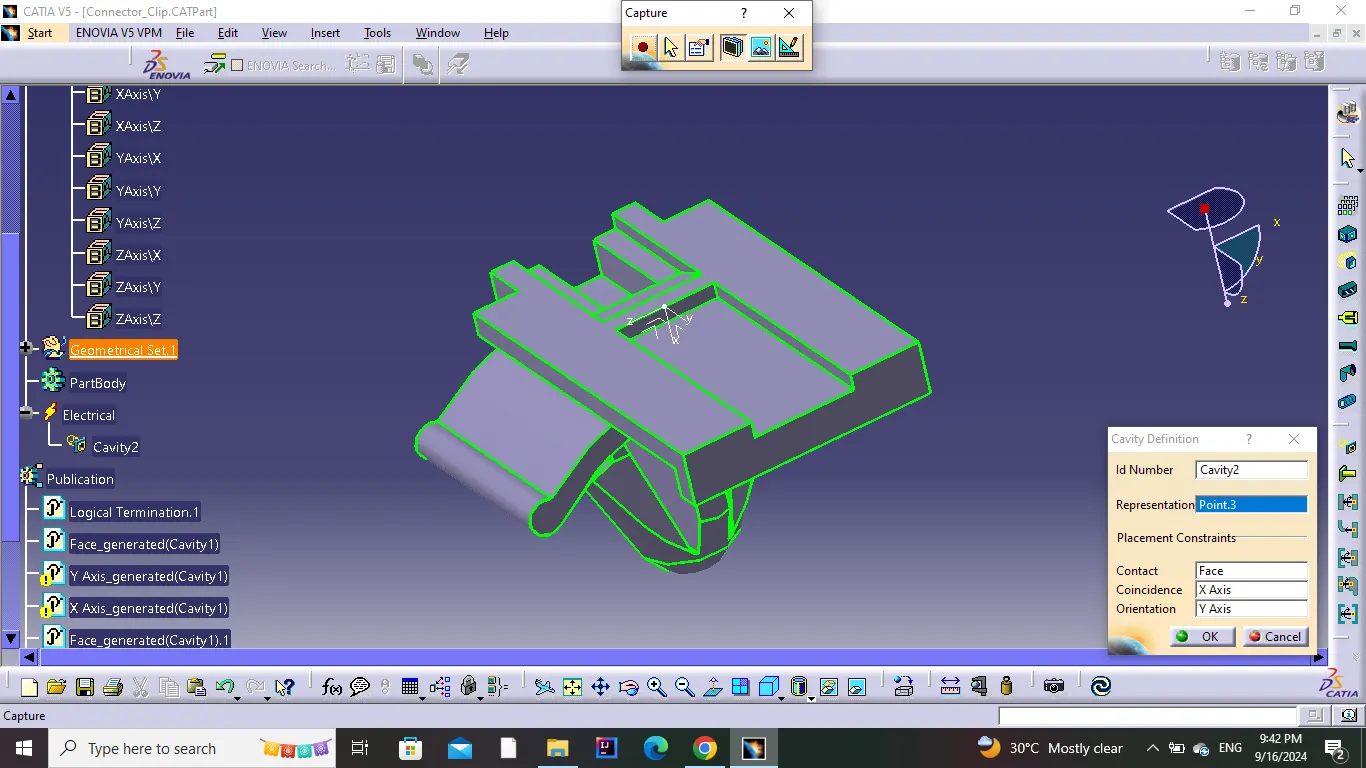
Define Cavity.
Assembly:
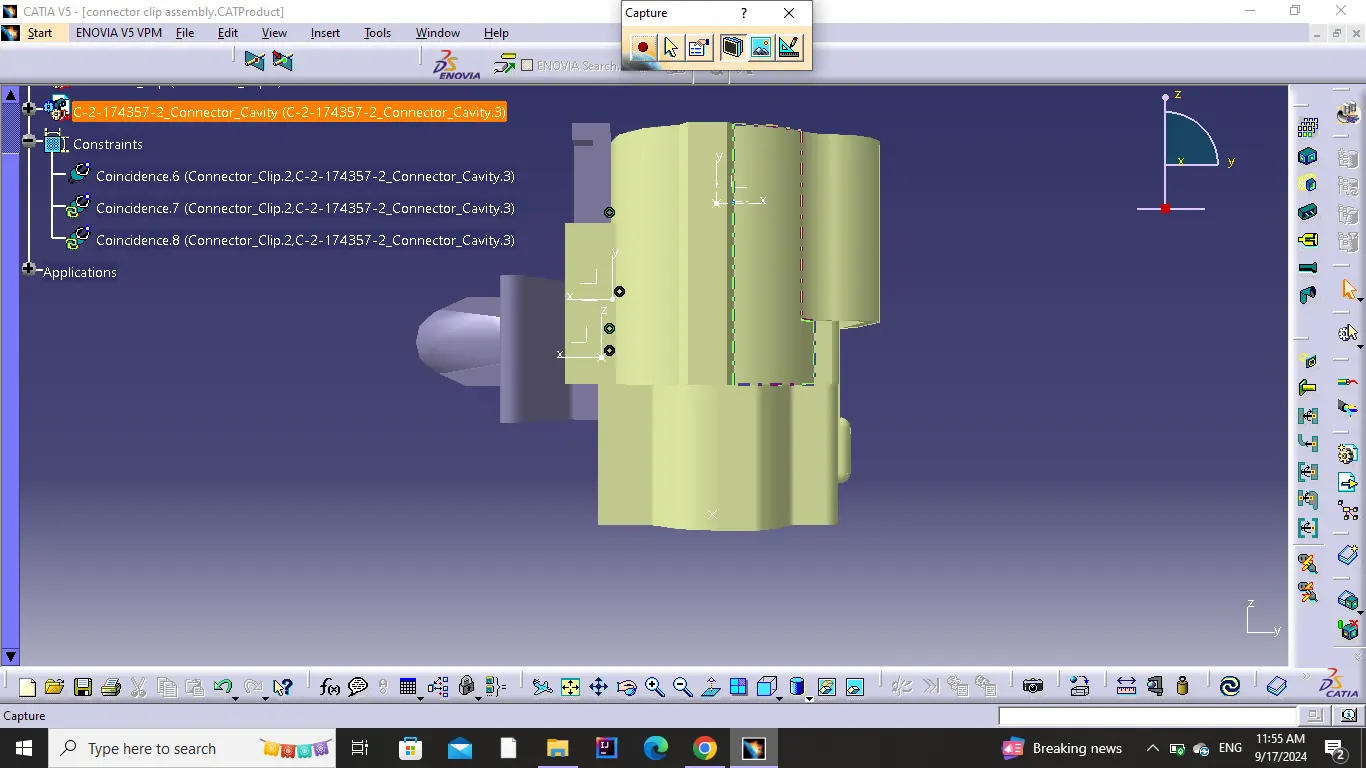
1.Open the connector and clip in 'Electrical Assembly Design workbench.
2.Align them properly.
3.Use to 'Connect Electrical Devices' option to connect them.
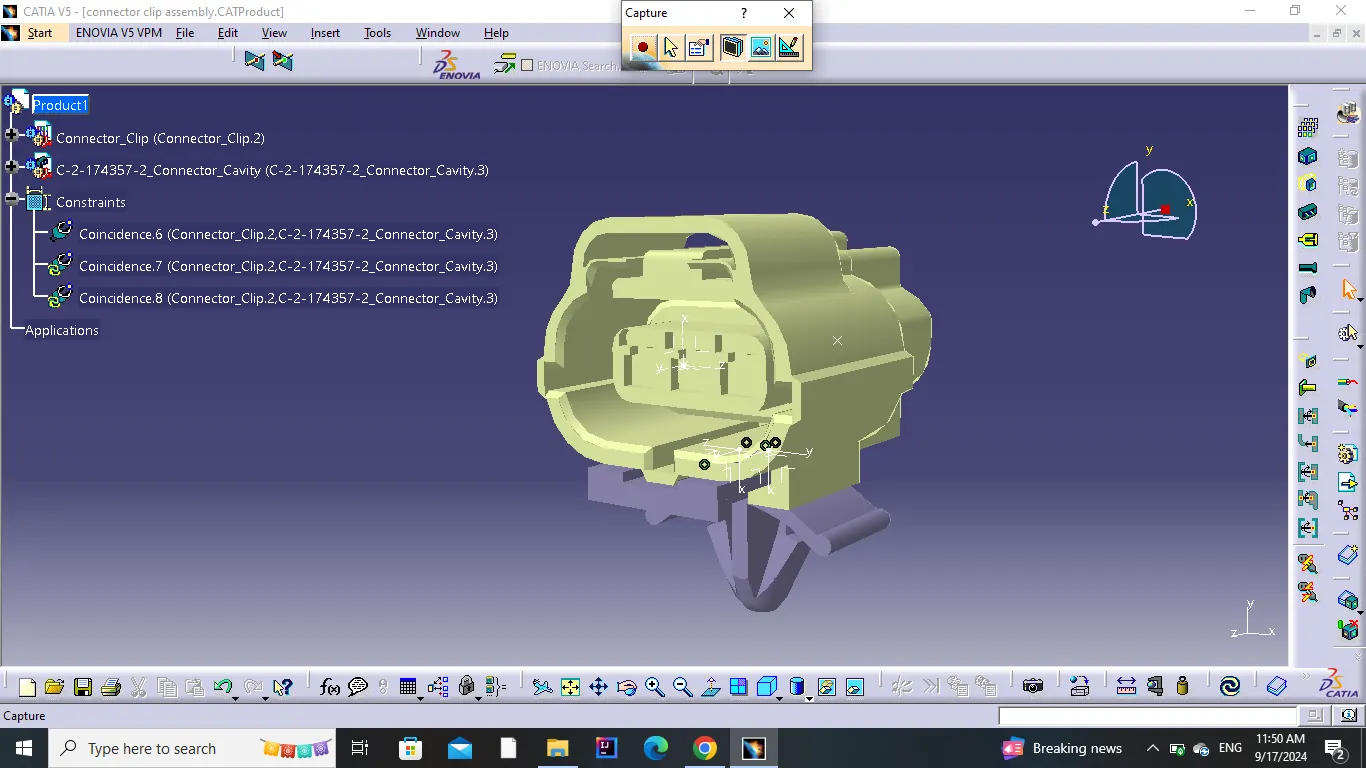
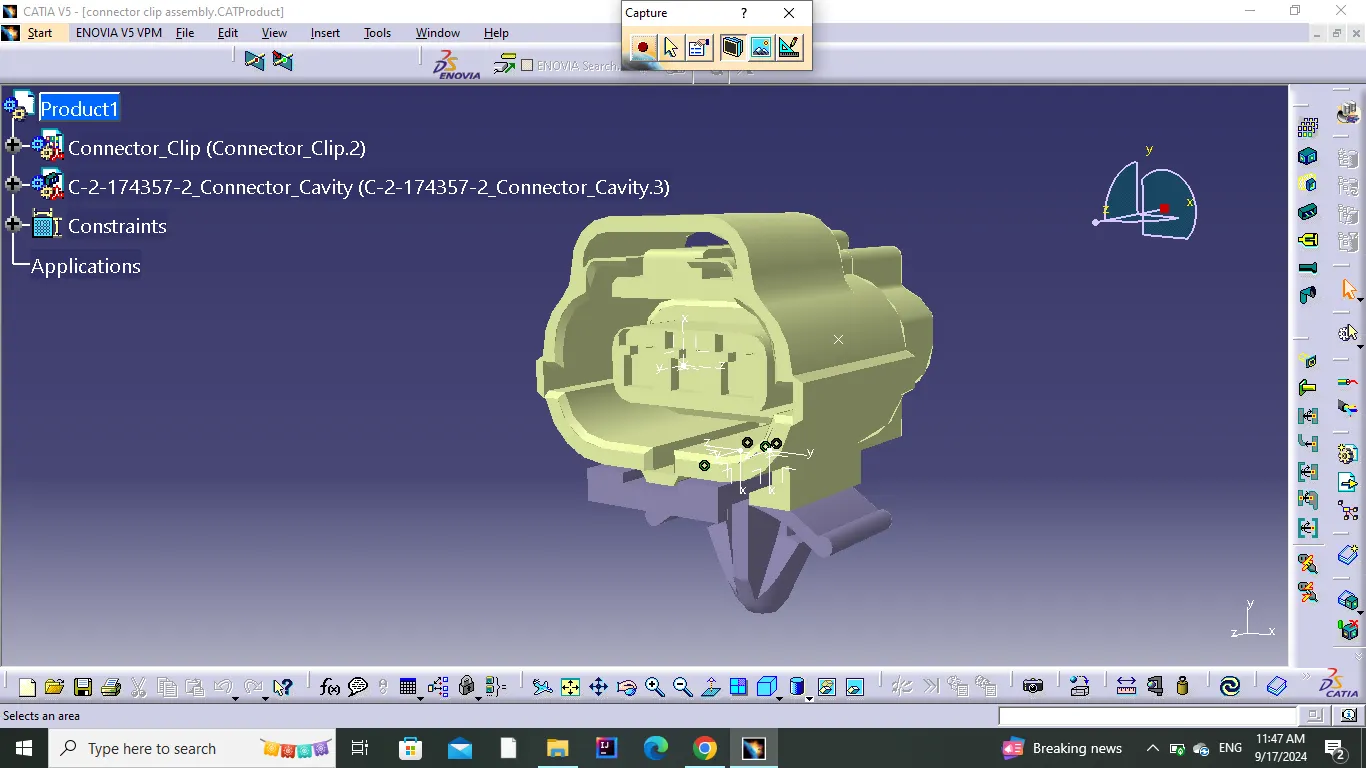
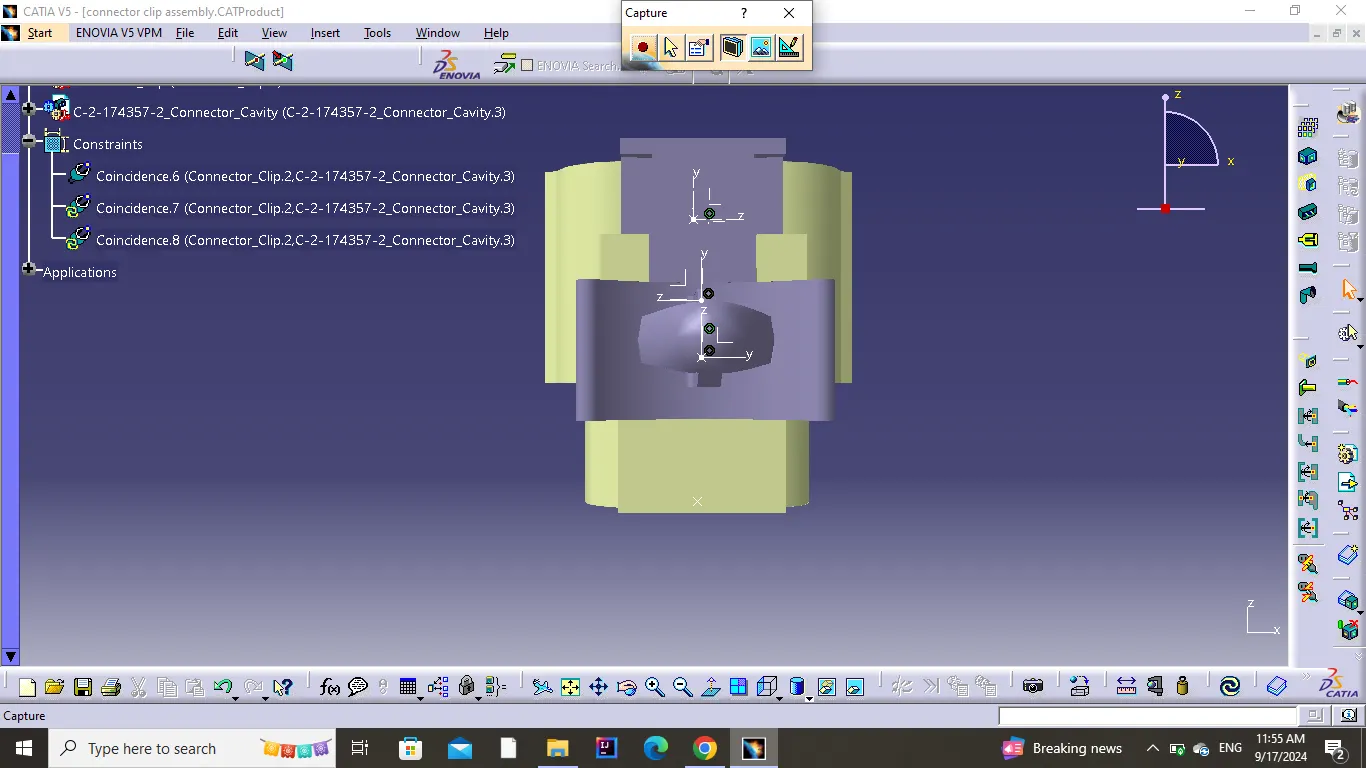
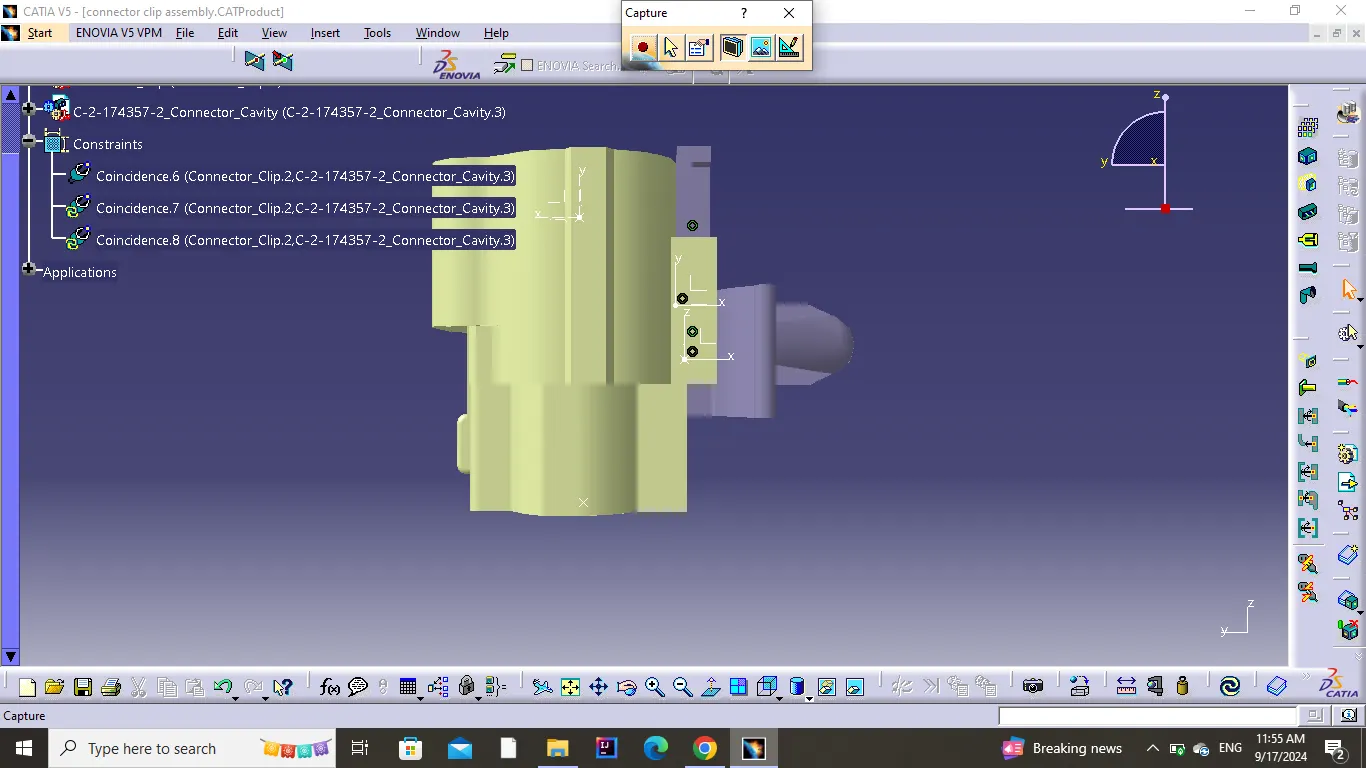
Conclusion
All the necessary properties of Connectors & Clip are Defined.