Wiring harness design in CATIA V5 - 3D modeling Week 2 Challenge
AIM: Download following connectors & Connector clip cad data from given link & define it as Electrical Connector using Electrical Part design Workbench. Define all the necessary properties to Connectors & Clip.
- Deutsch DT06 – 08SA ( https://www.te.com/usa-en/product-DT06-08SA.html)
- Tyco 174357-2 (https://www.te.com/usa-en/product-2-174357-2.html?source=header-match)
- Tyco 85229-1 – (https://www.te.com/usa-en/product-85229-1.html?q=85229&source=header)
- Tyco 174359-2 -(https://www.te.com/usa-en/product-174359-2.html)
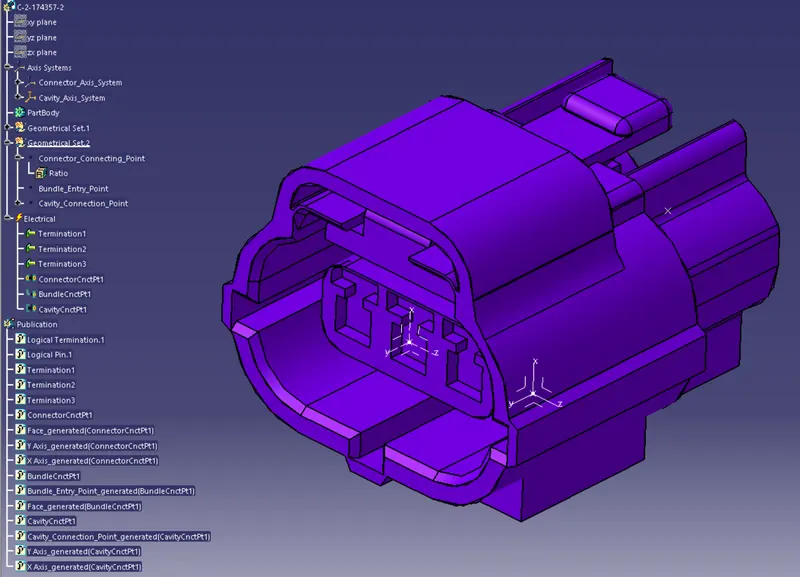
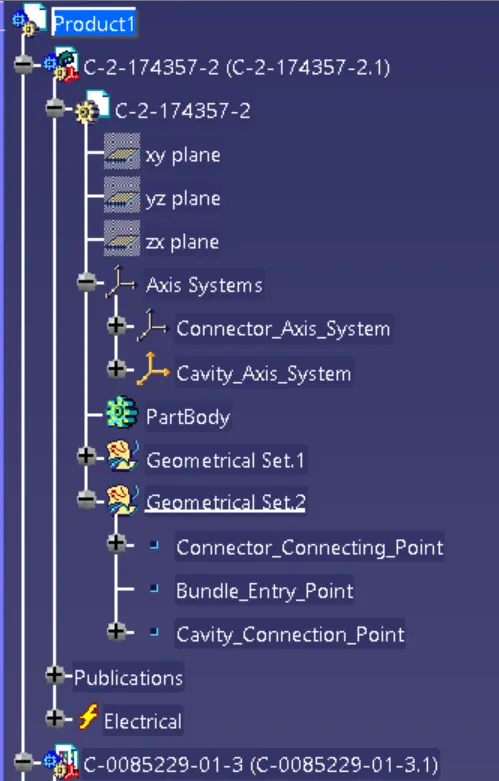
1. Tyco 174357-2
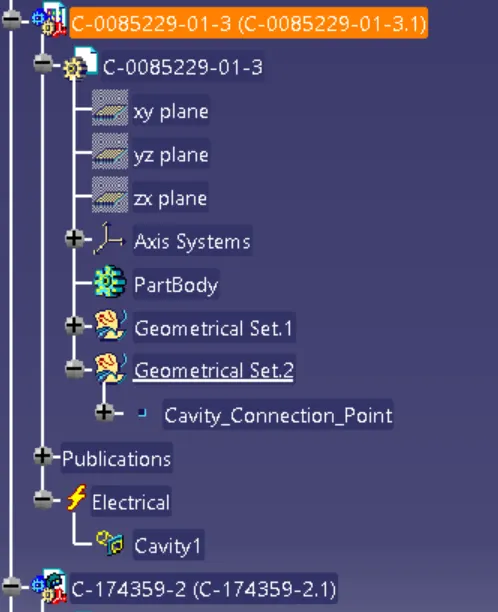
2. Tyco 85229-1
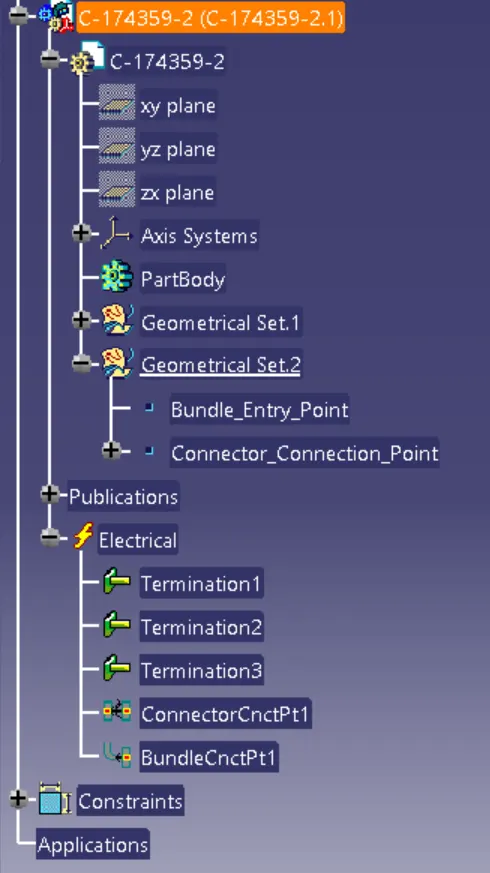
3. Tyco 174359-2
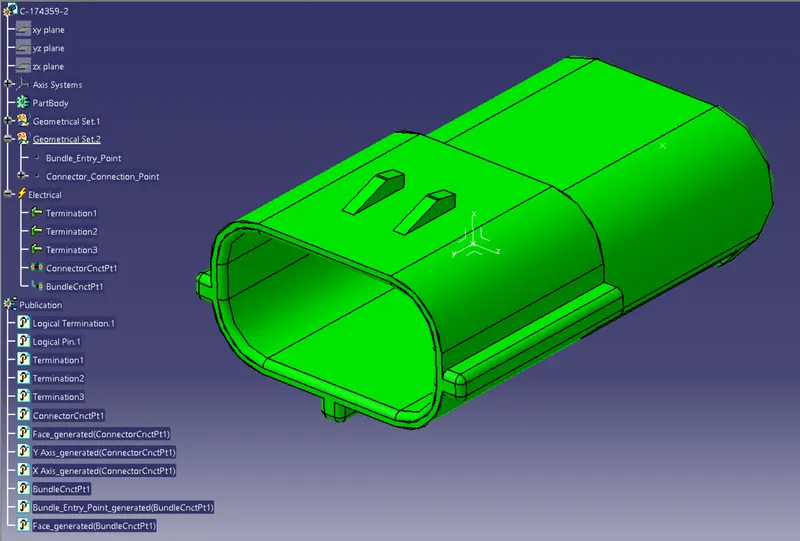
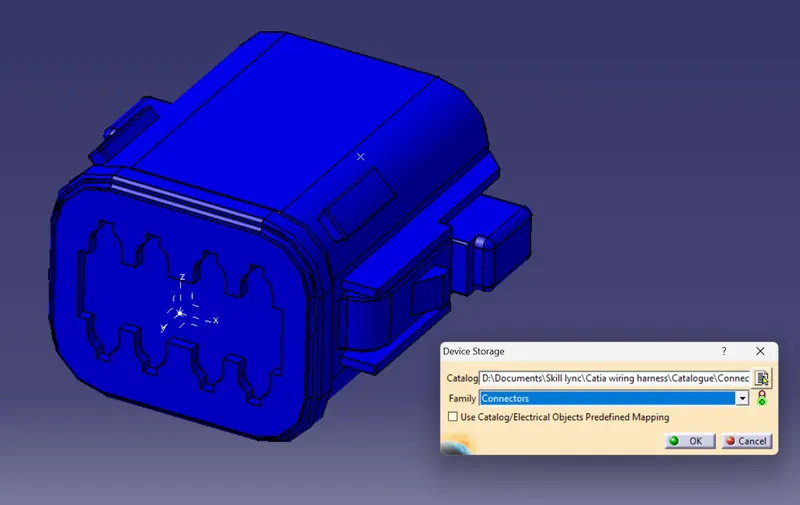
- The connector is first uploaded in the part design workbench
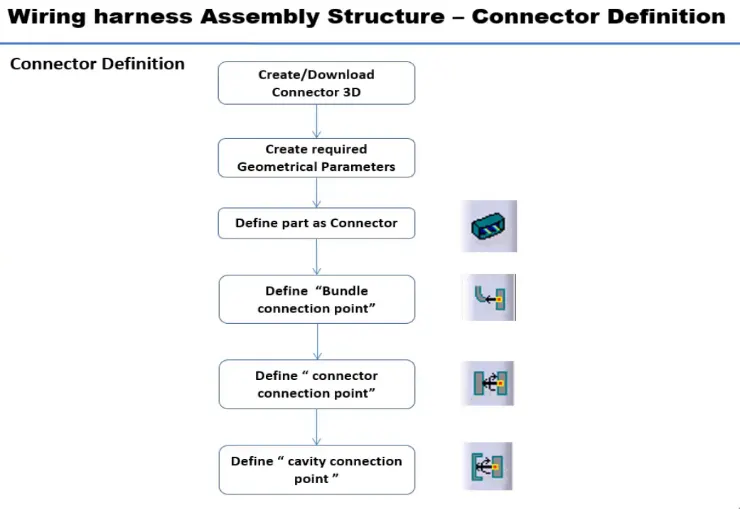
- We define the points for connector connection and bundle connection.
- The axis systems are placed on the connector connection and cavity connection points
- Create Axis System with respect to the point y-axis is in the direction of the connection, z-axis pointing across the connector and x-axis pointing towards the direction of mounting clip.
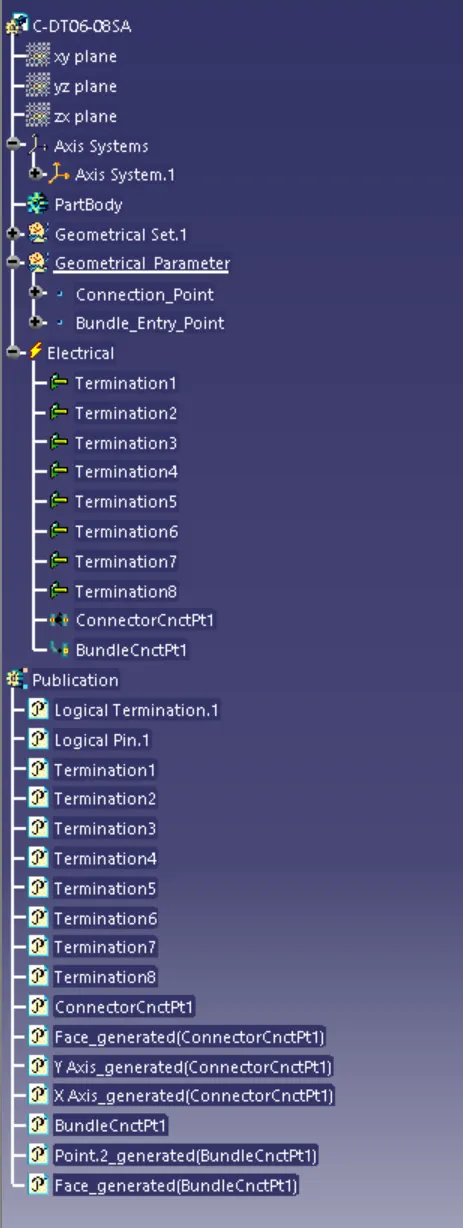
- Now we define this part as an electrical element/connector, with the number of terminals.
- Connector connection and bundle connection is defined in the electrical part design workbench.
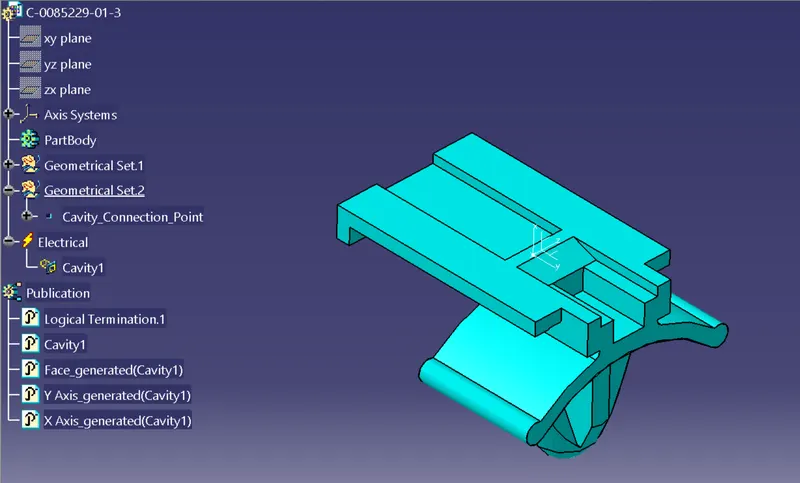
- The same process was followed for the second connector. Here we need to include the connector-cavity connection point. This is done to fix the clip on to the connector.
Electrical Part Assembly
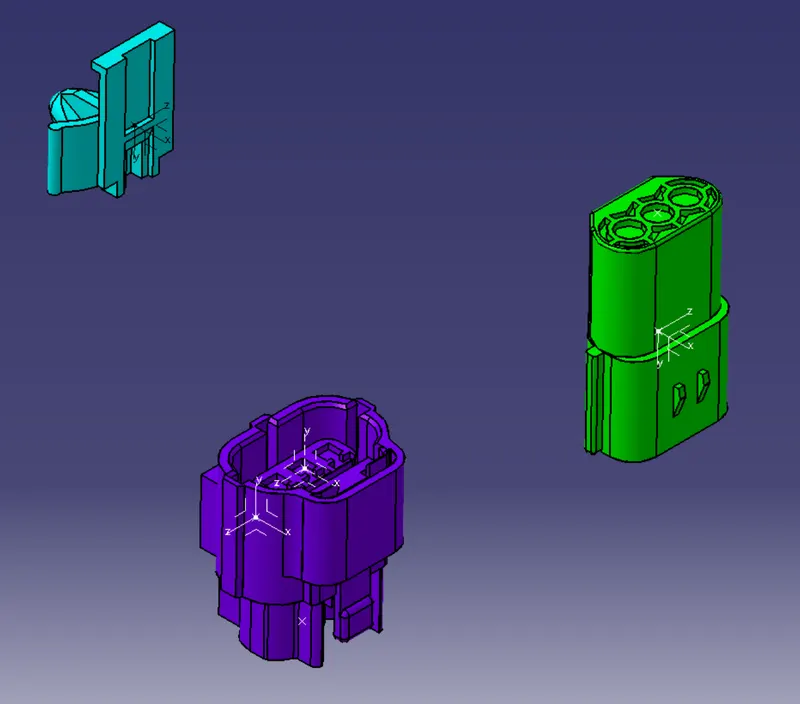
Mounting Clip connecting to the female connector
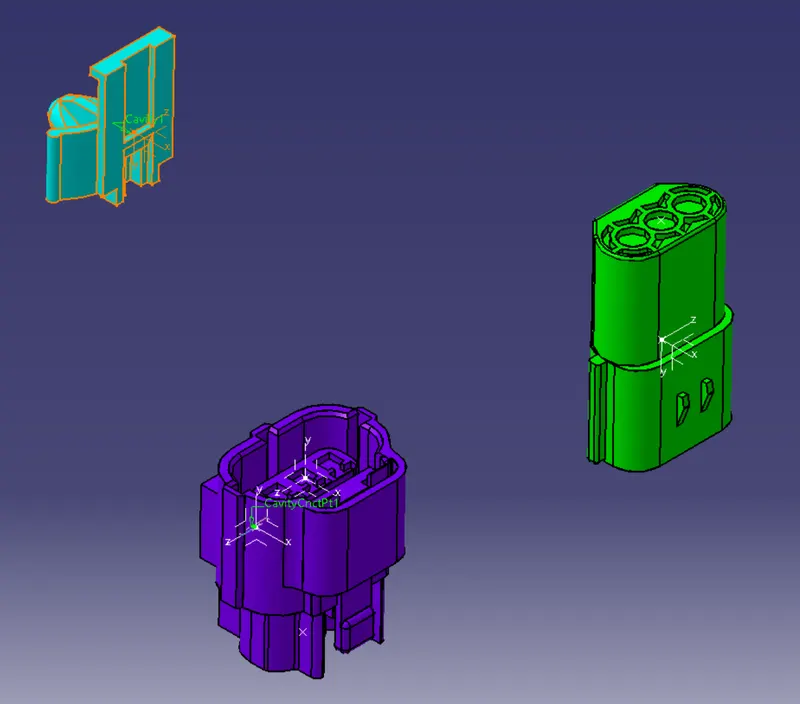
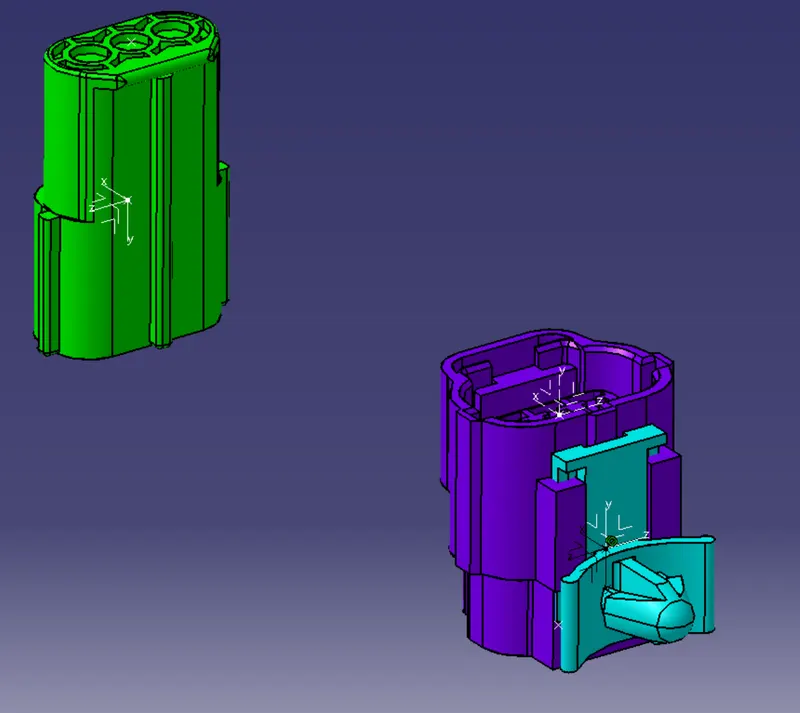
Male connector connecting in to female connector assembly
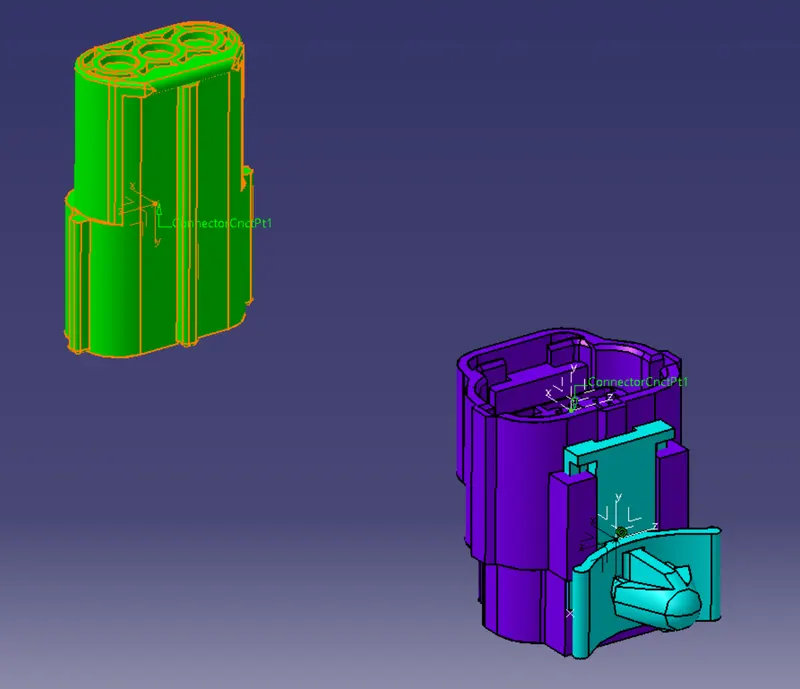
Iso View
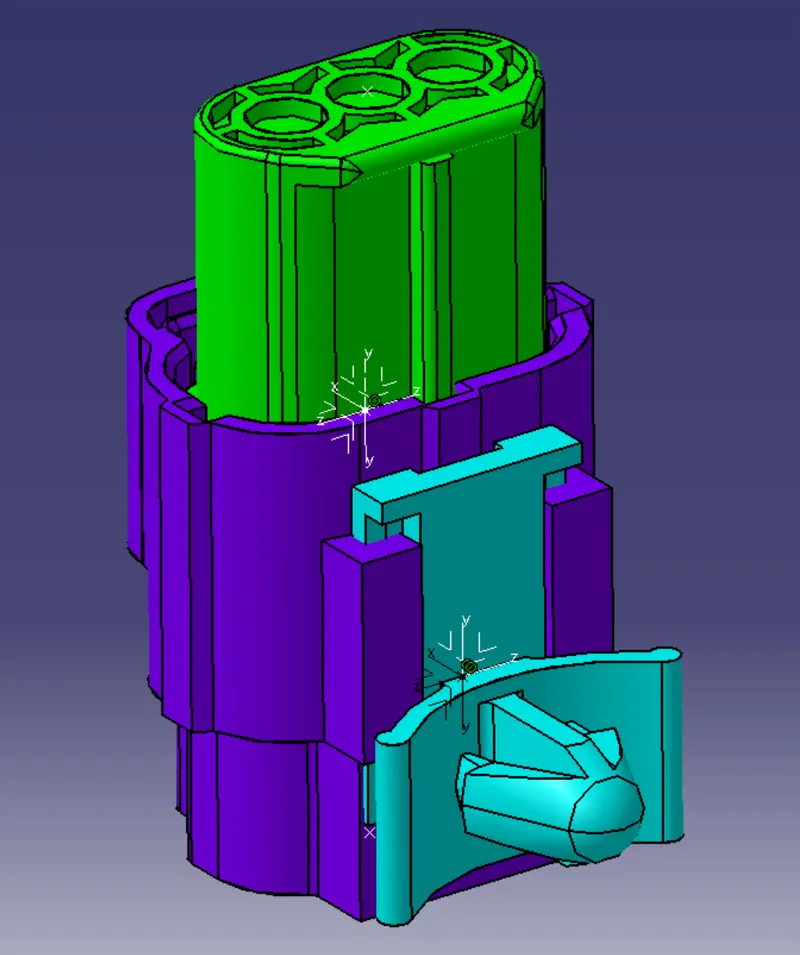
Front View
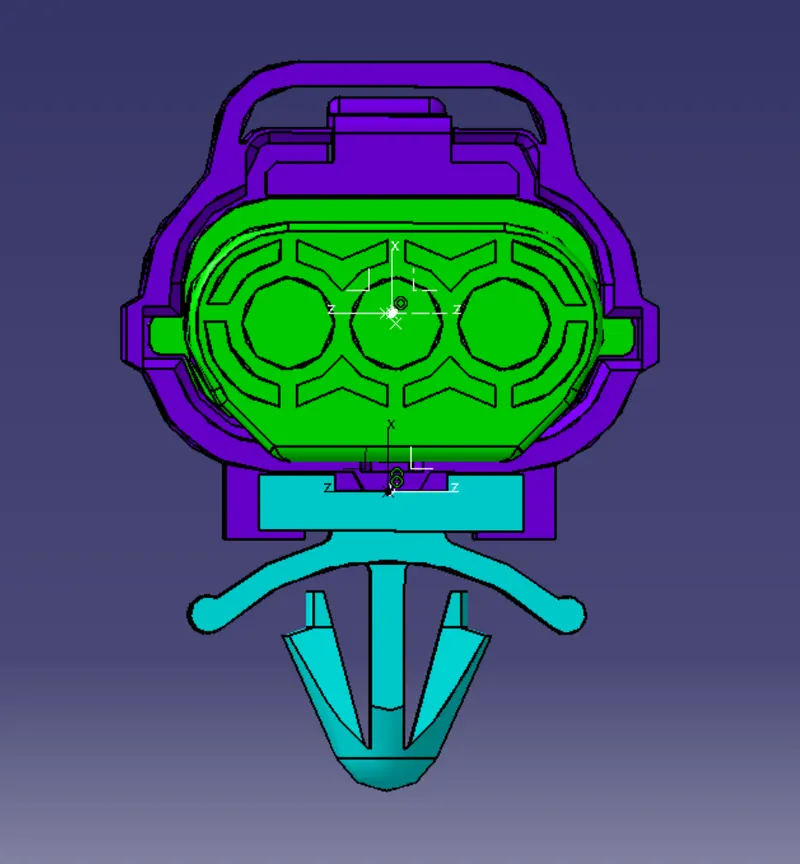
Tree structure for assembly
4. Deutsch DT06 – 08SA
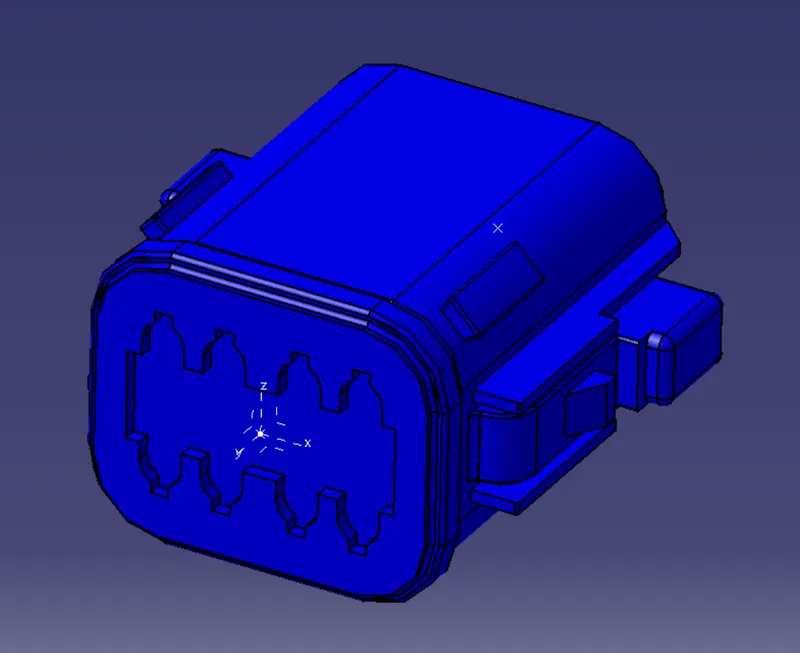
Tree structure
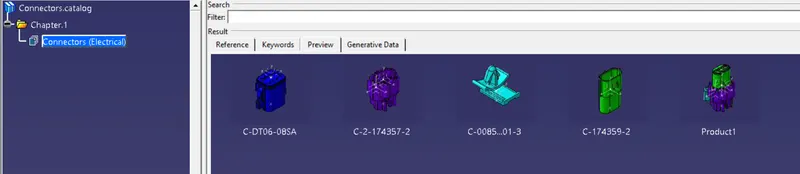
Connectors added to catalogue