Week 8 - Challenge 6 - Core & Cavity Design
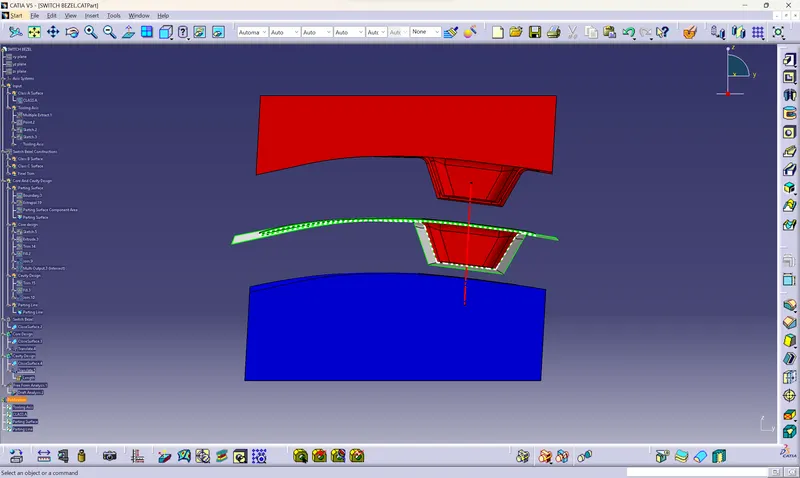
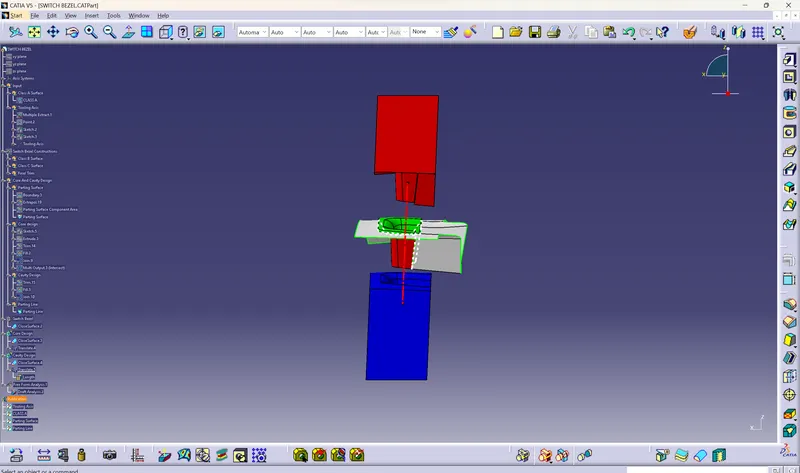
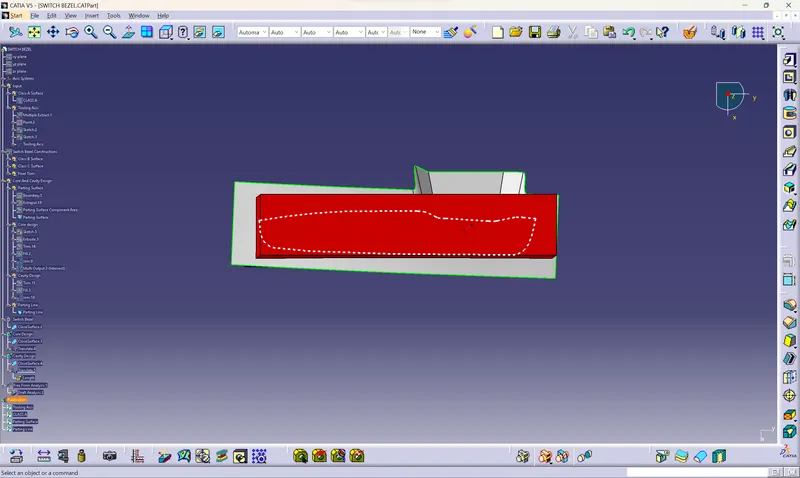
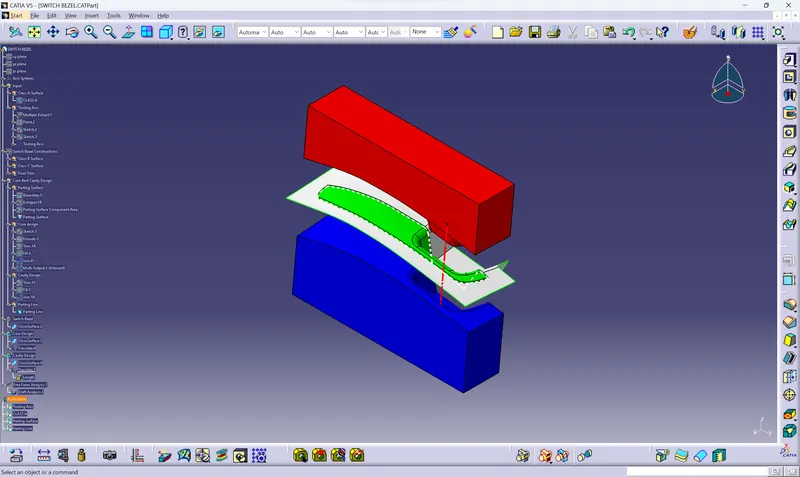
Report
- A detailed report should be done explaining the draft analysis and the tooling axis creation.
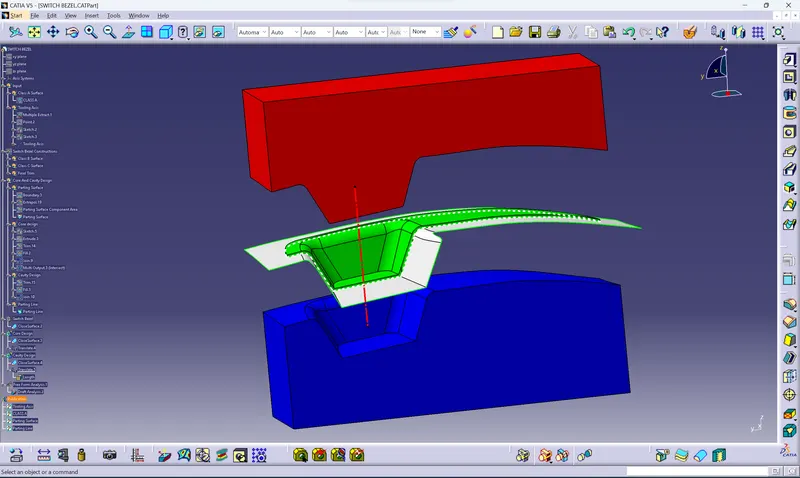
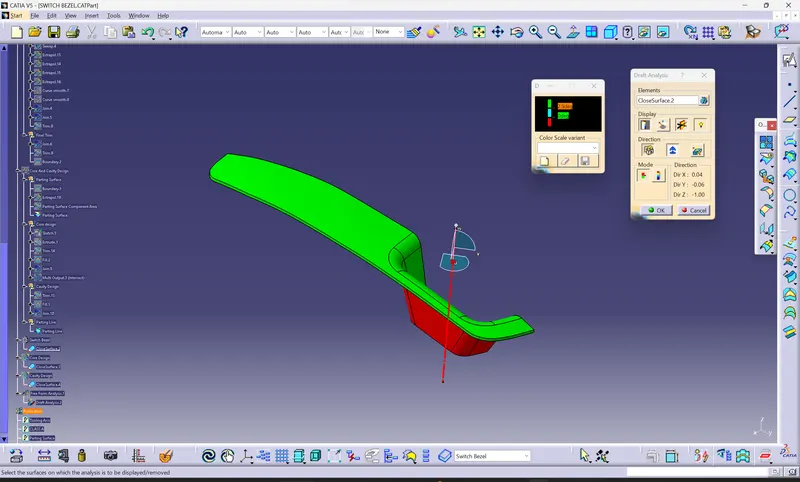
- Select the draft analysis then select the quick analysis mode then select the compass to the tooling axis, after that click anywhere on the Class A surface. A colour variation ca observes there its means that we have given a draft angle of 3 degree
- So, the green colour represents the draft is more than three degrees
- Blue colour represents the draft is between 0 and 3 degrees
- The red colour represents the draft is negative or less than three
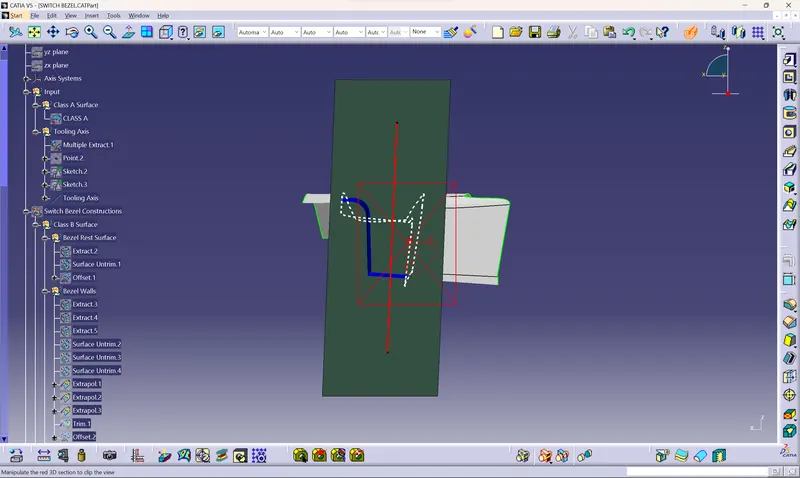
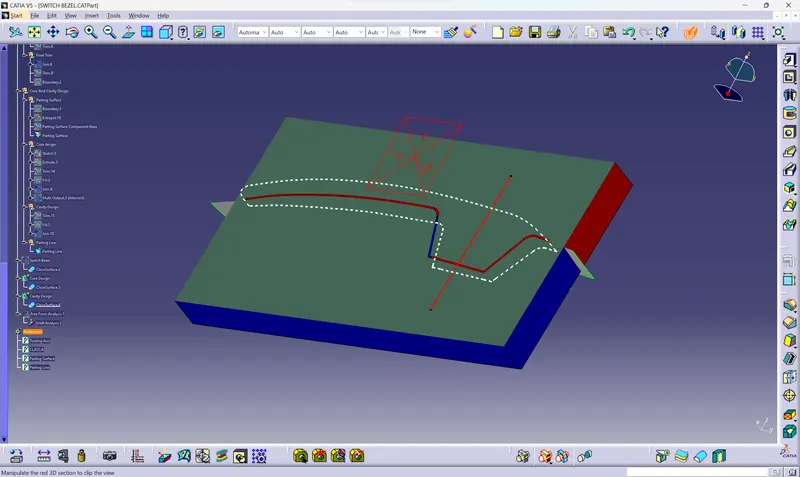
- An explanation should be given on the way of creating the tooling axis, particularly the Bisecting method.
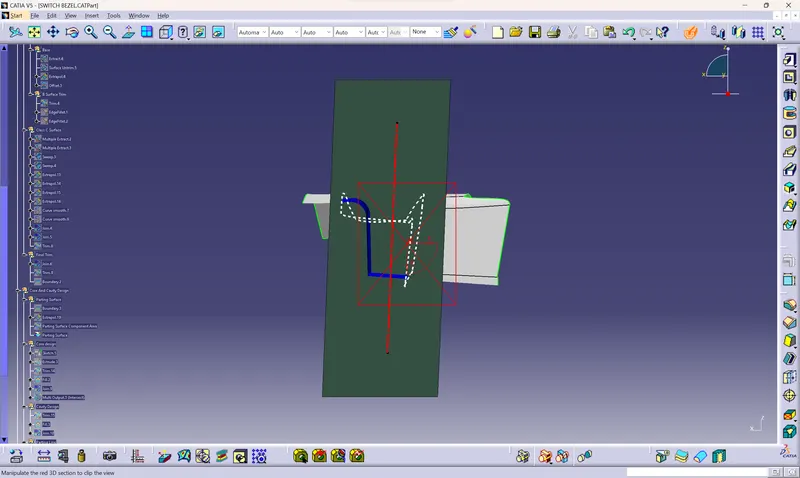
For creating the tooling axis here we only have the three walls so create a boundary then draw the two referance line then take the bisect of the bothlie and make the two lines as reference.then create a boundary on the otherside and draw a line, here only one wall is present so we need to create another line normal to the plane with an draft angle of 4 degree. so that we get two intersecting lines and then create a bysecting lines with reference to this line and thus the tooling axis is created. Change the colour and thickness of the tooling axis