Wiring harness design in CATIA V5 - 3D modeling Week 2 Challenge
OBJECTIVE
To define the given connectors and connector clip electrically and assembling them as a product
PROCEDURE
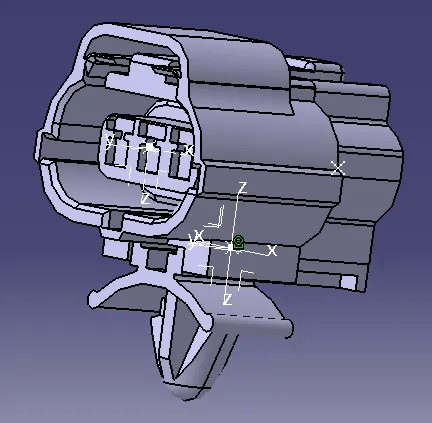
Considering the Tyco 174357-2 which is a Connector(1).Bring the connector to the part design workbench and define point and axis to its respective faces.Then bring it to the electrical part design work bench and define it as a connector then define bundle connection point,connector connection point and cavity connector point on it.Take the face, points and axis for the respective representation, orientation and coincidence.Then save the work.
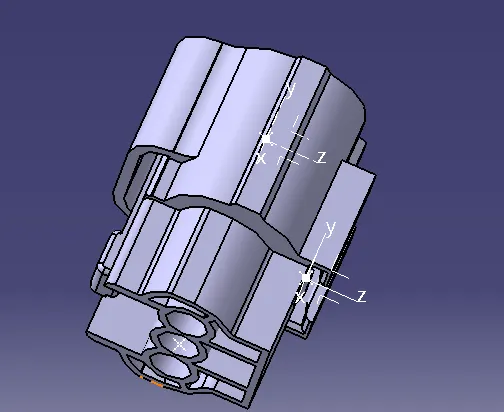
Consider the Deutsch DT06 - 08SA which is a Connector(2).Bring the connector to the part design workbench and define points and axis on it.Then move to electrical part design and define it as a connector then define bundle connection point, connector connection point into.Save the work.
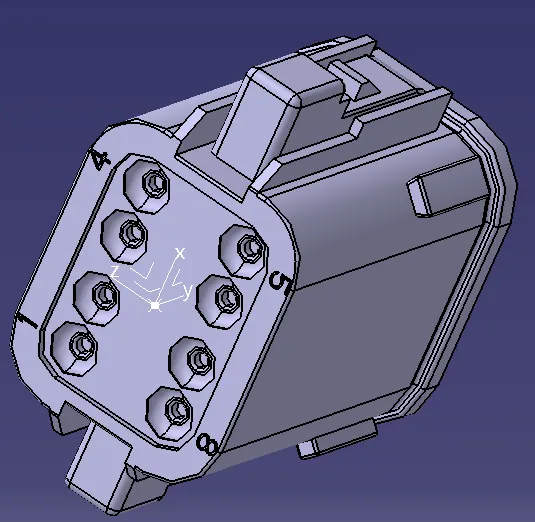
Consider the Tyco 85229 - 1 which is a Mounting Clip.Move it to the part design and define points and axis into it. then move it to electrical part design workbench and define it as a mounting equipment and define cavity into. Save the work.
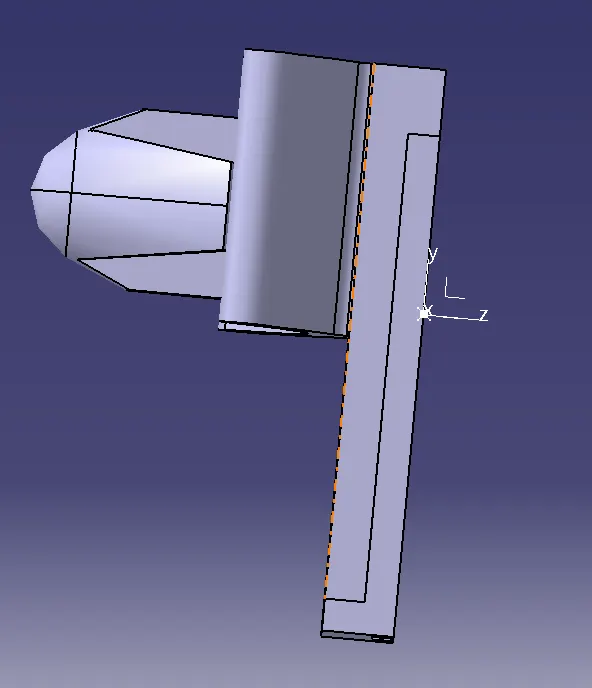
Now lets go on to connect the Connector(1) and Mounting Clip.So copy paste the cad part into a new product file and this product file should be opened on a electrical assembly design workbench.Connect the parts electrical before that allign them in a proper manner.Save the work.