Wiring harness design in CATIA V5 - 3D modeling Week 2 Challenge
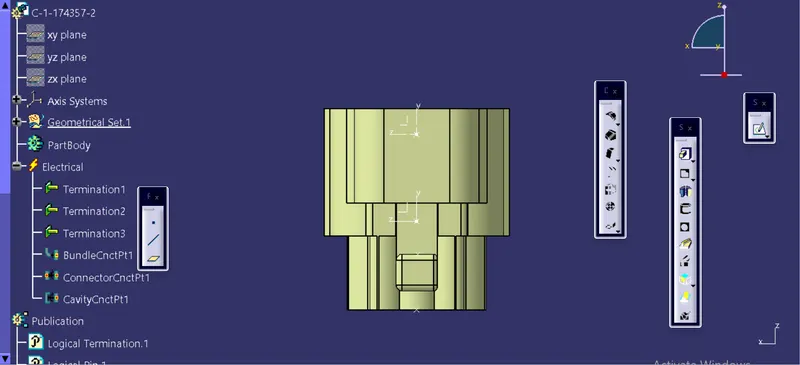
1)connector device can be download from outsource website at intially open in catia v5 software, then open part workbench create apoint and axis at connector area and another bundle side i create apoint at bundle side ,and then i changed my work bench from part work bench to electrical workbench and then define the connector option to connector , then now click on bundle connection point and then connector connection point.
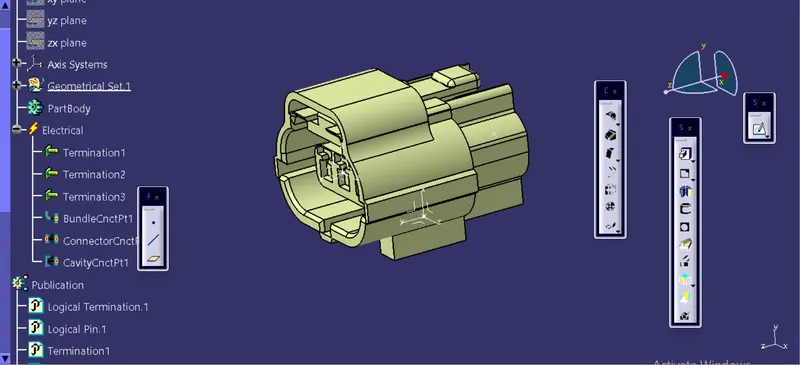
the tree structure of connector showing that the connector is converted mechanical into electrical sucessfully.
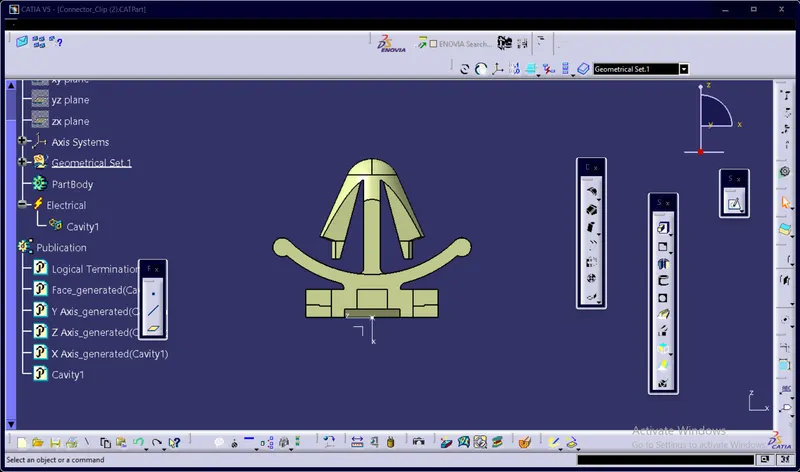
above cavity clip create a point at centre and create axises in part work bench and changes to part work bench to electrical work bench select the cavity option and now the cavity clip is converted into mechanical part to electrical part .